1. Inleiding
Thank you for choosing the GOBOULT Mustang Thunder Bluetooth Headphones. This manual will guide you through the features, setup, and operation of your new headphones, ensuring an optimal audio experience. Please read these instructions carefully before use.

Image 1.1: GOBOULT Mustang Thunder Bluetooth Headphones in Silver Black.
2. Inhoud van het pakket
Zorg ervoor dat alle artikelen in uw pakket aanwezig zijn:
- GOBOULT Mustang Thunder Bluetooth Headphones
- USB Type-C oplaadkabel
- 3.5mm Audio Cable (for wired connection)
- Gebruiksaanwijzing
3. Product voorbijview
Maak uzelf vertrouwd met de belangrijkste onderdelen en bedieningselementen van uw hoofdtelefoon.

Image 3.1: Illustration of tactile controls and AI Voice Assistant feature on the headphone.
Belangrijkste kenmerken:
- 40mm Bass Drivers: For powerful and immersive sound.
- Zen ENC Mic: Environmental Noise Cancellation for clear calls.
- Bluetooth-v5.4: Stable and low-latency wireless connectivity.
- Type-C snelladen: Efficient power replenishment.
- 70 uur speeltijd: Langere batterijduur voor langdurig gebruik.
- 4 EQ Sound Modes: Customizable audio profiles (Rock, Pop, Vocal, Bass).
- 3 Brightness LED Modes: Adjustable LED lighting on the earcups.
4. Instellen en eerste gebruik
4.1 De hoofdtelefoon opladen
Laad uw hoofdtelefoon volledig op vóór het eerste gebruik.
- Sluit de USB Type-C-oplaadkabel aan op de oplaadpoort van de hoofdtelefoon.
- Sluit het andere uiteinde van de kabel aan op een USB-stroomadapter (niet meegeleverd) of op een USB-poort van een computer.
- The LED indicator will show charging status. It will turn off or change color once fully charged.
A full charge provides up to 70 hours of playtime without LED lights, or 50 hours with LED lights active.
4.2 In-/uitschakelen
- Inschakelen: Houd de aan/uit-knop ongeveer 3 seconden ingedrukt totdat het led-lampje gaat branden.
- Uitschakelen: Houd de aan/uit-knop ongeveer 3 seconden ingedrukt totdat het led-lampje uitgaat.
4.3 Bluetooth-koppeling
Koppel je hoofdtelefoon met een apparaat dat Bluetooth ondersteunt.
- Zorg ervoor dat de hoofdtelefoon is uitgeschakeld.
- Houd de aan/uit-knop 5-7 seconden ingedrukt totdat de led-indicator afwisselend rood en blauw knippert. Dit geeft aan dat het apparaat in de koppelingsmodus staat.
- Schakel Bluetooth in op uw apparaat (smartphone, tablet, computer) en zoek naar beschikbare apparaten.
- Select "GOBOULT Mustang Thunder" from the list of found devices.
- Na aansluiting knippert de LED-indicator langzaam blauw of blijft deze continu blauw branden.
The headphones support Bluetooth v5.4 for a stable connection up to 10 meters.
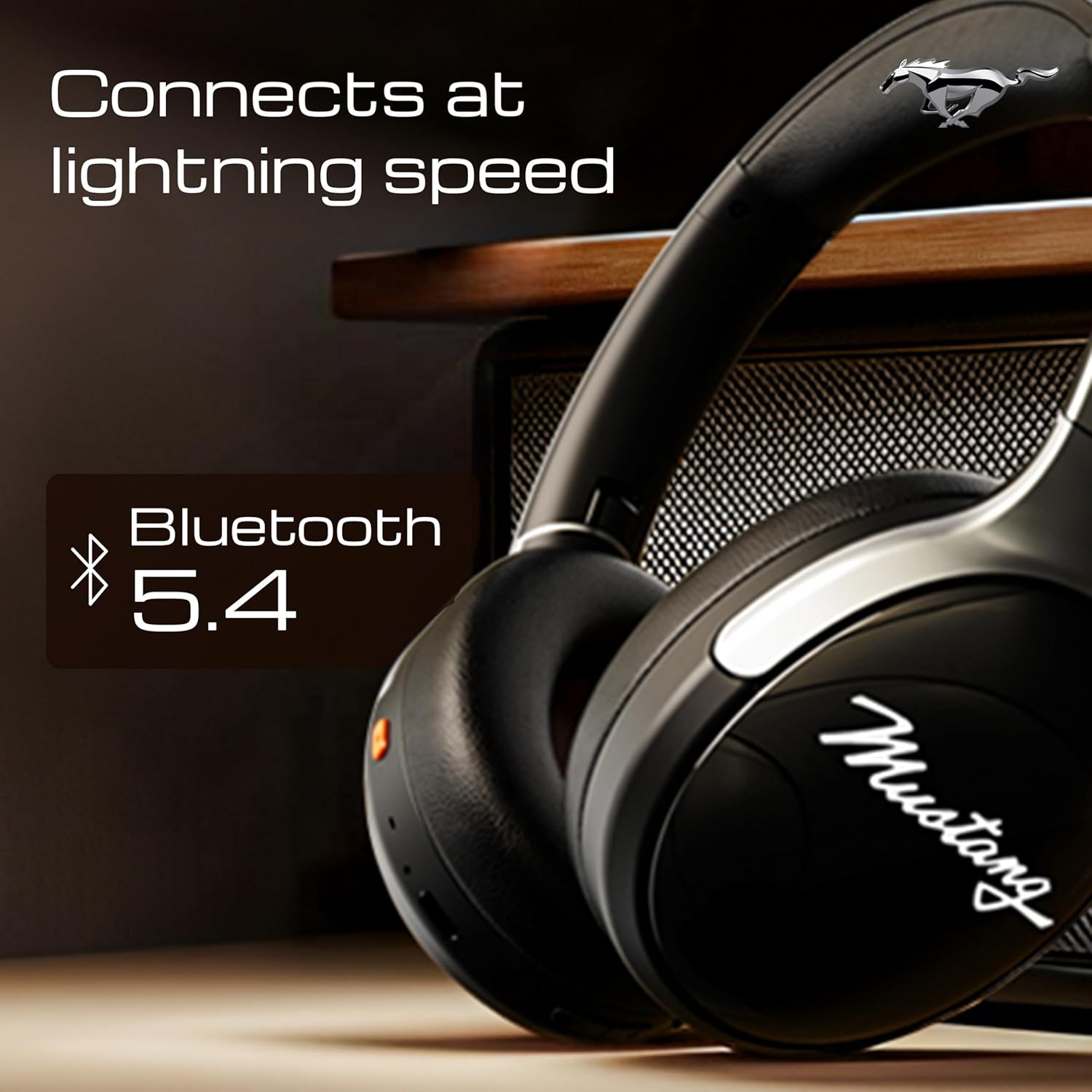
Image 4.1: Bluetooth 5.4 connectivity for fast and stable pairing.
5. Gebruiksaanwijzing
5.1 Muziek afspelen
- Afspelen/Pauzeren: Druk eenmaal op de multifunctionele knop.
- Volgende nummer: Houd de knop Volume omhoog ingedrukt.
- Vorig nummer: Houd de knop Volume omlaag ingedrukt.
- Volume omhoog: Druk kort op de knop Volume omhoog.
- Volume verminderen: Druk kort op de knop Volume omlaag.
5.2 Oproepbeheer
The integrated Zen ENC Mic ensures clear communication.
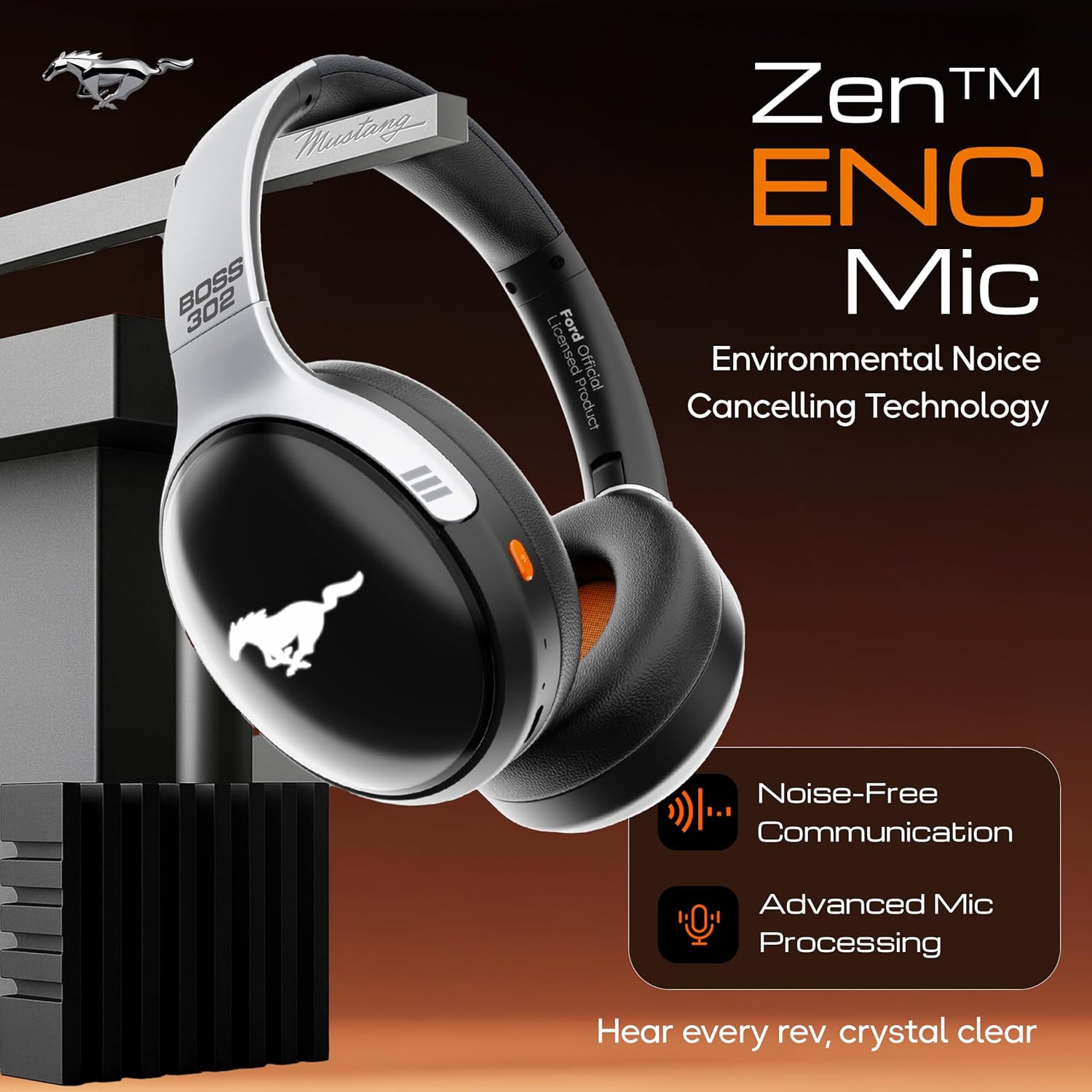
Image 5.1: Zen ENC Mic technology for noise-free communication.
- Oproep beantwoorden/beëindigen: Druk eenmaal op de multifunctionele knop.
- Oproep afwijzen: Houd de multifunctionele knop 2 seconden ingedrukt.
- Laatste nummer opnieuw kiezen: Dubbelklik op de multifunctionele knop.
5.3 EQ-geluidsmodi
Customize your audio experience with 4 distinct EQ modes.
- Schakelmodi: Press the EQ button (refer to product diagram for location) to cycle through Rock, Pop, Vocal, and Bass modes.
5.4 LED-verlichtingsmodi
Activate and change the dynamic LED lights on your earcups.

Image 5.2: Dynamic LED lights and glowing Mustang emblem on the headphones.
- Activate/Change Modes: Press the LED button (refer to product diagram for location) to cycle through the 3 brightness LED modes.
5.5 AI-spraakassistent
Access your device's voice assistant directly from the headphones.
- Activeren: Triple-press the Multi-function button to activate Google Assistant or your device's default voice assistant.
5.6 Bekabelde verbinding (AUX-modus)
Use the included 3.5mm audio cable for a wired connection, conserving battery or connecting to non-Bluetooth devices.
- Steek één uiteinde van de 3.5 mm audiokabel in de AUX-ingang van de hoofdtelefoon.
- Steek het andere uiteinde in de 3.5 mm audio-aansluiting van uw apparaat.
- De hoofdtelefoon schakelt automatisch over naar de AUX-modus.
6. Onderhoud en verzorging
Goed onderhoud zorgt voor een lange levensduur en optimale prestaties van je koptelefoon.
- Schoonmaak: Reinig de hoofdtelefoon met een zachte, droge doek. Gebruik geen agressieve chemicaliën of schurende materialen.
- Opslag: Store the headphones in a cool, dry place, away from direct sunlight and extreme temperatures. The foldable design allows for compact storage.
- Waterbestendigheid: De hoofdtelefoon is waterbestendig. Vermijd onderdompeling in water en stel de hoofdtelefoon niet bloot aan hevige regen.
- Batterij: To preserve battery life, charge the headphones at least once every three months if not in regular use.
7. Probleemoplossing
Als u problemen ondervindt, raadpleeg dan de volgende veelvoorkomende oplossingen:
| Probleem | Mogelijke oorzaak | Oplossing |
|---|---|---|
| Koptelefoon gaat niet aan | Lage batterij | Laad de hoofdtelefoon volledig op met de meegeleverde Type-C-kabel. |
| Kan niet koppelen met apparaat | Hoofdtelefoon niet in koppelingsmodus; Bluetooth uitgeschakeld op apparaat; apparaat te ver weg | Ensure headphones are in pairing mode (flashing red/blue). Turn on Bluetooth on your device. Move device closer to headphones (within 10m). |
| Geen geluid tijdens afspelen | Volume te laag; onjuiste audiobron; hoofdtelefoon niet aangesloten | Increase volume on headphones and device. Check if headphones are properly connected via Bluetooth or AUX. Ensure correct audio output is selected on your device. |
| Slechte gesprekskwaliteit | Environmental noise; weak Bluetooth connection | Move to a quieter environment. Ensure a stable Bluetooth connection. |
8. Specificaties
Detailed technical specifications for the GOBOULT Mustang Thunder Bluetooth Headphones:
| Functie | Specificatie |
|---|---|
| Modelnaam | Airbass |
| Connectiviteitstechnologie | Draadloos (Bluetooth v5.4) |
| Bluetooth-bereik | 10 Meter |
| Audiodrivergrootte | 40 millimeter |
| Frequentierespons | 20Hz |
| Gevoeligheid | 118dB |
| Koptelefoonaansluiting | 3.5 mm Jack |
| Batterijduur (speeltijd) | Up to 70 Hours (without LEDs), 50 Hours (with LEDs) |
| Batterij Samenstelling | Lithium-polymeer |
| Oplaadpoort | USB Type-C |
| Artikelgewicht | 234 gram |
| Productafmetingen | 18x5x19.5cm |
| Waterbestendigheidsniveau | Waterbestendig |
| Controletype | Button Control, Google Assistant |
9. Garantie en ondersteuning
9.1 Garantie-informatie
The GOBOULT Mustang Thunder Bluetooth Headphones come with a 1 jaar fabrieksgarantie from the date of purchase. This warranty covers manufacturing defects and ensures trusted performance and premium build quality.
Bewaar uw aankoopbewijs voor garantieclaims.
9.2 Klantenservice
For any questions, technical assistance, or warranty claims, please contact GOBOULT customer support through their official webwebsite of de winkel waar het product is gekocht.


