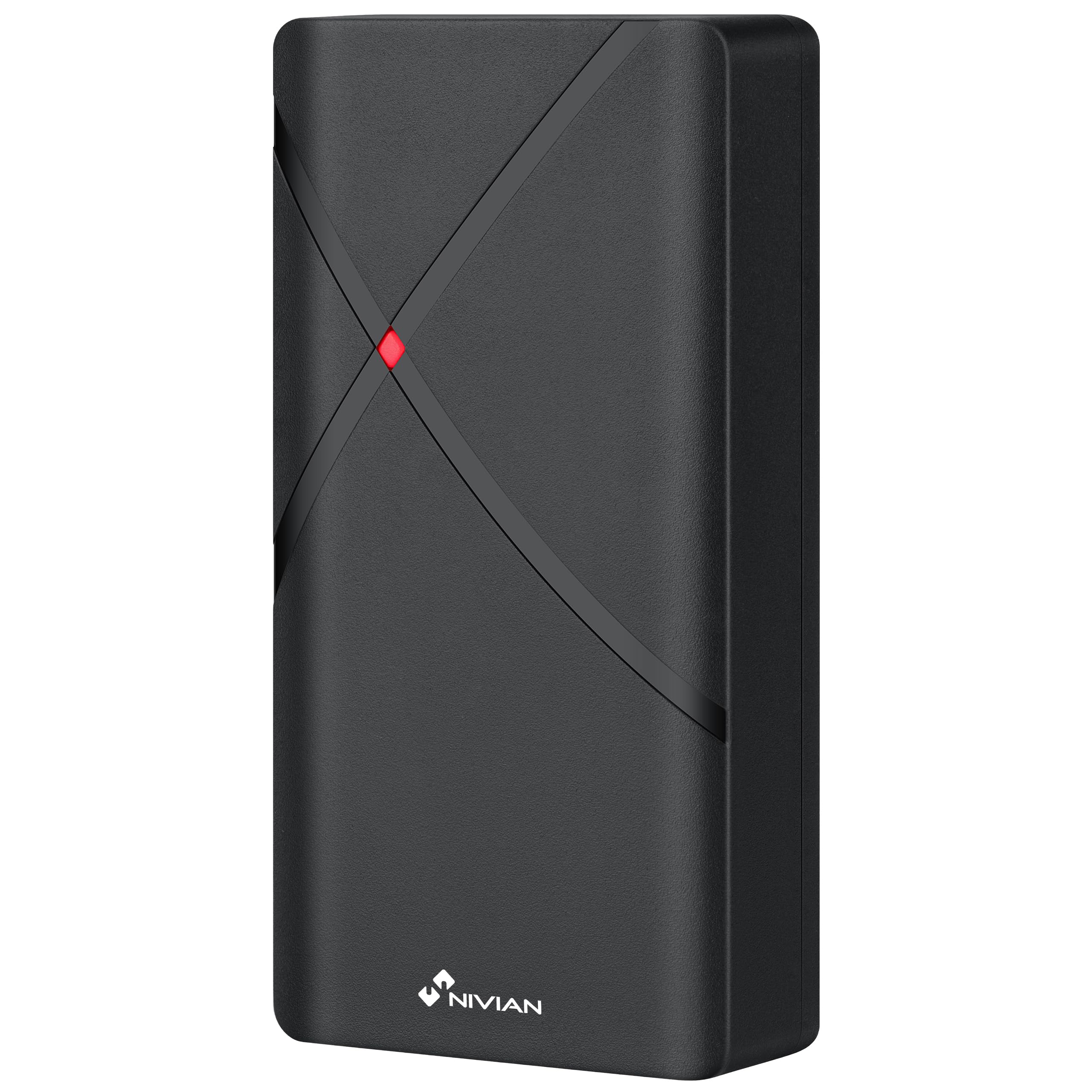
NIVIAN NV-ACCESS-RFID

NIVIAN NV-ACCESS-RFID IP68 RFID Access Control System Instruction Manual

Model: NV-ACCESS-RFID

1. Product voorbijview

The NIVIAN NV-ACCESS-RFID is an IP68-rated outdoor RFID access control system designed for secure door access. It supports up to 2,000 users and offers convenient configuration via a remote control. This system provides a robust and reliable solution for managing access in various environments.

Belangrijkste kenmerken:

  • RFID Card and Key Fob Access: Securely opens doors using EM 125kHz proximity cards and key fobs for quick, contactless entry.
  • Hoge gebruikerscapaciteit: Supports up to 2,000 users, making it suitable for communities, businesses, or facilities with high personnel turnover.
  • Configuratie van de afstandsbediening: Manage users, cards, and functions easily with the included remote control, eliminating the need for internet connection or additional software.
  • IP68 Outdoor Rating: Features a robust, water-resistant, and dustproof design, ideal for outdoor installations. Constructed from durable ABS material.
  • Wiegand System Compatibility: Easily integrates into existing security systems through its 26-bit Wiegand input/output and configurable NO/NC relay output.

Inhoud van het pakket:

  • NIVIAN Access Control Unit (NV-ACCESS-RFID)
  • Remote Control for configuration
  • Installation accessories (screws, wall plugs)
  • Gebruiksaanwijzing

Product View:
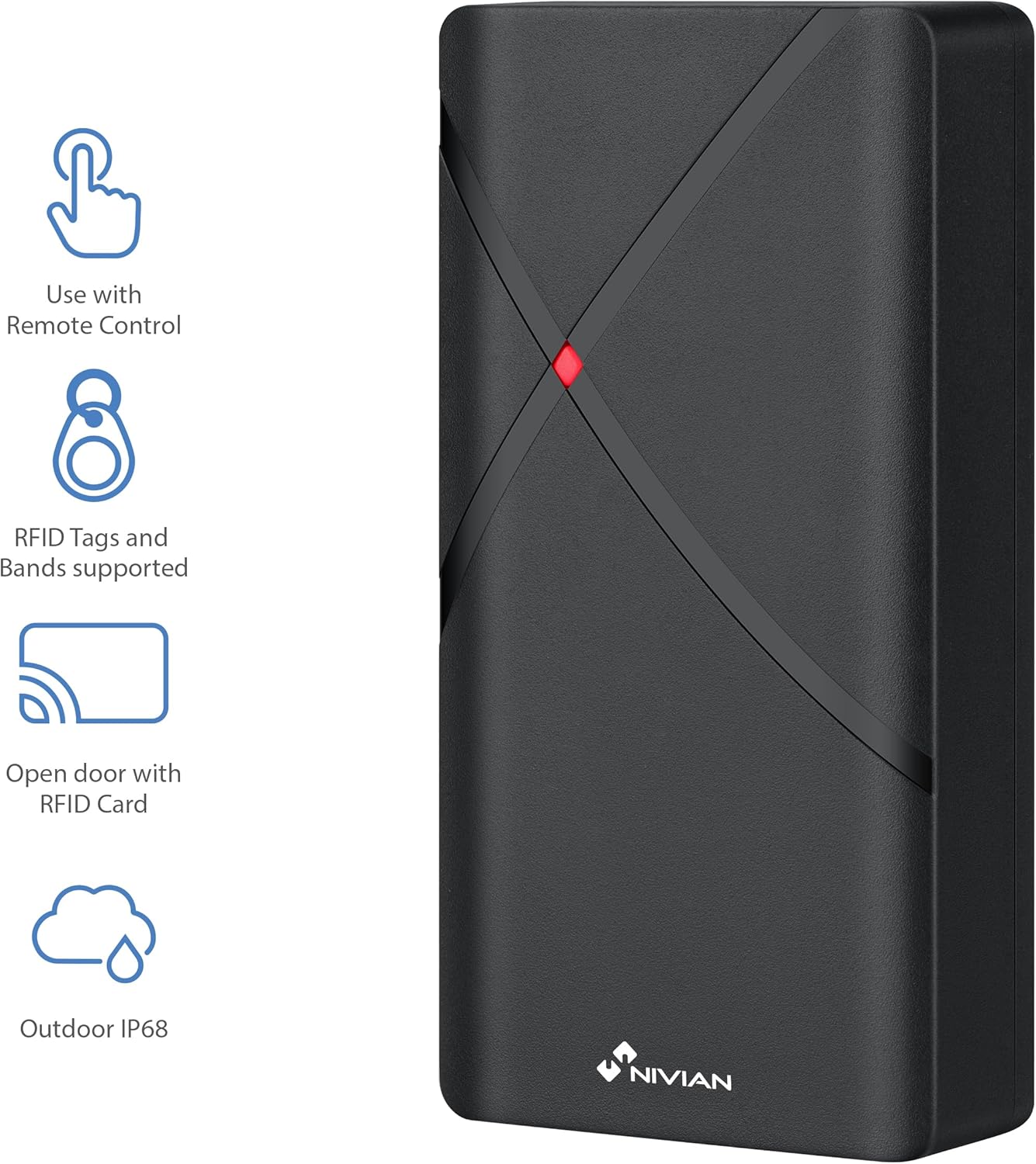
NIVIAN NV-ACCESS-RFID Access Control Unit with feature icons
Figuur 1: Voorzijde view of the NIVIAN NV-ACCESS-RFID Access Control Unit, highlighting its remote control compatibility, RFID tag support, RFID card opening, and IP68 outdoor rating.
NIVIAN NV-ACCESS-RFID Access Control Unit in a weatherproof and anti-vandalism metal alloy casing
Figure 2: The NIVIAN NV-ACCESS-RFID unit demonstrating its weatherproof and anti-vandalism metal alloy construction, suitable for outdoor use.

2. Installatiehandleiding

Proper installation is crucial for the optimal performance and security of your NIVIAN NV-ACCESS-RFID system. Please follow these steps carefully.

2.1 Het apparaat monteren

  • Choose a suitable mounting location, ensuring it is within reach of necessary wiring and provides clear access for users. The IP68 rating allows for outdoor placement.
  • Use the provided mounting template (if included) to mark drilling points on the wall or door frame.
  • Drill holes and insert wall plugs. Secure the unit to the surface using the provided screws.
  • Zorg ervoor dat het apparaat stevig bevestigd en stabiel is.
NIVIAN NV-ACCESS-RFID Access Control Unit mounted on a narrow door frame
Figure 3: The access control unit designed for installation on narrow door frames, demonstrating its compact form factor.
NIVIAN NV-ACCESS-RFID Access Control Unit mounted on a glass door
Figure 4: The access control unit mounted on a glass door, showcasing its versatility in installation environments.

2.2 Bedradingsschema

Connect the access control unit to your power supply, electric lock, and optional exit button or doorbell according to the following diagram. Always ensure power is disconnected before performing any wiring.

Diagram showing wiring options for the NIVIAN NV-ACCESS-RFID system, including power supply, electric lock, remote control, and optional exit button
Figure 5: Wiring diagram illustrating the connections for power supply, electric lock, remote control, and optional exit button for the access control system.

Video 1: This video demonstrates the installation scheme for the access control system, detailing how to connect the various components such as the door access control unit, lock, power supply, exit button, proximity card reader, and doorbell.

3. Gebruiksaanwijzing

The NIVIAN NV-ACCESS-RFID system is designed for user-friendly operation. This section covers basic access methods and user management.

3.1 Granting Access with RFID Cards/Key Fobs

  • To grant access, simply present a pre-programmed RFID card or key fob to the reader area on the unit.
  • The unit will emit an audible signal and/or visual indicator (e.g., green light) to confirm successful access.
A hand presenting an RFID card to the NIVIAN NV-ACCESS-RFID unit for door access
Figure 6: A user presenting an RFID card to the access control unit to gain entry, illustrating the contactless operation.

3.2 User Management (via Remote Control)

The remote control allows for easy management of users without complex software. Refer to the remote control's specific instructions for detailed programming steps.

  • Gebruikers toevoegen: Use the remote control to enter programming mode, then follow the prompts to add new RFID cards or key fobs.
  • Gebruikers verwijderen: Access programming mode via the remote control and select the option to delete specific user cards or all users.
  • Mastercode wijzigen: The remote control can also be used to change the system's master programming code for enhanced security.

4. Technische specificaties

FunctieSpecificatie
ModelnummerNV-ACCESS-RFID
MerkNIVIAAN
Afmetingen (LxBxH)12x7x2cm
Gewicht300 gram
Ingress Protection (IP)-classificatieIP68 (water- en stofbestendig)
GebruikerscapaciteitMaximaal 2,000 gebruikers
ToegangsmethodeRFID (EM 125kHz cards/key fobs)
ConfiguratieAfstandsbediening
MateriaalDuurzaam ABS
VerenigbaarheidWiegand systems (26-bit input/output)
EnergiebronBedraad elektrisch

5. Onderhoud

  • Schoonmaak: Wipe the unit regularly with a soft, damp doek. Vermijd schurende reinigingsmiddelen of oplosmiddelen.
  • Inspectie: Periodically check for any signs of damage, loose connections, or wear and tear.
  • Firmware-updates: Controleer die van de fabrikant webControleer de website op beschikbare firmware-updates om optimale prestaties en beveiliging te garanderen.

6. Probleemoplossing

ProbleemMogelijke oorzaakOplossing
Apparaat gaat niet aanGeen stroomvoorziening of defecte bedrading.Check power connections and ensure the power supply is active. Verify wiring according to the installation diagram.
RFID card/fob not recognizedCard/fob not programmed or damaged. Incorrect card type.Ensure the card/fob is correctly programmed into the system using the remote control. Try a different card/fob. Verify it's an EM 125kHz type.
Door does not unlock after successful scanElectric lock malfunction or incorrect wiring.Check the electric lock's functionality independently. Verify the wiring between the access control unit and the lock. Ensure relay output is correctly configured (NO/NC).
Afstandsbediening werkt nietBattery low or out of range.Replace the remote control battery. Ensure you are within the effective range of the unit.

7. Ondersteuning en garantie

For technical support, warranty information, or additional resources, please visit the official NIVIAN webwebsite of neem contact op met de klantenservice.

NIVIAN branding with links to NIVIANHOME WEB, Instagram, and YouTube for support and tutorials
Figure 7: NIVIAN support information, including links to their webwebsite, Instagram, and YouTube channel for technical assistance and tutorials.

Gerelateerde documenten - NV-ACCESS-RFID

Preview Nivian NV-ACCESS-PIN-RFID-W: Gebruikershandleiding voor Smart Home WiFi-toegangscontrole
Deze gebruikershandleiding bevat gedetailleerde instructies voor het Nivian NV-ACCESS-PIN-RFID-W Smart Home WiFi-toegangscontrolesysteem, met informatie over de installatie, instelling, bediening, het delen en de programmering.
Preview Gebruikershandleiding NIVIAN 4G Solar Camera: Installatie, configuratie en instellingen
Ontdek hoe u uw NIVIAN 4G Solar Camera kunt instellen, installeren en configureren met deze uitgebreide gebruikershandleiding. Lees meer over de integratie met de mobiele app, de functies van het apparaat, installatietips en geavanceerde instellingen voor de modellen NV-CAM01-SOLAR 4G en NV-CAM02S-SOLAR 4G.
Preview NIVIAN NV-VIDEOINTERCOM-2-BASIC: Snelstartgids en installatie
Uitgebreide snelstartgids en installatie-instructies voor het NIVIAN NV-VIDEOINTERCOM-2-BASIC 2-draads video-intercomsysteem. Leer hoe u uw apparaat installeert, aansluit en bedient.
Preview Nivian NV-VIDEOINTERCOM-2BASIC: Installatiehandleiding voor 2-draads video-intercom
Uitgebreide installatie- en gebruikershandleiding voor het Nivian NV-VIDEOINTERCOM-2BASIC 2-draads video-intercomsysteem. Bevat informatie over de installatie, aansluitschema's, knopfuncties en systeeminstellingen.
Preview Nivian NVS-GARAGEMINISWITCH-W Smart Home WiFi Garagedeurcontroller Gebruikershandleiding
Gebruiksaanwijzing voor de Nivian NVS-GARAGEMINISWITCH-W Smart Home WiFi Garagedeurcontroller, met gedetailleerde informatie over de installatie, app-instellingen, gebruik en veiligheid.
Preview Nivian Smart Home Video Intercom Gebruikershandleiding
Een uitgebreide handleiding voor het installeren, configureren en bedienen van het Nivian Smart Home Video Intercom-systeem. Leer hoe u de binnen- en buitenunits verbindt, de integratie met mobiele apps instelt en diverse functies zoals IP-camerabewaking en de Niet storen-modus gebruikt.