Invoering
Thank you for choosing the GOBOULT Crown Smart Watch. This manual provides essential information for the proper setup, operation, and maintenance of your device. Please read it thoroughly to ensure optimal performance and longevity of your smartwatch.
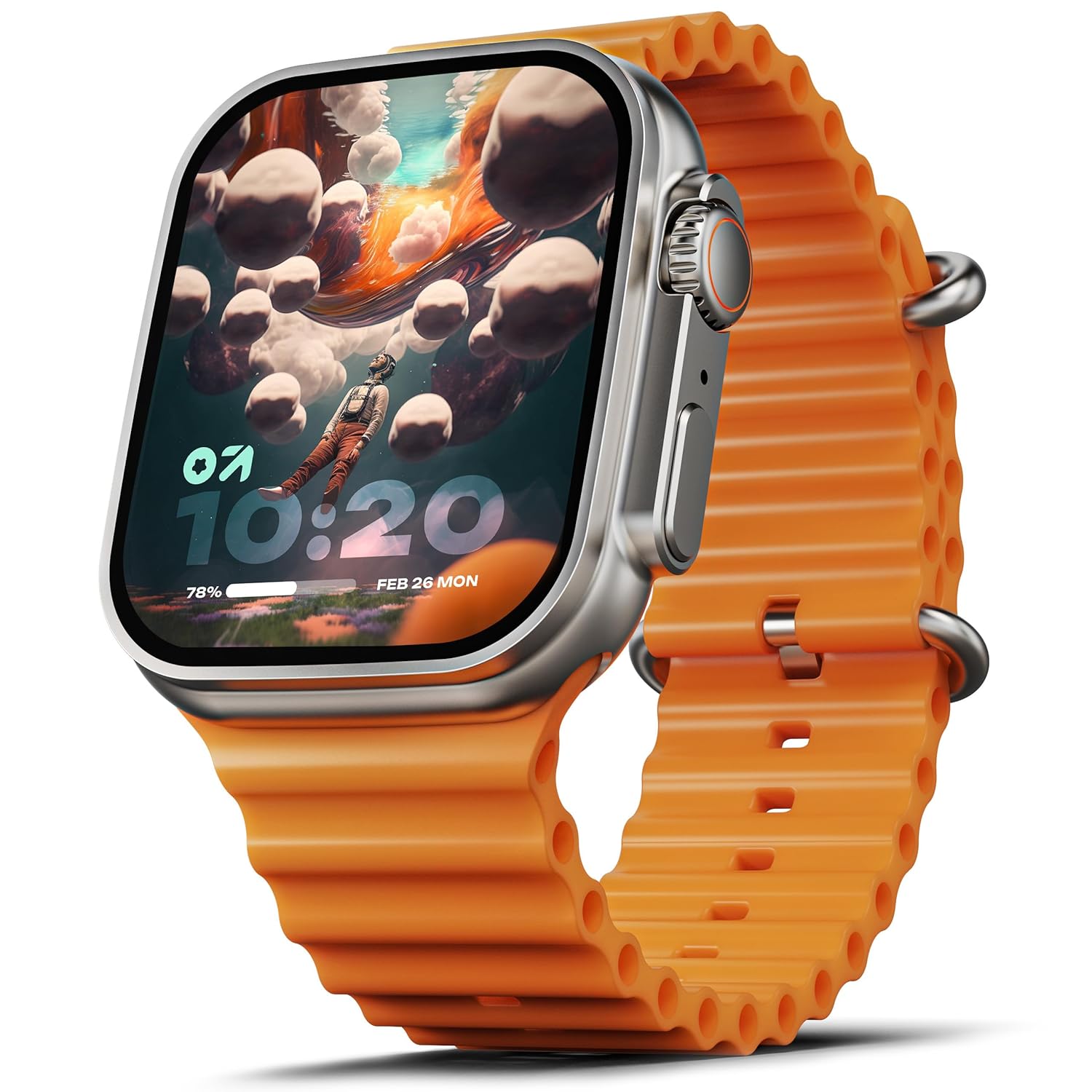
Image: The GOBOULT Crown Smart Watch, featuring a large display and an orange silicone strap.
Wat zit er in de doos?
Controleer bij het uitpakken of de volgende items aanwezig zijn:
- GOBOULT Crown Smart Watch
- Oplaadkabel
- Gebruiksaanwijzing
- Garantiekaart
Aan de slag
1. Het slimme horloge opladen
Before initial use, fully charge your GOBOULT Crown Smart Watch. Connect the provided charging cable to the charging port on the back of the watch and to a standard USB power adapter. The watch display will indicate charging status.
2. In-/uitschakelen
To power on, press and hold the side button until the GOBOULT logo appears. To power off, navigate to the settings menu on the watch, select 'Power Off', and confirm.
3. Koppelen met uw smartphone
- Download the official GOBOULT companion app from your smartphone's app store (available for Android and iOS).
- Zorg ervoor dat Bluetooth is ingeschakeld op uw smartphone.
- Open the GOBOULT app and follow the on-screen instructions to search for and pair with your Crown Smart Watch.
- Bevestig het koppelingsverzoek op zowel uw telefoon als uw horloge.
Gebruiksaanwijzing
Weergave en navigatie

Image: Close-up of the smartwatch display, highlighting its 1.95-inch size and 900 Nits brightness for clear visibility.
- 1.95 inch HD-scherm: The large, high-definition screen provides clear visuals and responsive touch interaction.
- 900 Nits helderheid: Ensures excellent visibility even in bright outdoor conditions.
- Working Rotating Crown: Use the functional rotating crown on the side of the watch to scroll through menus, zoom in/out, and switch watch faces.
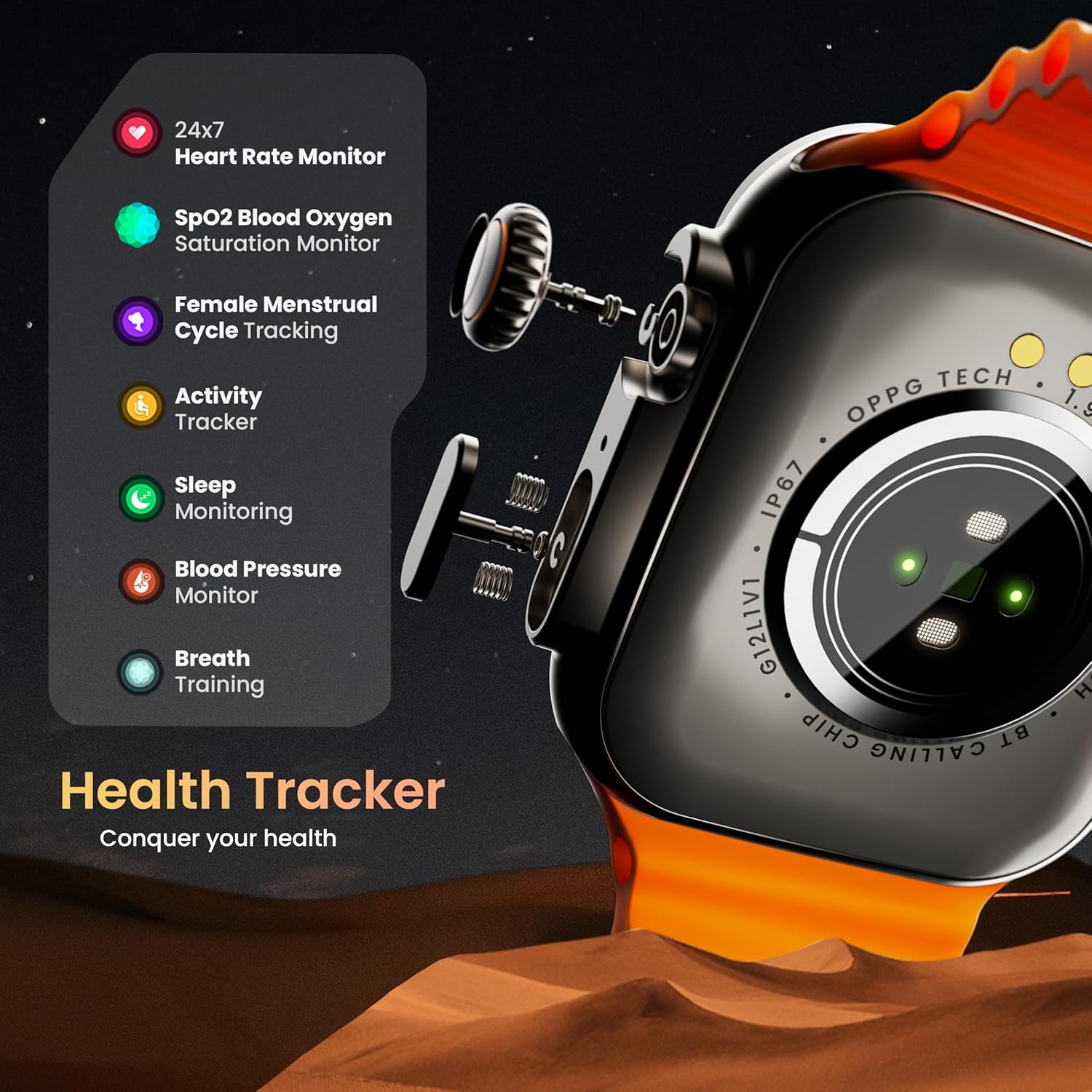
Afbeelding: Een ontplofte view illustrating the internal mechanism of the working rotating crown, used for navigation and control.
Bluetooth Bellen

Image: The smartwatch screen showing an incoming call, alongside diagrams explaining Bluetooth 5.2 calling features like call answer/reject, dial pad, and contact sync.
The GOBOULT Crown Smart Watch supports Bluetooth Calling 5.2, allowing you to make and receive calls directly from your wrist. It features a built-in speaker and microphone for clear communication.
- Oproepen beantwoorden/weigeren: Tap the green icon to answer or the red icon to reject an incoming call.
- Kiestoetsen: Access the dial pad on the watch to make outgoing calls.
- Contacten synchroniseren: Sync your phone's contacts to the watch via the companion app.
Gezondheidsmonitoring
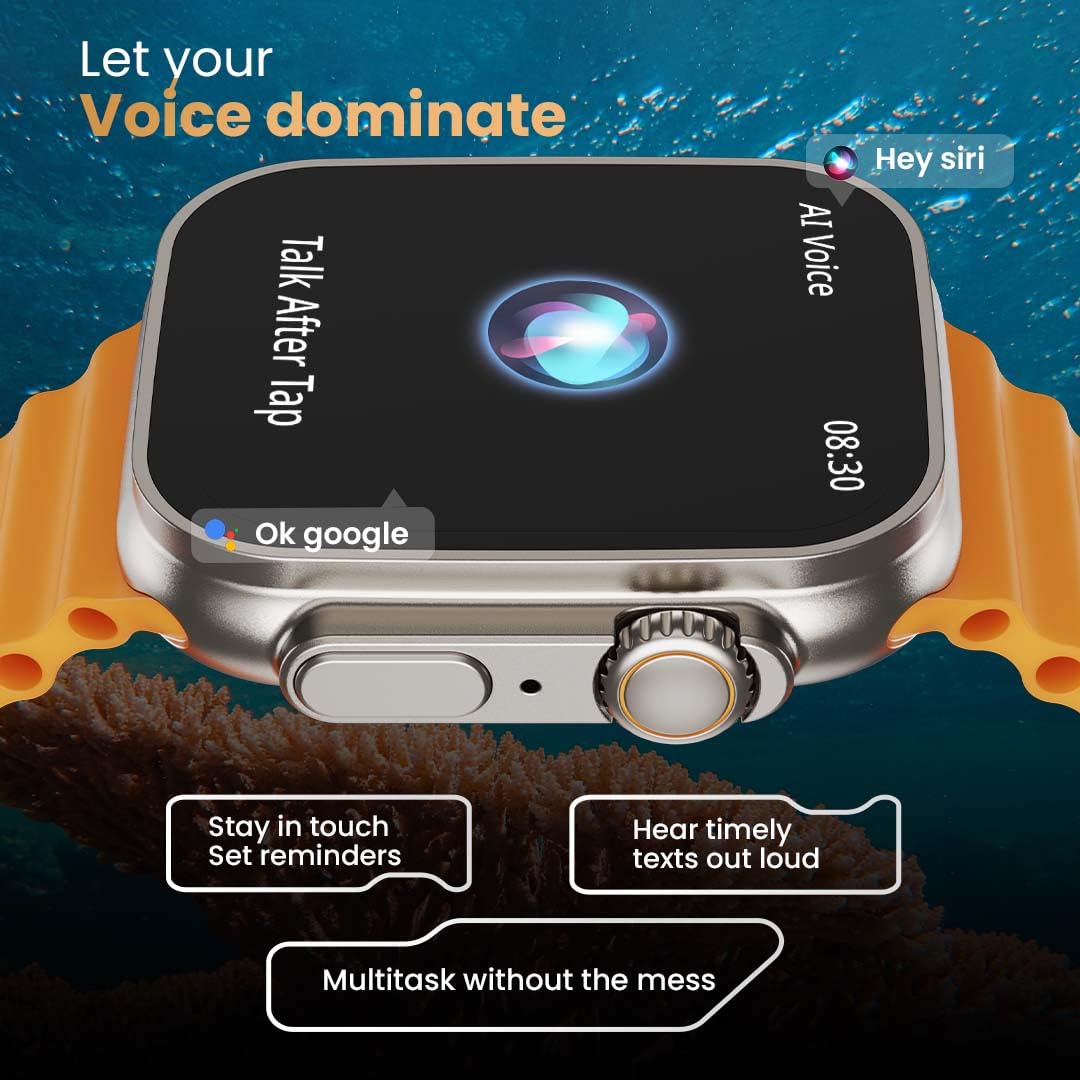
Image: The rear of the smartwatch showing its health sensors, accompanied by a list of health metrics it tracks, including heart rate, SpO2, and sleep.
The watch is equipped with an advanced health suite to help you monitor your well-being:
- 24/7 Heart Rate Monitor: Houdt de hele dag door uw hartslag bij.
- SpO2 Blood Oxygen Saturation Monitor: Meet het zuurstofgehalte in uw bloed.
- Slaapbewaking: Analyseert uw slaappatronen en -kwaliteit.
- Activiteitentracker: Registreert stappen, afstand en verbrande calorieën.
- Bijhouden van de menstruatiecyclus van vrouwen: Provides insights and predictions for menstrual cycles.
- Ademtraining: Begeleide ademhalingsoefeningen voor ontspanning.
Sportmodi
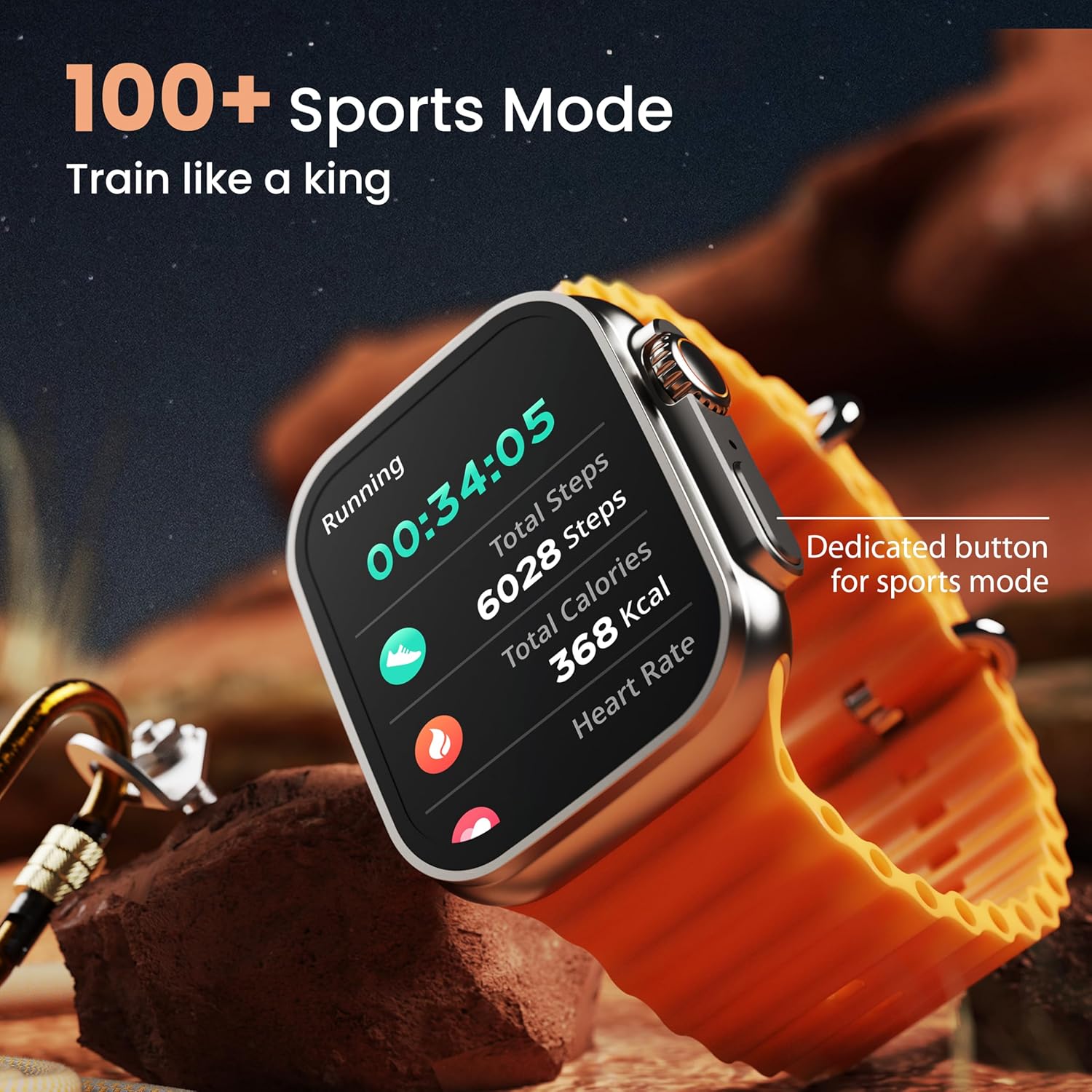
Image: The smartwatch screen showing a 'Running' sports mode with real-time metrics like duration, total steps, calories, and heart rate. A dedicated button for sports mode is also visible.
With over 120 sports modes, the GOBOULT Crown Smart Watch can track a wide range of physical activities. Select your desired sport from the watch menu to record real-time metrics, performance insights, and track your progress.
Aanpassing

Afbeelding: Een collage-showasing various watch faces, including custom and animated options, along with different UI styles available for personalization on the smartwatch.
Personaliseer je smartwatch-ervaring:
- 100+ Cloud-Based Watch Faces: Choose from a wide selection of watch faces available through the companion app.
- Aanpassingsopties: Customize your screen with widgets, backgrounds, and layouts to match your style.
- 8 UI Styles: Select from different user interface styles for menu navigation.
Extra functies
- AI-spraakassistent: Interact with your watch using voice commands (e.g., "Hey Siri" or "Ok Google") for tasks like setting reminders or hearing texts aloud.
- Vind mijn telefoon: If your paired phone is misplaced, use this feature on your watch to make it ring/vibrate.
- Mini-spellen: Enjoy pre-installed mini-games directly on your watch.
- Meldingen en herinneringen: Receive SMS, WhatsApp, social media, and mail notifications. Set goal achievement reminders.
- Rekenmachine: Er is een basisrekenmachinefunctie op het horloge beschikbaar.
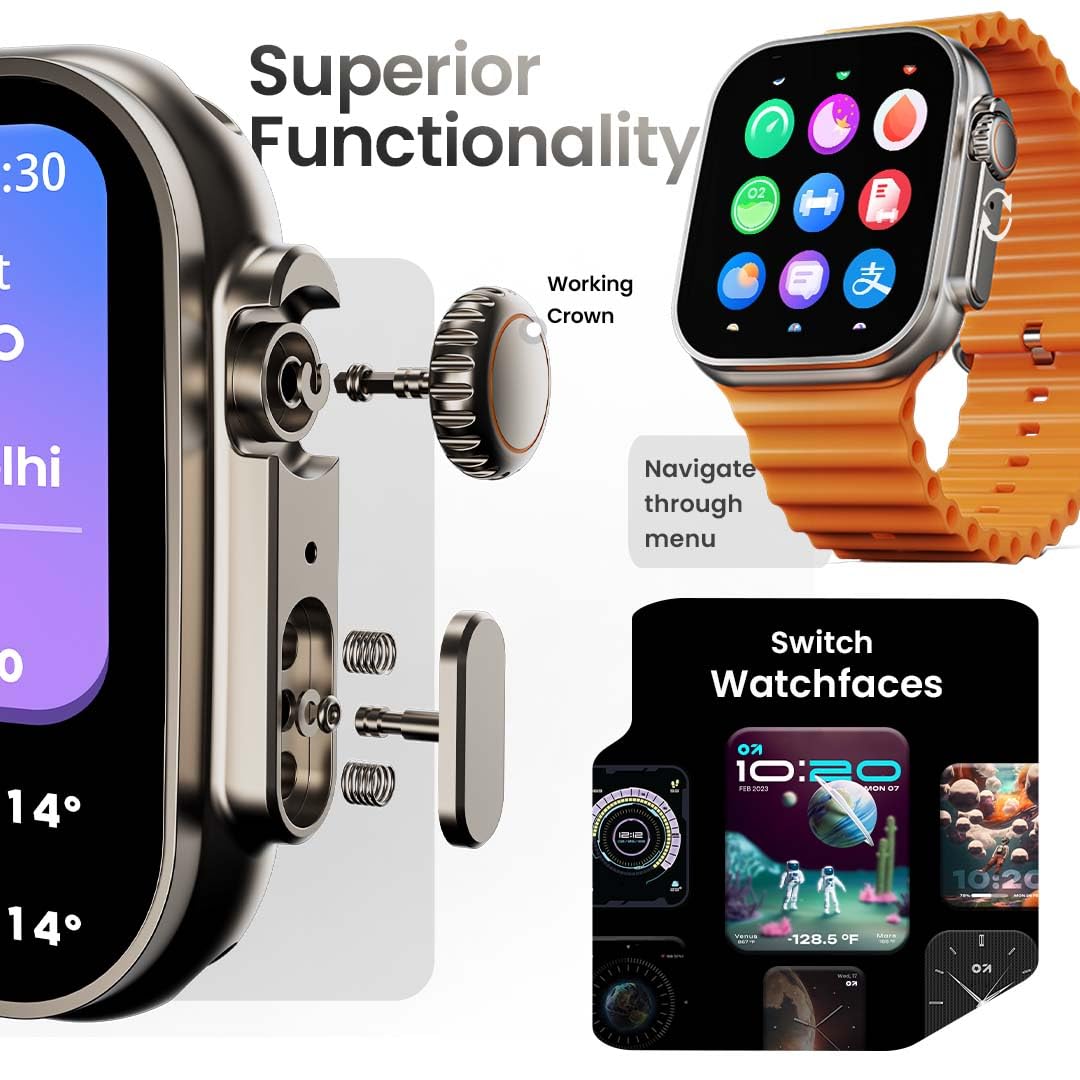
Image: The smartwatch screen showing the AI Voice Assistant interface, indicating support for voice commands like "Hey Siri" and "Ok Google".
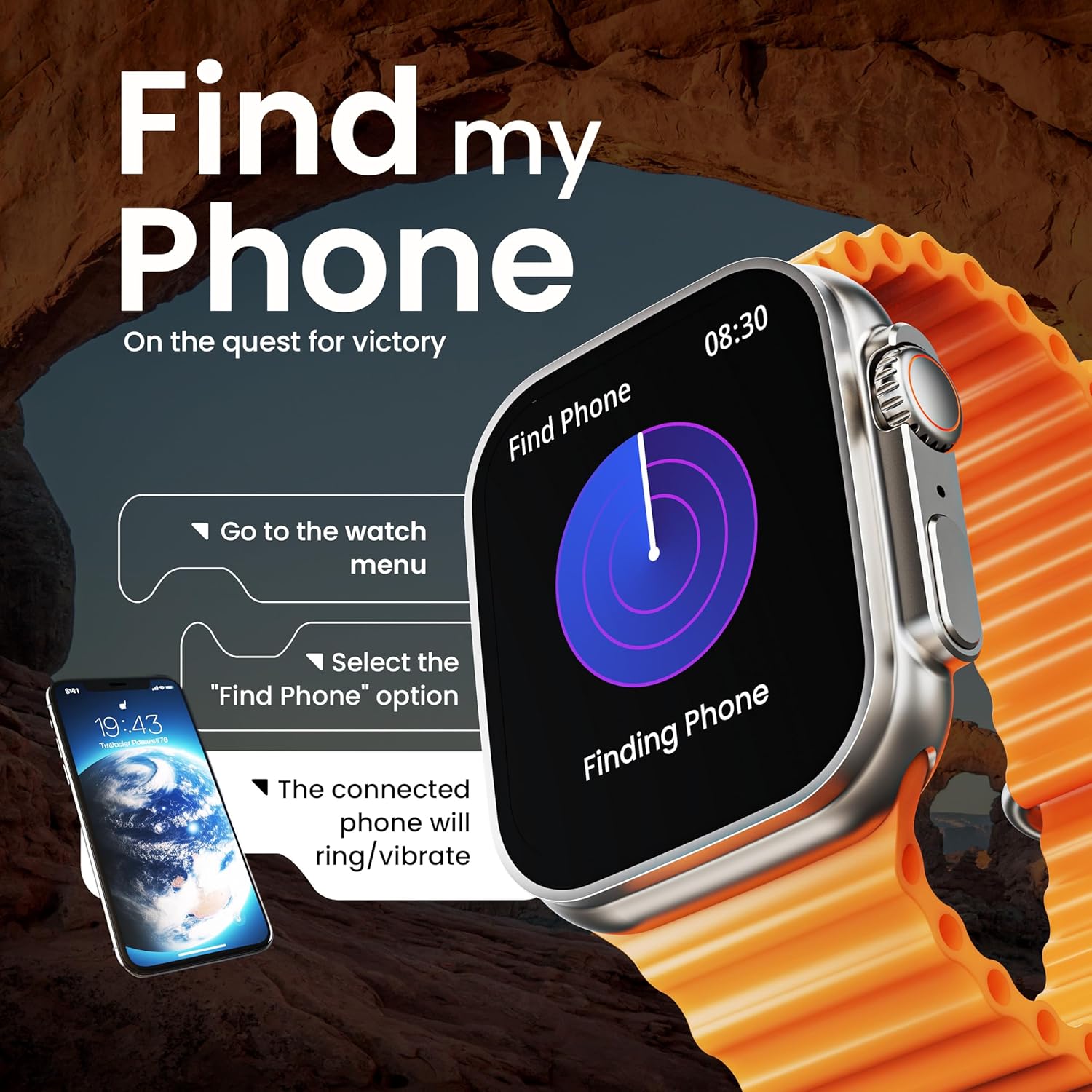
Image: The smartwatch screen illustrating the 'Find Phone' feature, with instructions on how to activate it to locate a connected smartphone.
Afbeelding: Het scherm van de smartwatchasing a selection of mini-games available on the device, such as 'Young Bird', 'Hamster', and 'Battleships'.

Image: The smartwatch screen showing a calculator interface, along with a pop-up notification and a list of reliable and robust features like sync notifications and reminders.
Onderhoud
Schoonmaak
Regularly clean your smartwatch and strap to prevent skin irritation and maintain device hygiene. Use a soft, lint-free cloth. If necessary, slightly dampMaak de doek schoon met water. Vermijd agressieve chemicaliën of schurende materialen.
Waterbestendigheid
The GOBOULT Crown Smart Watch is IP67 water resistant. This means it is protected against dust and can withstand immersion in water up to 1 meter for up to 30 minutes. It is suitable for daily use and light splashes but not recommended for swimming, showering, or diving.
Bandverzorging
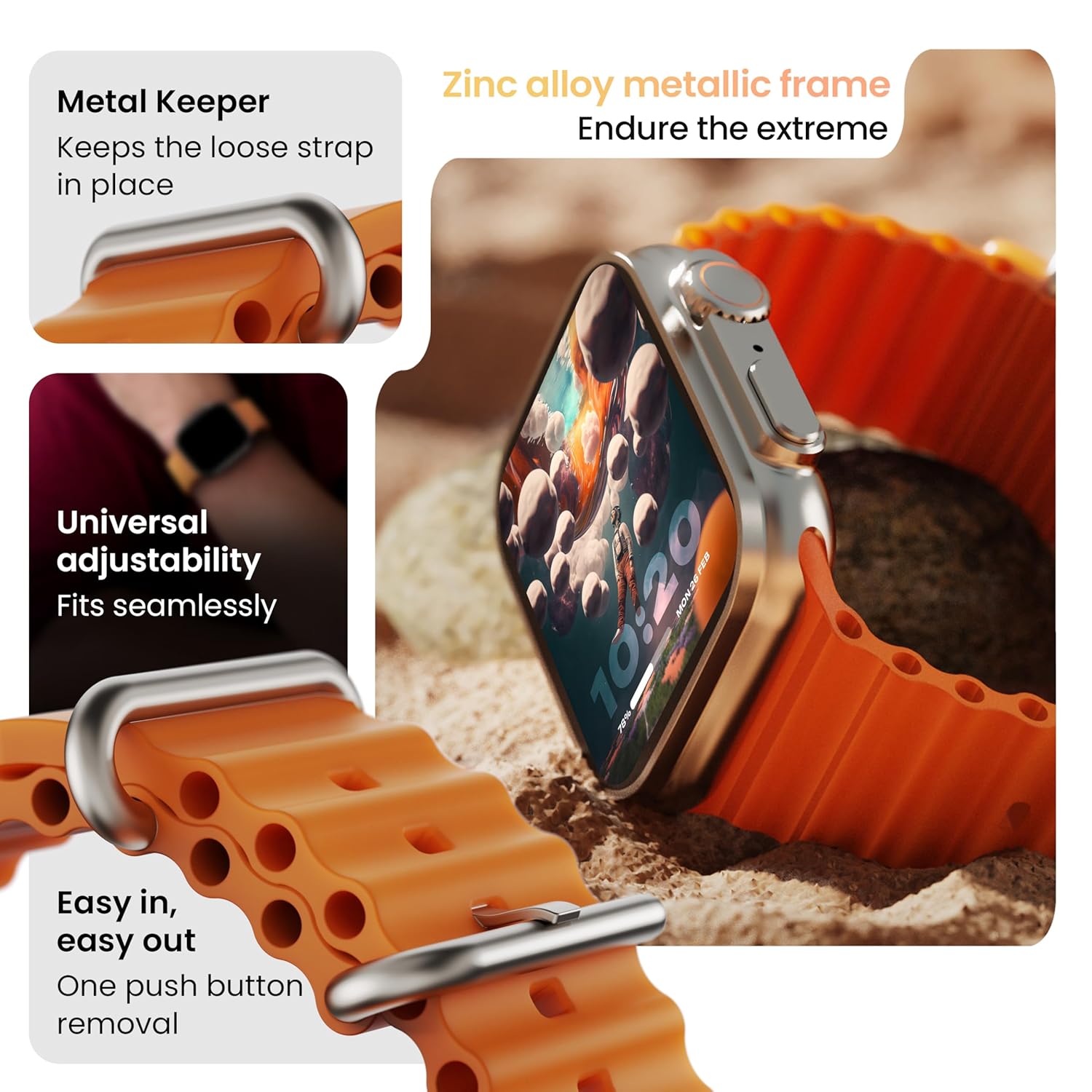
Afbeelding: Gedetailleerd view of the smartwatch strap, highlighting features such as the metal keeper for securing the loose end, universal adjustability for a seamless fit, and a push-button mechanism for easy removal.
The skin-friendly silicone strap is designed for comfort. Ensure it is not too tight or too loose for accurate health tracking. Clean the strap regularly, especially after workouts, to remove sweat and dirt.
Probleemoplossing
Horloge gaat niet aan
- Zorg ervoor dat het horloge volledig is opgeladen. Sluit het minstens 30 minuten aan op de oplader.
- Houd de zijknop 10-15 seconden ingedrukt om een geforceerde herstart te proberen.
Problemen met koppelen
- Zorg ervoor dat Bluetooth is ingeschakeld op zowel je telefoon als je horloge.
- Ensure the watch is within the Bluetooth range (approximately 10 meters).
- Start zowel uw telefoon als uw horloge opnieuw op.
- Clear the Bluetooth cache on your phone or forget the device and try pairing again.
Onnauwkeurige gezondheidsgegevens
- Zorg ervoor dat het horloge goed aansluit op uw pols, maar niet te strak zit.
- Maak de sensoren aan de achterkant van het horloge schoon.
- Vermijd overmatige bewegingen tijdens de metingen voor een betere nauwkeurigheid.
Meldingen worden niet weergegeven
- Check if the watch is properly connected to your phone via Bluetooth.
- Verify notification permissions for the GOBOULT app in your phone's settings.
- Ensure 'Do Not Disturb' mode is not active on either your phone or watch.
Specificaties
| Functie | Detail |
|---|---|
| Merk | GOBOULT |
| Model | Crown Smartwatch |
| Weergaveformaat | 1.95 inch |
| Helderheid van het scherm | 900 Nits |
| Connectiviteit | Bluetooth 5.2 |
| Besturingssysteem | Android Wear 1.0, iOS compatible |
| Batterijduur (gemiddeld) | 7 dagen |
| Batterij laadtijd | 150 minuten |
| Batterijcapaciteit | 300 milliamp Uren |
| Waterbestendigheid | IP67 |
| Artikelgewicht | 40 gram |
| Meegeleverde componenten | Smartwatch, Charging Cable, User Manual, Warranty Card |
Garantie en ondersteuning
Your GOBOULT Crown Smart Watch comes with a Warranty Card included in the box. Please refer to this card for detailed information regarding warranty coverage and terms. For technical support or further assistance, please contact GOBOULT customer service through the contact information provided on the warranty card or the official GOBOULT webplaats.


