1. Product voorbijview
The Baseus EnerGeek 145W Power Bank is a high-capacity portable charging device designed to provide fast and efficient power to a wide range of electronic devices, including laptops, smartphones, and tablets. It features a 20000mAh battery, a maximum output of 145W, and an integrated 60cm retractable USB-C cable for convenience.

Image: The Baseus EnerGeek 145W Power Bank, showcasing its compact design and the integrated retractable USB-C cable. The digital display is visible, indicating battery status.
Belangrijkste kenmerken:
- Maximaal vermogen 145W: Supports Power Delivery for rapid charging of high-power devices.
- 20000 mAh capaciteit: Provides multiple charges for smartphones and laptops.
- Integrated 60cm Retractable USB-C Cable: Durable and convenient for storage and use.
- Opladen via meerdere poorten: Two USB-C ports and two USB-A ports allow simultaneous charging of up to four devices.
- Intelligent digitaal display: Real-time display of battery level, charging power, and remaining time.
- Geavanceerd koelsysteem: Features conductive graphene, aerogel insulation, and an AI-powered chip for effective temperature regulation.
2. Inhoud van het pakket
Controleer het pakket op de volgende items:
- Baseus EnerGeek 145W Power Bank (EnerGeek GR11)
- Gebruiksaanwijzing
- (Additional accessories may vary by region or package)
3. Instellen en eerste gebruik
3.1 Eerste keer opladen
Before first use, it is recommended to fully charge the Baseus EnerGeek Power Bank. This ensures optimal battery performance and longevity.
- Connect the integrated USB-C cable or a separate USB-C cable to the power bank's input port (USB-C1 or USB-C2).
- Connect the other end of the cable to a compatible USB-C wall charger (100W charger recommended for fastest charging).
- Het digitale display toont de laadstatus en het batterijpercentage.tage. De powerbank is volledig opgeladen wanneer het display 100% aangeeft.

Image: The Baseus EnerGeek Power Bank connected to a wall charger via its integrated USB-C cable, illustrating the fast charging input capability.
4. Gebruiksaanwijzing
4.1 Oplaadapparaten
The Baseus EnerGeek Power Bank can charge up to four devices simultaneously using its various output ports.
- Gebruik de geïntegreerde USB-C-kabel: Pull out the 60cm retractable USB-C cable and connect it to your device's USB-C port.
- Externe kabels gebruiken: Connect your device's charging cable to one of the available USB-C (C2, C3) or USB-A (A1) output ports on the power bank.
- The power bank will automatically detect the connected device and begin charging. The digital display will show the output power.
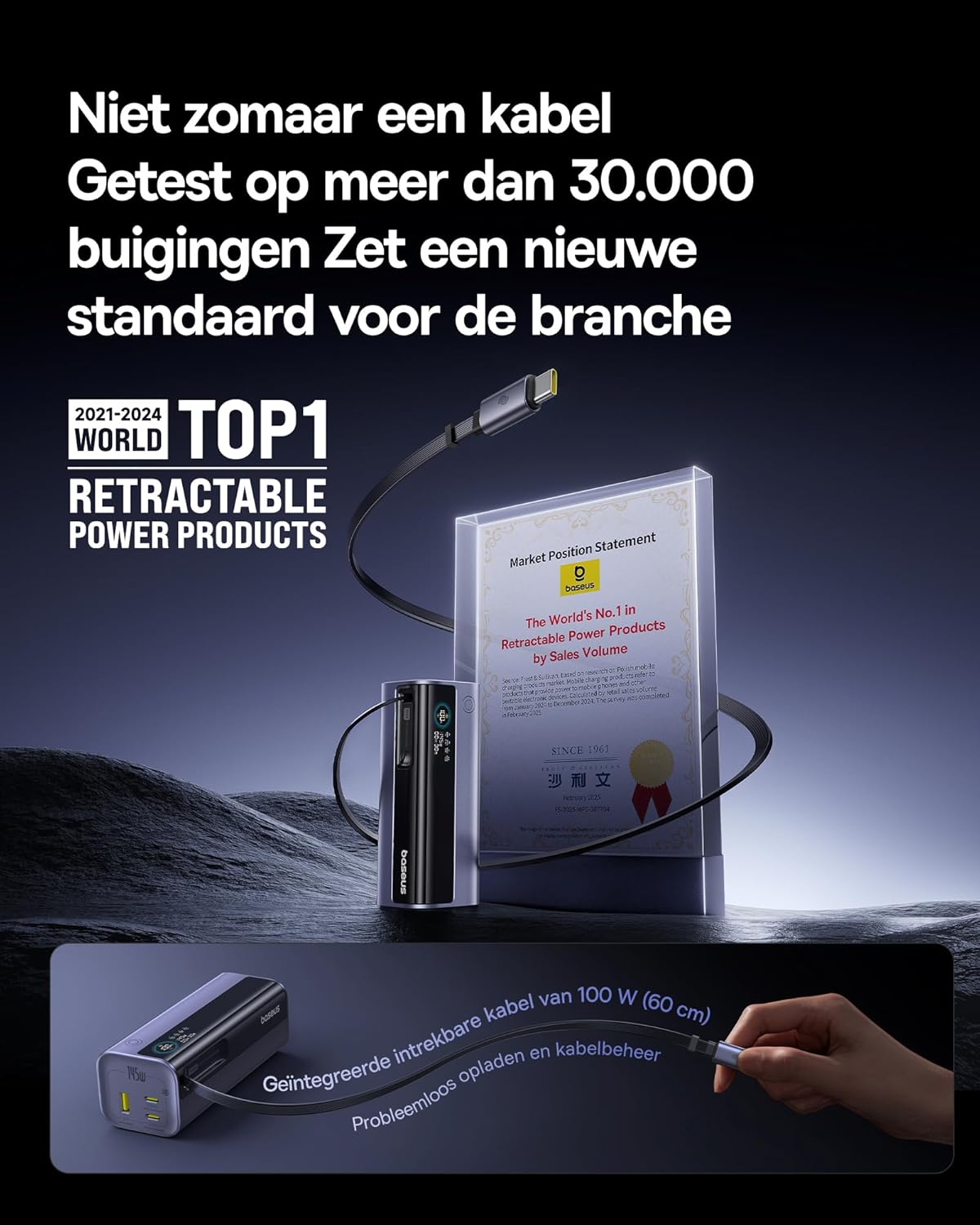
Image: The Baseus EnerGeek Power Bank connected to a laptop and an iPhone, demonstrating its ability to charge multiple devices simultaneously with high power output.
4.2 Het digitale display begrijpen
The intelligent digital display provides real-time information:
- Batterijniveau: Toont het resterende batterijpercentagetage.
- Charging Power (Input/Output): Geeft de huidige watt weertage being drawn or delivered.
- Overgebleven tijd: Estimates the time left for the power bank to fully charge or discharge.
- I/O-status: Indicates which ports are active for input or output.

Afbeelding: Een gedetailleerde view of the Baseus EnerGeek Power Bank's digital display, showing battery percentage, current wattage, en geschatte resterende tijd.
4.3 De kabel intrekken
To retract the integrated USB-C cable, gently pull it out slightly further, then release it. The cable will automatically retract into the power bank's housing.
5. Onderhoud en verzorging
- Houd de powerbank uit de buurt van extreme temperaturen (warm of koud), direct zonlicht en vochtige omgevingen.
- Stel de powerbank niet bloot aan water of andere vloeistoffen.
- Zorg ervoor dat u de powerbank niet laat vallen en blootstelt aan sterke schokken.
- Reinig het oppervlak van de powerbank met een zachte, droge doek. Gebruik geen agressieve chemicaliën of schurende materialen.
- Store the power bank in a cool, dry place when not in use for extended periods. It is recommended to charge it to about 50-70% before long-term storage.
6. Probleemoplossing
| Probleem | Mogelijke oorzaak | Oplossing |
|---|---|---|
| Powerbank laadt niet op | Low battery on power bank; faulty charging cable; incompatible wall adapter. | Ensure the power bank has some charge. Try a different USB-C cable and a compatible wall adapter (e.g., 100W PD charger). |
| Apparaat laadt niet op via powerbank | Power bank battery is empty; faulty device cable; device not compatible with power bank output. | Recharge the power bank. Try a different charging cable for your device. Ensure your device supports the power bank's output specifications. |
| Langzaam opladen | Cable or adapter not supporting fast charging; multiple devices connected reducing individual output. | Use a high-quality, fast-charging compatible cable and adapter. Disconnect other devices to maximize output to a single device. |
| Digitaal display werkt niet | De powerbank is uitgeschakeld; tijdelijke softwarefout. | Press the power button to activate the display. If the issue persists, try fully discharging and recharging the power bank. |
7. Specificaties
| Functie | Detail |
|---|---|
| Modelnummer | EnerGeek GR11 |
| Batterijcapaciteit | 20000mAh |
| Maximaal uitgangsvermogen | 145W (totaal) |
| USB-C1-kabeluitgang | 100W Max |
| USB-C2-uitgang | 100W Max |
| USB-C3-uitgang | 100W Max |
| USB-A1-uitgang | 33W Max |
| Ingang (USB-C) | 100W Max |
| Afmetingen | 13x5.2x4.9cm |
| Gewicht | 465 gram |
| Batterijtype | Lithium-ion |
| Speciale kenmerken | Digital display, Integrated cable, Fast charging |
8. Garantie en ondersteuning
Voor garantie-informatie en klantenondersteuning kunt u terecht bij de officiële Baseus webwebsite of neem contact op met de winkel waar u het product hebt gekocht. Bewaar uw aankoopbewijs voor garantieclaims.
Fabrikant: Basis
ASIN: B0F83VMZJT
Eerste beschikbare datum: 9 mei 2025
Voor verdere hulp kunt u terecht op de Baseus Store op Amazon.


