1. Inleiding
This manual provides instructions for the Belkin Everyday Keyboard Case with Cradle, designed to enhance the functionality and protection of your iPad 10th Generation 10.9". This accessory integrates a backlit Bluetooth keyboard, a multi-gesture trackpad, and a protective case with magnetic Apple Pencil storage, transforming your iPad into a versatile workstation.
2. Product voorbijview
Belangrijkste kenmerken
- Backlit Bluetooth Keyboard: Enhances productivity in low-light conditions.
- Bediening met meerdere gebaren: Large, click-anywhere trackpad supports gestures for scrolling, navigating, and zooming.
- Magnetic Apple Pencil Storage: Integrated design ensures secure storage without obstructing the iPad's magnetic charging area.
- Multimedia toetsen: Dedicated keys for quick access to common functions.
- Beschermhoes: Premium faux leather exterior and soft anti-slip interior protect your device.
Inhoud van het pakket
- 1 x Belkin Everyday Keyboard Case with Cradle for iPad 10th Generation 10.9"
- 1 x USB-C oplaadkabel (voor toetsenbord)
3. Instellen
3.1 Check iPad Compatibility
Ensure your iPad is compatible with this keyboard case. This product is designed for the iPad 10th Generation 10.9".

Image: Compatible iPad models. This case is specifically for iPad 10th Gen (A2696/A2757).
To find your iPad model number:
- Optie 1: Look on the back of your iPad for the model number.
- Optie 2: Open Settings > General > About. Tap the part number to reveal the model number.
3.2 De iPad aansluiten
The case features a magnetic snap-on attachment for easy and secure installation of your iPad.
- Align your iPad with the protective cradle portion of the case.
- The iPad will magnetically snap into place, securing it within the case.

Image: Magnetic snap-on attachment for the iPad.
3.3 Bluetooth-koppeling
The keyboard connects to your iPad via Bluetooth. It needs to be paired independently.
- Zorg ervoor dat het toetsenbord is opgeladen (zie paragraaf 3.4).
- Turn on the keyboard (if applicable, usually by opening the case or a dedicated power button).
- Ga op je iPad naar Instellingen > Bluetooth.
- Look for "Belkin Keyboard" or a similar name in the list of available devices and tap to connect.
- Volg de instructies op het scherm om het koppelingsproces te voltooien.
3.4 Het toetsenbord opladen
The keyboard has an internal rechargeable battery and must be charged separately from your iPad.
- Zoek de USB-C-oplaadpoort op het toetsenbord.
- Connect the provided USB-C cable to the keyboard and a compatible USB power adapter (not included).
- Het oplaadindicatielampje geeft de oplaadstatus aan.

Image: The keyboard features a 450mAh battery for long-lasting power.
4. Gebruiksaanwijzing
4.1 Toetsenbordgebruik
The keyboard provides a tactile typing experience with several useful features.
- Verlichte toetsen: Press the dedicated backlight key (often represented by a sun icon) to cycle through brightness levels or turn the backlight off to conserve battery.
- Multimedia toetsen: Use the dedicated function keys for quick access to media playback controls, volume adjustment, and other system functions.

Image: Backlit Bluetooth Keyboard and Multimedia Keys in use.
4.2 Trackpadgebruik
The large, click-anywhere trackpad supports multi-gesture controls for intuitive navigation on your iPad.
- Scrollen: Gebruik twee vingers om omhoog of omlaag te scrollen.
- Navigeren: Swipe with three fingers to switch between open applications.
- Zoomen: Pinch with two fingers to zoom in or out on content.
- Klikken: Press down on any part of the trackpad for a click action.

Image: Multi-Gesture Controls on Touchpad.
4.3 Functionaliteit van de standaard
The integrated cradle and kickstand allow for adjustable viewhoeken.
- Open the case and position the iPad in the cradle.
- Adjust the kickstand at the back of the keyboard portion to achieve your desired viewhoek.
4.4 Opbergruimte voor de Apple Pencil
The case is designed with compatibility for Apple Pencil storage.
- Place your Apple Pencil on the designated magnetic strip on the side of the iPad.
- The case ensures the Apple Pencil remains securely attached and accessible.
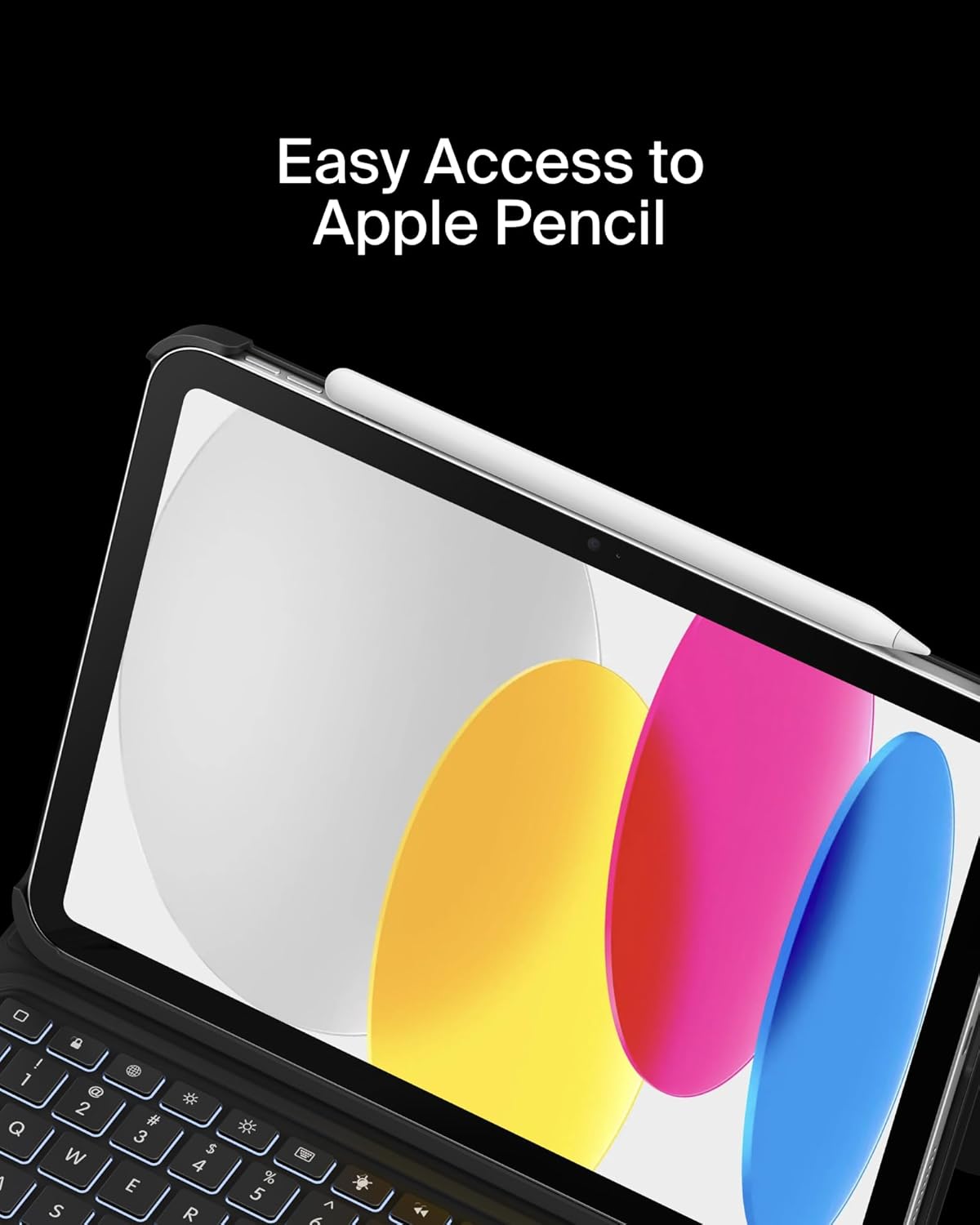
Image: Easy Access to Apple Pencil.
5. Onderhoud
5.1 Reinigen
Om het uiterlijk en de functionaliteit van uw toetsenbordbehuizing te behouden:
- Veeg de buitenkant af met een zachte, damp lap. Vermijd agressieve chemicaliën.
- For the keyboard keys and trackpad, use a soft, dry cloth or a gentle brush to remove dust and debris.
5.2 Batterijonderhoud
Het toetsenbord is voorzien van een lithiumbatterij van 450 mAh.
- Laad het toetsenbord volledig op voordat u het voor het eerst gebruikt.
- Laad het toetsenbord op wanneer de batterij-indicator aangeeft dat het batterijniveau laag is.
- Voor een optimale levensduur van de batterij is het belangrijk om te voorkomen dat de batterij vaak volledig leeg raakt.
- If not in use for an extended period, charge the keyboard every few months to prevent deep discharge.
6. Probleemoplossing
6.1 Toetsenbord reageert niet
- Controleer de batterij: Zorg ervoor dat het toetsenbord voldoende is opgeladen.
- Bluetooth opnieuw koppelen: Go to iPad Settings > Bluetooth, forget the device, and re-pair the keyboard.
- Apparaten opnieuw opstarten: Start zowel uw iPad als het toetsenbord opnieuw op.
6.2 Trackpad werkt niet
- Controleer de Bluetooth-verbinding: Ensure the keyboard is properly paired via Bluetooth.
- Het trackpad schoonmaken: Zorg ervoor dat het oppervlak van het trackpad schoon en vrij van obstakels is.
- iPad-instellingen: Verify trackpad settings in iPadOS are enabled and configured as desired.
6.3 Backlight Not Functioning
- Controleer de batterij: Backlight consumes power; ensure the keyboard has enough charge.
- Helderheidsaanpassing: Use the dedicated backlight key to increase brightness.
7. Specificaties
| Merk | Belkin |
| Modelnummer | BBZ001tt-V3 |
| Compatibele apparaten | iPad 10e generatie 10.9" |
| Connectiviteitstechnologie | Bluetooth |
| Toetsenbordbeschrijving | Multimedia |
| Speciale kenmerken | Apple Pencil Storage, Backlit, Multimedia Keys, Trackpad |
| Kleur | Zwart |
| Kleurondersteuning voor toetsenbordverlichting | Enkele kleur |
| Stijl | Case w/ Cradle |
| Materiaal | Faux Leather (Exterior), Soft Non-Slip Material (Interior) |
| Artikelgewicht | 1.6 pond |
| Productafmetingen (LxBxH) | 10.9 x 7.7 x 0.9 inch |
| Energiebron | Op batterijen |
| Batterij | 450mAh lithium battery (standby time: 365 days) |

Image: Slim, Portable Design with approximate dimensions and weight.
8. Garantie en ondersteuning
8.1 Beperkte garantie
This Belkin Everyday Keyboard Case with Cradle comes with a 2 jaar beperkte garantieDeze garantie dekt materiaal- en fabricagefouten bij normaal gebruik.

Image: Belkin Product Protection - 2 Year Coverage.
8.2 Klantenservice
Voor technische ondersteuning, garantieclaims of meer informatie kunt u terecht op de officiële Belkin-ondersteuningswebsite. website of neem contact op met hun klantenservice.
Belkin-ondersteuning: www.belkin.com/support/


