1. Inleiding
Thank you for choosing the soyes Mini Phone 4G Unlocked Smartphone. This compact and feature-rich device is designed for portability and essential communication, offering a balance of functionality and convenience. This manual provides detailed instructions to help you set up, operate, and maintain your new smartphone.
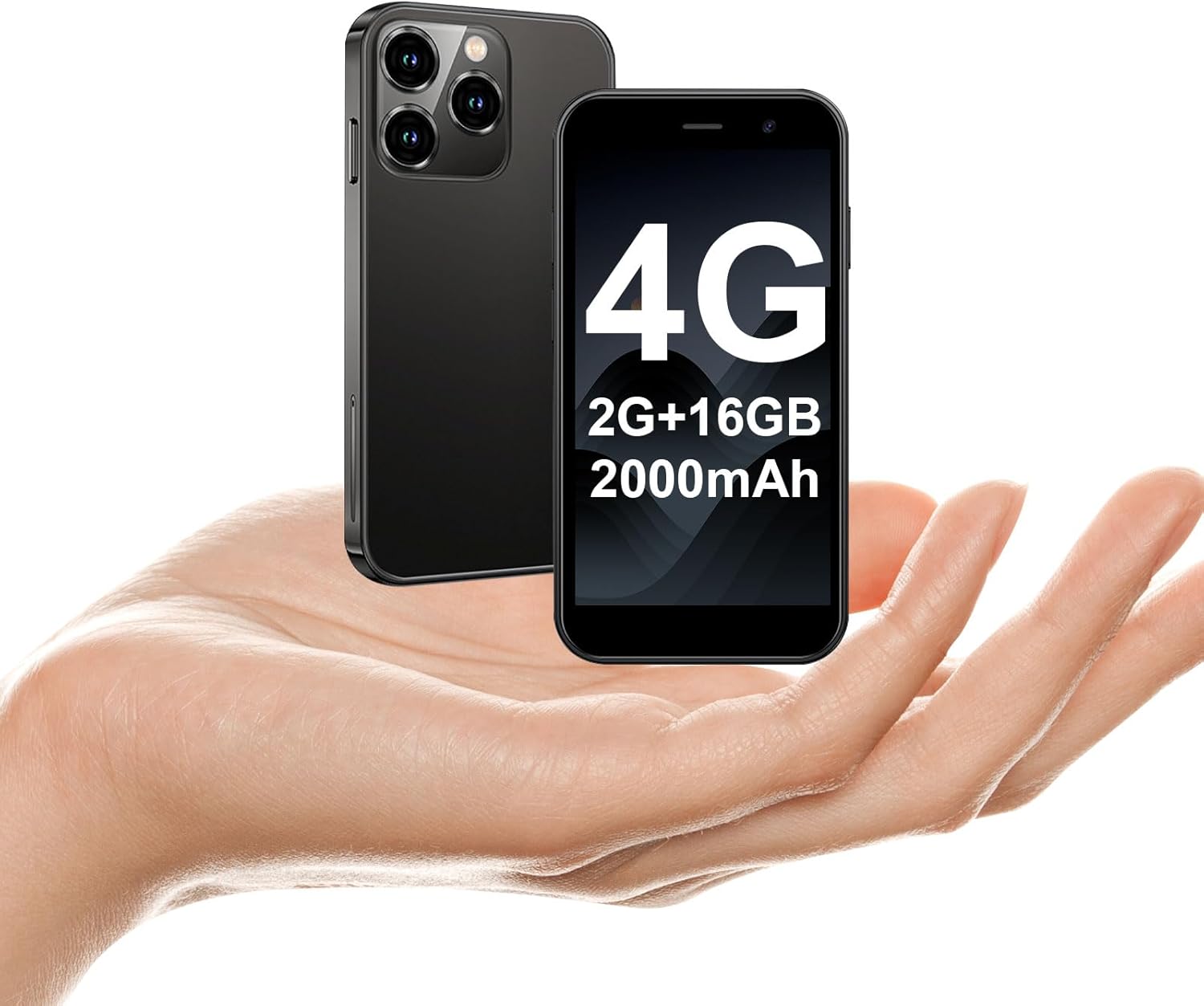
The soyes Mini Phone 4G Unlocked Smartphone, designed for portability and essential communication.
2. Wat zit er in de doos?
Controleer of alle artikelen in uw pakket aanwezig zijn:
- 1 x soyes Mini Smartphone
- 1 x Tempered Film (Screen Protector)
- 1 x Type C-kabel
- 1 x Telefoonhoesje
- 1 x SIM Ejector Pin
3. Instellen
3.1. Installatie van de simkaart en geheugenkaart
The soyes Mini Phone supports dual SIM cards and a memory card for expanded storage. Ensure your SIM card is compatible with the following frequency bands: WCDMA B2/B4, B5; FDD B2/B4/B5/B7/B17/B28/B28A/B41/B66.
- Zoek de SIM-kaarthouder aan de zijkant van de telefoon.
- Insert the provided SIM ejector pin into the small hole next to the tray and press gently until the tray pops out.
- Trek de lade er voorzichtig uit.
- Place your Nano-SIM cards into the designated slots (SIM1, SIM2) and the TF (microSD) card into its slot, ensuring the gold contacts face downwards.
- Duw de lade voorzichtig terug in de telefoon totdat deze vastklikt.

Insert your SIM and memory cards into the tray.
3.2. Eerste keer inschakelen
Press and hold the Power button (located on the right side of the phone) until the screen lights up. Follow the on-screen prompts to complete the initial setup, including language selection, Wi-Fi connection, and Google account setup.
3.3. Het apparaat opladen
Before first use, it is recommended to fully charge the phone. Connect the provided Type-C cable to the phone's charging port and the other end to a compatible USB power adapter (not included) or a computer's USB port.

Connect the Type-C cable to charge your device.
4. Gebruiksaanwijzing
4.1. Basisnavigatie
The soyes Mini Phone features a 3.0-inch HD touchscreen. Navigate the interface by tapping, swiping, and pinching. The Android 8.1 operating system provides an intuitive user experience.

Experience clear visuals on the 3.0-inch HD touchscreen.
4.2. Bellen en berichten versturen
Utilize the Phone app for making and receiving calls. The Messaging app allows you to send and receive SMS/MMS messages. With dual SIM support, you can manage two different phone numbers simultaneously.
4.3. Cameragebruik
The phone is equipped with a 2MP front camera and a 5MP rear camera. Open the Camera app to capture photos and videos. Tap the screen to focus and press the shutter button to take a picture.

Capture moments with the HD Dual Camera.
4.4. Installatie en gebruik van de app
Running on Android 8.1, the soyes Mini Phone is fully compatible with the Google Play Store. You can download and install a wide range of applications, including social media, entertainment, and productivity tools.
- Ensure you are connected to Wi-Fi or have mobile data enabled.
- Open the 'Play Store' app from your home screen or app drawer.
- Zoeken naar your desired application.
- Tap 'Install' to download and set up the app.

Download and enjoy a wide variety of applications from the Google Play Store.
4.5. Gezichtsherkenning
The device features advanced facial recognition technology for faster and secure unlocking. To set up Face ID, go to Settings > Security > Face Unlock and follow the on-screen instructions.

Unlock your phone quickly and securely with Face ID.
4.6. Opslagbeheer
The soyes Mini Phone comes with 2GB RAM and 16GB ROM. You can expand the storage capacity up to 256GB using a TF (microSD) card, allowing you to store more photos, videos, and applications.

Manage your storage with 2GB RAM, 16GB ROM, and expandable memory.
5. Onderhoud
5.1. Batterijverzorging
The phone is equipped with a 2000mAh battery. To maximize battery life:
- Vermijd extreme temperaturen.
- Charge the phone regularly, but avoid leaving it fully charged or fully depleted for extended periods.
- Gebruik de meegeleverde Type-C-kabel om op te laden.

De 2000mAh-batterij zorgt voor een langere gebruiksduur.
5.2. Schoonmaken
Gebruik een zachte, pluisvrije doek om het scherm en de behuizing van de telefoon schoon te maken. Vermijd het gebruik van agressieve chemicaliën of schurende materialen.
5.3. Software-updates
Periodically check for software updates in Settings > System > System update to ensure your device has the latest features and security patches.
6. Probleemoplossing
If you encounter issues with your soyes Mini Phone, please refer to the following common solutions:
| Probleem | Mogelijke oplossing |
|---|---|
| Phone is unresponsive or frozen | Houd de aan/uit-knop ongeveer 10 tot 15 seconden ingedrukt om een herstart te forceren. |
| Batterij raakt snel leeg | Close unused apps, reduce screen brightness, disable Wi-Fi/Bluetooth when not in use, or check for background app activity. |
| Kan geen verbinding maken met wifi/mobiele data | Toggle Wi-Fi/Mobile Data off and on. Restart the phone. Ensure correct SIM card installation and network settings. |
| Apps crashing or not installing | Clear cache for the app or Play Store. Ensure sufficient storage space. Check app compatibility with Android 8.1. |
| Face ID not working | Ensure good lighting and that your face is clearly visible to the front camera. Re-register your face in settings if necessary. |
If the problem persists, consider performing a factory reset (backup your data first) or contact customer support.
7. Specificaties
The soyes Mini Phone 4G Unlocked Smartphone offers the following technical specifications:

Compact en lichtgewicht ontwerp voor gemakkelijke draagbaarheid.

Designed to fit comfortably in the palm of your hand.
| Functie | Detail |
|---|---|
| Modelnaam | soyes-15mini-bk |
| Besturingssysteem | Androïde 8.1 |
| Verwerker | Quad-core |
| RAM | 2GB |
| Interne opslag (ROM) | 16GB |
| Uitbreidbaar geheugen | TF Card Slot (up to 256GB) |
| Schermgrootte | 3.0 inch |
| Schermresolutie | 480*854 HD |
| Achteruitrijcamera | 5 MP |
| Voorcamera | 2 MP |
| Batterijcapaciteit | 2000 mAh lithium-ion |
| Ondersteuning voor simkaarten | Dubbele SIM (Nano-SIM) |
| Cellulaire technologie | 4G (Unlocked) |
| Ondersteunde frequentiebanden | WCDMA B2/B4, B5; FDD B2/B4/B5/B7/B17/B28/B28A/B41/B66 |
| Connectiviteit | Wi-Fi, Bluetooth, GPS |
| Speciale kenmerken | Face ID, Stereo Speakers, Fast Charging Support |
| Dimensions (Phone) | Approx. 3.7 inches (L) x 1.87 inches (W) |
| Gewicht | 3.35 ounces (95 gram) |
| Oplaadpoort | Type-C |
8. Garantie en ondersteuning
For warranty information and customer support, please refer to the documentation included with your product packaging or visit the official soyes webwebsite. Bewaar uw aankoopbewijs als bewijs van aankoop.


