1. Inleiding
This manual provides comprehensive instructions for the installation, operation, and maintenance of your Xigmatek FENIX 240 ARCTIC AIO ARGB CPU Liquid Cooler. Please read this manual thoroughly before installation to ensure proper setup and optimal performance.
Inhoud van het pakket:
- 240 mm radiator
- Pump/CPU Block
- Two High-Performance ARGB Fans
- CPU Socket Mounting Kit (for Intel LGA 1700/1200/115X and AMD AM5/AM4)
- Thermische pasta
- MINI ARGB Controller
- Buisklemmen
2. Veiligheidsinformatie
Neem de volgende veiligheidsmaatregelen in acht tijdens de installatie en het gebruik:
- Zorg ervoor dat uw systeem is uitgeschakeld en de stekker uit het stopcontact is gehaald voordat u met de installatie begint.
- Behandel de onderdelen voorzichtig om schade te voorkomen.
- Do not open the pump or radiator; it contains liquid coolant.
- Buiten bereik van kinderen houden.
- Raadpleeg de handleiding van uw moederbord voor de specifieke locaties van de ventilator- en ARGB-headers.
3. Installatie en installatie
Follow these steps to install your Xigmatek FENIX 240 ARCTIC AIO Liquid Cooler.
3.1 Prepare the Radiator and Fans
Attach the two 120mm ARGB fans to the 240mm radiator using the provided screws. Ensure the fan airflow direction is appropriate for your case (typically exhausting air out of the case or drawing cool air in).
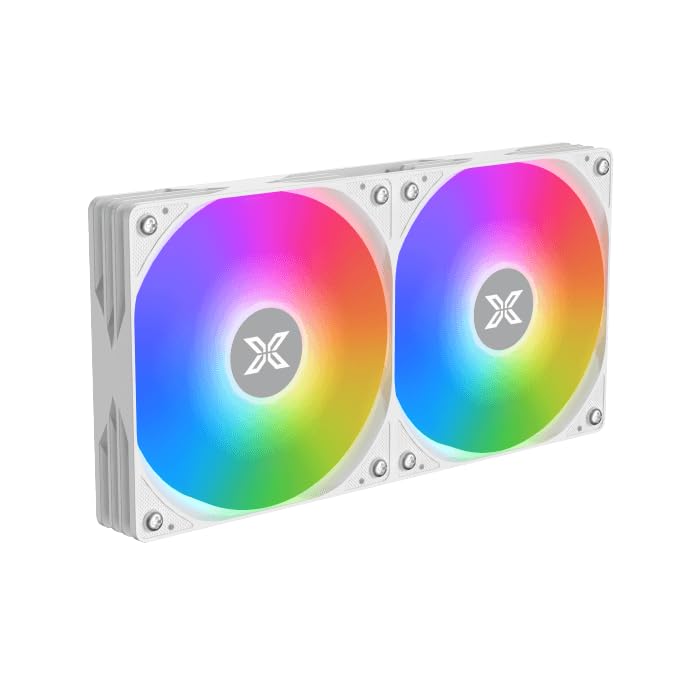
Image: Two ARGB fans are shown mounted on the white radiator, ready for installation.
3.2 Install the CPU Mounting Bracket
Select the appropriate mounting bracket for your CPU socket (Intel LGA 1700/1200/115X or AMD AM5/AM4). Follow the instructions in the mounting kit for your specific socket type to secure the backplate and standoffs to your motherboard.
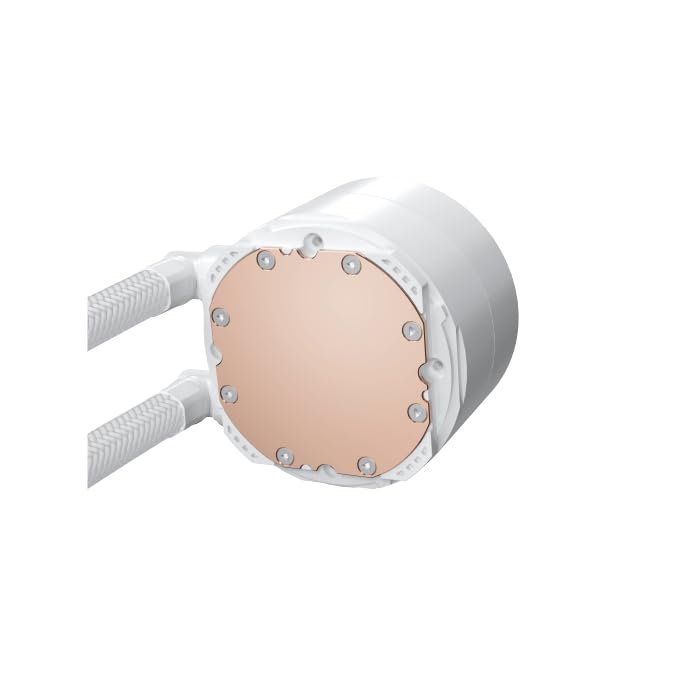
Image: The copper cold plate of the CPU pump block is visible, which makes direct contact with the CPU.
3.3 Thermische pasta aanbrengen
Clean the CPU surface thoroughly. Apply a small amount of the included thermal paste to the center of your CPU's integrated heat spreader (IHS). A pea-sized dot is generally sufficient.
3.4 Mount the Pump/CPU Block
Carefully place the pump/CPU block onto the CPU, aligning it with the standoffs. Secure it with the provided thumb screws, tightening them in a cross pattern until snug. Avoid overtightening.

Image: The complete Xigmatek FENIX 240 ARCTIC AIO Liquid Cooler, showcasing the radiator, fans, and pump with ARGB lighting.
3.5 Install the Radiator
Mount the radiator and fan assembly into an available 240mm fan mount location in your PC case. Common locations include the top or front of the case. Use the appropriate screws to secure it.
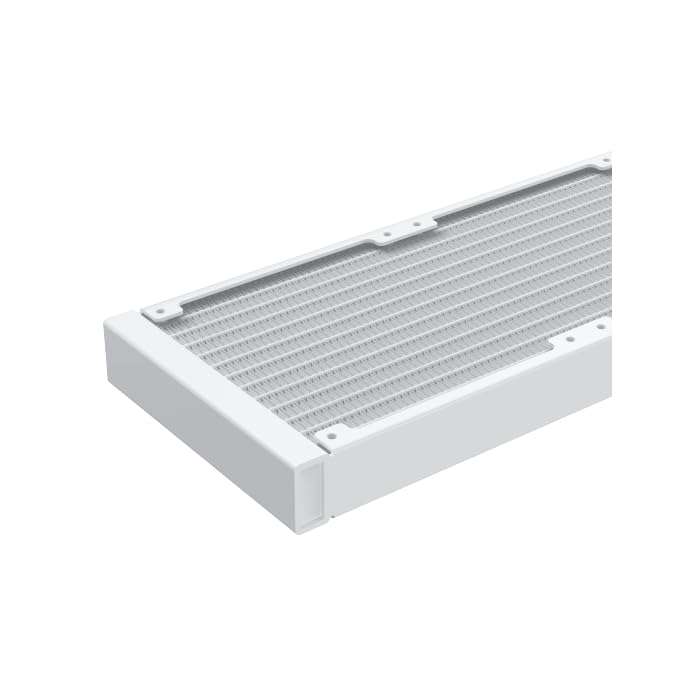
Afbeelding: Een close-up view of the radiator fins, highlighting the high-density aluminum construction for efficient heat dissipation.
3.6 Kabels aansluiten
- Sluit de 3-pins of 4-pins voedingskabel van de pomp aan op een speciale AIO_PUMP- of CPU_FAN-header op uw moederbord.
- Connect the fan power cables to available fan headers on your motherboard or to the included MINI ARGB Controller.
- Connect the ARGB cables from the fans and pump to the MINI ARGB Controller. Then, connect the controller to a 5V 3-pin ARGB header on your motherboard for software control, or use the controller's built-in modes.
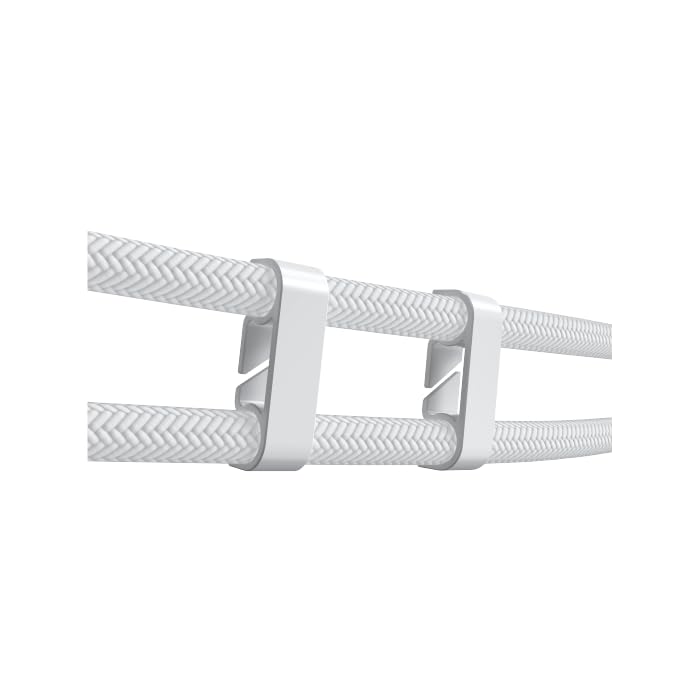
Image: Tube clips are shown securing the braided liquid cooler tubing, helping with cable management and preventing kinks.
4. Gebruiksaanwijzing
Once installed, power on your system. The Xigmatek FENIX 240 ARCTIC AIO will begin cooling your CPU automatically. The pump and fans will adjust their speed based on CPU temperature, as controlled by your motherboard's BIOS settings or fan control software.
ARGB-verlichtingsregeling:
The integrated ARGB lighting can be controlled via the included MINI ARGB Controller or through compatible motherboard software (e.g., ASUS Aura Sync, MSI Mystic Light Sync, Gigabyte RGB Fusion, ASRock Polychrome Sync). Connect the controller to your motherboard's 5V 3-pin ARGB header to synchronize lighting effects.
5. Onderhoud
Regelmatig onderhoud zorgt voor optimale prestaties en een lange levensduur van uw vloeistofkoeler.
- Stofvrij maken: Verwijder regelmatig stof van de radiatorvinnen en ventilatorbladen met perslucht. Zorg ervoor dat de ventilatoren tijdens het reinigen niet draaien.
- Inspectie van de slangen: Controleer de slang op knikken, lekkages of beschadigingen.
- Pompgeluid: Monitor the pump for unusual noises, which could indicate an issue.
6. Probleemoplossing
Als u problemen ondervindt, raadpleeg dan de volgende veelvoorkomende problemen en oplossingen:
- Hoge CPU-temperaturen:
- Ensure the pump is running and connected to the correct header.
- Verify fans are spinning and correctly oriented.
- Check if the CPU block is securely mounted and thermal paste is properly applied.
- Geen ARGB-verlichting:
- Confirm all ARGB cables are securely connected to the controller and motherboard (5V 3-pin header).
- Check motherboard software settings for ARGB control.
- Ensure the MINI ARGB Controller is powered.
- Ongebruikelijk pompgeluid:
- Ensure there are no air bubbles trapped in the pump. Gently tilt your PC case to help dislodge any air.
- Verify the pump is running at an appropriate speed (check BIOS settings).
7. Specificaties
| Functie | Specificatie |
|---|---|
| Modelnummer | EN42980 |
| Radiatormaat | 240 mm |
| Radiatormateriaal | Aluminium |
| Koelmethode | Water |
| Ventilatorsnelheid | Tot 1800 RPM |
| Luchtstroomcapaciteit | 82.8 Cubic Inches Per Minute |
| Geluidsniveau | 29.8 decibel |
| Deeltage | 12 Volt (DC) |
| Wattage | 280 watt |
| Compatibele stopcontacten | Intel LGA 1700/1200/115X, AMD AM5/AM4 |
| Productafmetingen | 12.91 x 8.11 x 5.71 inch |
| Gewicht | 3.62 pond |
8. Garantie en ondersteuning
Xigmatek products are manufactured to high-quality standards. For warranty information and technical support, please refer to the official Xigmatek webwebsite of neem contact op met uw lokale distributeur. Bewaar uw aankoopbewijs voor garantieclaims.
Voor verdere hulp, bezoek: www.xigmatek.com


