1. Inleiding
This manual provides essential information for setting up, operating, and maintaining your DOOGEE N55PLUS Unlocked Cell Phone. Please read it carefully to ensure proper use and to maximize the device's capabilities. The DOOGEE N55PLUS is an Android 14 smartphone featuring a 6.56-inch HD+ 90Hz display, an Octa-Core processor, 20GB RAM (8GB physical + 12GB virtual), 128GB internal storage expandable up to 1TB, a 5150mAh battery, and a 13MP AI main camera.
2. Wat zit er in de doos?
- 1 x DOOGEE N55PLUS Cell Phone
- 1 x Oplader
- 1 x Type-C poortkabel
- 1 x TP Protective film (pre-applied)
- 1 x TPU Protective case
3. Instellen
3.1 Installatie van SIM-kaart en TF-kaart
- Zoek de SIM-kaarthouder aan de zijkant van uw telefoon.
- Steek het SIM-uitwerpgereedschap (indien meegeleverd) in het kleine gaatje naast de lade en duw voorzichtig totdat de lade eruit springt.
- Place your Nano-SIM card(s) and/or TF card into the designated slots on the tray. Ensure the gold contacts are facing down. The phone supports dual 4G SIM cards (nano SIM1 + nano SIM2) or one nano SIM and one TF card for storage expansion.
- Plaats de houder voorzichtig terug in de telefoon totdat deze vastklikt.

3.2 In-/uitschakelen
- Inschakelen: Houd de aan/uit-knop (aan de rechterkant) ingedrukt totdat het DOOGEE-logo verschijnt.
- Uitschakelen: Press and hold the Power button until the power options menu appears. Tap 'Power off' and confirm.
- Herstarten: From the power options menu, tap 'Restart' and confirm.
3.3 Eerste installatie
Upon first power-on, follow the on-screen prompts to complete the initial setup. This includes selecting your language, connecting to Wi-Fi, setting up your Google account, and configuring security features like Face Unlock.
4. Uw telefoon bedienen
4.1 Weergave en navigatie
The DOOGEE N55PLUS features a 6.56-inch HD+ Waterdrop screen with a 90Hz refresh rate, providing a smooth visual experience. Navigate the interface using touch gestures: tap to select, swipe to scroll, pinch to zoom.

4.2 Camerafuncties
The phone is equipped with a 13MP AI main camera and an 8MP front camera. Open the Camera app to capture photos and videos. Various modes such as Portrait, Pro Mode, Beauty, Night mode, and Panorama are available to enhance your photography.

4.3 Prestaties en opslag
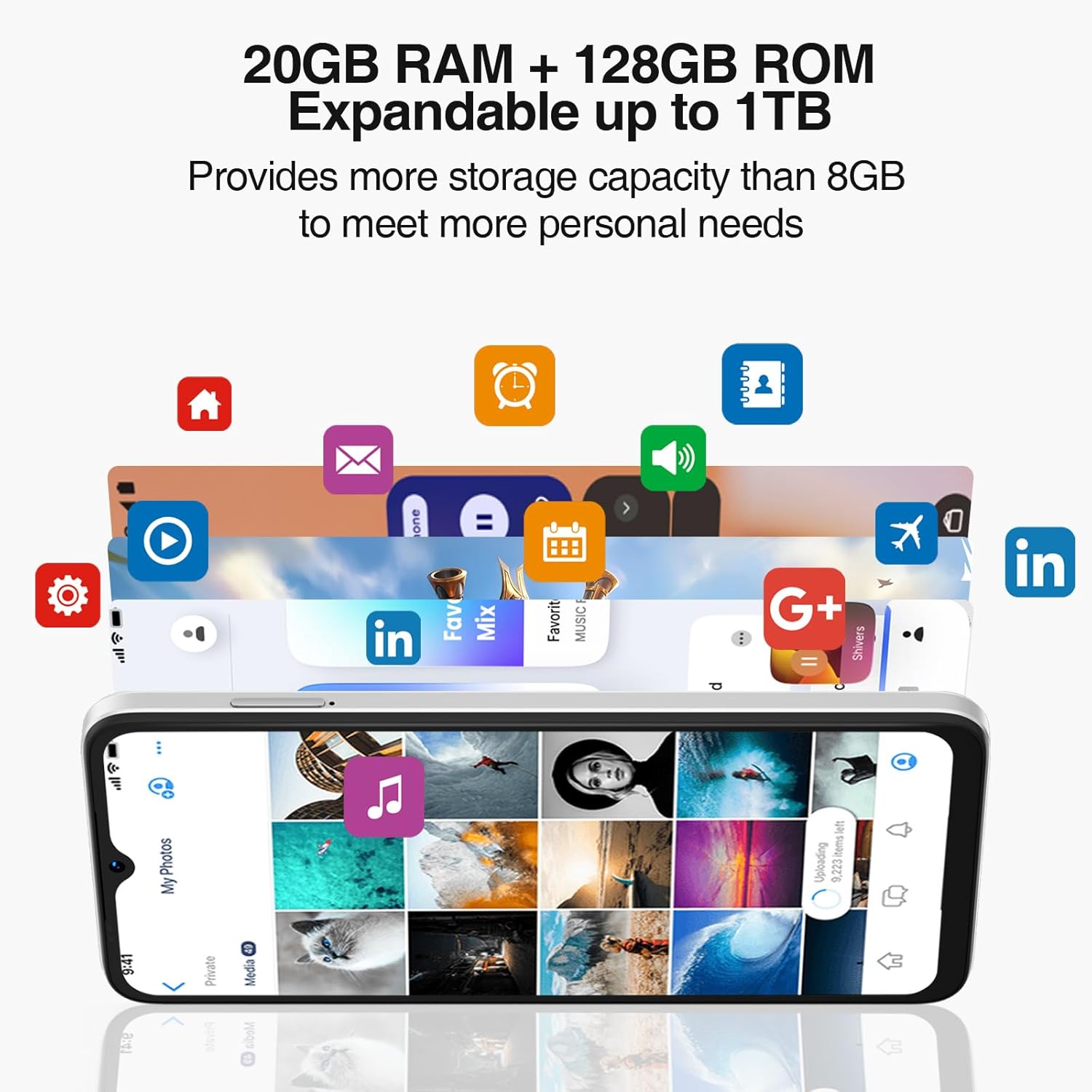
Powered by an Octa-Core processor and 20GB RAM (8GB physical + 12GB virtual), the N55PLUS ensures smooth multitasking and app performance. It comes with 128GB of internal storage, expandable up to 1TB using a TF card, providing amplaat ruimte voor uw files, photos, and applications.
4.4 Batterijbeheer
The 5150mAh large battery provides extended usage time. To optimize battery life, manage background app usage, adjust screen brightness, and enable power-saving modes when needed. The phone supports OTG reverse charging, allowing it to charge other devices.

5. Connectiviteit
- Netwerk: Supports 4G global network bands (GSM, WCDMA, TDD, FDD). Ensure your SIM card is compatible with the phone's supported bands for optimal service.
- Wifi: Maak verbinding met beschikbare wifi-netwerken voor internettoegang.
- Bluetooth: Pair with Bluetooth devices such as headphones, speakers, or car systems.
- GPS-functie: Geïntegreerde GPS, Glonass, Galileo en Beidou voor nauwkeurige navigatie.
- USB Type-C: Voor opladen en gegevensoverdracht.
6. Onderhoud
6.1 Software-updates
Controleer regelmatig op software-updates en installeer deze om ervoor te zorgen dat uw telefoon over de nieuwste functies, beveiligingspatches en prestatieverbeteringen beschikt. Ga naar Instellingen > Systeem > Systeemupdate.
6.2 Uw apparaat schoonmaken
Gebruik een zachte, pluisvrije doek om het scherm en de behuizing van je telefoon schoon te maken. Vermijd het gebruik van agressieve chemicaliën of schurende materialen die het apparaat kunnen beschadigen.
6.3 Opslagbeheer
To maintain optimal performance, periodically clear unnecessary files, ongebruikte apps verwijderen en grote mediabestanden overzetten. files to external storage or cloud services. Go to Instellingen > Opslag to manage your device's storage.
7. Probleemoplossing
- Telefoon gaat niet aan: Zorg ervoor dat de batterij is opgeladen. Sluit de telefoon aan op de oplader en wacht een paar minuten voordat u hem opnieuw probeert aan te zetten.
- Apps crashen of lopen vast: Close and restart the app. If the issue persists, clear the app's cache (Settings > Apps > [App Name] > Storage > Clear cache) or uninstall and reinstall the app.
- Slecht netwerksignaal: Controleer of uw simkaart goed is geplaatst. Verplaats u naar een gebied met betere netwerkdekking. Neem contact op met uw provider als het probleem aanhoudt.
- Batterij raakt snel leeg: Reduce screen brightness, disable unused features like Wi-Fi or Bluetooth, and close background apps. Check battery usage in Settings to identify power-hungry apps.
- Gezichtsherkenning werkt niet: Ensure your face is well-lit and clearly visible to the front camera. Re-register your face data in Settings > Security > Face Unlock.
8. Specificaties
| Functie | Specificatie |
|---|---|
| Modelnaam | N55 Plus |
| Besturingssysteem | Androïde 14 |
| Verwerker | Octa-Core (Mediatek Dimensity 1100, 3.2 GHz) |
| RAM | 8 GB (uitbreidbaar tot 20 GB met virtueel RAM) |
| Interne opslag | 128GB |
| Uitbreidbare opslag | Tot 1 TB via TF-kaart |
| Schermgrootte | 6.56 inch |
| Weergavetype | HD+ IPS Waterdrop-scherm |
| Oplossing | 1612x720 |
| Vernieuwingsfrequentie | 90Hz |
| Hoofdcamera | 13 MP AI-camera |
| Voorcamera | 8 MP |
| Batterijcapaciteit | 5150 mAh lithium-ion |
| Connectiviteit | 4G LTE, Wi-Fi, Bluetooth, USB Type-C |
| Navigatie | GPS, Glonass, Galileo, Beidou |
| Speciale kenmerken | Dual SIM, Expandable Memory, Face Unlock, Widevine L1, OTG |
| Afmetingen | 6.45 x 2.98 x 0.34 inch (8.6 mm dikte) |
| Gewicht | 6.6 ounces (186 gram) |
9. Garantie en ondersteuning
All DOOGEE unlocked phones purchased from our official channels are covered by a 12-month warranty. If you encounter any issues during use, please contact our customer support for assistance. For further support, visit the official DOOGEE webwebsite of raadpleeg de contactgegevens die u bij uw aankoop hebt ontvangen.


