1. Inleiding
Welcome to the user manual for your Thomson RT850BT Bluetooth Speaker, FM Radio, and Alarm Clock. This guide provides detailed instructions on how to set up, operate, and maintain your device. Please read this manual thoroughly before use to ensure proper functionality and to maximize your experience with the RT850BT.
2. Veiligheidsinformatie
Om een veilige werking te garanderen en schade te voorkomen, dient u de volgende veiligheidsmaatregelen in acht te nemen:
- Stel het apparaat niet bloot aan regen, vocht of extreme temperaturen.
- Plaats het apparaat niet in de buurt van warmtebronnen of in direct zonlicht.
- Zorg voor goede ventilatie. Blokkeer geen ventilatieopeningen.
- Gebruik uitsluitend de meegeleverde stroomadapter.
- Probeer het apparaat niet te demonteren of aan te passen. Laat alle onderhoudswerkzaamheden over aan gekwalificeerd personeel.
- Houd het apparaat uit de buurt van sterke magnetische velden.
3. Inhoud van het pakket
Controleer of alle artikelen in het pakket aanwezig zijn:
- Thomson RT850BT Unit
- Stroomadapter
- Gebruiksaanwijzing

Image: Thomson RT850BT packaging, illustrating the product and its key features.
4. Product voorbijview
4.1 Voorpaneel
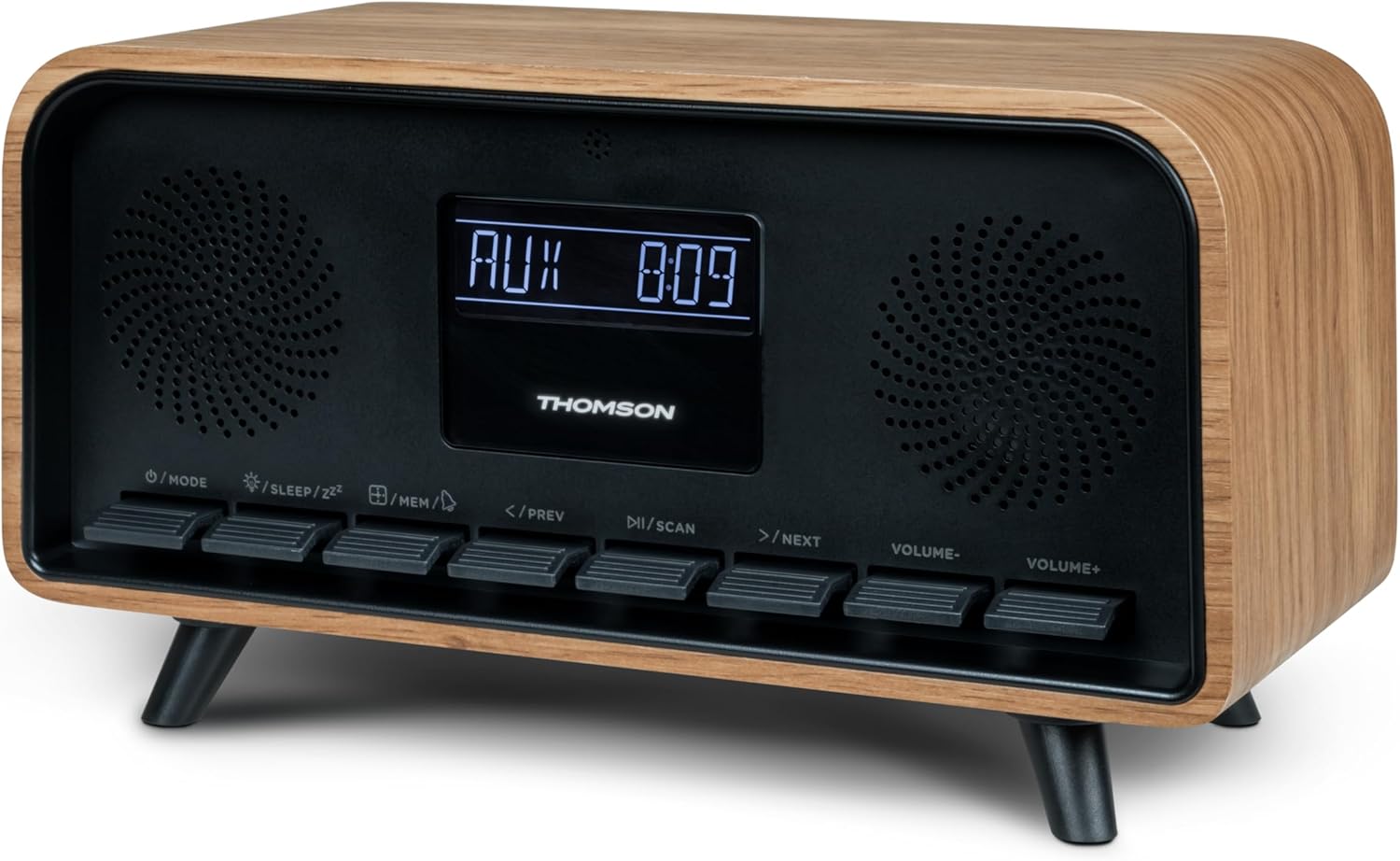
Afbeelding: Voorzijde view of the Thomson RT850BT unit, showing the LCD display, speakers, and control buttons.
- LCD-scherm: Shows time, mode, and other information.
- /MODE Button: Power On/Off, switch between modes (Bluetooth, FM, AUX).
- /SLEEP/ZZ Knop: Set sleep timer, activate snooze.
- /MEM Button: Set alarm, save/recall radio stations.
- </PREV Button: Previous track (Bluetooth), tune down (FM).
- /SCAN Button: Play/Pause (Bluetooth), auto scan (FM).
- >/NEXT Button: Next track (Bluetooth), tune up (FM).
- VOLUME- Button: Volume verlagen.
- VOLUME+ Button: Verhoog het volume.
4.2 Achterpaneel

Afbeelding: Achterkant view of the Thomson RT850BT, highlighting the power supply, Line In (AUX-IN), and USB-C charge output ports.
- Power Supply (DC IN 5V): Sluit de meegeleverde stroomadapter aan.
- Line In (AUX-IN): 3.5 mm audio-ingang voor externe apparaten.
- Charge Output (USB-C): USB Type-C port for charging external devices.
5. Instellen
5.1 Stroomaansluiting
- Connect the power adapter to the DC IN 5V port on the rear of the RT850BT.
- Steek de voedingsadapter in een standaard stopcontact.
- Het apparaat wordt automatisch ingeschakeld of gaat in de stand-bymodus.
5.2 Eerste inschakeling en klokinstelling
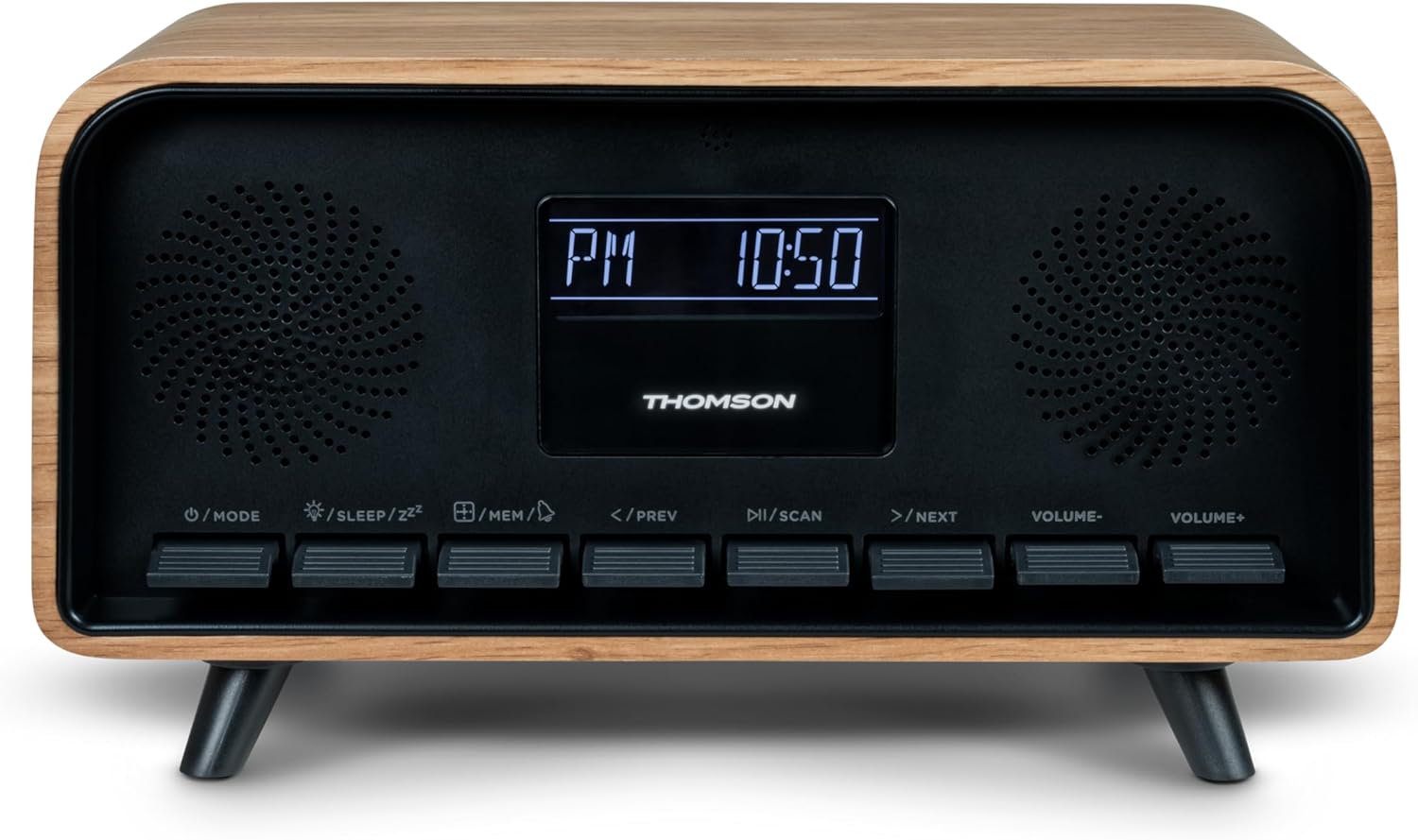
Image: Close-up of the RT850BT's LCD display showing the time, 10:50 PM, and the 'PM' indicator.
- If the unit is in standby, press the /MODUS knop om het in te schakelen.
- Om de klok in te stellen, houdt u de /MEM totdat de tijdsweergave knippert.
- Gebruik de </PREV En >/NEXT knoppen om het uur aan te passen. Druk /MEM bevestigen.
- Gebruik de </PREV En >/NEXT knoppen om de minuten aan te passen. Druk op /MEM bevestigen.
- De klok is nu ingesteld.
6. Gebruiksaanwijzing
6.1 Bluetooth-modus

Image: Close-up of the RT850BT's LCD display indicating 'bt' for Bluetooth mode, along with the current time.
- Druk op de /MODUS button repeatedly until 'bt' appears on the display. The unit is now in Bluetooth pairing mode.
- Schakel Bluetooth in op uw mobiele apparaat en zoek naar beschikbare apparaten.
- Select 'RT850BT' from the list to pair. A confirmation tone will sound upon successful connection.
- You can now play audio from your device through the RT850BT.
- Gebruik de / SCANNEN button to Play/Pause, and </PREV / >/NEXT knoppen om nummers over te slaan.
- Pas het volume aan met de VOLUME- En DEEL+ knoppen.
6.2 FM-radiomodus
- Druk op de /MODUS button repeatedly until the FM frequency appears on the display.
- Auto Scan: Houd de / SCANNEN button to automatically scan and save available FM stations (up to 50 stations).
- Handmatig afstemmen: Kort drukken </PREV or >/NEXT to fine-tune the frequency. Press and hold to scan for the next available station.
- Recall Saved Stations: Druk kort op de /MEM knop om door opgeslagen zenders te bladeren.
6.3 Wekkerfunctie
The RT850BT supports setting multiple alarms.
- Houd in de standby-modus de . ingedrukt /MEM button until 'AL1' or 'AL2' flashes.
- Gebruik </PREV En >/NEXT Om de alarmtijd in te stellen, drukt u vervolgens op /MEM bevestigen.
- Herhaal dit minutenlang.
- Selecteer de alarmbron (zoemer of FM-radio) met behulp van </PREV En >/NEXT, druk dan op /MEM.
- Om een alarm te activeren/deactiveren, drukt u kort op de /MEM button in standby mode to cycle through alarm settings (AL1 ON/OFF, AL2 ON/OFF).
- Als het alarm afgaat, drukt u op /SLEEP/ZZ for snooze (alarm will sound again after 9 minutes) or press /MODUS om de wekker voor die dag uit te zetten.
6.4 AUX-IN-modus
- Connect an external audio device (e.g., MP3 player, smartphone) to the 'Line In' (AUX-IN) port on the rear panel using a 3.5mm audio cable (not included).
- Druk op de /MODUS Druk herhaaldelijk op de knop totdat 'AUX' op het display verschijnt.
- Audio from the connected device will now play through the RT850BT. Control playback from your external device.
6.5 Dimmerfunctie
The display brightness can be adjusted to three intensity levels.
- In any mode, briefly press the /SLEEP/ZZ knop om door de helderheidsniveaus te schakelen.
6.6 Slaapfunctie
Set a timer for the unit to automatically turn off.
- Terwijl het apparaat aan staat, drukt u op de /SLEEP/ZZ button repeatedly to select the desired sleep timer duration (e.g., 15, 30, 60, 90 minutes, OFF).
- Het apparaat wordt na de ingestelde tijd automatisch uitgeschakeld.
6.7 USB-C-oplaadpoort
The USB-C port on the rear panel is for charging external devices.
- Connect your compatible device's USB-C charging cable to the 'Charge output' port.
- Ensure the RT850BT is powered on or in standby mode for charging functionality.
7. Onderhoud
To maintain the performance and appearance of your RT850BT:
- Schoonmaak: Use a soft, dry cloth to clean the exterior. Do not use abrasive cleaners, waxes, or solvents.
- Opslag: Als u het apparaat voor een langere periode opbergt, haal dan de stekker uit het stopcontact en bewaar het op een koele, droge plaats.
- Ventilatie: Ensure the ventilation grilles are free from dust and obstructions.
8. Probleemoplossing
If you encounter issues with your RT850BT, refer to the following table for common problems and solutions:
| Probleem | Mogelijke oorzaak | Oplossing |
|---|---|---|
| Geen stroom | Stroomadapter niet aangesloten of stopcontact defect. | Zorg ervoor dat de stroomadapter goed is aangesloten en dat het stopcontact werkt. |
| Geen geluid | Volume too low, incorrect mode, or device not paired (Bluetooth). | Increase volume. Check if the correct mode (BT, FM, AUX) is selected. Re-pair Bluetooth device. |
| Bluetooth-koppeling mislukt | Device too far, Bluetooth not enabled on source, or RT850BT not in pairing mode. | Ensure devices are within range. Enable Bluetooth on your device. Set RT850BT to 'bt' mode. |
| Slechte FM-ontvangst | Zwak signaal. | Adjust the unit's position to improve reception. |
| Wekker klinkt niet | Alarm niet geactiveerd of verkeerd ingesteld. | Verify alarm settings and ensure it is set to ON. |
9. Specificaties
- Model: RT850BT
- Bluetooth-versie: 5.3
- Radiotuner: FM (87.5-108 MHz)
- Stationsgeheugen: 50 FM-zenders
- Audio-ingang: AUX-IN (3.5 mm)
- Weergave: LCD with 3-intensity dimmer
- Vermogen: 30W Total Music Power
- Oplaadpoort: USB-C (for external devices)
- Energiebron: Elektrische apparaten met snoer (DC 5V)
- Gewicht: 600 gram
10. Garantie en ondersteuning
For warranty information and technical support, please refer to the documentation provided at the time of purchase or contact your local Thomson customer service. Keep your proof of purchase for warranty claims.


