Invoering
Thank you for choosing the Bontempi PlayKeys Toy Keyboard 37 Keys. This manual provides essential information for the safe and proper use, setup, operation, and maintenance of your new musical instrument. Please read this manual thoroughly before use and retain it for future reference.
The Bontempi PlayKeys Toy Keyboard is designed to introduce children to the world of music, fostering creativity and cognitive development through interactive play. It features 37 keys and includes a microphone for singing along.
Veiligheidsinformatie
Neem de volgende veiligheidsmaatregelen in acht:
- Dit product is bedoeld voor kinderen onder toezicht van een volwassene.
- Stel het toetsenbord niet bloot aan water of overmatig vocht.
- Use only the specified 5V power adapter provided or recommended by Bontempi.
- Keep small parts, such as the microphone, away from very young children to prevent choking hazards.
- Probeer het toetsenbord niet te demonteren of te wijzigen.
- Zorg tijdens gebruik voor voldoende ventilatie rondom het apparaat.
Inhoud van het pakket
Controleer of alle artikelen in het pakket aanwezig zijn:
- Bontempi PlayKeys Toy Keyboard 37 Keys
- Microfoon
- 5V Power Adapter (compatible with models 16 6110, 16 5415, 16 5425, 154909, 15 3790, 15 3785, 15 3220, 15 3780)
- Gebruiksaanwijzing (dit document)
Instellen
-
Stroomaansluiting:
Locate the DC 5V input port on the back or side of the keyboard. Insert the small plug of the 5V power adapter into this port. Plug the other end of the power adapter into a standard electrical outlet.
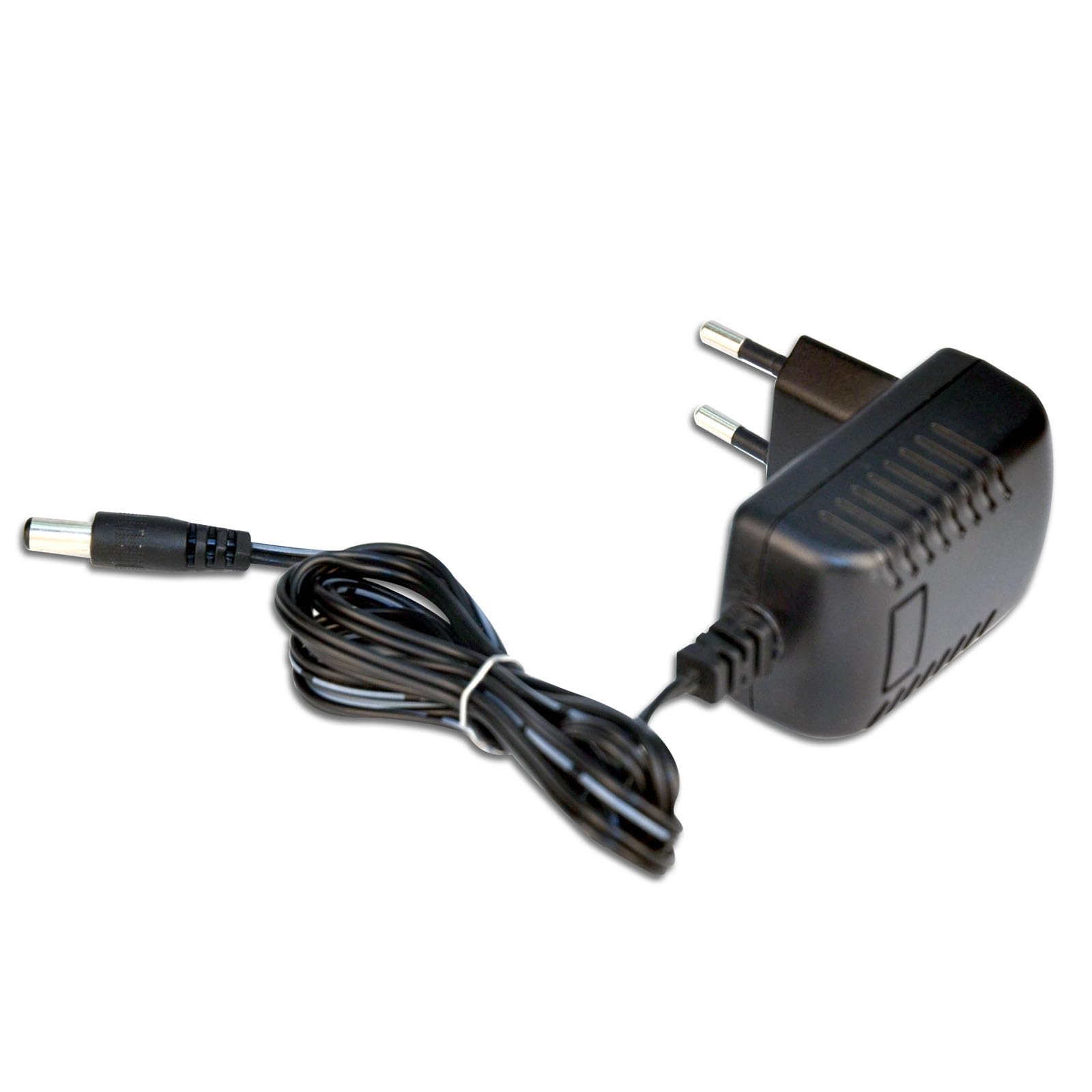
Image: The Bontempi PlayKeys Toy Keyboard, showing the power adapter connected to the appropriate port. The keyboard is multicolored with 37 keys and a microphone input.
-
Microfoonaansluiting:
Identify the microphone input jack, typically located near the power input. Insert the microphone's plug firmly into this jack.
-
Inschakelen:
Press the Power button, usually located on the front panel of the keyboard, to turn on the device. An indicator light may illuminate.
Gebruiksaanwijzing
Once the keyboard is powered on, you can begin playing:
-
Playing Keys:
Press the 37 keys to produce musical notes. Experiment with different keys to create melodies.
-
De microfoon gebruiken:
Speak or sing into the connected microphone. Your voice will be amplified through the keyboard's speakers, allowing you to sing along with your music.
-
Volumeregeling:
Adjust the volume using the dedicated volume controls (if present) on the keyboard's control panel. Start with a low volume and increase it gradually.
-
Andere functies:
Depending on the specific model, your keyboard may include additional features such as different instrument sounds, rhythm patterns, or recording functions. Refer to the labels on the control panel for these options.
Onderhoud
Proper care will extend the life of your Bontempi PlayKeys Toy Keyboard:
-
Schoonmaak:
Wipe the surface of the keyboard with a soft, dry cloth. Do not use abrasive cleaners, solvents, or chemical sprays, as these can damage the finish.
-
Opslag:
When not in use, store the keyboard in a cool, dry place, away from direct sunlight and extreme temperatures. Disconnect the power adapter when storing for extended periods.
-
Behandeling:
Ga voorzichtig om met het toetsenbord. Laat het niet vallen en stel het niet bloot aan harde stoten.
Probleemoplossing
Als u problemen ondervindt met uw toetsenbord, raadpleeg dan de volgende veelvoorkomende problemen en oplossingen:
| Probleem | Mogelijke oorzaak | Oplossing |
|---|---|---|
| Toetsenbord gaat niet aan. | Stroomadapter niet aangesloten of defect. | Ensure the power adapter is securely plugged into both the keyboard and the electrical outlet. Check if the outlet is functional. |
| Geen geluid uit het toetsenbord. | Het volume is te laag of gedempt. | Verhoog het volume met de volumeregelaars. |
| Microfoon werkt niet. | Microfoon niet goed aangesloten. | Ensure the microphone is fully inserted into its jack. |
| Vervormd geluid. | Volume too high or faulty connection. | Reduce the volume. Check all connections. |
If the problem persists after trying these solutions, please contact Bontempi customer support or your retailer for assistance.
Specificaties
| Functie | Detail |
|---|---|
| Merk | Bontempi |
| Modelnummer | 65 0505 |
| Product Dimensions (Power Adapter) | 1.65 x 2.68 x 2.76 inch |
| Item Weight (Power Adapter) | 2.46 ons |
| Afmetingen toetsenbord | 425x160x50mm |
| Compatibele apparaten | Musical Instruments (Bontempi) |
| Meegeleverde componenten | Power adapter 5V mains (16 6110, 16 5415, 16 5425, 154909, 15 3790, 15 3785, 15 3220, 15 3780) |
| Speciale functie | Reis |
| Kleur | Veelkleurig |
| Ingangsvolumetage | 230 Volts (for power adapter) |
| Wattage | 20 watts (for power adapter) |
| Uitgangsstroom | 0.5 Amps (for power adapter) |
| Materiaal | Plastic |
Note: Some specifications listed pertain specifically to the included 5V power adapter.
Garantie en ondersteuning
For warranty information and customer support, please refer to the documentation provided with your purchase or contact your retailer. You may also visit the official Bontempi website voor verdere assistentie.


