1. Inleiding
The ELECOM EX-G Left Hand Wired USB Ergonomic Mouse (M-XGL31UBSKBK) is designed to provide comfort and efficiency for left-handed users. Its unique ergonomic shape supports a natural hand posture, reducing strain during extended use. This manual provides essential information for setting up, operating, and maintaining your mouse.

Image: A person's left hand resting comfortably on the ELECOM ergonomic mouse, demonstrating its left-handed design.

Image: Diagram illustrating the ergonomic shape of the mouse, highlighting the concave nest for fingers and angled shape to reduce wrist stress.

Image: Comparison image showing the difference in hand posture between a vertical mouse and the EX-G Half-Vertical mouse, emphasizing easier clicking with gravity.
2. Belangrijkste kenmerken
- Ergonomische vorm: Designed with a specific height and angle to allow for a relaxed posture from the palm to the wrist and arm.
- Left-Handed Design: Exclusively crafted for left-handed users, with the left click button positioned on the right side for primary index finger operation.
- Stille klikschakelaar: Equipped with a silent switch to eliminate clicking sounds, ideal for quiet environments like meetings or late-night work.
- Aanpasbare knoppen: Utilize the ELECOM Mouse Assistant software (available for download) to assign preferred functions to the mouse buttons.
- Hoge precisie optische sensor: Features a 2000 DPI optical sensor with BlueLED technology, ensuring comfortable operation and accurate tracking on various surfaces.
- Bekabelde USB-verbinding: Provides a reliable plug-and-play connection without concerns about radio interference.

Image: A hand fitment chart with measurements to help users determine the correct mouse size.

Image: Close-up of the Panasonic silent click switch components and a user operating the mouse quietly.

Image: A hand on the mouse with a DPI gauge, indicating 2000 DPI for comfortable operation.
3. Instellen
The ELECOM EX-G mouse is a plug-and-play device, requiring no additional driver installation for basic functionality.
- Locate an available USB port on your computer (PC, Mac, or Laptop).
- Plug the USB connector of the mouse cable into the USB port.
- Your operating system will automatically detect and install the necessary drivers. The mouse will be ready for use within a few moments.

Image: The wired USB connection of the mouse to a laptop, with a coiled 1.5m USB cable shown next to it.
4. Gebruiksaanwijzing
Knopfuncties
- Left Click (Primary Button): Located on the right side of the mouse, operated by the index finger. Performs primary selection and activation functions.
- Right Click (Secondary Button): Located on the left side of the mouse, typically operated by the thumb. Accesses contextual menus and secondary functions.
- Muis wieltje: Located on the top surface. Scroll up or down to navigate documents and web pages. Can also be pressed for middle-click functionality (e.g., opening links in new tabs).
- Zijknoppen: Two additional buttons are located on the side for customizable functions, often used for 'forward' and 'back' navigation in web browsers.
DPI-aanpassing
The mouse operates at 2000 DPI, providing a balance of speed and precision for most tasks. No manual DPI adjustment button is present on this model, as it is optimized for consistent performance.
Aanpassingssoftware
For advanced customization of button functions and other settings, download the ELECOM Mouse Assistant software from the official ELECOM website (elecomusa.com).
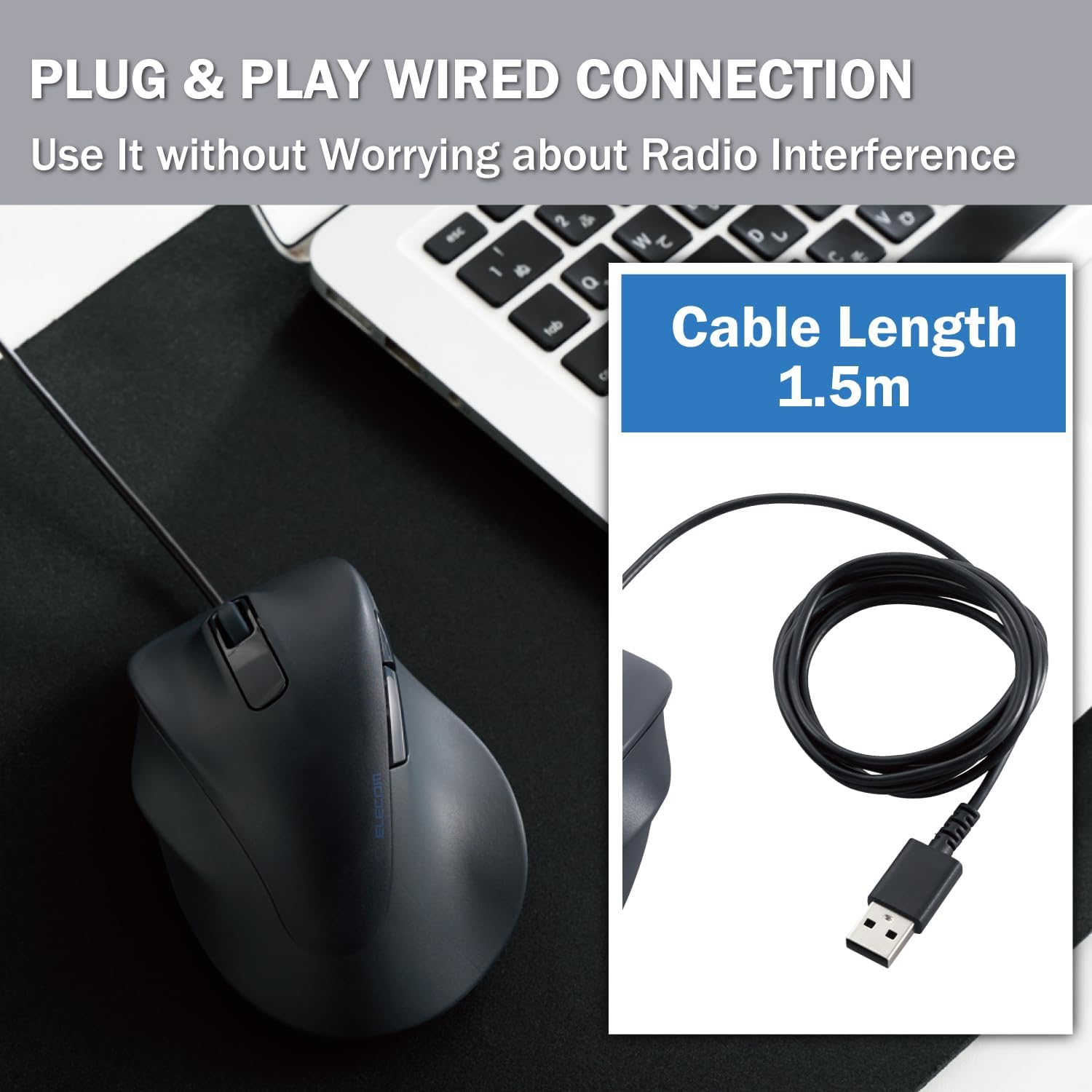
Image: Screenshot of the ELECOM Mouse Assistant software interface on a laptop, showing customization options for buttons and cursor speed.
5. Onderhoud
- Schoonmaak: Regularly wipe the mouse surface with a soft, dry cloth. For stubborn dirt, use a slightly damp Maak de doek schoon met milde zeep en droog hem daarna grondig af. Vermijd agressieve chemicaliën of schurende materialen.
- Sensorverzorging: Houd de optische sensor aan de onderkant van de muis schoon en vrij van stof en vuil om nauwkeurige tracking te garanderen.
- Kabelbeheer: Vermijd scherpe bochten en trek niet te hard aan de USB-kabel om schade te voorkomen.
- Opslag: Wanneer u de muis niet gebruikt, bewaart u deze op een schone, droge plaats, uit de buurt van extreme temperaturen.
6. Probleemoplossing
- Muis reageert niet:
- Zorg ervoor dat de USB-kabel goed is aangesloten op een werkende USB-poort.
- Try plugging the mouse into a different USB port or a different computer to rule out port or system issues.
- Start uw computer opnieuw op.
- Onregelmatige cursorbeweging:
- Maak de optische sensor aan de onderkant van de muis schoon.
- Zorg ervoor dat u de muis op een geschikte ondergrond gebruikt. Sterk reflecterende of transparante oppervlakken kunnen de nauwkeurigheid van de muisbewegingen beïnvloeden. Een muismat wordt aanbevolen.
- Knoppen werken niet:
- Check if the ELECOM Mouse Assistant software is installed and configured correctly. Reset settings to default if necessary.
- Test the mouse on another computer to determine if it's a hardware or software issue.
7. Specificaties
| Productafmetingen | 4.72 x 3.11 x 2.28 inch |
| Artikelgewicht | 4.1 ons |
| Artikelmodelnummer | M-XGL31UBSKBK |
| Merk | ELECOM |
| Kleur | Left-Hand Black |
| Connectiviteitstechnologie | USB (bekabeld) |
| Speciale functie | Stille schakelaar |
| Bewegingsdetectietechnologie | Optisch |
8. Garantie en ondersteuning
This ELECOM product comes with a 2 jaar garantie. In the unlikely event of a product defect, ELECOM offers a product warranty for quality issues. Within 2 years of purchase, you may be eligible for a replacement of the defective product by applying for a return or exchange through the return/exchange request form on the official ELECOM USA website (elecomusa.com).
For more information regarding warranty terms, product support, or to download the ELECOM Mouse Assistant software, please visit the official ELECOM USA webplaats.


