1. Inleiding
This manual provides detailed instructions for the setup, operation, maintenance, and troubleshooting of your STRONG 4GMIFI150D CAT4/4G LTE Mobile Hotspot. Please read this manual carefully before using the device to ensure optimal performance and safety.
The STRONG 4GMIFI150D is a portable 4G LTE mobile hotspot designed to provide high-speed internet access on the go. It allows you to share a 4G/3G connection with up to 32 Wi-Fi enabled devices, including tablets, mobile phones, laptops, and gaming consoles.
2. Inhoud van het pakket
Controleer of alle artikelen in het pakket aanwezig zijn:
- 1x STRONG 4G Portable Hotspot 150D
- 1x USB cable for power supply
- 1x Snelle installatiehandleiding
- 1x Safety instructions and warranty card

Image: Contents of the STRONG 4G Portable Hotspot 150D package, including the device, its retail box, a USB charging cable, a quick installation guide, and safety/warranty information.
3. Apparaat voorbijview
Familiarize yourself with the physical features and display indicators of your mobile hotspot.

Afbeelding: Voorzijde view of the STRONG 4GMIFI150D Mobile Hotspot. It features a central display screen and a power button below it. The screen shows indicators for 4G signal, LTE Hotspot status, battery level, Wi-Fi signal, SMS reception, current time, and data usage.

Afbeelding: Gedetailleerd view of the STRONG 4GMIFI150D's screen display, illustrating icons for 4G signal strength, battery level, SMS reception information, Wi-Fi signal level, and a section for displaying time and downloaded data.

Afbeelding: Diverse views of the STRONG 4GMIFI150D Mobile Hotspot, showing its front with the display, side profiles, top, and bottom, highlighting its compact and sleek design.
4. Instellen
4.1. De simkaart plaatsen
The STRONG 4GMIFI150D requires a 4G SIM card to establish an internet connection. Ensure the device is powered off before inserting or removing the SIM card.
- Zoek de SIM-kaartsleuf op het apparaat.
- Carefully insert your 4G SIM card into the slot until it clicks into place. Ensure the SIM card is oriented correctly according to the diagram on the device or in the quick installation guide.
- Sluit indien van toepassing het klepje van het simkaartslot.
4.2. Het apparaat opladen
Before first use, fully charge the device. The 2100 mAh battery provides up to 8 hours of intensive use.
- Connect the provided USB cable to the micro-USB port on the hotspot.
- Sluit het andere uiteinde van de USB-kabel aan op een USB-stroomadapter (niet meegeleverd) of op een USB-poort van een computer.
- The battery indicator on the display will show charging progress.
5. Gebruiksaanwijzing
5.1. In-/uitschakelen
- Om het apparaat in te schakelen: Houd de aan/uit-knop ingedrukt totdat het scherm oplicht.
- Om het apparaat uit te schakelen: Houd de aan/uit-knop ingedrukt totdat het apparaat uitschakelt.
5.2. Connecting Devices to the Hotspot
Once the hotspot is powered on and has established a 4G connection, you can connect your Wi-Fi enabled devices.
- On your Wi-Fi enabled device (e.g., smartphone, laptop), open the Wi-Fi settings.
- Scan naar beschikbare wifi-netwerken.
- Select the network name (SSID) of your STRONG 4GMIFI150D hotspot. The SSID and default password (WPA/WPA2) are typically found on a sticker inside the battery compartment or on the device's screen.
- Voer het Wi-Fi-wachtwoord in wanneer daarom wordt gevraagd.
- Je apparaat zou nu via de hotspot met internet verbonden moeten zijn.
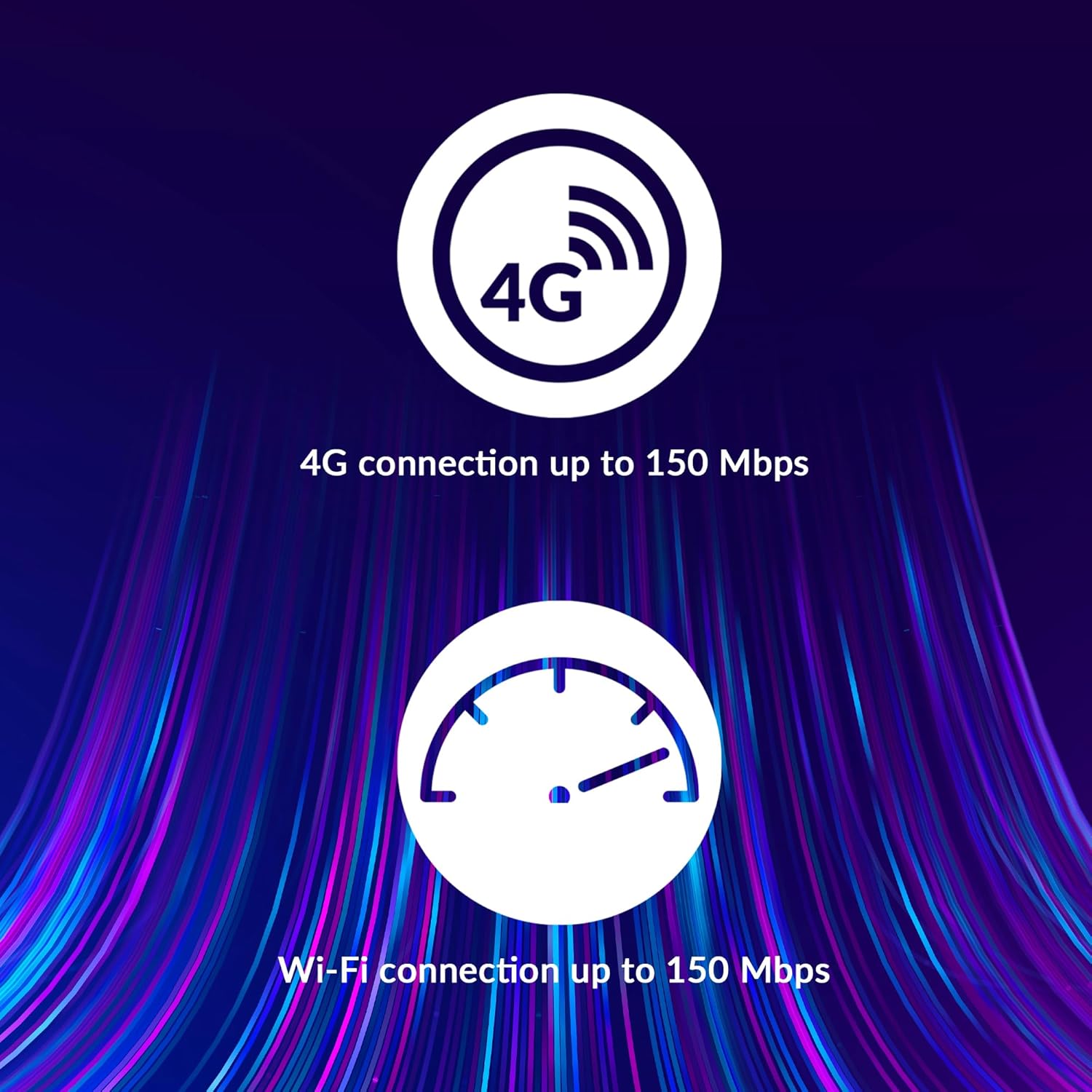
Image: A user holding the STRONG 4GMIFI150D Mobile Hotspot, demonstrating the QR code feature on its screen. This QR code can be scanned by compatible devices to quickly connect to the Wi-Fi network without manually entering the password.
For quick access, you can scan the QR code displayed on the hotspot's screen using a compatible device. This will automatically configure the Wi-Fi connection.
Example QR code content (for reference, actual values vary): WIFI:S:STRONG_XXXX_2.4GHz;T:WPA;P:XXXXXXXXXX;;
5.3. Web Management interface
For advanced settings and monitoring, access the web beheerinterface:
- Verbind je apparaat met het wifi-netwerk van de hotspot.
- Open een web browser and enter the default IP address (usually 192.168.0.1 or 192.168.1.1) found in the Quick Installation Guide or on the device.
- Enter the default username and password (e.g., admin/admin).
- From here, you can manage Wi-Fi settings, security protocols (WPA/WPA2), PIN code management, and view verbindingsstatus.
6. Prestaties
The STRONG 4GMIFI150D offers robust performance for various internet activities.
- 4G Connection Speed: Up to 150 Mbps download speed.
- Wi-Fi Connection Speed: Up to 150 Mbps.
- Apparaatondersteuning: Connect up to 32 Wi-Fi devices simultaneously.
- Levensduur batterij: Up to 8 hours of intensive use with the 2100 mAh battery.

Image: A graphic representation highlighting the performance capabilities of the hotspot, showing a 4G connection speed of up to 150 Mbps and a Wi-Fi connection speed of up to 150 Mbps.

Image: A person working on a laptop outdoors with the STRONG 4GMIFI150D Mobile Hotspot placed on the table next to them, illustrating the device's portability and suitability for remote work or travel.
7. Onderhoud
7.1. Schoonmaken
Veeg het apparaat af met een zachte, droge doek. Gebruik geen vloeibare reinigingsmiddelen of spuitbussen.
7.2. Batterijverzorging
- Stel de batterij niet bloot aan extreme temperaturen.
- Charge the battery regularly, even if the device is not in use, to maintain its lifespan.
- If the device will not be used for an extended period, store it with a partial charge (around 50%).
7.3. Firmware-updates
Controleer regelmatig de specificaties van de fabrikant webde locatie of het apparaat web Beheerinterface voor beschikbare firmware-updates om optimale prestaties en beveiliging te garanderen.
8. Probleemoplossing
| Probleem | Mogelijke oorzaak | Oplossing |
|---|---|---|
| Geen internetverbinding | No SIM card inserted, incorrect APN settings, no 4G signal, data plan exhausted. | Zorg ervoor dat de simkaart correct is geplaatst. Controleer de APN-instellingen via web interface. Move to an area with better signal. Check data plan with your mobile operator. |
| Kan geen verbinding maken met wifi | Incorrect Wi-Fi password, hotspot is off, too many devices connected. | Verify Wi-Fi password. Ensure hotspot is powered on. Disconnect some devices if 32 devices are already connected. |
| Langzame internetsnelheid | Weak 4G signal, network congestion, distance from hotspot, too many connected devices. | Relocate the hotspot for better signal. Reduce the number of connected devices. Move closer to the hotspot. |
| Apparaat gaat niet aan | Battery drained, faulty battery/charger. | Laad het apparaat minimaal 30 minuten op. Probeer een andere USB-kabel of voedingsadapter. |
9. Specificaties
| Functie | Detail |
|---|---|
| Model | 4GMIFI150D |
| Merk | Sterk |
| Connectiviteitstype | Wi-Fi, 4G LTE |
| Wireless Standard | 802.11b |
| 4G-snelheid | Up to 150 Mbps (Download) |
| Wi-Fi-snelheid | Tot 150 Mbps |
| Ondersteunde apparaten | Tot wel 32 wifi-apparaten |
| Batterijcapaciteit | 2100 mAh lithium-ion |
| Levensduur van de batterij | Up to 8 hours (intensive use) |
| Productafmetingen | 19x5.7x14cm |
| Artikelgewicht | 189 gram |
| Beveiliging | WPA/WPA2, PIN code management |
| Besturingssysteem | RouterOS (internal) |
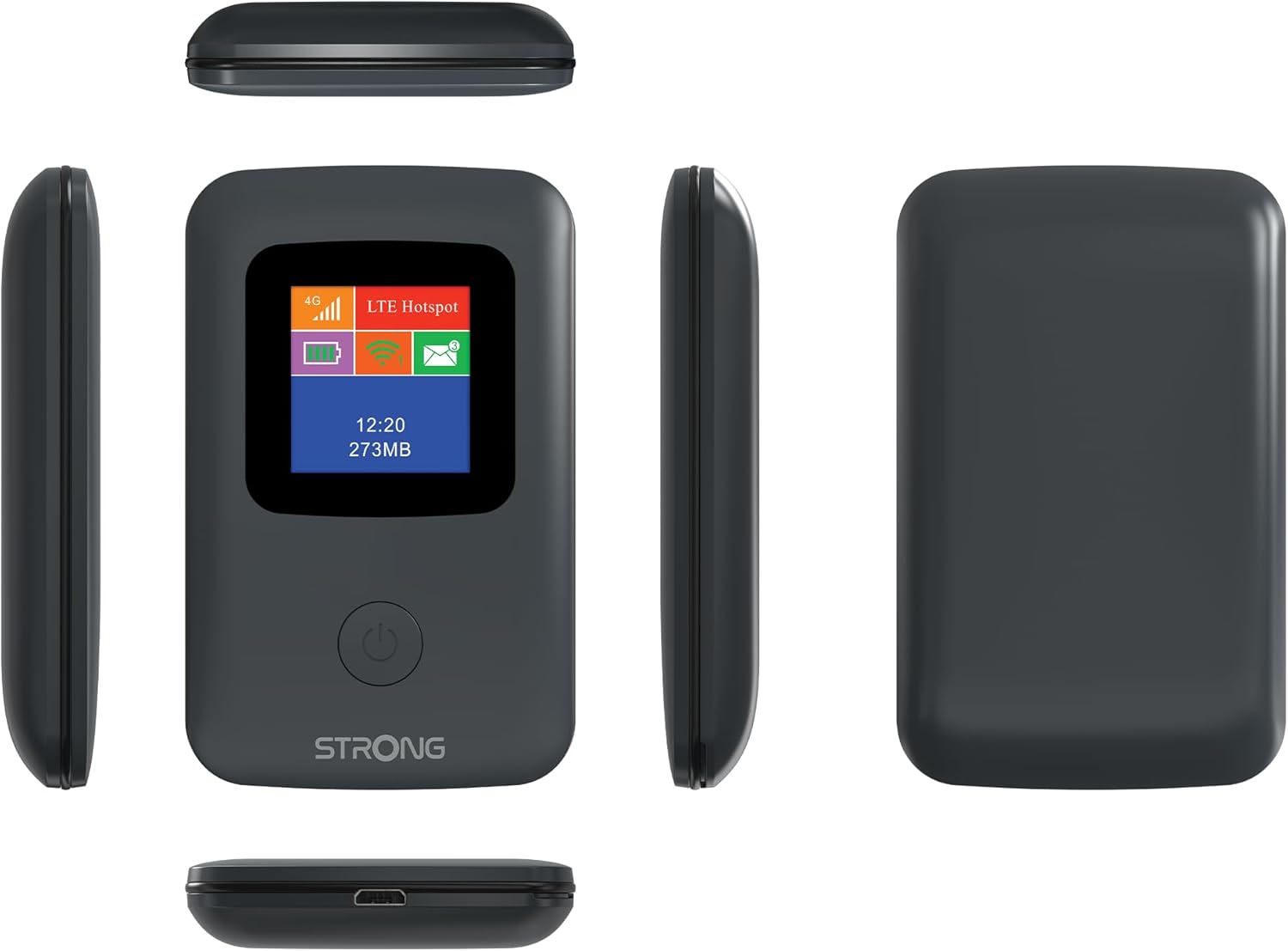
Image: A size comparison showing the STRONG 4GMIFI150D Mobile Hotspot next to a standard credit card, indicating its compact dimensions (92mm height, 58mm width) relative to a credit card (86mm height, 54mm width).
10. Garantie en ondersteuning
This product comes with a warranty as detailed in the included warranty card. For technical support, troubleshooting assistance beyond this manual, or warranty claims, please refer to the contact information provided in your product packaging or visit the official Strong webplaats.
Bewaar uw aankoopbewijs voor garantiedoeleinden.
11. Veiligheidsinformatie
- Stel het apparaat niet bloot aan water of overmatige vochtigheid.
- Zorg ervoor dat u het apparaat niet laat vallen en blootstelt aan sterke schokken.
- Probeer het apparaat niet zelf te demonteren of te repareren. Laat dit over aan gekwalificeerd servicepersoneel.
- Gebruik uitsluitend de meegeleverde of aanbevolen accessoires.
- Verwijder het apparaat en de batterij op verantwoorde wijze volgens de plaatselijke voorschriften.


