1. Inleiding
This manual provides detailed instructions for the operation and maintenance of your Jectse MP3 Player. This portable device features a 2.4-inch full-touch screen, 4GB internal storage, Bluetooth 5.0 connectivity, FM radio, E-book reader, and voice recording capabilities. Please read this manual thoroughly before using the device to ensure proper functionality and longevity.
2. Veiligheidsinformatie
- Stel het apparaat niet bloot aan extreme temperaturen, direct zonlicht of hoge luchtvochtigheid.
- Zorg ervoor dat u het apparaat niet laat vallen en blootstelt aan sterke schokken.
- Demonteer het apparaat niet en probeer het niet zelf te repareren. Hierdoor vervalt de garantie.
- Use only the provided charging cable and certified power adapters.
- Luister op een matig volumeniveau om gehoorschade te voorkomen.
- Houd het apparaat uit de buurt van water en andere vloeistoffen.
3. Inhoud van het pakket
Controleer of alle artikelen in het pakket aanwezig zijn:
- Jectse MP3 Player
- Bedrade hoofdtelefoon
- USB-oplaadkabel

Image: The Jectse MP3 Player, along with its included wired headphones and USB charging cable, laid out on a surface.
4. Product voorbijview
The Jectse MP3 Player features a compact design with a 2.4-inch touch screen for intuitive navigation. The device includes physical buttons on the side for power, volume control, and other functions. A built-in speaker is located on the back.

Afbeelding: Voorzijde view of the Jectse MP3 Player displaying its colorful touch screen interface with icons for Music, Video, Dictionary, Recorder, Settings, Applications, Folder, Listening, FM Radio, and Ebook.
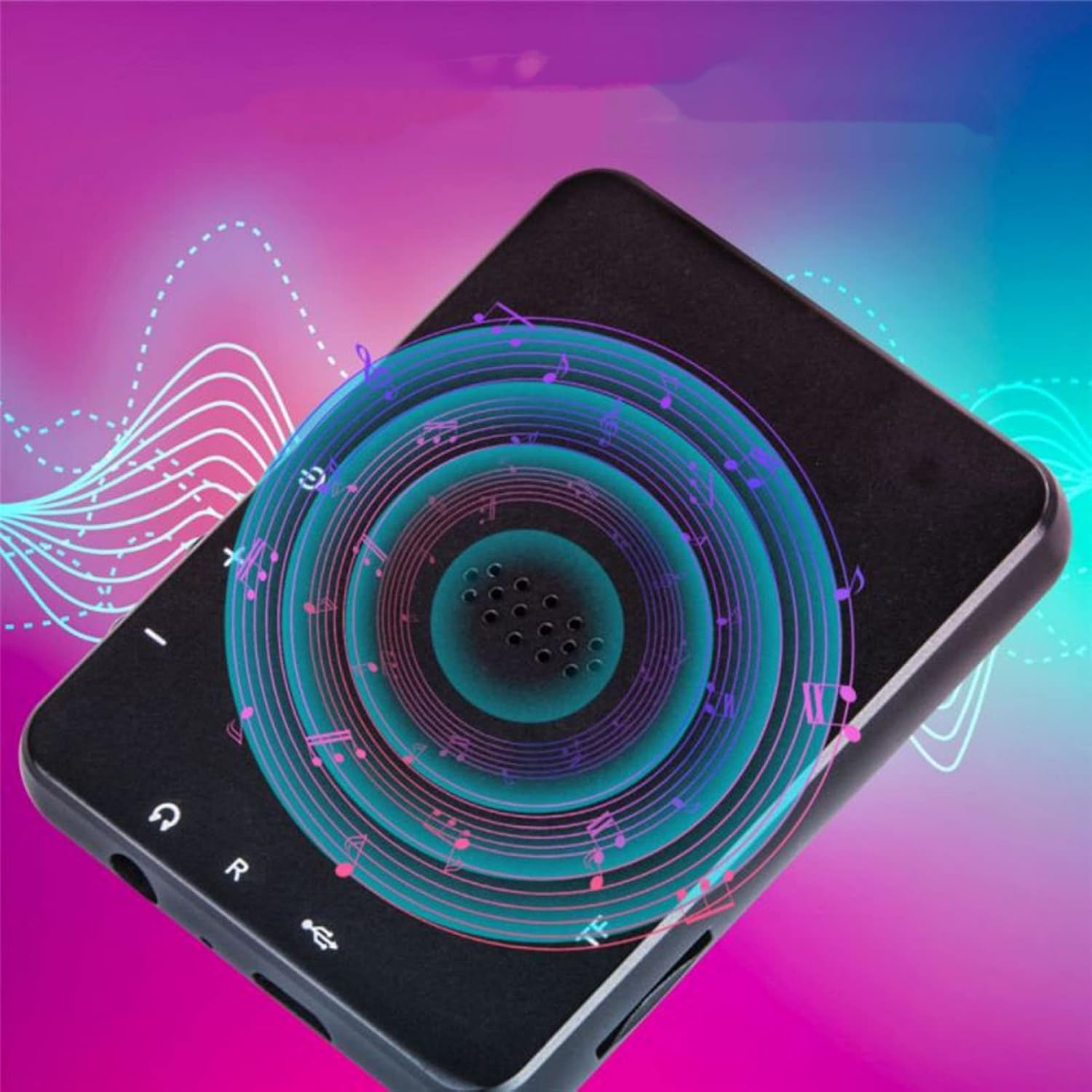
Afbeelding: Achterkant view of the Jectse MP3 Player, showing the speaker grille and side buttons for power and volume, with a visual representation of sound waves emanating from the speaker.
5. Instellen
5.1. Het apparaat opladen
Before first use, fully charge the MP3 player. Connect the provided USB charging cable to the device's charging port and plug the other end into a USB power adapter (not included) or a computer's USB port. The battery indicator on the screen will show charging status.
5.2. Een geheugenkaart plaatsen (optioneel)
The device has 4GB of internal storage. To expand storage, insert a microSD card (up to 256GB, not included) into the memory card slot. Ensure the card is inserted correctly until it clicks into place.
5.3. Een hoofdtelefoon aansluiten
Plug the wired headphones into the 3.5mm audio jack on the device. Alternatively, you can connect Bluetooth headphones (see section 6.2).
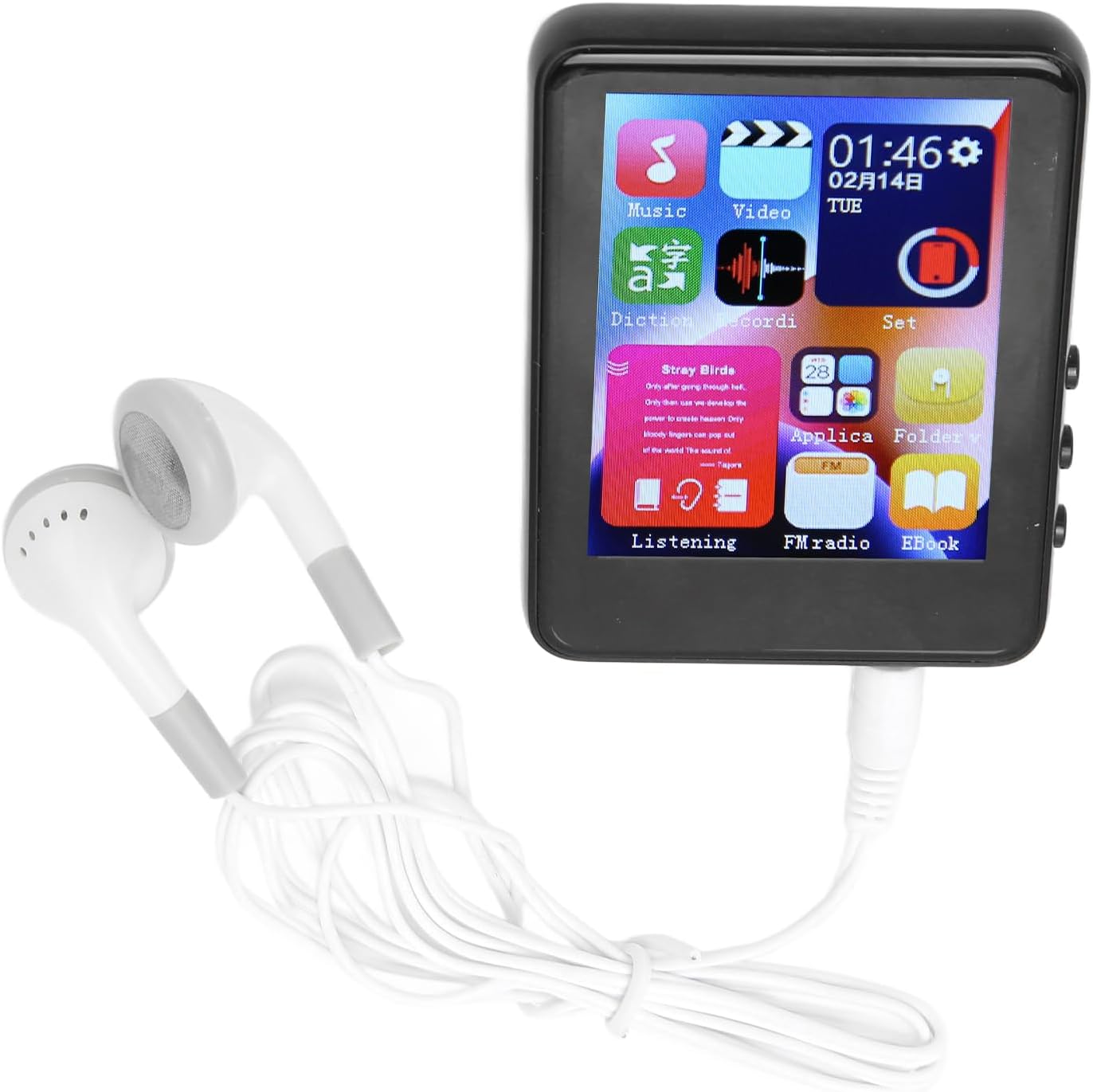
Image: The Jectse MP3 Player with white wired headphones plugged into its audio jack, ready for use.
5.4. In-/uitschakelen
- Inschakelen: Press and hold the power button on the side of the device until the screen lights up.
- Uitschakelen: Houd de aan/uit-knop ingedrukt totdat de optie 'Uitschakelen' op het scherm verschijnt en bevestig dit.
6. Gebruiksaanwijzing
6.1. Navigatie
The device features a full-touch screen. Swipe left/right or up/down to navigate through menus and applications. Tap an icon to open an application or select an option. Use the back arrow or swipe gestures (if available) to return to the previous screen.
6.2. Muziek afspelen
The player supports MP3, APE, FLAC, WMA, WAV, and AAC audio formats. Transfer music files from your computer to the device's internal storage or an inserted memory card.
- Tik op het 'Muziek'-pictogram op het startscherm.
- Blader door je muziekbibliotheek op artiest, album, genre of map.
- Tik op een nummer om het afspelen te starten.
- Gebruik de bedieningselementen op het scherm om af te spelen/pauzeren, nummers over te slaan en het volume aan te passen.

Image: The Jectse MP3 Player showing a music playback screen with album art and controls, while a person enjoys music with wireless earbuds.
6.3. Bluetooth-verbinding
Connect your MP3 player to Bluetooth headphones or speakers for wireless audio.
- Ga naar 'Instellingen' en selecteer 'Bluetooth'.
- Schakel Bluetooth in.
- Zorg ervoor dat uw Bluetooth-audioapparaat in de koppelingsmodus staat.
- Selecteer uw apparaat uit de lijst met beschikbare apparaten om te koppelen.
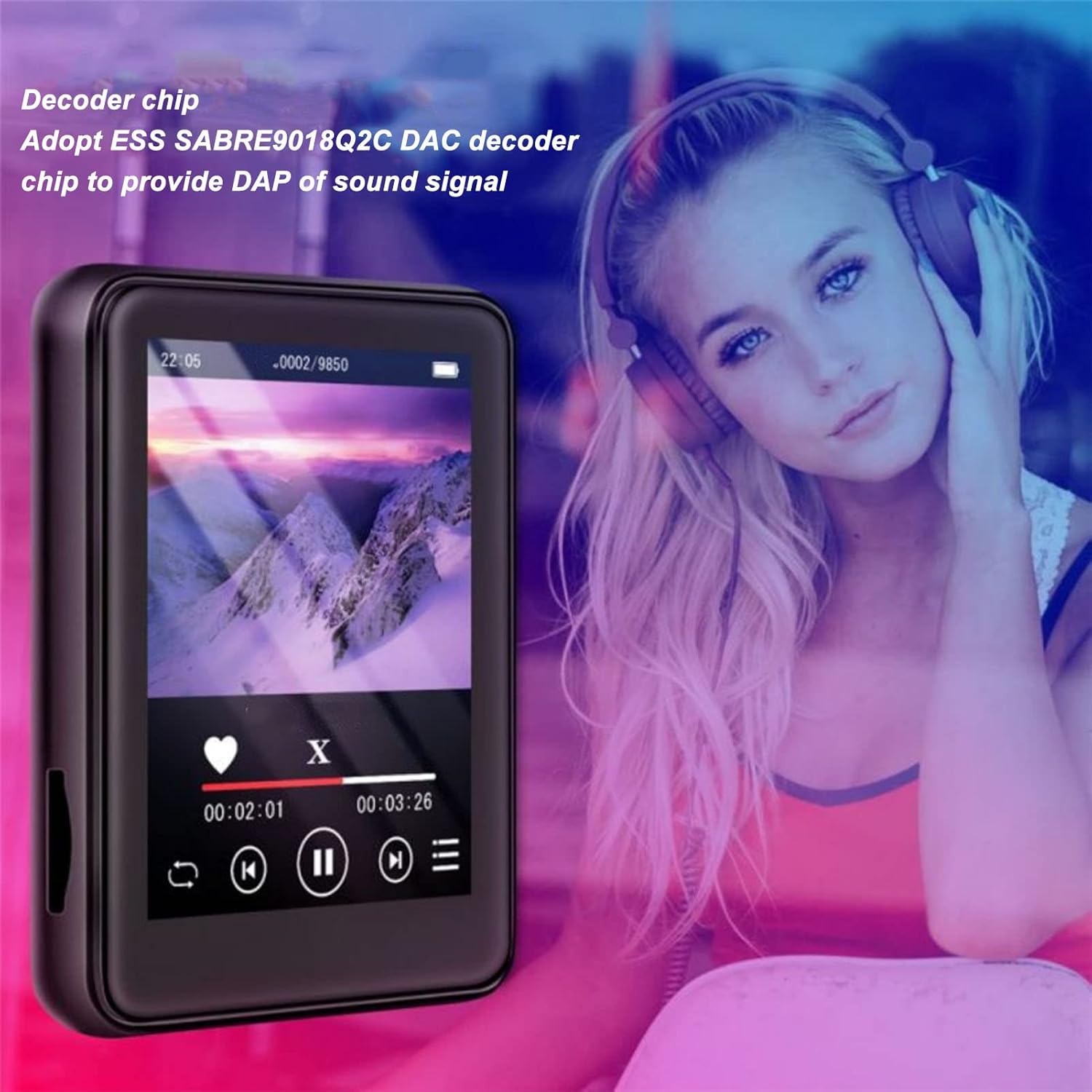
Image: The Jectse MP3 Player displaying a video or music interface, with text highlighting its ESS SABRE9018Q2C DAC decoder chip for high-quality sound. A person wearing over-ear headphones is visible in the background.
6.4. FM-radio
Listen to FM radio stations using the built-in tuner. Wired headphones must be connected as they act as the antenna.
- Tap the 'FM Radio' icon.
- Perform an automatic scan to find available stations.
- Tune to your desired station using the on-screen controls.
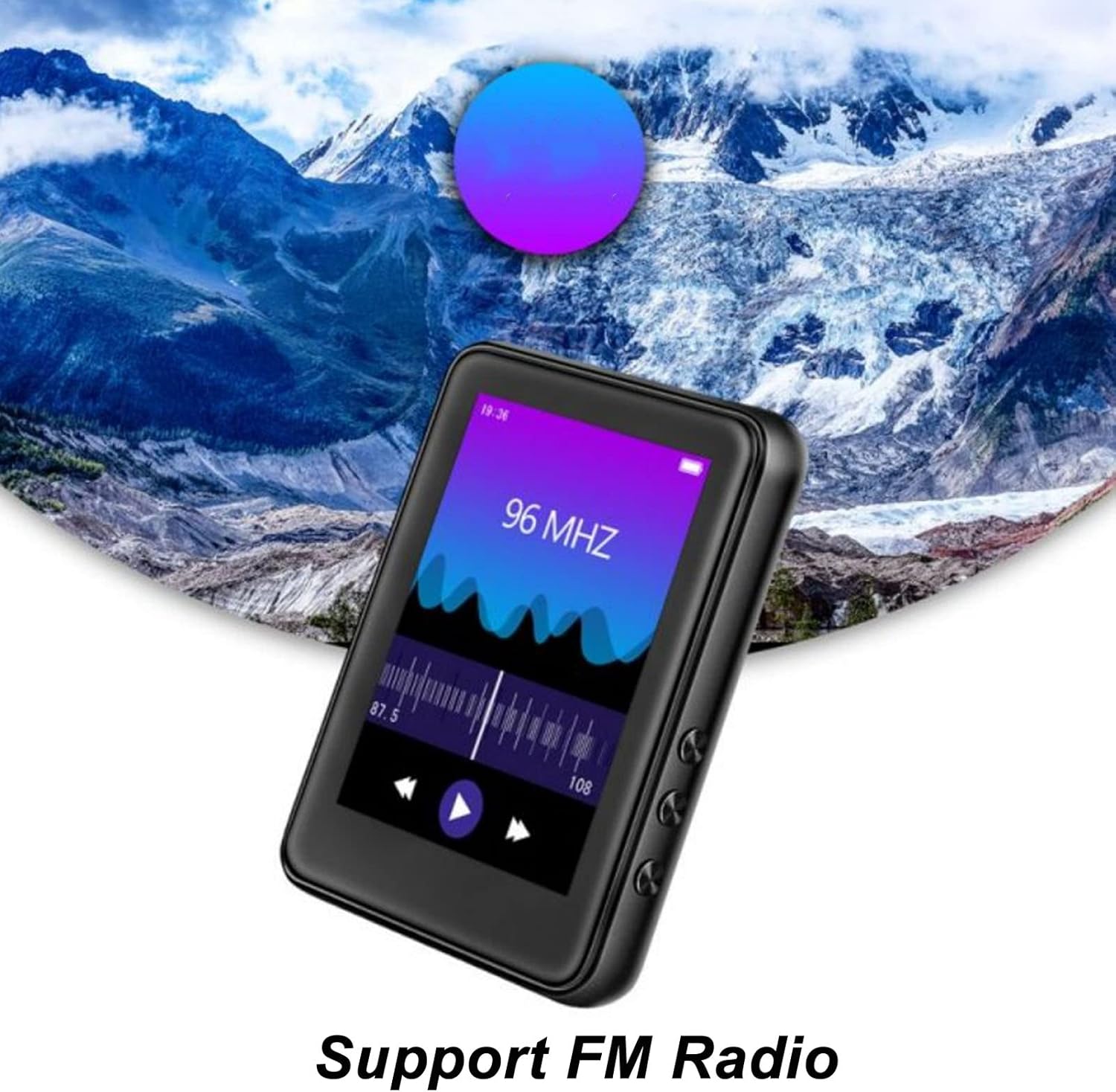
Image: The Jectse MP3 Player showing its FM Radio interface, tuned to 96 MHz, with a visual representation of radio waves and controls.
6.5. E-boeken
Read TXT and LRC format e-books on your device.
- Tap the 'Ebook' icon.
- Selecteer het e-boek dat u wilt lezen.
- Swipe the screen to turn pages.
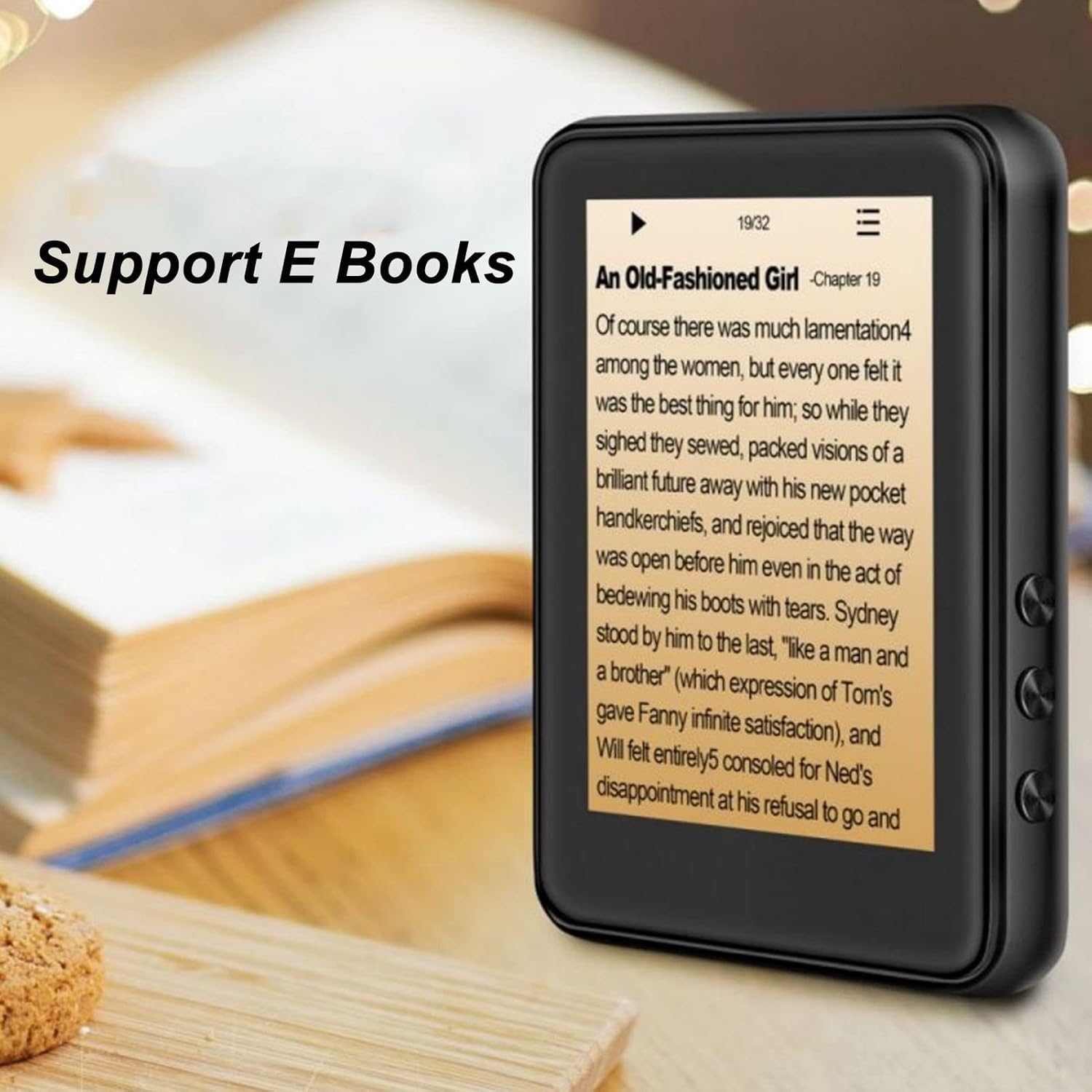
Image: The Jectse MP3 Player displaying an e-book titled 'An Old-Fashioned Girl - Chapter 19' on its screen, with text content visible.
6.6. Spraakrecorder
Neem audio op met de ingebouwde microfoon.
- Tap the 'Recorder' icon.
- Tik op de opnameknop om de opname te starten.
- Tap the stop button to end and save the recording.

Image: The Jectse MP3 Player showing its voice recorder interface with a red record button and a timer, positioned in a meeting room setting.
6.7. Video afspelen
The device supports MP4 video playback. Transfer compatible video files to the device's storage.
- Tap the 'Video' icon.
- Selecteer de video file je wilt spelen.
- Gebruik de bedieningselementen op het scherm om af te spelen.
7. Onderhoud
- Schoonmaak: Reinig het apparaat met een zachte, droge doek. Gebruik geen vloeibare reinigingsmiddelen of schurende materialen.
- Opslag: Bewaar het apparaat op een koele, droge plaats wanneer het niet in gebruik is.
- batterij zorg: Om de levensduur van de batterij te verlengen, dient u te voorkomen dat u de batterij regelmatig volledig ontlaadt. Laad het apparaat regelmatig op, zelfs als u het langere tijd niet gebruikt.
- Software-updates: Controleer die van de fabrikant webwebsite voor beschikbare firmware-updates om optimale prestaties te garanderen.
8. Probleemoplossing
-
Apparaat gaat niet aan:
Zorg ervoor dat de batterij is opgeladen. Sluit het apparaat minimaal 30 minuten aan op een oplader voordat u het opnieuw probeert in te schakelen.
-
Geen geluid:
Check the volume level. Ensure headphones are properly connected or Bluetooth headphones are paired and connected. Test with different headphones if possible.
-
Kan geen verbinding maken met Bluetooth:
Ensure Bluetooth is enabled on both the MP3 player and the target device. Make sure the target device is in pairing mode and within range. Try restarting both devices.
-
Device freezes or is unresponsive:
Houd de aan/uit-knop ongeveer 10-15 seconden ingedrukt om het apparaat opnieuw op te starten.
-
Files not appearing on device:
Ervoor zorgen files are in supported formats. Verify that files were transferred correctly to the internal storage or memory card. Check if the memory card is properly inserted.
9. Specificaties
| Functie | Specificatie |
|---|---|
| Model | Jectsehtin20gcvm-11 |
| Scherm | 2.4 Inches TFT Screen |
| Opslag aan boord | 4GB |
| Ondersteuning voor geheugenkaarten | Tot 256 GB (microSD-kaart, niet inbegrepen) |
| Bluetooth-versie | Bluetooth 5.0 |
| Ondersteunde audioformaten | MP3, APE, FLAC, WMA, WAV, AAC |
| Ondersteunde foto-indelingen | JPEG-, BMP-bestanden |
| Supported E-Book Formats | TXT, LRC |
| FM-radiofrequentie | 87Hz-108Hz |
| Signaal-ruisverhouding | ≥ 90 dB |
| Batterijtype | Ingebouwde 500 mAh polymeer-lithiumbatterij |
| Compatibiliteit met besturingssystemen | Windows 98/ME/2K/XP/Vista/Win7, OS X 10 |
| Artikelgewicht | 4.5 ons |
| Pakket afmetingen | 5.12 x 3.15 x 1.18 inch |
10. Garantie en ondersteuning
For warranty information and technical support, please refer to the documentation provided with your purchase or visit the official Jectse webwebsite. Bewaar uw aankoopbewijs voor garantieclaims.


