Invoering
The MIATONE Boombox Portable Bluetooth Speaker (Model: BOOMBOX) is designed to deliver high-quality audio in a durable, portable package. Featuring advanced Bluetooth 5.3 technology, it offers seamless connectivity and a wide range, making it ideal for both indoor and outdoor use. Its rugged, waterproof design ensures reliability in various environments, while the option for TWS stereo pairing allows for an enhanced audio experience.

Figure 1: MIATONE Boombox Portable Bluetooth Speaker (Green)
Wat zit er in de doos?
- MIATONE Boombox Portable Bluetooth Speaker
- Oplaadkabel
- Aux-in-kabel
Instellen
1. Opladen van de luidspreker
Before first use, fully charge the speaker. Connect the provided charging cable to the speaker's charging port and the other end to a compatible USB power adapter (not included). The charging indicator light will show charging status.
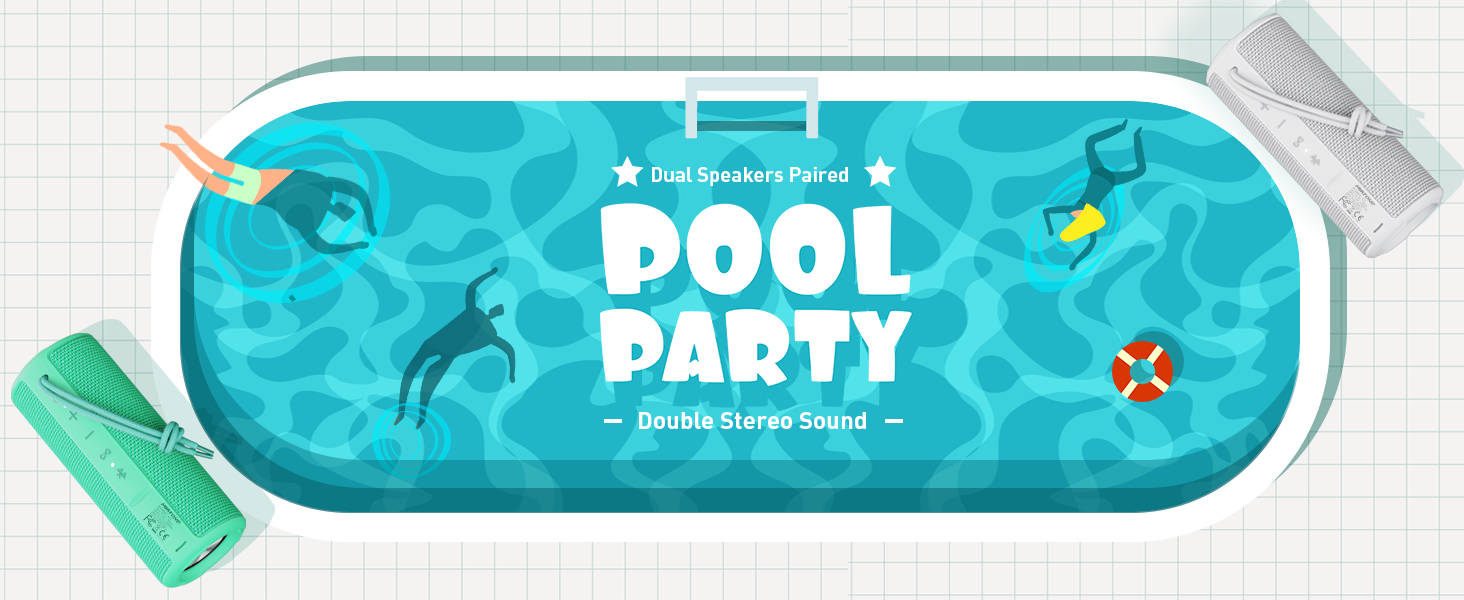
Figure 2: Speaker back view with charging and aux-in ports.
2. In-/uitschakelen
Press and hold the power button located on the side of the speaker to turn it on or off. An English voice prompt will confirm "Power On" or "Power Off".
Gebruiksaanwijzing
1. Bluetooth-koppeling
- Zorg ervoor dat de luidspreker is ingeschakeld en in de Bluetooth-koppelingsmodus staat (aangegeven door een knipperend Bluetooth-indicatielampje).
- Schakel Bluetooth in op uw apparaat (smartphone, tablet, laptop) en zoek naar beschikbare apparaten.
- Select "MIATONE BOOMBOX" from the list.
- Once connected, an English voice prompt will confirm "Bluetooth Connected".
The speaker maintains a stable Bluetooth connection up to 100 feet (30 meters) from your device.
2. Volumeregeling
Gebruik de '+' en '-' knoppen op de luidspreker om het volume aan te passen. Je kunt het volume ook regelen via je aangesloten apparaat.
3. TWS (True Wireless Stereo) koppelen
To achieve a true stereo sound experience, you can pair two identical MIATONE Boombox speakers together:
- Zorg ervoor dat beide luidsprekers zijn ingeschakeld en niet zijn verbonden met een Bluetooth-apparaat.
- On one speaker, press and hold the TWS button (often indicated by an infinity symbol or two interlocking circles). The speaker will enter TWS pairing mode.
- The two speakers will automatically connect to each other. A voice prompt will confirm successful TWS pairing.
- Once paired, connect your device to one of the speakers via Bluetooth as described in the "Bluetooth Pairing" section. Both speakers will now play audio in stereo.

Figure 3: Two speakers paired for enhanced stereo sound.
4. Audio afspelen
Control playback (play/pause, skip tracks) directly from your connected Bluetooth device. The speaker's buttons may also offer basic playback controls (e.g., single press for play/pause, long press for next/previous track, refer to specific button icons on the device).

Figure 4: Speaker delivering high-resolution audio in an outdoor setting.
Onderhoud
1. Schoonmaken
Veeg de luidspreker schoon met een zachte, damp cloth. Do not use harsh chemicals or abrasive cleaners. Ensure the charging port cover is securely closed before cleaning or exposing to water.
2. Opslag
Bewaar de luidspreker op een koele, droge plaats, uit de buurt van direct zonlicht en extreme temperaturen wanneer u deze gedurende langere tijd niet gebruikt.
3. Waterdichting
The speaker is IPX6 waterproof, meaning it can withstand powerful water jets. Do not submerge the speaker for extended periods or expose it to high-pressure water streams. Always ensure the port cover is sealed tightly to maintain water resistance.

Figure 5: Speaker floating in water, highlighting its waterproof capability.
4. Duurzaamheid
The speaker features a rugged, anti-slip design with soft silicone end caps to absorb shock from drops. While durable, avoid excessive force or dropping from significant heights to prevent damage.

Figure 6: Speaker on sand, showcasing its shockproof and dustproof design.
Probleemoplossing
| Probleem | Mogelijke oorzaak | Oplossing |
|---|---|---|
| De luidspreker gaat niet aan. | Batterij bijna leeg of niet opgeladen. | Laad de luidspreker volledig op met de meegeleverde kabel. |
| Er komt geen geluid uit de luidspreker. | Volume too low, not paired, or incorrect audio source. | Increase volume on speaker and device. Ensure proper Bluetooth pairing. Check if audio is playing on the source device. |
| De Bluetooth-verbinding is instabiel of wordt verbroken. | Device too far, interference, or low speaker battery. | Move device closer to speaker (within 100 ft). Avoid obstacles. Charge speaker. Re-pair if necessary. |
| Cannot TWS pair two speakers. | Speakers already connected to another device, or not in TWS pairing mode. | Zorg ervoor dat beide luidsprekers zijn losgekoppeld van andere apparaten. Volg de TWS-koppelingsinstructies zorgvuldig op. |
Specificaties
| Functie | Detail |
|---|---|
| Modelnaam | BOOMBOX |
| Merk | MIJATONE |
| Luidsprekertype | Surround-geluid |
| Speciale kenmerken | Portable, Stereo Pairing (TWS) |
| Connectiviteitstechnologie | Bluetooth 5.3 |
| Bluetooth-bereik | Tot 100 voet (30 meter) |
| Luidspreker uitgangsvermogen | 16W (20W piek) |
| TWS Paired Output Power | 32W (40W piek) |
| Waterbestendigheidsniveau | IPX6 waterdicht |
| Levensduur van de batterij | Tot 17 uur (bij 50% volume) |
| Productafmetingen | 2.87"D x 2.87"B x 7.3"H |
| Artikelgewicht | 14.88 ons |
| Meegeleverde componenten | Charging Cable, Aux-in Cable |
Garantie en ondersteuning
The MIATONE Boombox Portable Bluetooth Speaker comes with a Limited Warranty. For detailed warranty information, product support, or to contact customer service, please visit the official MIATONE Store on Amazon:


