1. Inleiding
Thank you for choosing the Cshidworld G33Pro-W Wireless Earbuds. This manual provides detailed instructions on how to set up, operate, and maintain your earbuds to ensure optimal performance and longevity. Please read this manual carefully before using the product and keep it for future reference.
2. Inhoud van het pakket
- Cshidworld G33Pro-W Wireless Earbuds (Left and Right)
- Draagbare oplaadcase
- USB-oplaadkabel
- Gebruiksaanwijzing
3. Product voorbijview

Image: The Cshidworld G33Pro-W Wireless Earbuds resting inside their open charging case, showcasing their compact design and white finish.
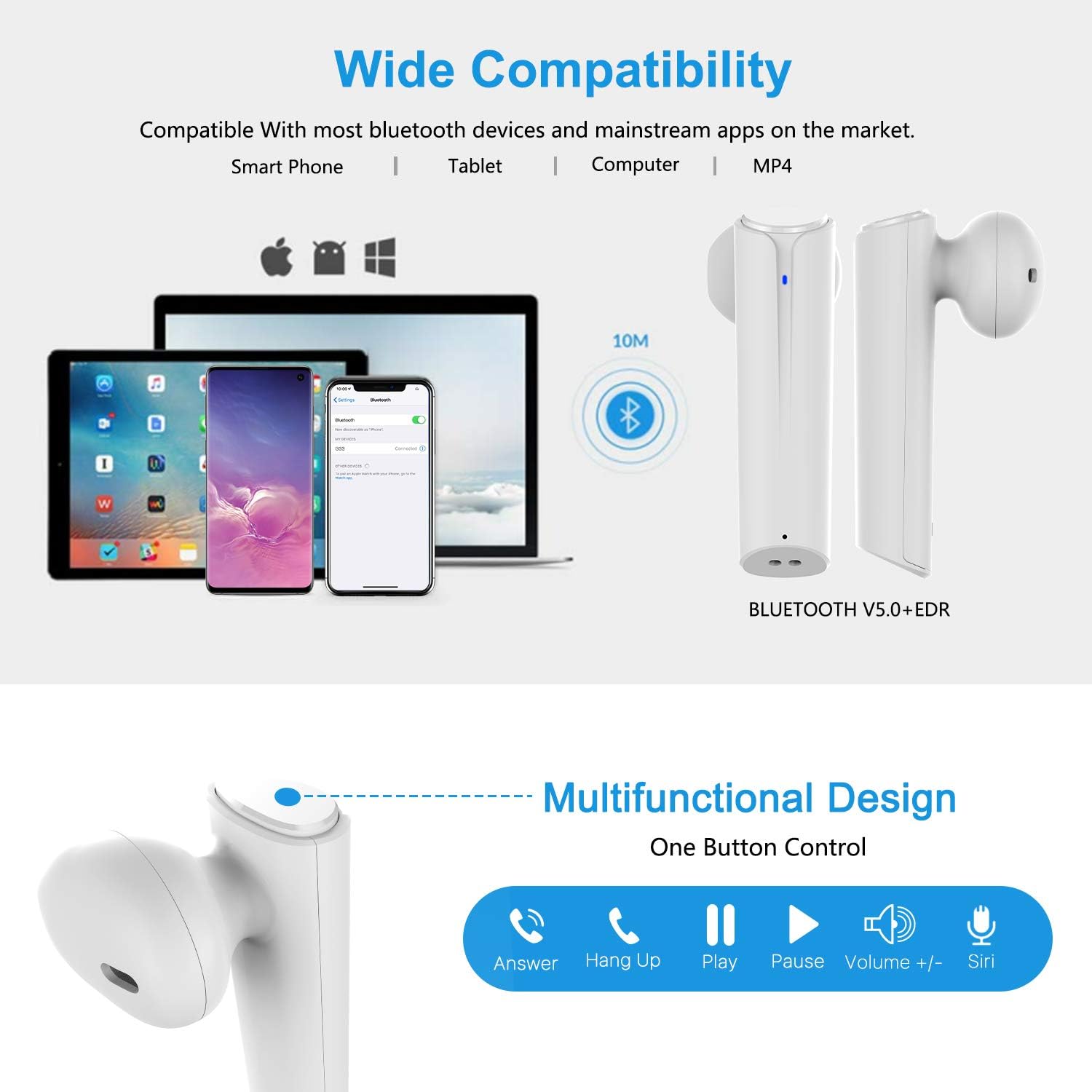
Image: A visual representation of the multi-function button on the earbud, detailing its various controls for answering calls, playing music, and activating voice assistants.
Oordopjescomponenten:
- Multifunctionele knop: Regelt het afspelen, bellen en de spraakassistent.
- LED-indicator: Geeft de koppelingsstatus en het batterijniveau weer.
- Microfoon: Voor handsfree bellen.
Componenten van de oplaadcase:
- Oplaadpoorten: For charging the case and earbuds.
- LED-indicatoren: Show charging status of the case.
4. Instellen
4.1 De oordopjes en het doosje opladen
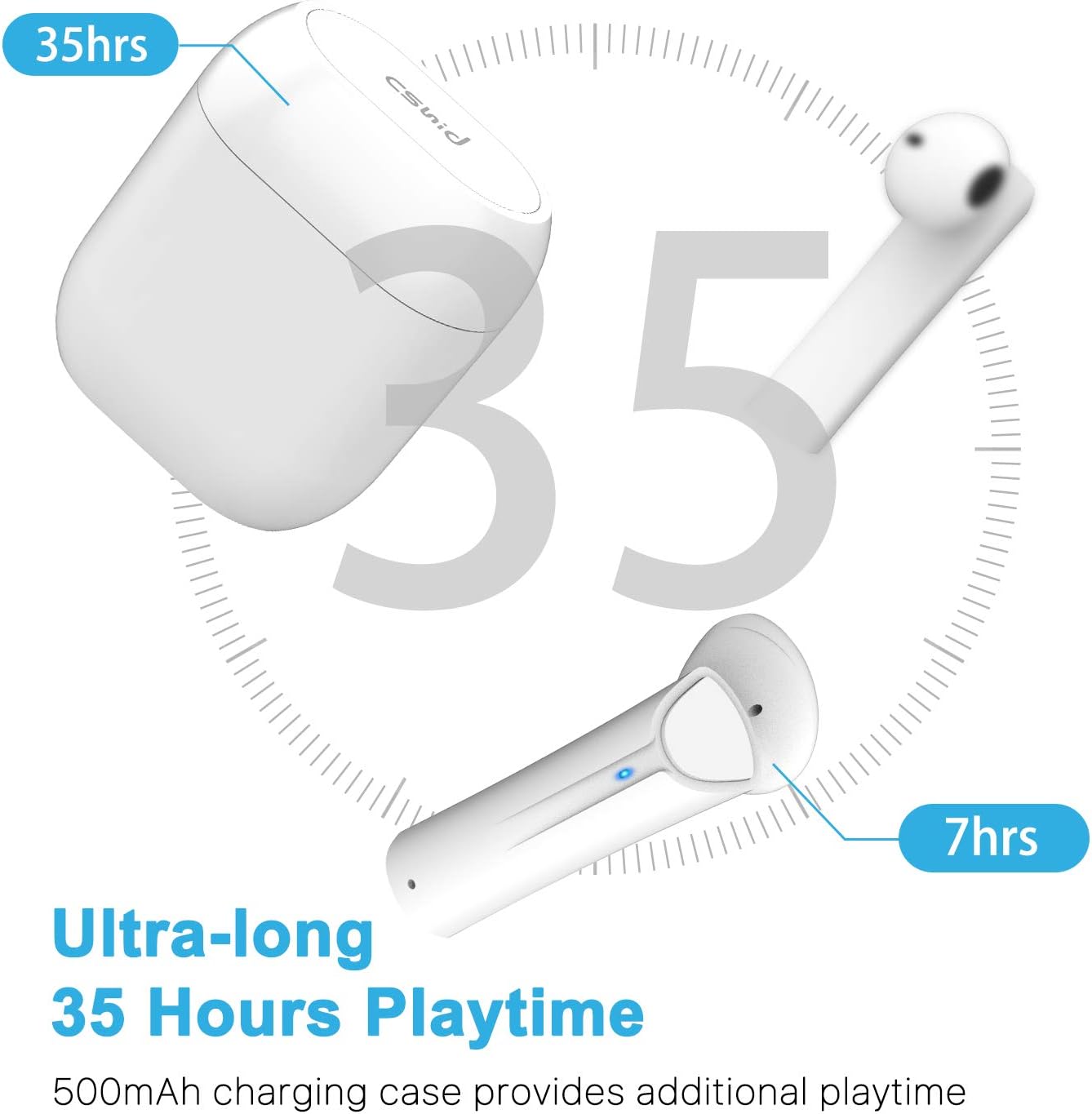
Image: An illustration highlighting the ultra-long 35 hours of total playtime, with 7 hours from a single earbud charge and additional charges from the case.
Before first use, ensure both the earbuds and the charging case are fully charged. The earbuds provide up to 7 hours of playtime on a single charge, and the charging case can provide an additional 5 full charges, extending the total playtime to up to 35 hours.
- Plaats de oordopjes in de oplaadcase. Zorg ervoor dat ze goed vastzitten.
- Sluit de USB-oplaadkabel aan op de oplaadpoort op de behuizing en op een stroombron.
- The LED indicators on the case will show the charging status. Once fully charged, the indicators will change or turn off.
4.2 Initial Pairing (One-Step Pairing)

Image: A step-by-step guide showing how to pair the earbuds: simply take them out of the case and select 'G33' on your device's Bluetooth settings.
The G33Pro-W earbuds feature one-step pairing technology for quick and easy connection.
- Take both earbuds out of the charging case. They will automatically power on and enter pairing mode. The LED indicator on one earbud will flash, indicating it's ready to pair.
- Schakel Bluetooth in op uw apparaat (smartphone, tablet, enz.).
- Zoeken naar "G33" in the list of available Bluetooth devices and select it to connect.
- Once connected, the LED indicators on both earbuds will stop flashing. You are now ready to use your earbuds.
4.3 Gebruik van één oordopje
You can use either the left or right earbud independently. Simply take one earbud out of the charging case, and it will automatically enter pairing mode. Connect to "G33" on your device. To use both again, take the second earbud out, and they will automatically reconnect.
5. Gebruiksaanwijzing
The G33Pro-W earbuds are controlled via a multi-function button on each earbud.
| Functie | Actie |
|---|---|
| Inschakelen | Take earbuds out of charging case (automatic) |
| Uitschakelen | Place earbuds back into charging case (automatic) |
| Muziek afspelen/pauzeren | Press the multi-function button once on either earbud |
| Volgende nummer | Double-press the multi-function button on the Right earbud |
| Vorig nummer | Double-press the multi-function button on the Left earbud |
| Oproep beantwoorden/beëindigen | Press the multi-function button once on either earbud |
| Oproep afwijzen | Press and hold the multi-function button for 2 seconds on either earbud |
| Activeer spraakassistent (Siri/Google Assistent) | Druk driemaal op de multifunctionele knop op beide oordopjes |
| Volume omhoog | Press and hold the multi-function button on the Right earbud |
| Volume omlaag | Press and hold the multi-function button on the Left earbud |
6. Onderhoud

Image: Two scenarios demonstrating earbud use: one person driving safely with hands-free calling, and another person working out, highlighting the sweat-proof and cable-free design.
6.1 Reinigen
Regelmatig schoonmaken draagt bij aan het behoud van de geluidskwaliteit en hygiëne.
- Gebruik een zachte, droge, pluisvrije doek om de oordopjes en de oplaadcase schoon te vegen.
- Voor hardnekkig vuil, lichtjes dampMaak de doek schoon met water of een mild, niet-schurend schoonmaakmiddel.
- Gebruik geen agressieve chemicaliën of schurende materialen.
- Zorg ervoor dat de oplaadcontacten op zowel de oordopjes als het oplaadhoesje schoon en droog zijn.
6.2 Opslag
Wanneer u de oordopjes niet gebruikt, bewaar ze dan in hun oplaadcase om ze te beschermen en opgeladen te houden. Bewaar ze op een koele, droge plaats, uit de buurt van extreme temperaturen.
6.3 Waterbestendigheid
The earbuds are designed to be waterproof, making them suitable for workouts and light rain. However, they are not intended for swimming or submersion in water. Ensure earbuds are dry before placing them back into the charging case to prevent damage.
7. Probleemoplossing
If you encounter issues with your earbuds, please refer to the following common problems and solutions:
- Oordopjes koppelen niet met apparaat:
Ensure Bluetooth is enabled on your device. Place earbuds back in the case, then take them out again to re-enter pairing mode. Try forgetting "G33" from your device's Bluetooth list and re-pairing. - Slechts één oordopje werkt:
Place both earbuds back into the charging case. Close the lid for a few seconds, then open it and take both earbuds out simultaneously. They should automatically connect to each other. - Geen geluid:
Check the volume level on both your device and the earbuds. Ensure the earbuds are properly connected to your device. Try playing different audio sources. - Oordopjes laden niet op:
Zorg ervoor dat de oplaadkabel goed is aangesloten op zowel het oplaadhoesje als de stroombron. Controleer of de oplaadcontacten op de oordopjes en in het oplaadhoesje schoon en vrij van vuil zijn. - Slechte geluidskwaliteit:
Ensure the earbuds are properly seated in your ears. Check for any obstructions in the earbud speakers. Move closer to your connected device to avoid signal interference.
8. Specificaties
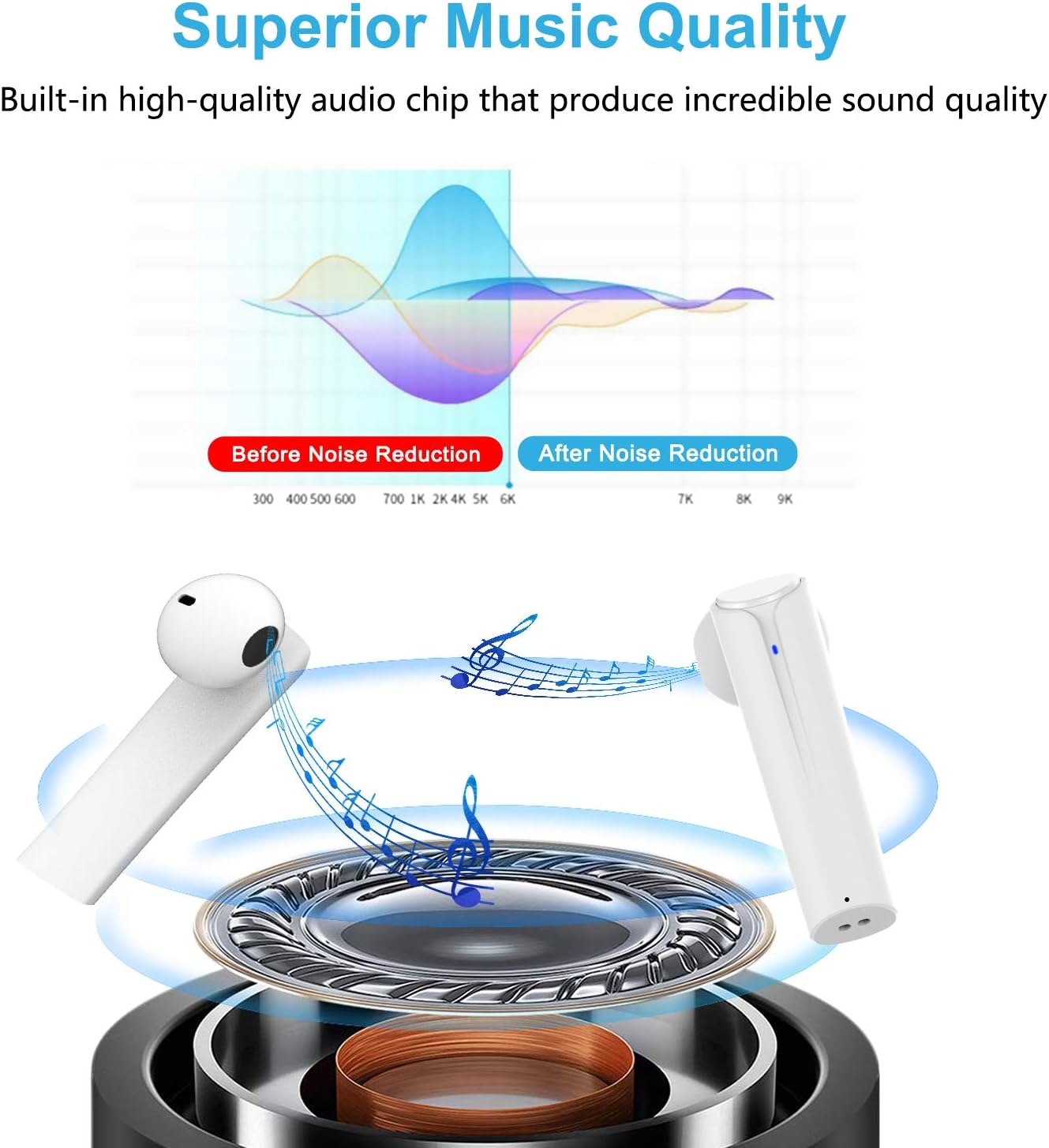
Image: A graph illustrating the effect of noise reduction on sound quality, accompanied by a detailed diagram of the earbud's internal audio components.
- Model: G33Pro-W
- Connectiviteit: Bluetooth 5.0
- Speeltijd (oordopjes): Tot 7 uur per oplaadbeurt
- Totale speeltijd (met oplaadcase): Tot 35 uur
- Microfoon: Ingebouwde dubbele microfoons
- Controletype: Multifunctionele knop
- Materiaal: Plastic
- Waterbestendigheid: Waterdicht
- Kleur: Wit
9. Veiligheidsinformatie
Please observe the following safety guidelines for safe and proper use of your earbuds:
- Stel de oordopjes of het oplaadhoesje niet bloot aan extreme temperaturen, direct zonlicht of een hoge luchtvochtigheid.
- Avoid dropping, hitting, or disassembling the product.
- Gebruik de oordopjes niet gedurende langere perioden op een te hoog volume, aangezien dit gehoorschade kan veroorzaken.
- Houd het product buiten bereik van kinderen en huisdieren.
- Verwijder het product en de onderdelen ervan op verantwoorde wijze, overeenkomstig de plaatselijke voorschriften.
10. Garantie en ondersteuning
Cshidworld provides a 30 dagen probleemloos retourneren. en een één jaar garantie for the G33Pro-W Wireless Earbuds. For any product-related inquiries, technical support, or warranty claims, please contact Cshidworld customer service through the platform where you purchased the product or refer to the contact information provided with your purchase.


