Invoering
This manual provides detailed instructions for the setup, operation, maintenance, and troubleshooting of your EZON T031 GPS Running Watch. Please read this manual thoroughly to ensure proper use and to maximize the performance and lifespan of your device. The EZON T031 is designed to accurately track your running and outdoor activity data, offering features such as high-precision GPS, automatic time synchronization, and comprehensive exercise data recording.
1. Instellen
1.1 Eerste keer opladen
Before first use, fully charge your EZON T031 watch. Connect the charging clip to the watch's charging contacts and plug the USB end into a power source. A full charge typically takes 2-3 hours. The watch features a long battery life, offering up to 90 days in standby mode and 6 hours with GPS enabled.
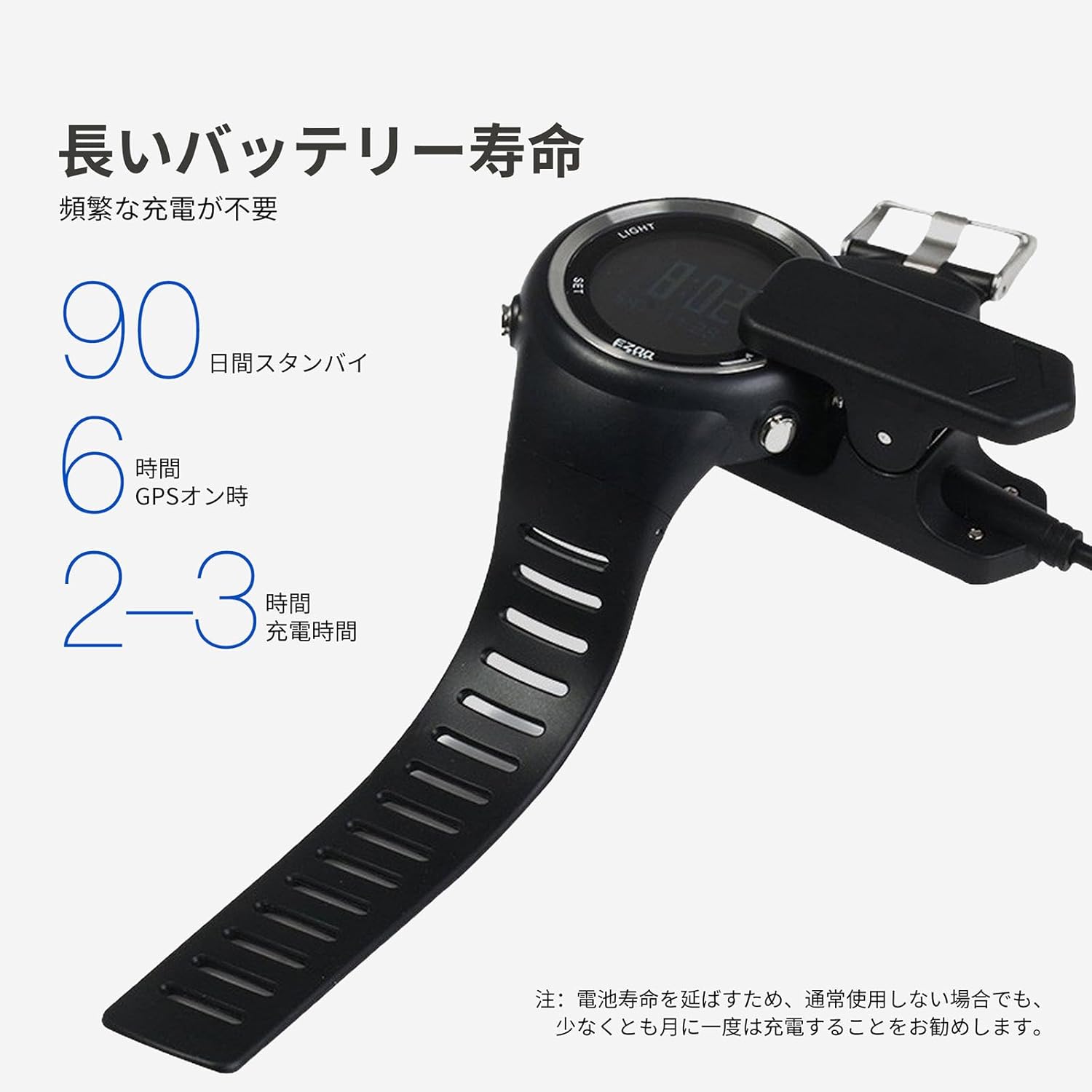
Image: The EZON T031 watch being charged with its dedicated charging clip. Ensure the contacts align correctly for charging.
1.2 In-/uitschakelen
- Inschakelen: Houd de LICHT Houd de knop een paar seconden ingedrukt totdat het scherm oplicht.
- Uitschakelen: Houd de knop ingedrukt op de tijdweergave. SET button to enter the settings menu. Navigate to the 'Power Off' option and confirm.
1.3 Initial Settings and Personal Information
For accurate fitness tracking, it is essential to input your personal data. Press and hold the SET button to access the main menu. Navigate to 'User Profile' or 'Settings' to input the following:
- Hoogte
- Gewicht
- Leeftijd
- Geslacht
- Eenheden: Select your preferred units (e.g., Metric or Imperial for distance and weight).
1.4 GPS Acquisition and Time Synchronization
The EZON T031 features advanced GPS technology for precise tracking and automatic time synchronization. For optimal GPS signal acquisition:
- Zorg ervoor dat u zich in een open buitenruimte bevindt met een duidelijk zicht. view van de lucht.
- Houd de GPS button for 2-3 seconds to enter GPS mode.
- The watch will begin searching for satellites. A 'cool start' (first time use or after a long period) may take approximately 1 minute. Subsequent 'hot starts' are nearly instantaneous.
- Once GPS is acquired, the watch will automatically synchronize the time based on your location, eliminating the need for manual time adjustments.

Image: The EZON T031 watch receiving a signal from a satellite, illustrating its built-in GPS chip for accurate positioning.
2. Gebruiksaanwijzing
2.1 Knopfunctiesview
The EZON T031 features four primary buttons for navigation and control:
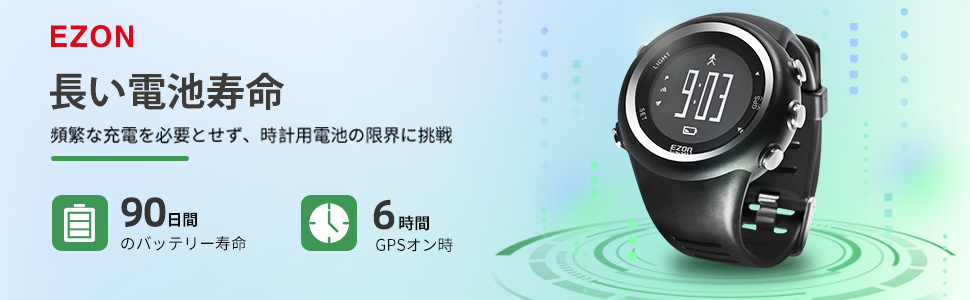
Image: A detailed diagram highlighting the functions of the LIGHT, SET, GPS, and other buttons on the EZON T031 watch.
- LICHT-knop (linksboven): Press to activate the backlight for 5 seconds.
- SET Button (Bottom Left): Press to enter/exit settings or confirm selections. Long press to enter the main menu.
- GPS Button (Top Right): Long press for 2-3 seconds to enter GPS mode.
- Up/Down Buttons (Right Side): Use to navigate through menus or switch between data displays. The top right button also functions as a stopwatch start/stop, and the bottom right button as a data mode entry.
2.2 Activity Tracking (Running/Hiking)
The EZON T031 is designed for standalone operation, meaning you don't need your phone during activities.
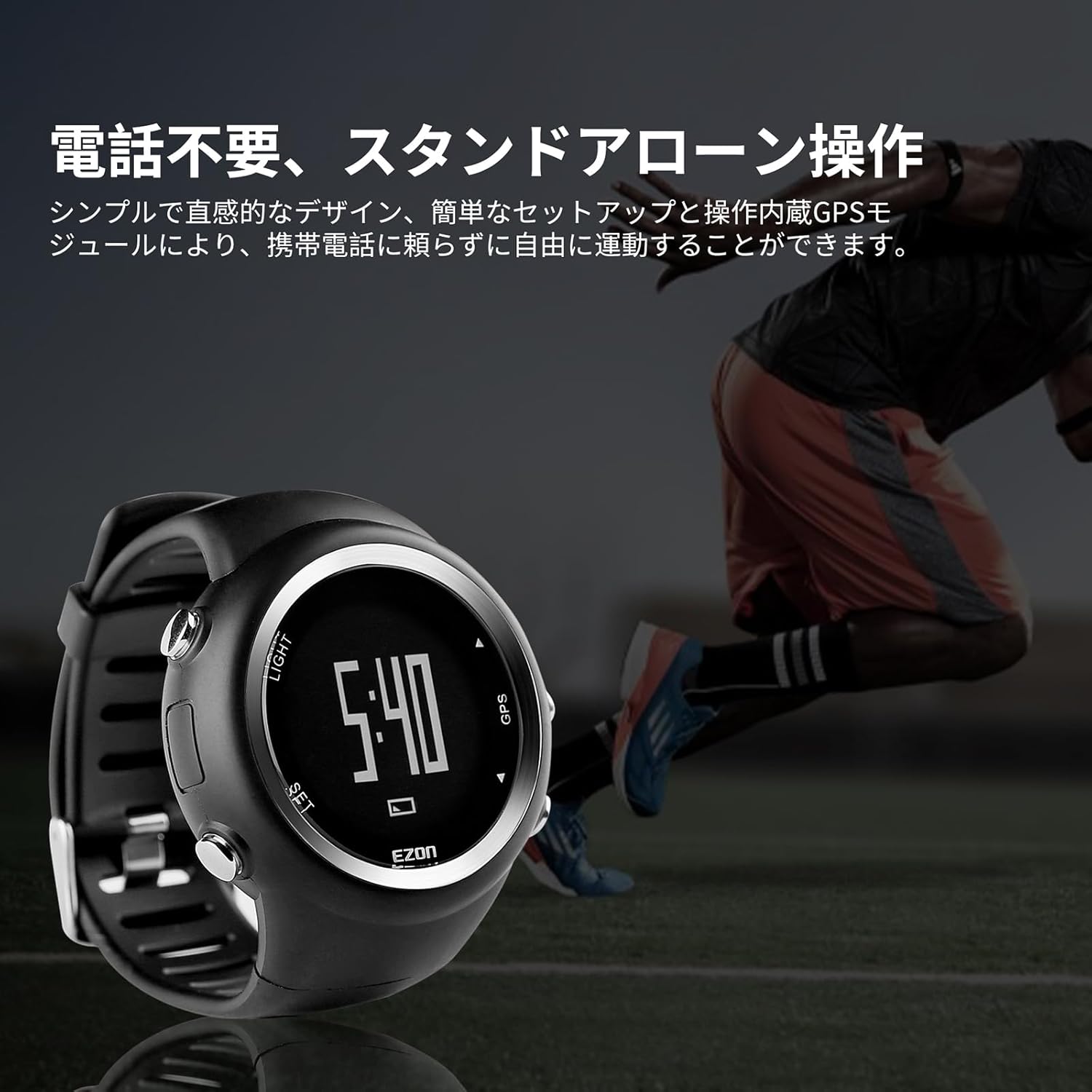
Image: A runner wearing the EZON T031 watch, demonstrating its capability for standalone operation without needing a smartphone.
- GPS starten: In an open area, long press the GPS button to acquire a satellite signal. Wait for the GPS icon to become solid.
- Startactiviteit: Once GPS is locked, press the Up button (top right) to start recording your activity. The display will show real-time data.
- View Gegevens: During an activity, use the Omhoog/Omlaag buttons to cycle through various data screens, including running distance, average pace, calories burned, and total time.
- Rondetijden: The watch automatically records lap times. You can view up to 50 laps of data, including duration, steps, distance, and average speed per lap.
- Pauzeren/Hervatten: Druk op de Up button to pause an activity. Press it again to resume.
- Activiteit beëindigen: Houd de Up button to end and save your activity. The watch can store up to 10 workout records.
2.3 Stopwatchfunctie
The watch supports a stopwatch function with a maximum duration of 99 hours, 59 minutes, and 59 seconds.
- Druk op de knop in de tijdweergave. Up button (top right) to enter stopwatch mode.
- Druk op de Up button again to start/pause the stopwatch.
- Druk op de Omlaag button (bottom right) to reset the stopwatch.
2.4 Alarmfunctie:
The multi-function alarm can be set to alert you at specific times.
- Houd de SET om het hoofdmenu te openen.
- Navigate to 'Alarm' using the Omhoog/Omlaag knoppen en druk op SET selecteren.
- Set the desired alarm time. When the alarm triggers, the watch will sound for approximately 20 seconds. Press any button to stop the alarm.
2.5 inch scherm met achtergrondverlichting
The watch features a backlight display for visibility in low-light conditions.

Image: The EZON T031 watch on a wrist, with its backlight activated, making the display clearly visible in a dim environment.
- Druk op de LICHT button to activate the backlight. It will remain on for 5 seconds.
3. Onderhoud
3.1 Reinigen
- Maak je horloge regelmatig schoon met een zachte, droge doek.amp lap.
- Avoid using harsh chemicals or abrasive materials, as these can damage the watch's finish and seals.
- Rinse the watch with fresh water after exposure to sweat, saltwater, or chlorine.
3.2 Waterbestendigheid
The EZON T031 is rated 5ATM water resistant, suitable for swimming and showering. However, please observe the following:
- Druk niet op knoppen terwijl het horloge onder water is. Dit kan de waterbestendigheid in gevaar brengen.
- Vermijd contact van het horloge met heet water of stoom, aangezien dit de afdichtingen kan beschadigen.
3.3 Batterijonderhoud
- To prolong battery life, it is recommended to charge the watch at least once a month, even if not in regular use.
- Zorg ervoor dat de batterij niet te vaak helemaal leeg raakt.
- Bewaar het horloge op een koele, droge plaats wanneer u het niet gebruikt.
4. Probleemoplossing
| Probleem | Mogelijke oorzaak | Oplossing |
|---|---|---|
| De GPS-signaalontvangst is traag of mislukt. | Poor satellite visibility, first-time use (cool start), or recent travel over long distances. | Verplaats naar een open buitenruimte met een duidelijke view of the sky. Ensure the watch is in GPS mode. A cool start can take up to 1 minute. |
| Inaccurate distance or pace data. | Incorrect personal information (height, weight, age, gender) in settings. GPS signal loss during activity. | Verify and update your personal information in the watch settings. Ensure continuous GPS signal during your activity. |
| Horloge gaat niet aan. | Batterij is leeg. | Charge the watch fully using the provided charging clip. |
| Het scherm reageert niet of is vastgelopen. | Tijdelijke softwarestoring. | Perform a soft reset by pressing and holding all four buttons simultaneously for 10 seconds, or until the watch restarts. If the issue persists, contact customer support. |
| Het alarm gaat niet af. | Alarm is not enabled or volume is too low (if applicable). | Check alarm settings to ensure it is enabled and the time is correctly set. |
5. Specificaties
| Functie | Detail |
|---|---|
| Modelnummer | T031 |
| Merk | EZON |
| Afmetingen | 5x5x1.53cm |
| Gewicht | 60 gram |
| Batterij | 1 lithium-polymeerbatterij (meegeleverd) |
| Waterbestendigheid | 5 geldautomaten |
| GPS | High-precision GPS chip for tracking and time synchronization |
| Weergave | Achtergrondverlichting |
| Gegevensopslag | Up to 10 workout records, 50 lap times |
| Land van herkomst | China |
6. Garantie en ondersteuning
For warranty information, please refer to the documentation included with your purchase or visit the official EZON website. If you encounter any issues not covered in this manual or require further assistance, please contact EZON customer support through their official channels.


