Invoering
Thank you for choosing the Billboard Bluetooth Wireless Hook Over Earbuds. This manual provides essential information for setting up, operating, and maintaining your new earbuds. Please read these instructions carefully before use to ensure optimal performance and longevity of your device. Keep this manual for future reference.
Inhoud van het pakket
Controleer of alle artikelen in het pakket aanwezig zijn:
- Billboard Bluetooth Wireless Hook Over Earbuds
- Micro USB-oplaadkabel
- Gebruikershandleiding (dit document)
Product voorbijview
The Billboard Bluetooth Wireless Hook Over Earbuds are designed for comfortable and secure fit, featuring a tangle-free flat cord and integrated controls for music and calls.
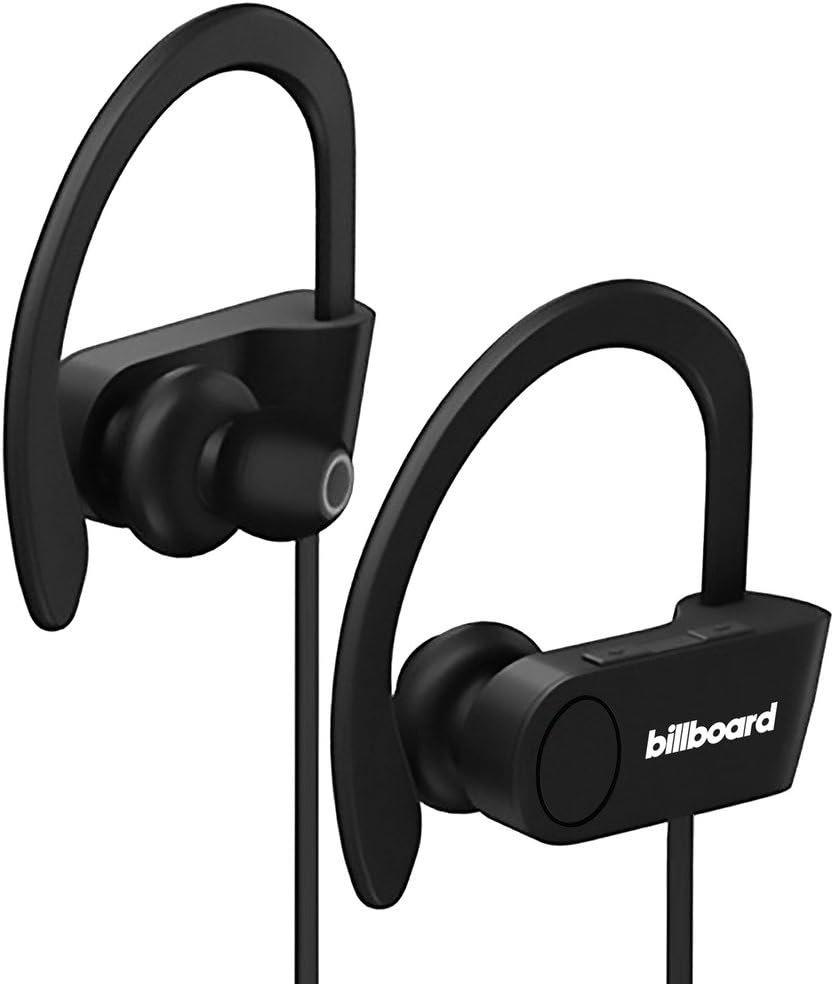
Image: Billboard Bluetooth Wireless Hook Over Earbuds, front view. These black earbuds feature an over-ear hook design for secure placement and a flat cord connecting the two earpieces.

Image: Billboard Bluetooth Wireless Hook Over Earbuds, showing the flat tangle-free cord. The design emphasizes a comfortable fit with the ear hooks and the practical flat cable.
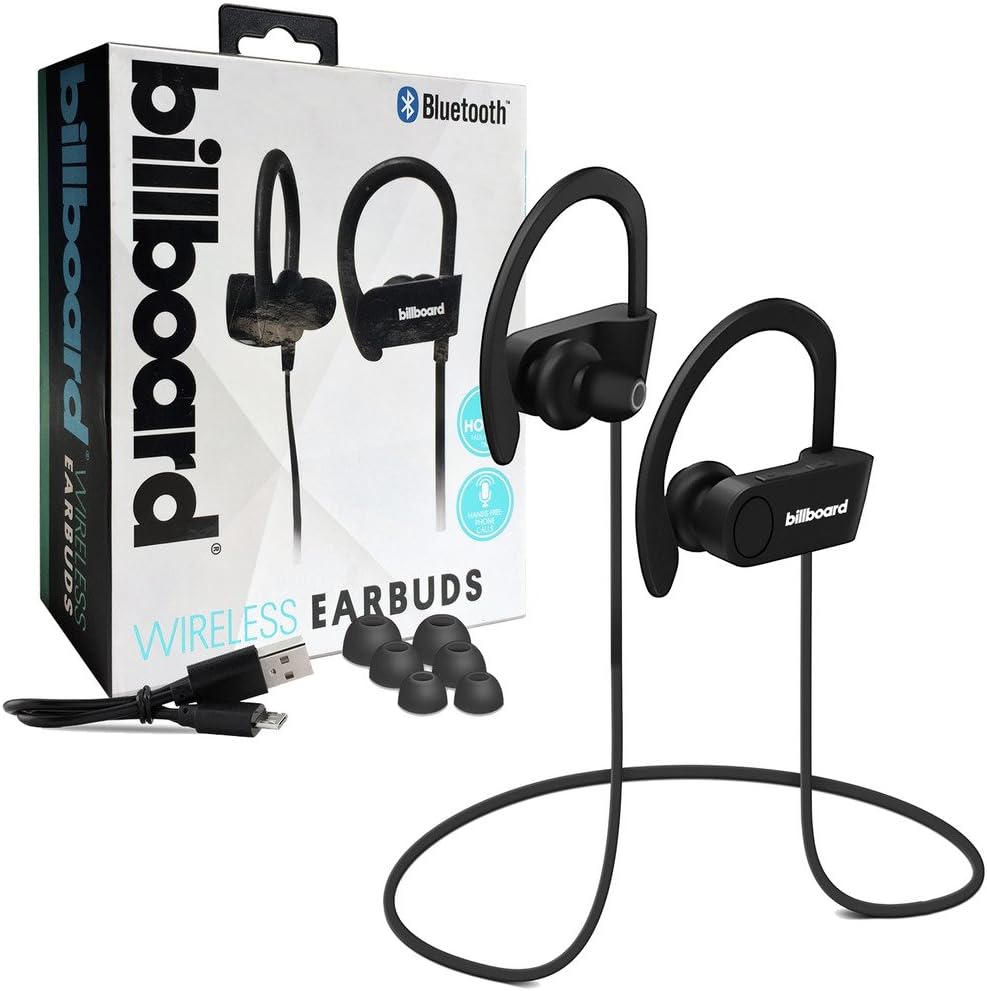
Image: Billboard Bluetooth Wireless Hook Over Earbuds packaging with included accessories. The box displays the earbuds, a charging cable, and additional ear tips, highlighting the product's features.
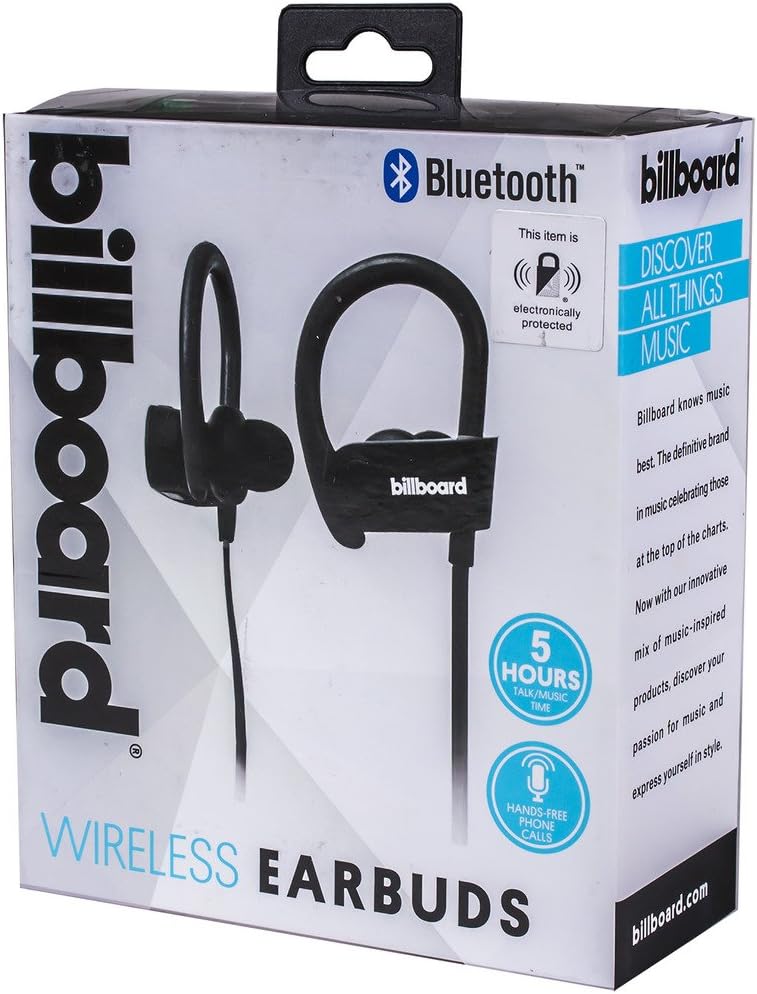
Image: Close-up of Billboard Bluetooth Wireless Hook Over Earbuds packaging, detailing features. The packaging highlights key features such as Bluetooth connectivity, 5 hours of talk/music time, and hands-free phone calls.
Instellen
1. De oordopjes opladen
- Locate the Micro USB charging port on one of the earbuds (typically on the control module).
- Connect the provided Micro USB charging cable to the earbud's charging port.
- Plug the other end of the USB cable into a USB power source (e.g., computer USB port, wall adapter).
- The LED indicator light will illuminate, typically red, to show that the earbuds are charging.
- Once fully charged, the LED indicator light will change color (e.g., turn blue or off). A full charge usually takes approximately 1-2 hours.
Opmerking: Ensure the earbuds are fully charged before first use for optimal battery life.
2. Bluetooth-koppeling
- Inschakelen: Press and hold the Multi-function button (usually the center button on the control module) for a few seconds until the LED indicator light flashes blue and red alternately, indicating pairing mode.
- Activeer Bluetooth: Ga op je smartphone of ander apparaat met Bluetooth naar de Bluetooth-instellingen en zorg ervoor dat Bluetooth is ingeschakeld.
- Zoeken naar Apparaten: Je apparaat zoekt automatisch naar Bluetooth-apparaten in de buurt.
- Selecteer oordopjes: From the list of available devices, select "Billboard Earbuds" or a similar name.
- Koppeling bevestigen: Once successfully paired, the LED indicator light on the earbuds will typically flash blue slowly or turn off, and you will hear an audible confirmation.
- Als u om een wachtwoord wordt gevraagd, voer dan "0000" (vier nullen) in.
Opmerking: The earbuds will automatically attempt to reconnect to the last paired device when powered on, if that device's Bluetooth is active and within range.
Gebruiksaanwijzing
Controles voorbijview
The control module on the earbud cord typically includes a Multi-function button (MFB) and Volume Up/Down buttons.
- Multifunctionele knop (MFB): Power On/Off, Play/Pause, Answer/End Call, Reject Call.
- Volume omhoog (+): Volume verhogen, volgende nummer.
- Volume verminderen (-): Volume verlagen, vorige track.
Aan/uit
- Inschakelen: Press and hold the MFB for approximately 3 seconds until the LED flashes blue and you hear a power-on prompt.
- Uitschakelen: Press and hold the MFB for approximately 3-5 seconds until the LED flashes red and you hear a power-off prompt.
Muziek afspelen
- Afspelen/Pauzeren: Druk eenmaal op de MFB.
- Volgende nummer: Houd de knop Volume omhoog (+) ingedrukt.
- Vorig nummer: Houd de knop Volume omlaag (-) ingedrukt.
Call Management
- Oproep beantwoorden/beëindigen: Press the MFB once during an incoming call or during an active call.
- Oproep afwijzen: Press and hold the MFB for approximately 2 seconds during an incoming call.
- Laatste nummer opnieuw kiezen: Double-press the MFB when no call is active.
Volumeregeling
- Verhoog het volume: Press the Volume Up (+) button repeatedly.
- Volume verlagen: Press the Volume Down (-) button repeatedly.
Onderhoud
- Schoonmaak: Use a soft, dry cloth to clean the earbuds. Do not use abrasive cleaners or solvents.
- Opslag: Bewaar de oordopjes op een koele, droge plaats, uit de buurt van direct zonlicht en extreme temperaturen.
- batterij zorg: To preserve battery life, charge the earbuds regularly, even if not in frequent use. Avoid fully discharging the battery for extended periods.
- Blootstelling aan water: These earbuds are not waterproof. Avoid exposure to water or excessive moisture.
Probleemoplossing
| Probleem | Oplossing |
|---|---|
| Earbuds will not power on. | Ensure the earbuds are fully charged. Connect to a power source and check the charging indicator light. |
| Kan geen koppeling maken met het apparaat. | Make sure the earbuds are in pairing mode (flashing blue and red). Ensure Bluetooth is enabled on your device and it is within range (typically 10 meters). Try turning both devices off and on again. |
| Geen geluid of zacht volume. | Check the volume levels on both the earbuds and your connected device. Ensure the earbuds are properly paired and connected. Try playing different audio sources. |
| Onderbroken verbinding. | Move closer to your connected device. Avoid obstacles between the earbuds and the device. Ensure there is no interference from other wireless devices. |
Specificaties
- Merk: Aanplakbord
- Model: B073CCBSLL
- Kleur: Zwart
- Oor plaatsing: In Ear (with Over-Ear Hook)
- Vormfactor: Twee-oor
- Connectiviteit: Bluetooth draadloos
- Oplaadpoort: Micro-USB
- Battery Life (Talk/Music Time): Ongeveer 5 uur
- Compatibele apparaten: Universal/Smartphones
- Functies: Tangle-Free Flat Cord, Built-in Microphone, Integrated Controls
Garantie en ondersteuning
For warranty information and customer support, please refer to the documentation included with your purchase or visit the official Billboard product support webwebsite. Bewaar uw aankoopbewijs voor eventuele garantieclaims.
If you encounter issues not covered in this manual, please contact customer service for assistance.


