Invoering
Thank you for choosing Avery Repositionable Shipping Labels, Model 55163. These bright white labels are designed for use with laser printers and feature Re-hesive Technology, allowing for easy removal and reapplication without damaging the label or the surface. This innovative adhesive becomes permanent over time, ensuring your labels remain securely in place. This manual provides essential information for setting up, operating, and maintaining your Avery labels.
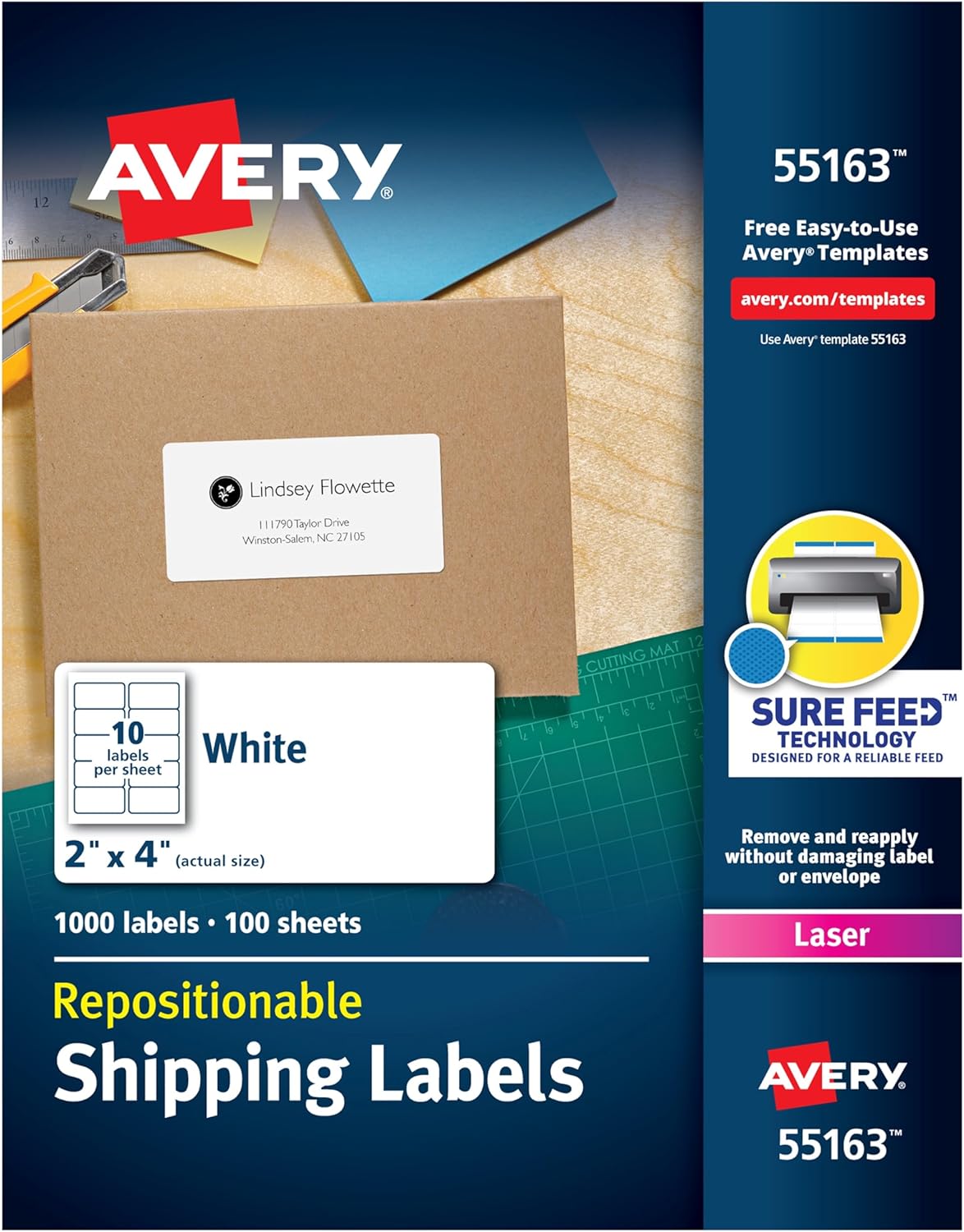
Figure 1: Avery Repositionable Shipping Labels, Model 55163
Wat zit er in de doos?
- 1 Box of 1,000 Avery Repositionable Shipping Labels (100 sheets, 10 labels per sheet)
Instellen
1. Designing Your Labels
Avery provides free templates and design tools online to help you customize your labels. These tools allow for sharp, clear text and can be accessed directly from the Avery website. No software download is required.

Figure 2: Avery Design & Print Online Interface
For a visual guide on customizing Avery products, please refer to the video below:
Video 1: Customize Avery Products. This video demonstrates how to use Avery's online design tools to customize various products, including labels, with text and images.
2. Loading Labels into Your Printer
These labels are optimized for laser printers. Ensure your printer settings are configured for the correct paper type (e.g., 'Labels' or 'Heavyweight') and size (2" x 4"). Load the label sheets into your printer's paper tray according to your printer's instructions, paying attention to the correct orientation for printing.

Figure 3: Label Sheet Layout (10 labels per sheet)
Avery labels feature Sure Feed Technology, designed for a reliable feed through your printer to help prevent jams and misalignments.
Video 2: Avery Labels with Sure Feed Technology. This video highlights the Sure Feed Technology that helps prevent printer jams and misalignments when printing Avery labels.
Gebruiksaanwijzing
1. Printing Your Labels
Once your design is complete and your printer is ready, initiate the print job from the Avery Design & Print Online software or your chosen application. Perform a test print on a plain sheet of paper first to verify alignment before printing on your label sheets.
2. Applying and Repositioning Labels
Carefully peel a label from the sheet. Thanks to Re-hesive Technology, you can initially place the label and, if needed, gently peel it off and reposition it without damaging the label or the envelope/package. Once satisfied with the placement, firmly press down on the entire label to activate the permanent adhesive. The adhesive will become permanent over time, ensuring the label will not fall off.

Figure 4: Repositioning a Label
For a demonstration of the repositionable feature, please watch the video below:
Video 3: Avery Repositionable Mailing Labels. This video illustrates the ease of applying and repositioning Avery labels on various surfaces.

Figure 5: Benefits of Repositionable Labels
Onderhoud
To ensure the longevity and quality of your Avery labels, store them in their original packaging in a cool, dry place away from direct sunlight and extreme temperatures. Avoid bending or creasing the sheets before printing. Handle sheets by the edges to prevent smudges or damage to the label surface.
Probleemoplossing
Labels Not Feeding Correctly or Jams
- Controleer de printerinstellingen: Ensure your printer is set to the correct paper type (e.g., 'Labels', 'Heavyweight') and size (2" x 4").
- Laad correct: Verify that the label sheets are loaded correctly into the printer tray, following your printer's specific instructions for orientation.
- Clean Printer: Dust or debris in the printer's paper path can cause feeding issues. Refer to your printer's manual for cleaning instructions.
- Sure Feed Technology: Avery labels are designed with Sure Feed Technology to minimize jams. If issues persist, ensure you are using genuine Avery products.
Labels Not Sticking Permanently
- Oppervlaktereiniging: Ensure the surface to which the label is applied is clean, dry, and free of dust or oils.
- Application Pressure: After initial positioning, apply firm and even pressure across the entire label to activate the permanent adhesive.
- Uithardingstijd: The Re-hesive Technology allows for repositioning initially, but the adhesive becomes permanent over time. Allow sufficient time for the adhesive to fully cure.
Specificaties
| Merk | Averij |
| Modelnummer | 55163 |
| Etiketgrootte | 2" x 4" |
| Number of Labels | 1,000 |
| Aantal vellen | 100 |
| Kleur | Wit |
| Materiaalsoort | Mengen |
| Productafmetingen | 11.31 x 8.81 x 0.94 inch |
| Artikelgewicht | 2.29 pond |
Garantie en ondersteuning
Avery products are manufactured to high-quality standards. For specific warranty information or technical support, please visit the official Avery website or contact their customer service directly. You can find more information and resources at www.avery.nl.


