
1. Inleiding
Thank you for choosing the Oclean Flow Sonic Electric Toothbrush. This manual provides detailed instructions for the safe and effective use, maintenance, and troubleshooting of your new toothbrush. Please read this manual thoroughly before first use and keep it for future reference.
2. Veiligheidsinformatie
Om een veilige werking te garanderen en letsel of schade te voorkomen, dient u de volgende voorzorgsmaatregelen in acht te nemen:
- Voorzichtigheid: Do not use the toothbrush while sleeping.
- Avoid using the toothbrush with wet hands to prevent electrical hazards.
- Before disposing of the toothbrush, remove the brush head to prevent accidental swallowing by children.
- Houd het apparaat buiten bereik van kinderen.
- Do not disassemble, repair, or modify the device yourself. Contact authorized service personnel for repairs.
- Dompel het laadstation niet onder in water of andere vloeistoffen.
- If you have any oral health concerns, consult your dentist before using this product.
3. Wat zit er in de doos?
Controleer bij het openen van de verpakking of alle onderdelen aanwezig en in goede staat zijn:
- Oclean Flow Sonic Electric Toothbrush Handle
- 1 x Brush Head (DuPont bristles)
- USB-C-oplaadkabel
- Gebruiksaanwijzing

Image: The Oclean Flow Sonic Electric Toothbrush, including the handle, brush head, and its retail packaging, illustrating the product's design and contents.
4. Product voorbijview
Familiarize yourself with the main components of your Oclean Flow toothbrush:
- Borstelkop: Features W-shaped DuPont bristles for effective cleaning and gum care.
- Hendel: Ergonomically designed for comfortable grip, housing the motor and battery.
- Aan/uit-knop: Used to turn the toothbrush on/off and switch brushing modes.
- Modusindicatoren: LED lights indicating the selected brushing mode.
- Oplaadpoort: USB-C port located at the bottom of the handle for charging.
5. Instellen
5.1 Eerste keer opladen
Before first use, fully charge your Oclean Flow toothbrush. A full charge takes approximately 5 hours and provides up to 180 days of use.
- Connect the USB-C charging cable to the charging port at the bottom of the toothbrush handle.
- Sluit het andere uiteinde van de USB-C-kabel aan op een compatibele USB-voedingsadapter (niet meegeleverd) of op een USB-poort van een computer.
- The indicator lights on the handle will show the charging status. Once fully charged, the lights will indicate completion.
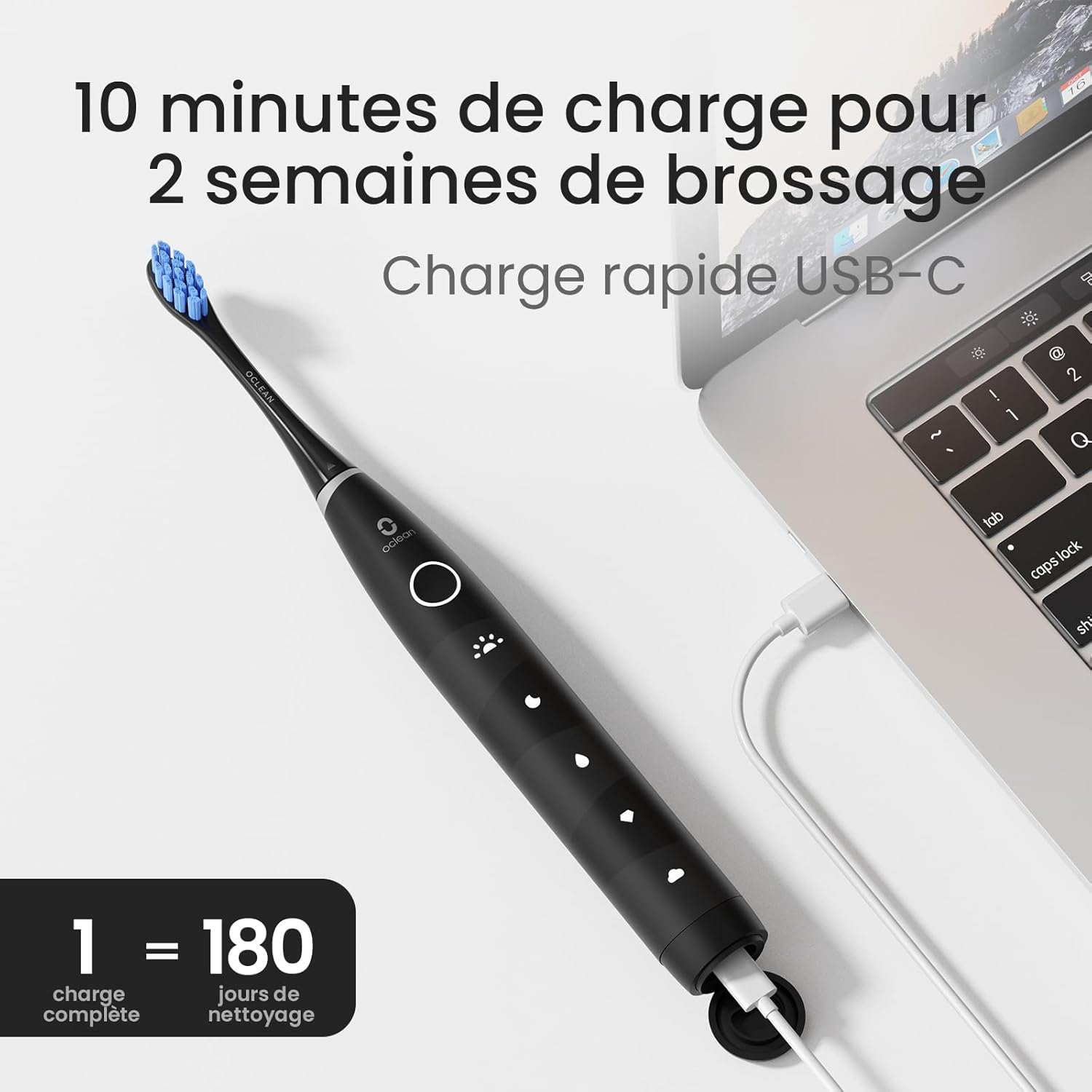
Image: The Oclean Flow toothbrush connected to a laptop via its USB-C charging cable, demonstrating the charging process. A graphic indicates "1 full charge = 180 days of cleaning."
5.2 De borstelkop bevestigen
Lijn de borstelkop uit met de metalen steel van de tandenborstel en druk deze stevig aan tot u een klik hoort. Zorg ervoor dat de borstelkop goed vastzit voordat u de tandenborstel gebruikt.
6. De tandenborstel bedienen
6.1 In-/uitschakelen
Press the power button once to turn the toothbrush on. Press and hold the power button for 2 seconds to turn it off.
6.2 Changing Brushing Modes
With the toothbrush turned on, press the power button repeatedly to cycle through the 5 available brushing modes. The corresponding LED indicator will light up for the selected mode.
- Morning Mode: For superior cleaning.
- Nachtmodus: For deep cleaning.
- Reinigingsmodus: Voor de dagelijkse schoonmaak.
- Whitening-modus: For a naturally whiter smile.
- Zachte modus: Suitable for individuals with sensitive gums.

Afbeelding: Een gedetailleerde view of the Oclean Flow toothbrush handle, highlighting the five distinct brushing modes: Morning, Night, Standard, Whitening, and Gentle, each with its corresponding icon.
6.3 Brushing Technique and Smart Timer
The Oclean Flow features a 2-minute smart timer and a 30-second quadrant reminder to ensure thorough cleaning of all areas of your mouth.
- Breng een kleine hoeveelheid tandpasta aan op de borstelkop.
- Plaats de borstelkop onder een lichte hoek tegen uw tanden, richting het tandvlees.
- Turn on the toothbrush. Gently move the brush head across your teeth, covering all surfaces.
- The toothbrush will pause briefly every 30 seconds to signal you to move to the next quadrant of your mouth.
- Na 2 minuten schakelt de tandenborstel automatisch uit, wat aangeeft dat de aanbevolen poetstijd is verstreken.

Image: A user demonstrating brushing with the Oclean Flow toothbrush. Graphics illustrate the 2-minute smart timer and the 30-second quadrant reminder system, promoting effective oral hygiene.
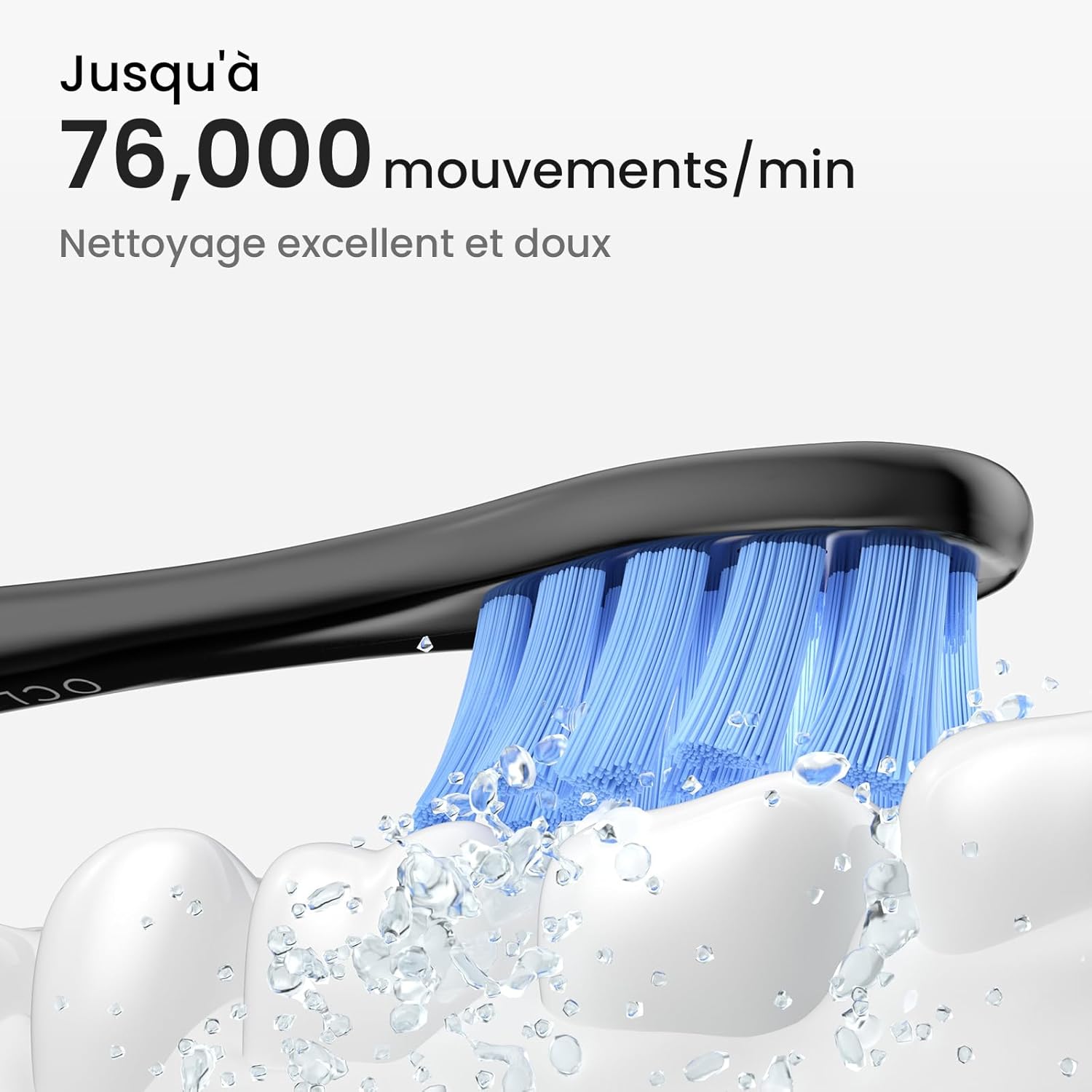
Image: A close-up of the Oclean Flow brush head in action, with water droplets simulating its sonic vibrations. Text indicates "Up to 76,000 movements/min" for excellent and gentle cleaning.
7. Onderhoud
7.1 De tandenborstel schoonmaken
The Oclean Flow toothbrush is IPX7 waterproof, allowing for easy cleaning.
- After each use, rinse the brush head and the handle under running water.
- Wipe the handle with a soft cloth to remove any toothpaste residue.
- Zorg ervoor dat de oplaadpoort droog is voordat u gaat opladen.

Image: The Oclean Flow toothbrush partially submerged in water, illustrating its IPX7 waterproof rating, which allows for easy cleaning under running water.
7.2 Vervanging van de borstelkop
Dentists recommend replacing brush heads every 3 months, or sooner if the bristles become frayed or worn.
- To remove the brush head, pull it firmly away from the handle.
- To attach a new brush head, align it with the metal shaft and push until it clicks into place.

Afbeelding: Een close-up view of the Oclean Flow brush head, highlighting its W-shaped design for better tooth adaptation and the use of high-quality DuPont Tynex bristles, which protect gums and enamel.
8. Probleemoplossing
If you encounter any issues with your Oclean Flow toothbrush, refer to the following common problems and solutions:
| Probleem | Mogelijke oorzaak | Oplossing |
|---|---|---|
| De tandenborstel gaat niet aan. | Batterij is leeg. | Laad de tandenborstel volledig op. |
| De trillingen zijn zwak. | Lage batterijspanning of losse borstelkop. | Charge the toothbrush. Ensure the brush head is securely attached. |
| De tandenborstel stopt tijdens gebruik. | 2-minute timer completed or low battery. | This is normal if 2 minutes have passed. If not, charge the toothbrush. |
| Brush head falls off during brushing. | De borstelkop zit niet goed vast. | Re-attach the brush head firmly until it clicks into place. |
If the problem persists after trying these solutions, please contact Oclean customer support for assistance.
9. Specificaties
| Functie | Detail |
|---|---|
| Modelnummer | Flowblackset |
| Merk | Oclean |
| Afmetingen (L x B x H) | 3x3x26cm |
| Gewicht | 120 gram |
| Levensduur van de batterij | Up to 180 days (on 5 hours charge) |
| Poetsstanden | 5 (Morning, Night, Cleaning, Whitening, Gentle) |
| Vibrations per Minute | Tot 76,000 |
| Tijdklok | 2-minute smart timer with 30-second quadrant reminder |
| Waterdichtheidsclassificatie | IPX7 |
| Energiebron | Werkt op batterijen (1 x 12V-batterij meegeleverd) |
| Materiaal van de borstelkop | DuPont Tynex bristles |
| Land van herkomst | China |
10. Garantie en ondersteuning
Oclean products are manufactured to high-quality standards. For information regarding warranty coverage, returns, or technical support, please refer to the warranty card included with your product or visit the official Oclean webwebsite. Bewaar uw aankoopbewijs als aankoopbewijs voor garantieclaims.
For further assistance, you may contact Oclean customer service through their official channels.