
Invoering
Welcome to the user manual for your Noise Buds VS501 True Wireless Earbuds. This guide provides essential information to help you set up, operate, maintain, and troubleshoot your earbuds, ensuring an optimal audio experience. Please read this manual thoroughly before using the product.
Wat zit er in de doos?
Upon unboxing your Noise Buds VS501, you should find the following items:
- 1N Bluetooth Headphone (Earbuds)
- 1N oplaadetui
- 1N Charging Cable (Type-C)
- 1N Gebruikershandleiding
- 1N Warranty Registration Card
Product voorbijview
The Noise Buds VS501 are designed for a seamless audio experience with advanced features. Familiarize yourself with the components:
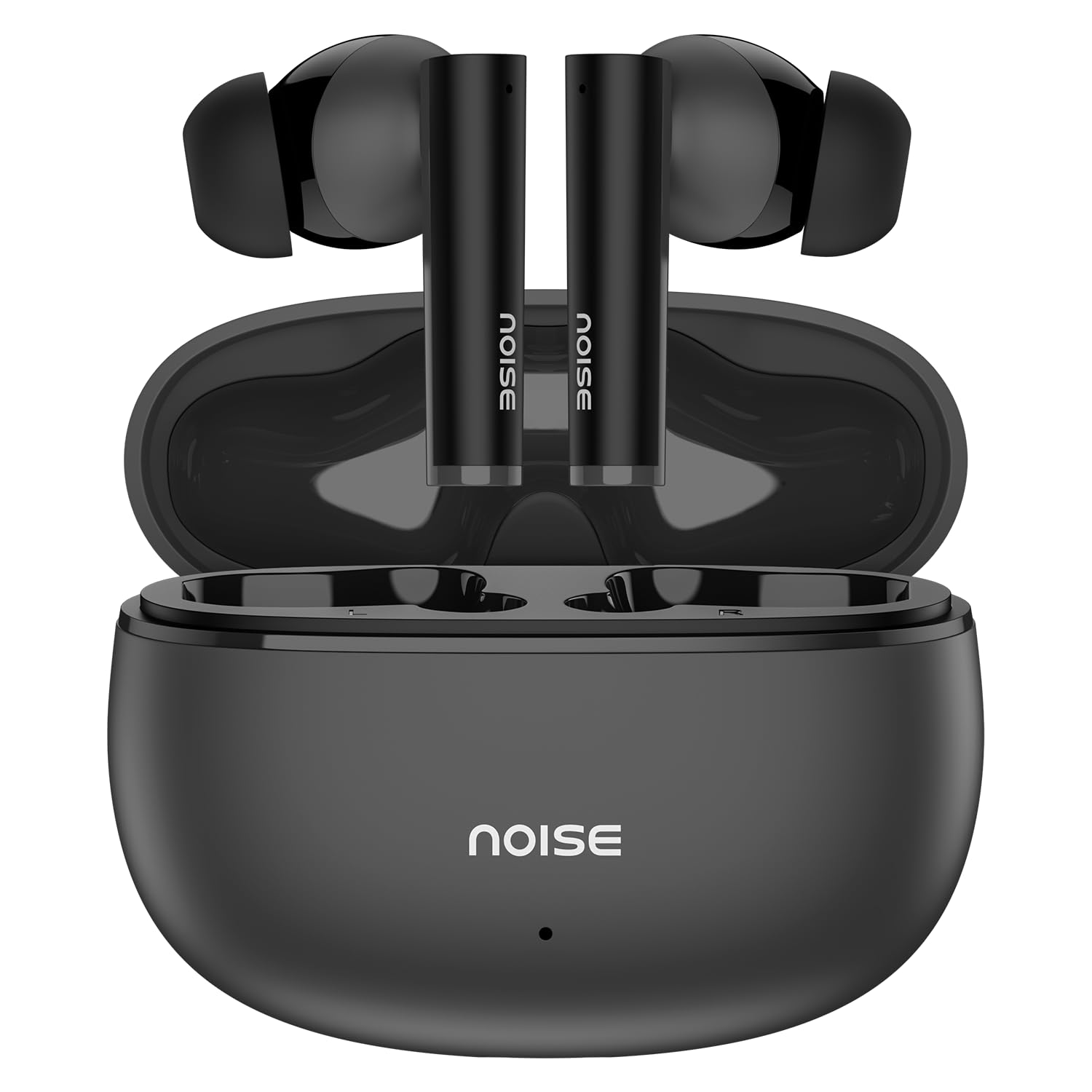
Image: Noise Buds VS501 True Wireless Earbuds, showcasinhun strakke design.
Afbeelding: Een overview of key features including Bluetooth 5.3, 50 hours playtime, IPX5 water resistance, dual-device pairing, Quad Mic ENC, Trubass, dual color tones, and 10mm drivers.
The earbuds feature a 10 mm dynamische driver for rich sound and Quad-microfoon met omgevingsruisonderdrukking (ENC) for clear calls. The charging case provides extended battery life, offering up to 50 uur totale speeltijd.
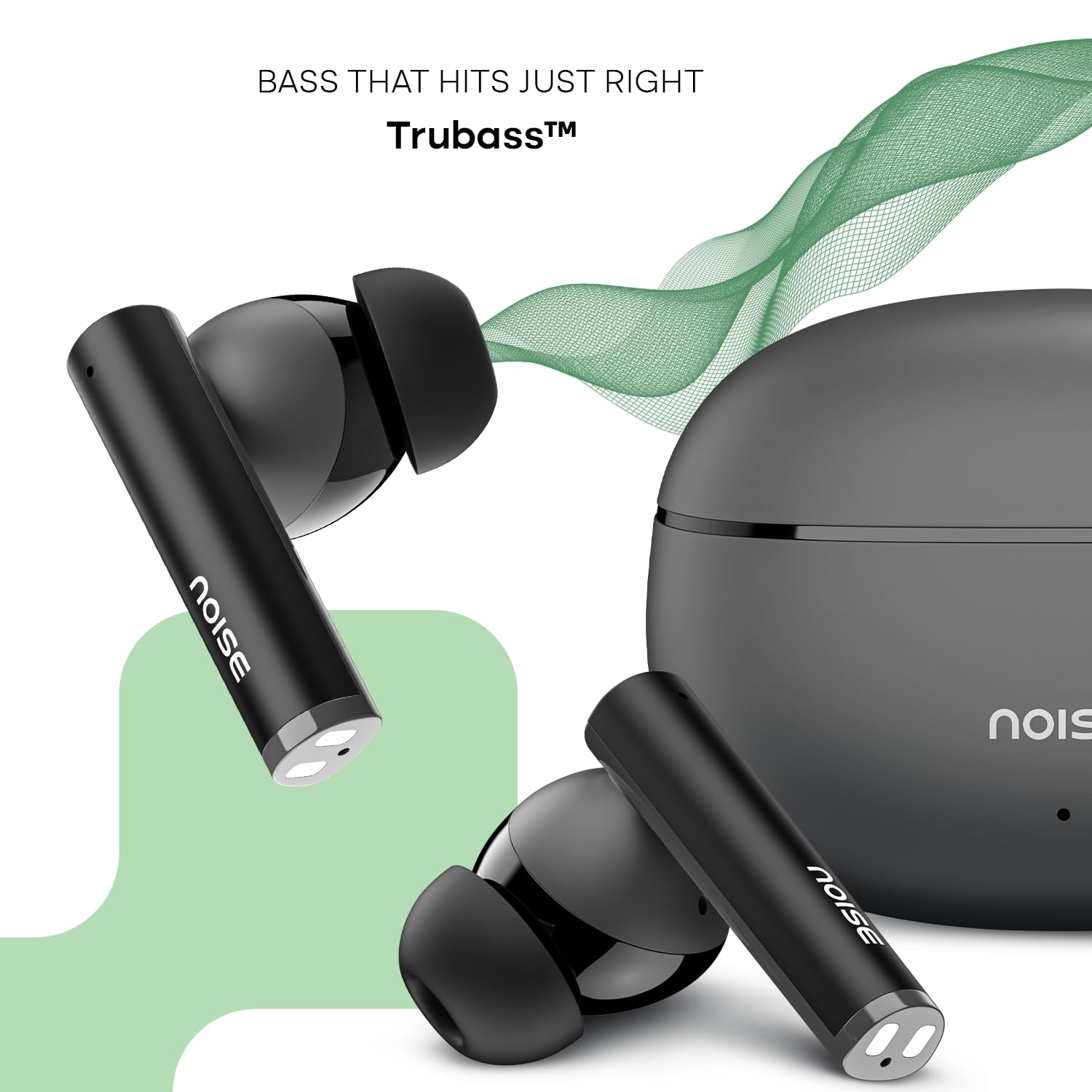
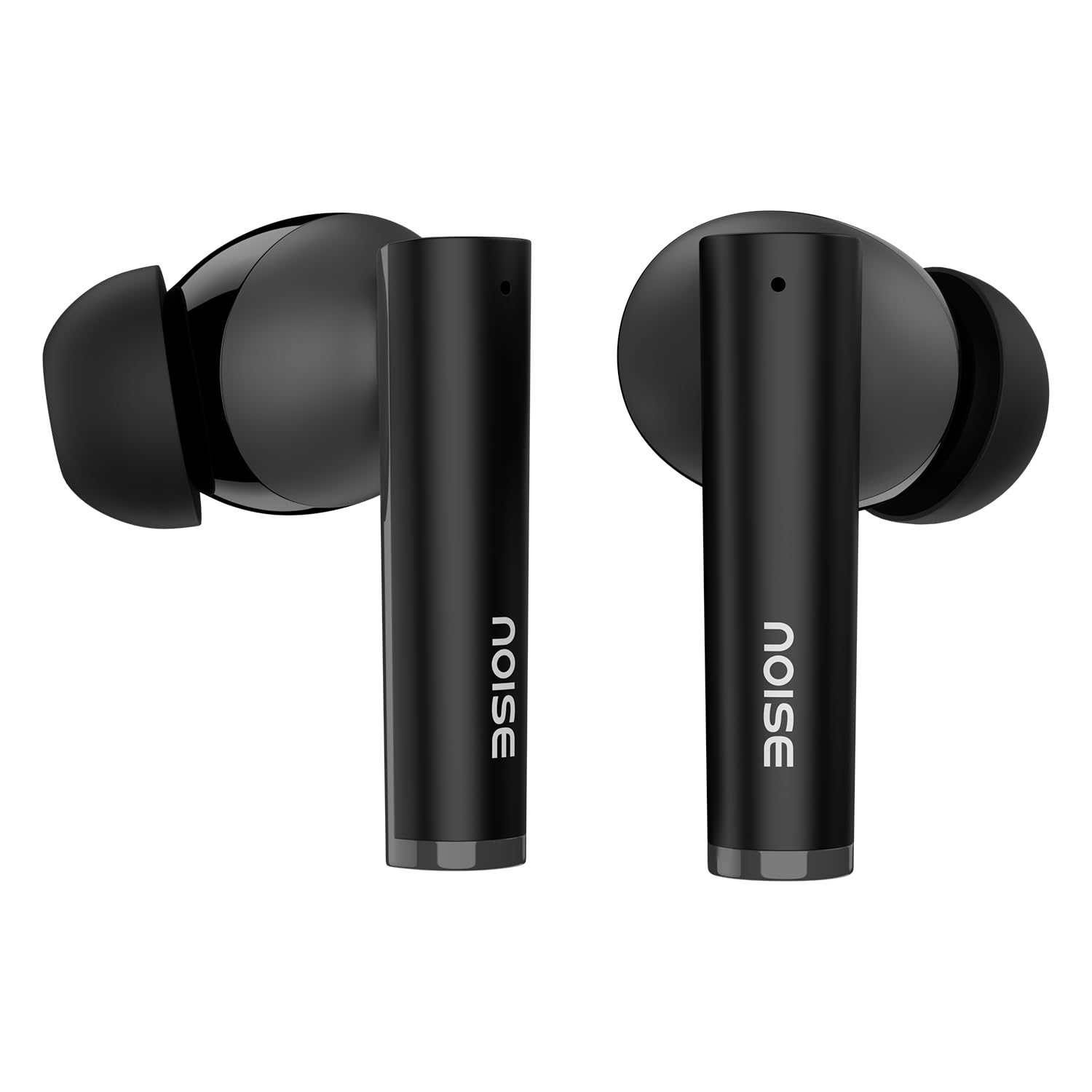
Image: Close-up of a single Noise Buds VS501 earbud, highlighting the 10mm driver for ampgelieerde audio.
Instellen
De oordopjes en het hoesje opladen
Laad de oordopjes en de oplaadcase volledig op voordat u ze voor het eerst gebruikt.
- Plaats de oordopjes in de oplaadcase. Zorg ervoor dat ze goed vastzitten.
- Connect the Type-C charging cable to the charging port on the case and the other end to a power source.
- The indicator light on the charging case will show the charging status. Once fully charged, the indicator may change or turn off.
The charging case provides multiple charges for the earbuds, extending the total listening time.
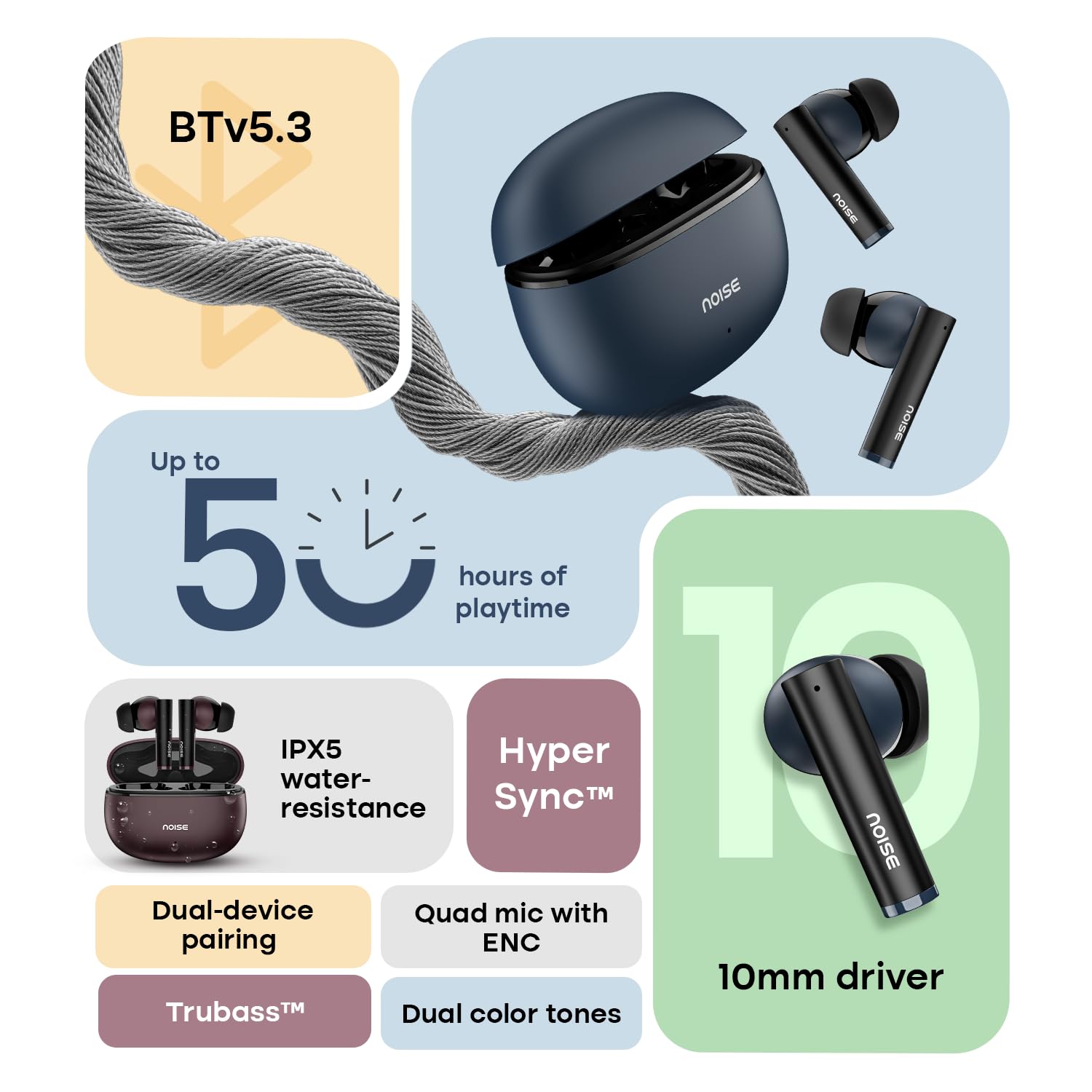
Image: The Noise Buds VS501 charging case, emphasizing its capability for up to 50 hours of playtime.
Koppelen met uw apparaat
The Noise Buds VS501 feature HyperSync™ for quick pairing.
- Open de oplaadcase. De oordopjes gaan automatisch in de koppelingsmodus.
- Schakel Bluetooth in op uw apparaat (smartphone, tablet, laptop).
- Zoeken naar available Bluetooth devices and select "Noise Buds VS501" from the list.
- Zodra de verbinding tot stand is gebracht, hoort u een gesproken melding en zijn de oordopjes klaar voor gebruik.
Bij volgend gebruik maken de oordopjes automatisch verbinding met het laatst gekoppelde apparaat wanneer ze uit het oplaadhoesje worden gehaald.
Bediening
Aanraakbediening
The earbuds are equipped with touch-sensitive controls for various functions:
- Afspelen/Pauzeren: Tik één keer op een van de oordopjes.
- Volgende nummer: Dubbeltik op het rechteroordopje.
- Vorig nummer: Dubbeltik op het linkeroordopje.
- Oproep beantwoorden/beëindigen: Tik één keer op een van de oordopjes.
- Oproep afwijzen: Houd een van beide oordopjes 2 seconden ingedrukt.
- Activeer spraakassistent (Siri/Google Assistent): Tik drie keer op een van de oordopjes.
Dubbele apparaatkoppeling
The Noise Buds VS501 support dual device pairing, allowing seamless switching between two connected devices.
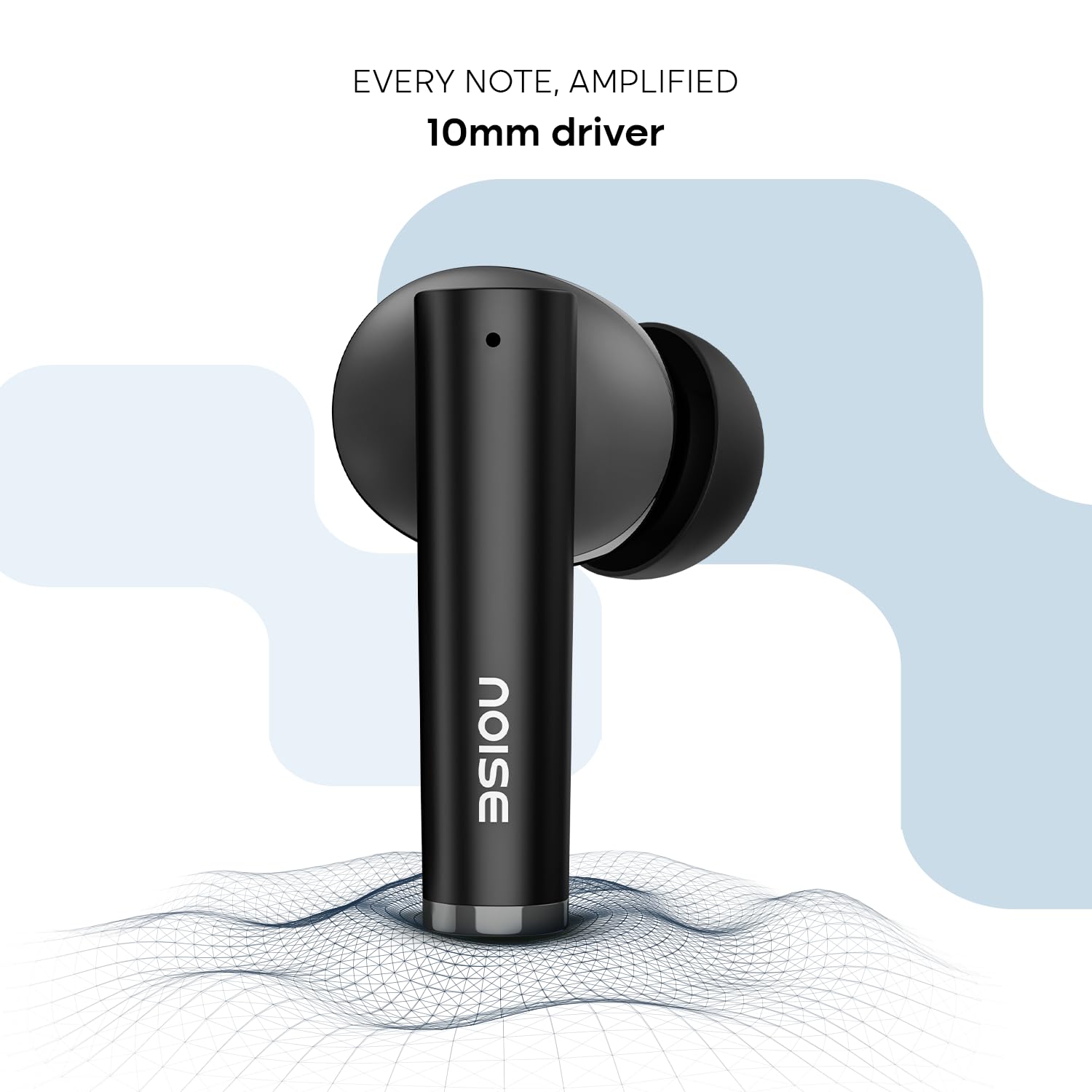
Image: Noise Buds VS501 connected to both a smartphone and a tablet, illustrating the dual-device pairing feature.
Om deze functie te gebruiken:
- Koppel de oordopjes eerst met je eerste apparaat (bijvoorbeeld je smartphone).
- Disconnect the earbuds from the first device's Bluetooth settings. The earbuds will re-enter pairing mode.
- Pair the earbuds with your second device (e.g., laptop).
- Now, the earbuds are paired with both devices. To switch, simply play audio or answer a call on the desired device, and the earbuds will automatically connect.
Bellen
De Quad Mic with ENC (Environmental Noise Cancellation) ensures clear voice transmission during calls, even in noisy environments.
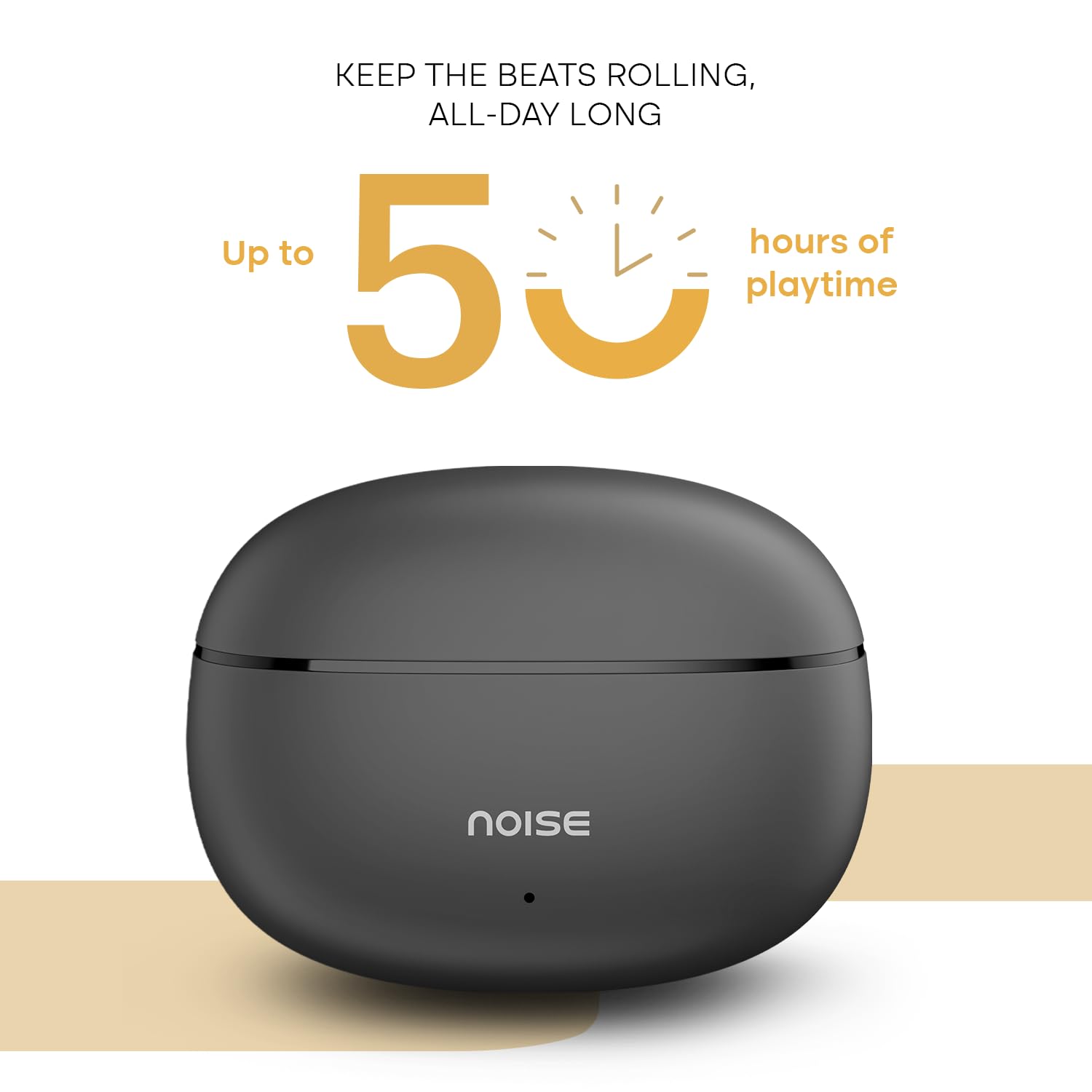
Image: A person wearing a Noise Buds VS501 earbud, illustrating the Quad Mic with ENC feature for clear conversations.
Onderhoud
Proper maintenance ensures the longevity and optimal performance of your Noise Buds VS501.
- Schoonmaak: Maak de oordopjes en de oplaadcase regelmatig schoon met een zachte, droge, pluisvrije doek. Gebruik geen agressieve chemicaliën of schurende materialen.
- Waterbestendigheid: De oordopjes zijn IPX5 waterbestendig, meaning they can withstand splashes and sweat. Do not submerge them in water or expose them to heavy rain.
- Opslag: Wanneer u de oordopjes niet gebruikt, bewaar ze dan in hun oplaadcase om ze te beschermen en opgeladen te houden. Bewaar ze op een koele, droge plaats, uit de buurt van extreme temperaturen.
- Oplaadpoort: Houd de USB Type-C-oplaadpoort vrij van stof en vuil.
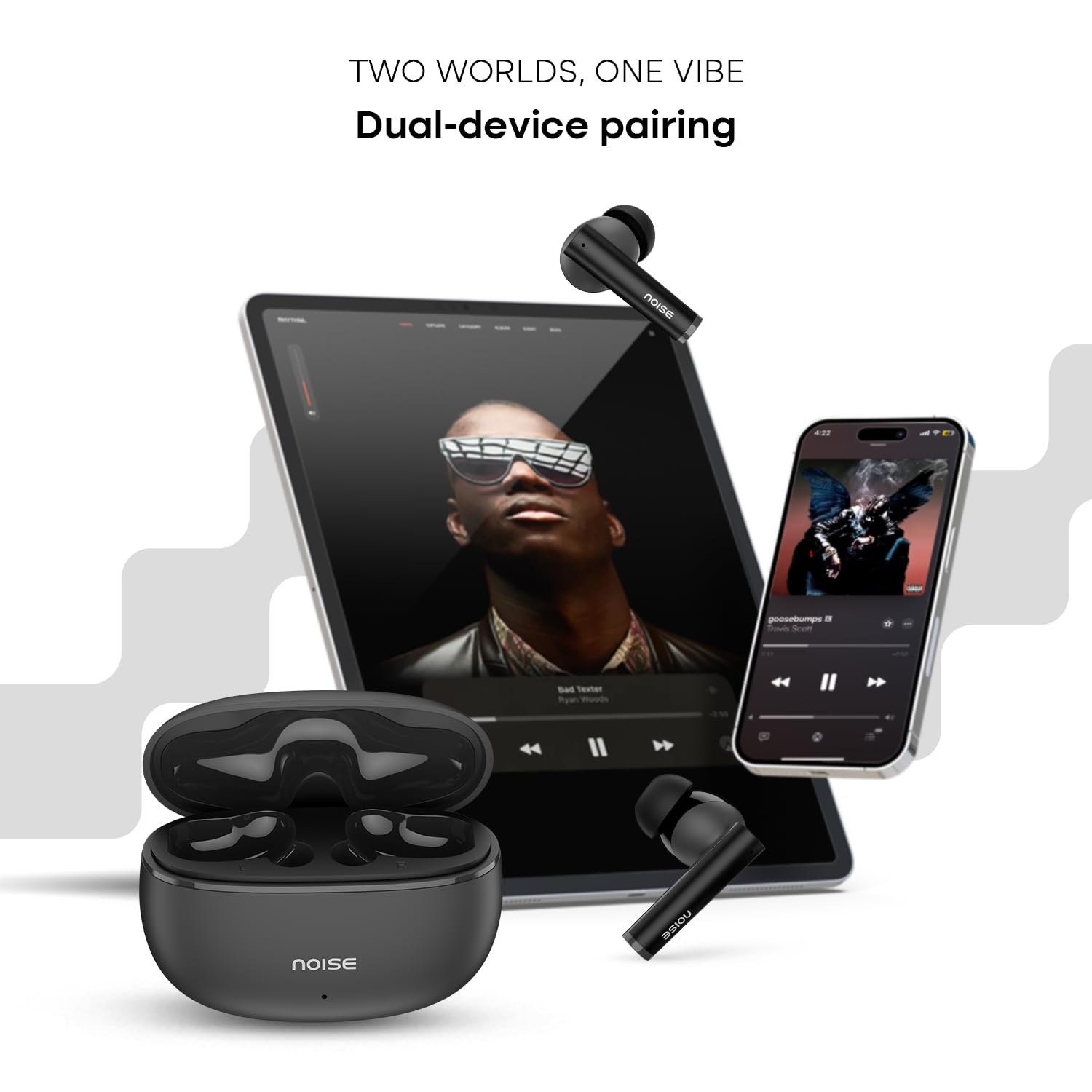
Image: Visual representation of HyperSync, Bluetooth v5.3, and IPX5 water resistance features of the Noise Buds VS501.
Probleemoplossing
If you encounter issues with your Noise Buds VS501, refer to the following common solutions:
- Oordopjes koppelen/verbinden niet:
- Zorg ervoor dat beide oordopjes zijn opgeladen.
- Schakel Bluetooth op uw apparaat uit en weer in.
- Forget "Noise Buds VS501" from your device's Bluetooth list and try pairing again.
- Perform a factory reset (refer to the manufacturer's website or contact support for specific instructions).
- Slechts één oordopje werkt:
- Plaats beide oordopjes terug in de oplaadcase, sluit het deksel, wacht een paar seconden en open het deksel vervolgens weer.
- Zorg ervoor dat beide oordopjes zijn opgeladen.
- Maak de oplaadcontacten op beide oordopjes en in de case schoon.
- Voer een fabrieksreset uit.
- Problemen met opladen:
- Zorg ervoor dat de oplaadkabel goed is aangesloten op zowel de behuizing als de stroombron.
- Probeer een andere USB Type-C-oplaadkabel en -adapter.
- Maak de oplaadpoort op de behuizing schoon.
- Laag volume of slechte geluidskwaliteit:
- Pas het volume op uw aangesloten apparaat aan.
- Zorg ervoor dat de oordopjes goed in uw oren zitten.
- Verwijder oorsmeer en vuil uit de oordopjes.
Specificaties
| Merk | Lawaai |
| Modelnaam | Knoppen VS501 |
| Modelnummer | AUD-HDPHN-BUDSVS501-BLK |
| Plaatsing van de oren | In het oor |
| Vormfactor | Echt draadloos |
| Bluetooth-versie | 5.3 |
| Bluetooth-bereik | 10 Meter |
| Gemiddelde levensduur van de batterij | 50 Hours (Total Playtime with Case) |
| Audiodrivergrootte | 10 millimeter |
| Producteigenschappen | Noise Cancellation (ENC), Dual Device Pairing |
| Waterbestendigheidsniveau | IPX5 waterbestendig |
| Koptelefoonaansluiting | Type-C snellaadaansluiting |
| Controlemethode | Stem, aanraking |
| Controller-type | Google Assistent, Siri |
| Artikelgewicht | 50 gram |
| Materiaal | Polycarbonaat (PC) |
Garantie en ondersteuning
Garantie-informatie
Your Noise Buds VS501 come with a 1 jaar garantie Verstrekt door de fabrikant vanaf de aankoopdatum. Bewaar uw aankoopbewijs voor garantieclaims.
Klantenservice
For any technical assistance, warranty claims, or product-related inquiries, please contact Noise customer support:
- Fabrikant: Nexxbase Marketing Pvt. Ltd
- Adres: Khasra No-146/25/2/1, Jail Road Badshahpur, Gurugram Haryana-122101
- Contactnummer: 8882-132-132