Invoering
The Lytmi CozyClip D1 Open Clip Earbuds are designed for comfortable, all-day listening while maintaining awareness of your surroundings. Featuring an ultra-light open-ear design, Hi-Fi sound, AI-powered clear calls, and IP54 waterproof rating, these earbuds offer a unique audio experience. This manual provides essential information for setting up, operating, and maintaining your CozyClip D1 earbuds.
Wat zit er in de doos?
- Lytmi CozyClip D1 Open-Ear Clip-on Earphones (1 pair)
- Oplaadetui (1)
- Gebruiksaanwijzing (1)
- Type-C-oplaadkabel (1)

Image: Lytmi CozyClip D1 packaging and included accessories.
Product voorbijview
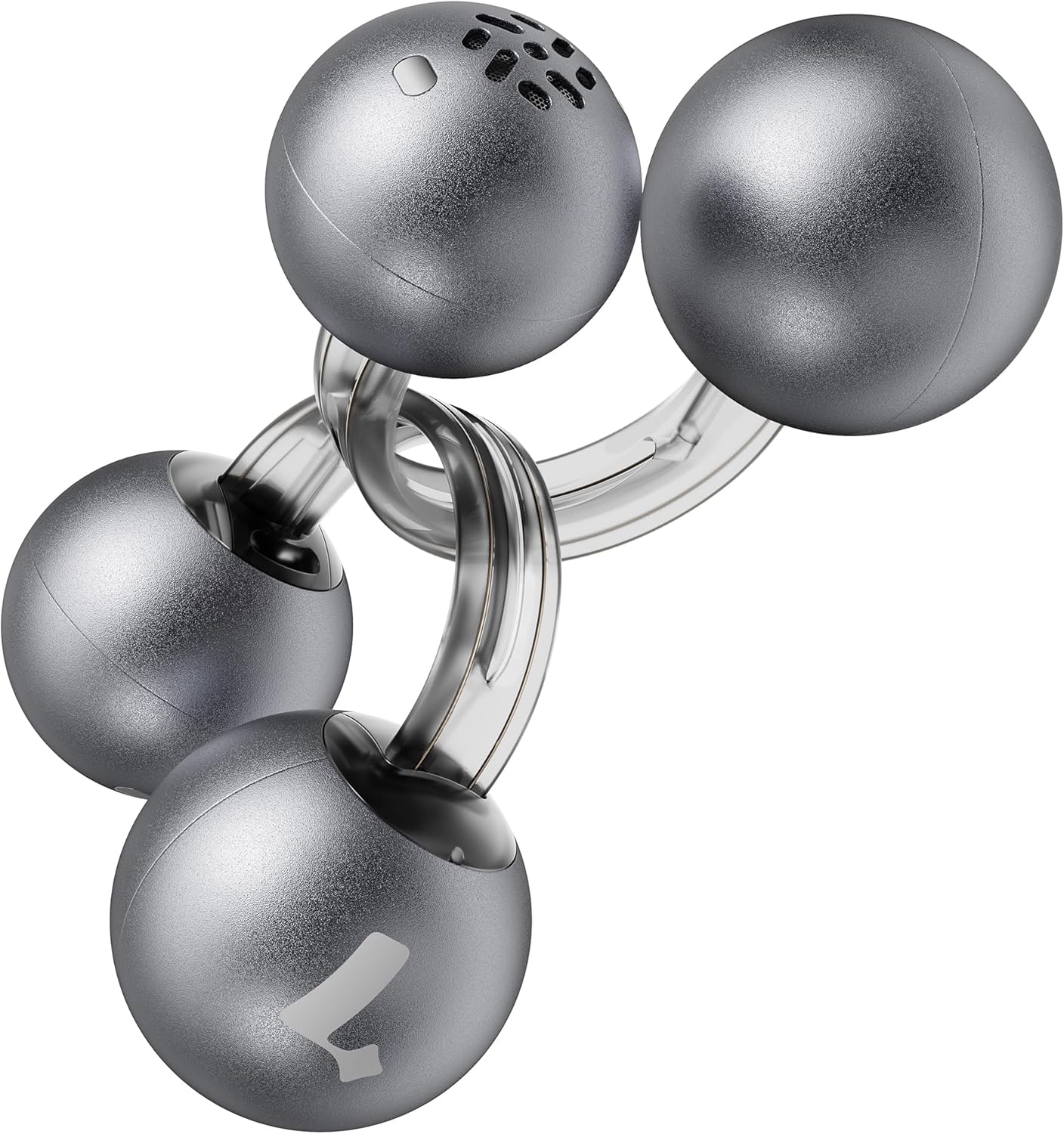
Image: Lytmi CozyClip D1 Earbuds, showcasing their open-ear clip design.

Image: Earbud resting on a feather, illustrating its ultra-lightweight design.
Belangrijkste kenmerken:
- Open-oorontwerp: Weighing just 5.4g each, these earbuds clip onto your ear, providing comfort and allowing you to remain aware of your surroundings.
- Hi-Fi Sound: Experience immersive audio with enhanced bass and clear highs.
- AI-ruisonderdrukking voor oproepen: Ensures crystal-clear calls by reducing environmental noise, even in windy conditions.
- Auto Left-Right Recognition: Earbuds are interchangeable; wear either earbud on either ear without manual configuration.
- Lange batterijduur: Up to 9 hours of playtime on a single charge, and up to 30 hours with the charging case.
- IP54 waterdicht en stofdicht: Designed to withstand sweat and water splashes, suitable for various activities and weather conditions.
- Bluetooth 5.4: Provides stable and efficient wireless connectivity with faster data transfer and extended signal range.
- Dual-Connection: Maak gelijktijdig verbinding met twee apparaten en schakel naadloos tussen deze apparaten.
Instellen
1. De oordopjes en het doosje opladen
Laad de oordopjes en de oplaadcase volledig op voordat u ze voor het eerst gebruikt.
- Plaats de oordopjes in de oplaadcase. Zorg ervoor dat ze goed vastzitten.
- Connect the Type-C charging cable to the charging port on the case and the other end to a USB power source.
- Het indicatielampje op de behuizing geeft de laadstatus weer. Zodra de batterij volledig is opgeladen, verandert het lampje van kleur of gaat het uit.

Image: Charging case and earbuds, illustrating battery life.
2. Koppelen met een apparaat
- Open de oplaadcase. De oordopjes gaan automatisch in de koppelingsmodus.
- Schakel Bluetooth in op uw apparaat (smartphone, tablet, enz.) en zoek naar beschikbare apparaten.
- Select "Lytmi CozyClip D1" from the list of devices.
- Zodra de verbinding tot stand is gebracht, verschijnt er een gesproken melding die bevestigt dat de koppeling is geslaagd.

Image: Quick pairing process with a smartphone.
3. De oordopjes dragen
The CozyClip D1 earbuds feature an auto left-right recognition system, allowing you to wear either earbud on either ear.
- Gently clip the earbud onto your earlobe, positioning the speaker component near your ear canal.
- Adjust for a comfortable and secure fit. The flexible design ensures stability during movement.
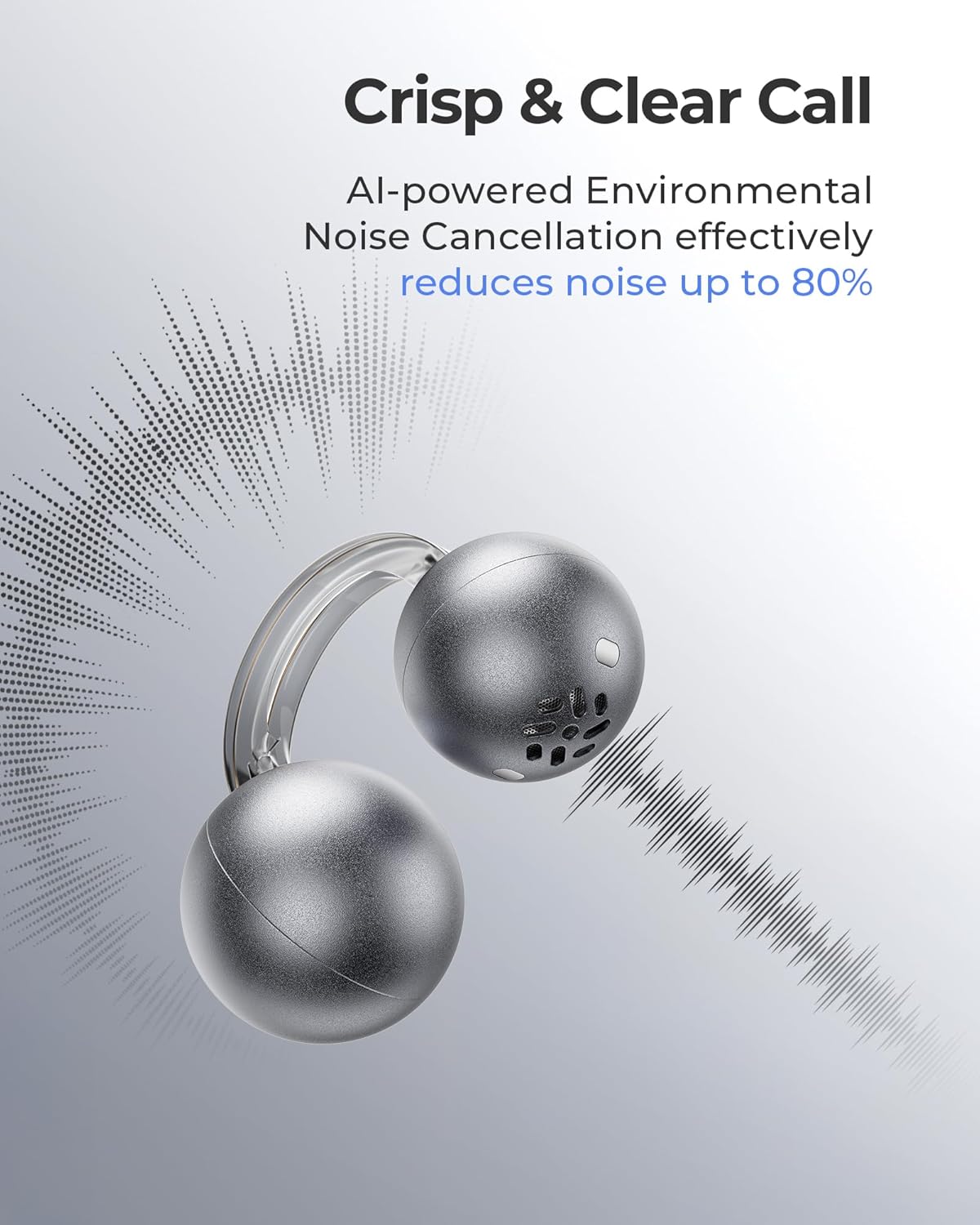
Image: Earbud worn on an ear, showing the secure fit.

Image: Wearing styles for awareness or full sound.
Gebruiksaanwijzing
Aanraakbediening
De oordopjes zijn voorzien van intuïtieve aanraakbediening voor het beheren van audioweergave en telefoongesprekken.
- Double Tap (Left or Right Earbud): Answer a call, End a call, Play/Pause music.
- Triple Tap (Left or Right Earbud): Next track, Reject a call.

Image: Touch control gestures for playback and calls.
Dual-Connection
The CozyClip D1 earbuds support simultaneous connection to two devices.
- Koppel de oordopjes eerst met je eerste apparaat (bijvoorbeeld je smartphone).
- Ontkoppel de oordopjes van de Bluetooth-instellingen van het eerste apparaat.
- Pair the earbuds with your second device (e.g., laptop).
- Reconnect the earbuds to the first device from its Bluetooth settings. The earbuds will now be connected to both devices.
- Het geluid wordt automatisch overgeschakeld naar het apparaat dat de inhoud afspeelt of een gesprek ontvangt.

Image: Seamless switching between two connected devices.
Officiële productvideo
Video: Een overview of the Lytmi CozyClip D1 Open Ear Clip-on Earbuds, demonstrating their design, fit, and key features in various usage scenarios.
Onderhoud
- Schoonmaak: Veeg de oordopjes en de oplaadcase regelmatig schoon met een zachte, droge doek. Vermijd het gebruik van agressieve chemicaliën of schurende materialen.
- Opslag: Wanneer u de oordopjes niet gebruikt, kunt u ze in de oplaadcase opbergen om ze te beschermen tegen stof en beschadigingen.
- Blootstelling aan water: While IP54 rated for water splashes and sweat, avoid submerging the earbuds in water. Ensure they are dry before placing them back in the charging case.
Probleemoplossing
| Probleem | Oplossing |
|---|---|
| Oordopjes koppelen niet | Ensure earbuds are charged. Turn off and on Bluetooth on your device. Forget "Lytmi CozyClip D1" from your device's Bluetooth list and re-pair. |
| Geen geluid of laag volume | Check device volume. Ensure earbuds are properly seated on your ears. Reconnect the earbuds to your device. |
| Oordopjes vallen uit | Adjust the clip for a more secure fit around your earlobe. Experiment with different positioning for optimal stability. |
| Oplaadcassette laadt niet op | Verify the charging cable and power adapter are working correctly. Ensure the Type-C cable is fully inserted into the charging port. |
| Aanraakbediening reageert niet | Zorg ervoor dat je vingers schoon en droog zijn. Probeer de oordopjes opnieuw op te starten door ze in het doosje te plaatsen en er weer uit te halen. |
Specificaties
| Functie | Detail |
|---|---|
| Modelnaam | Lytmi GezelligeClip D1 |
| Connectiviteitstechnologie | Draadloos (Bluetooth 5.4) |
| Bluetooth-bereik | 10 meter |
| Batterijduur (oordopjes) | Tot 9 uur |
| Totale speeltijd (met koffer) | Tot 30 uur |
| Oplaadtijd | 1 Hour (for earbuds) |
| Waterbestendigheidsniveau | IP54 (Water- en stofdicht) |
| Gewicht van het artikel (oordopje) | 0.17 ounces (ongeveer 5.4 g) |
| Audiodrivergrootte | 12 millimeter |
| Impedantie | 32 Ohm |
| Frequentierespons | 20 kHz (bovengrens, typisch bereik 20 Hz-20 kHz) |
| Geluidsbeheersing | Adaptive Noise Cancellation (for calls) |
| Materiaal | ABS+PC (for carrying case) |
| Controlemethode | Aanraken |
Garantie en ondersteuning
For warranty information, technical support, or further assistance, please refer to the official Lytmi webwebsite of neem rechtstreeks contact op met hun klantenservice. Bewaar uw aankoopbewijs voor garantieclaims.
You can visit the Lytmi Store for more information: Lytmi Official Store