
1. Inleiding
Bedankt voor uw aankoopasing the Technical Pro TPSPARK28-2 Portable Rechargeable Bluetooth Speaker. This manual provides essential information for the safe and efficient operation of your speaker system. Please read it thoroughly before use and retain it for future reference.

Image 1.1: Two Technical Pro TPSPARK28-2 speakers, showcasing their design and LED woofers.
2. Veiligheidsinstructies
- Stel de luidspreker niet bloot aan water, vocht of extreme temperaturen.
- Plaats de luidspreker niet in de buurt van warmtebronnen of in direct zonlicht.
- Probeer de luidspreker niet te demonteren of aan te passen. Laat alle onderhoudswerkzaamheden over aan gekwalificeerd personeel.
- Gebruik uitsluitend het aangegeven laadvolume.tage and cable.
- Houd de luidspreker uit de buurt van kinderen en huisdieren.
- Zorg voor voldoende ventilatie rond de luidspreker tijdens gebruik.
3. Inhoud van het pakket
Controleer of alle artikelen in het pakket aanwezig zijn:
- Technical Pro TPSPARK28-2 Portable Bluetooth Speaker (2 units)
- USB-oplaadkabel
- Gebruiksaanwijzing
4. Product voorbijview
4.1 Luidsprekerfuncties
- Dual 8-inch woofers with dynamic LED lighting
- True Wireless Stereo (TWS) for connecting two speakers
- Bluetooth-connectiviteit voor draadloze audiostreaming
- USB and SD Card inputs for direct media playback
- FM-radiotuner
- Microfooningang voor karaoke
- Ingebouwde oplaadbare batterij

Image 4.1: Key features of the TPSPARK28-2 speaker.
4.2 Configuratiescherm en poorten

Afbeelding 4.2: Gedetailleerd view of the control panel and input/output ports.
- USB-poort: Voor het afspelen van USB-sticks.
- Aan/uit-schakelaar: Hiermee schakel je de luidspreker in of uit.
- DC 5V Charging Point: Sluit hier de USB-oplaadkabel aan.
- Led scherm: Geeft informatie over de huidige modus en het spoor weer.
- Playback Controllers: Buttons for Play/Pause, Next/Previous Track, Mode selection.
- SD-kaartsleuf: Voor weergave vanaf een SD-kaart.
- Microfooningang: 6.35 mm jack-aansluiting voor microfoon.
- AUX-ingang: 3.5 mm-aansluiting voor externe audioapparaten.
5. Instellen
5.1 De luidspreker opladen
Before first use, fully charge the speaker. Connect the USB charging cable to the DC 5V charging point on the speaker and the other end to a compatible USB power adapter (not included) or a computer USB port. The LED indicator will show charging status.
5.2 In-/uitschakelen
To power on the speaker, toggle the On/Off switch to the 'ON' position. To power off, toggle it to the 'OFF' position.
5.3 True Wireless Stereo (TWS)-koppeling
TWS allows you to connect two TPSPARK28-2 speakers wirelessly for a stereo sound experience.
- Zorg ervoor dat beide luidsprekers zijn ingeschakeld en in de Bluetooth-modus staan.
- On one speaker (this will be the primary speaker), press and hold the TWS button (often combined with the Play/Pause button or a dedicated TWS button, refer to your specific unit's button layout).
- De primaire luidspreker zoekt naar de secundaire luidspreker. Zodra de verbinding tot stand is gebracht, hoort u een geluidssignaal ter bevestiging.
- Now, connect your Bluetooth device to the primary speaker. Both speakers will play audio in stereo.

Image 5.1: TWS wireless connection setup.
6. Gebruiksaanwijzing
6.1 Bluetooth-modus
- Schakel de luidspreker in. Deze gaat automatisch naar de Bluetooth-koppelingsmodus, wat wordt aangegeven door een knipperend 'BLAUW' op het LED-display.
- Schakel Bluetooth in op uw mobiele apparaat en zoek naar beschikbare apparaten.
- Select 'TPSPARK28-2' from the list. Once connected, you will hear a confirmation tone, and 'BLUE' will stop flashing.
- U kunt nu audio van uw apparaat via de luidspreker afspelen.
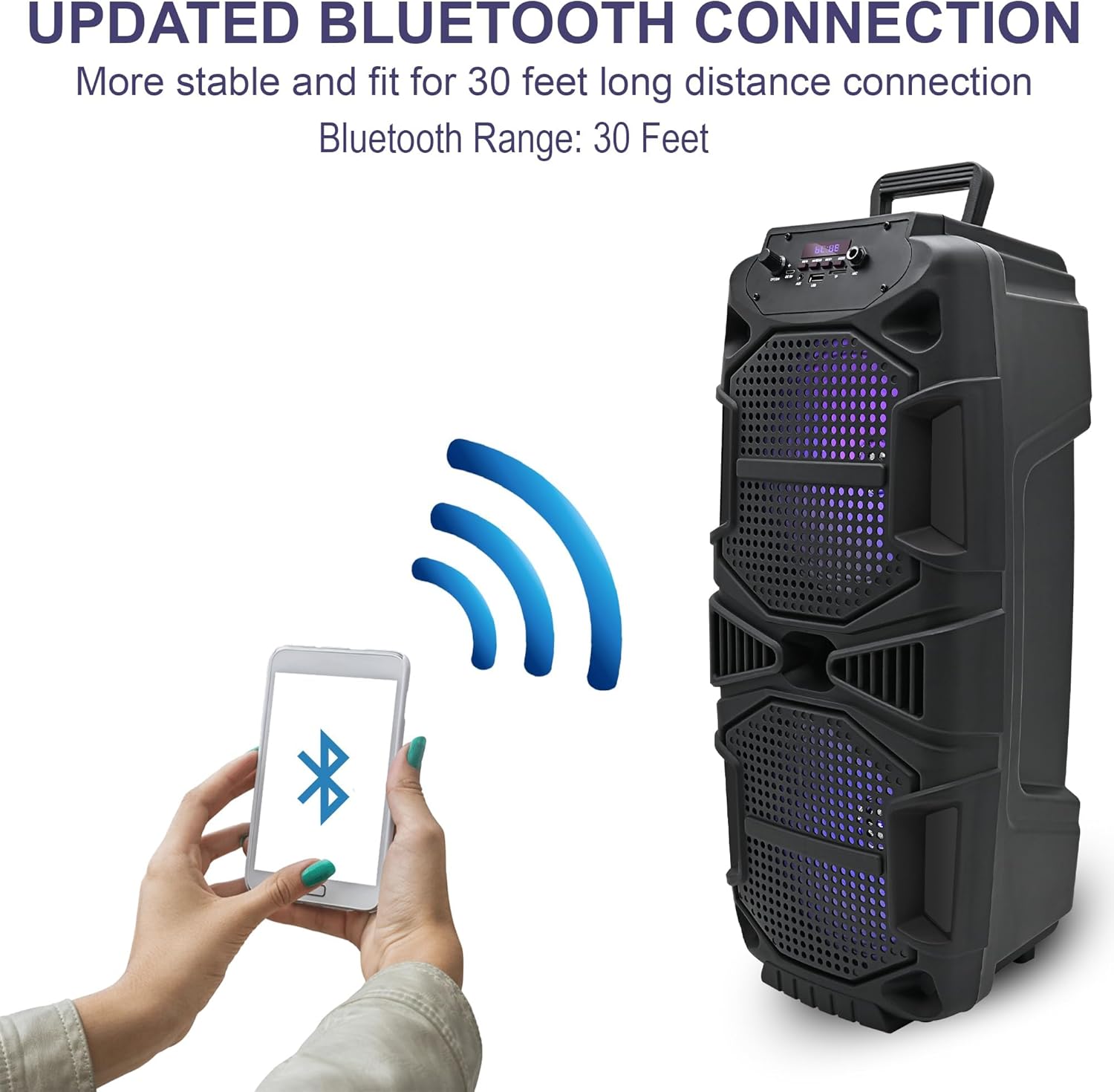
Image 6.1: Bluetooth connection process.
6.2 USB/SD-kaartmodus
- Insert a USB drive or SD card into the respective port.
- The speaker will automatically switch to USB or SD card mode and begin playing audio. If not, press the 'Mode' button to select the correct input.
- Use the playback control buttons (Play/Pause, Next/Previous) to manage your music.
6.3 FM-radiomodus
- Press the 'Mode' button until 'FM' appears on the LED display.
- Houd de afspeel-/pauzeknop ingedrukt om automatisch naar FM-zenders te zoeken. De luidspreker slaat alle gevonden zenders op.
- Gebruik de knoppen Volgende/Vorige om door de opgeslagen stations te navigeren.
6.4 Microfooningang
Connect a microphone (not included) to the 'Mic Input' jack. Adjust the microphone volume using the dedicated knob on the control panel (if available) or the main volume control.
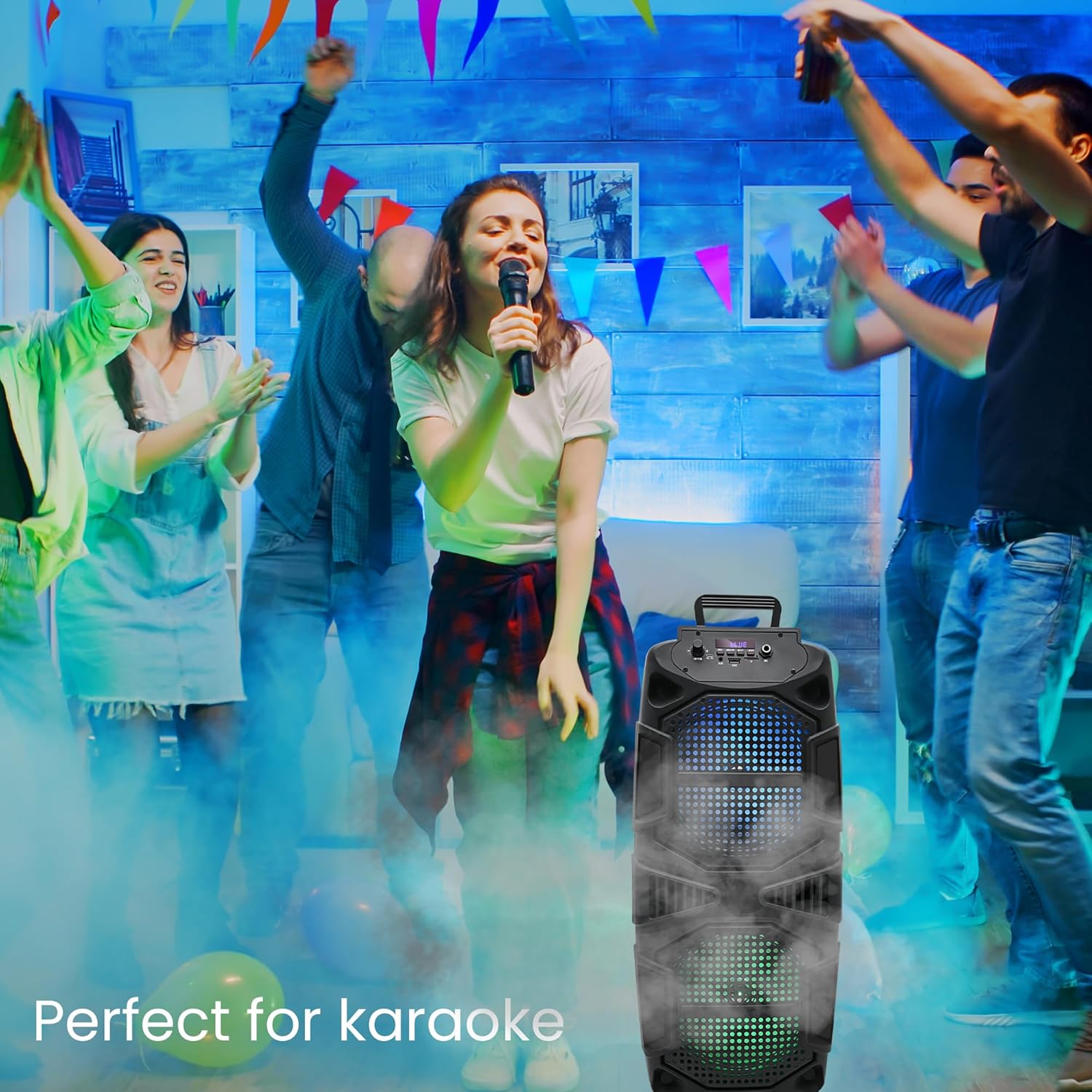
Image 6.2: Speaker in use for karaoke.
6.5 LED-verlichting
The speaker features dynamic LED woofers that synchronize with the music. There is no specific control for the LED lights; they operate automatically when the speaker is on and playing audio.
7. Onderhoud
- Schoonmaak: Gebruik een zachte, droge doek om de buitenkant van de speaker schoon te maken. Gebruik geen vloeibare reinigingsmiddelen of schuurmiddelen.
- Opslag: Bewaar de luidspreker op een koele, droge plaats, uit de buurt van direct zonlicht en extreme temperaturen, wanneer deze niet in gebruik is.
- batterij zorg: Om de levensduur van de batterij te verlengen, moet u voorkomen dat de batterij vaak volledig leeg raakt. Laad de speaker regelmatig op, ook als u hem niet constant gebruikt.
8. Probleemoplossing
| Probleem | Mogelijke oplossing |
|---|---|
| De luidspreker gaat niet aan. | Zorg ervoor dat de batterij is opgeladen. Sluit de luidspreker aan op een stroombron met behulp van de USB-oplaadkabel. |
| Geen geluid. | Controleer het volumeniveau op zowel de luidspreker als het aangesloten apparaat. Zorg ervoor dat de juiste ingangsmodus is geselecteerd. |
| Bluetooth-apparaat kan geen verbinding maken. | Zorg ervoor dat de luidspreker in de Bluetooth-koppelingsmodus staat. Schakel Bluetooth op uw apparaat uit en weer in. Plaats uw apparaat dichter bij de luidspreker. |
| TWS-koppeling mislukt. | Ensure both speakers are in Bluetooth mode and within close proximity. Repeat the TWS pairing steps. |
| USB-/SD-kaart werkt niet. | Ensure the USB drive or SD card is inserted correctly and contains compatible audio files (e.g., MP3). Press the 'Mode' button to select the correct input. |
9. Specificaties
| Functie | Detail |
|---|---|
| Modelnaam | TPSPARK28-2 |
| Luidsprekertype | Woofer |
| Luidsprekergrootte | 8 inch (diameter van de woofer) |
| Peak Power (Per Speaker) | 400 Watt |
| Connectiviteitstechnologie | Bluetooth, USB |
| Draadloze communicatie | Bluetooth |
| Bluetooth-bereik | 30 voet |
| Energiebron | Op batterijen |
| Productafmetingen (per stuk) | 9.3"D x 8.6"B x 22"H |
| Item Weight (Each) | 4.5 pond |
| Meegeleverde componenten | Bluetooth, USB, SD Card, and FM radio functionality |

Image 9.1: Speaker dimensions.
10. Garantie-informatie
This product comes with a Limited Warranty. For specific details regarding warranty coverage, terms, and conditions, please refer to the warranty card included with your purchase or contact Technical Pro customer support.
11. Ondersteuning
For further assistance, technical support, or inquiries, please visit the official Technical Pro webwebsite of neem contact op met hun klantenservice. Contactgegevens vindt u doorgaans op de productverpakking of op de officiële website van het merk. webplaats.