
Invoering
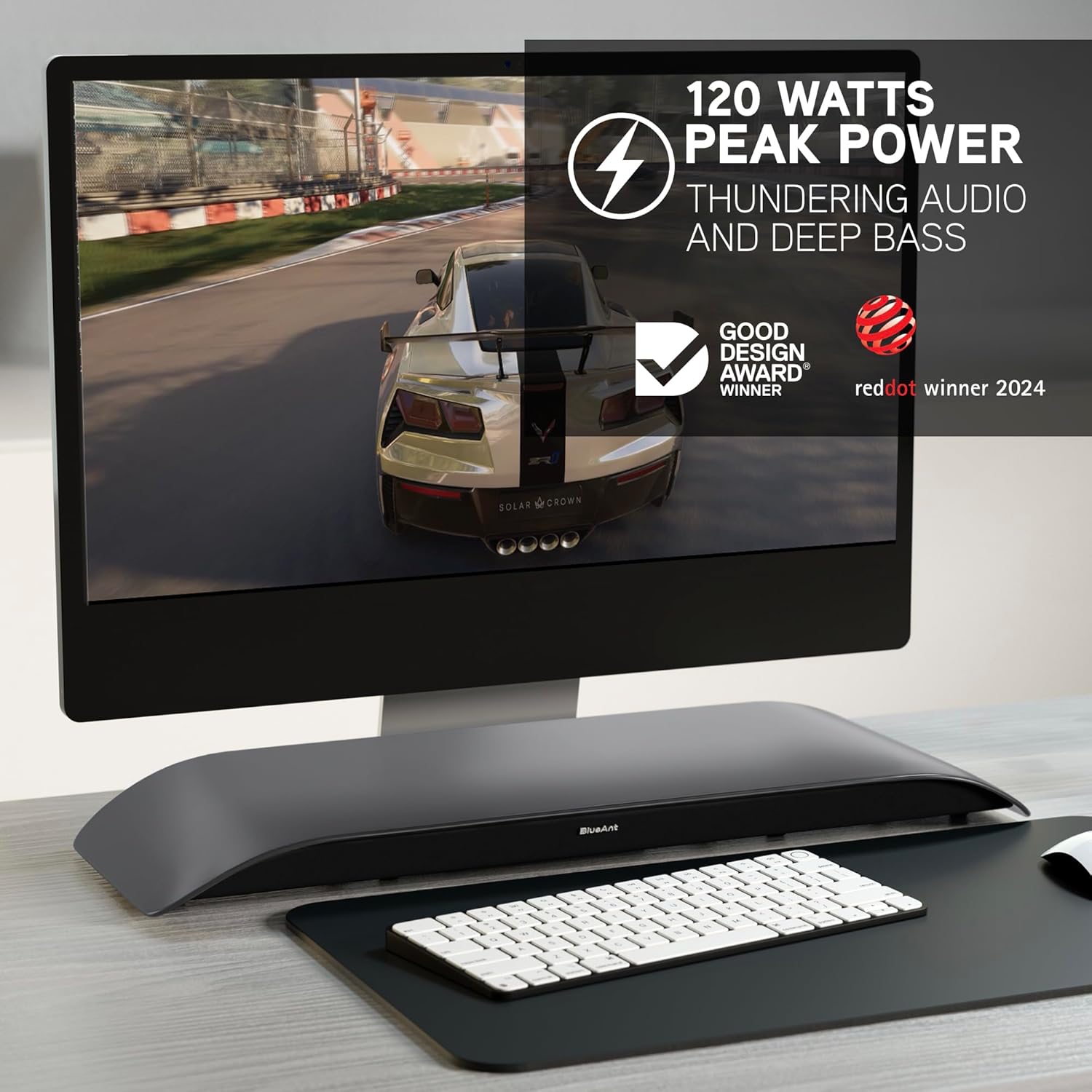
The BlueAnt Soundblade is a 120W 2.1 Channel Desktop Speaker designed to enhance your audio experience for PC, Mac, gaming, music, and streaming. Its sleek, low-profile design fits seamlessly under your monitor, providing powerful sound without clutter. This manual provides essential information for setting up, operating, and maintaining your Soundblade.

Wat zit er in de doos?
Upon unboxing your BlueAnt Soundblade, ensure all the following components are present:
- Soundblade Device
- Stroomkabel
- Remote Control | x2 AAA Batteries
- 3.5 mm naar 3.5 mm AUX-kabel
- USB-C to USB-C Cable | USB-C to USB-A Cable
Installatiehandleiding
Follow these steps to set up your BlueAnt Soundblade:
- Place the Soundblade on a stable surface directly under your monitor.
- Connect the power cable to the Soundblade and a power outlet.
- Choose your preferred audio connection:
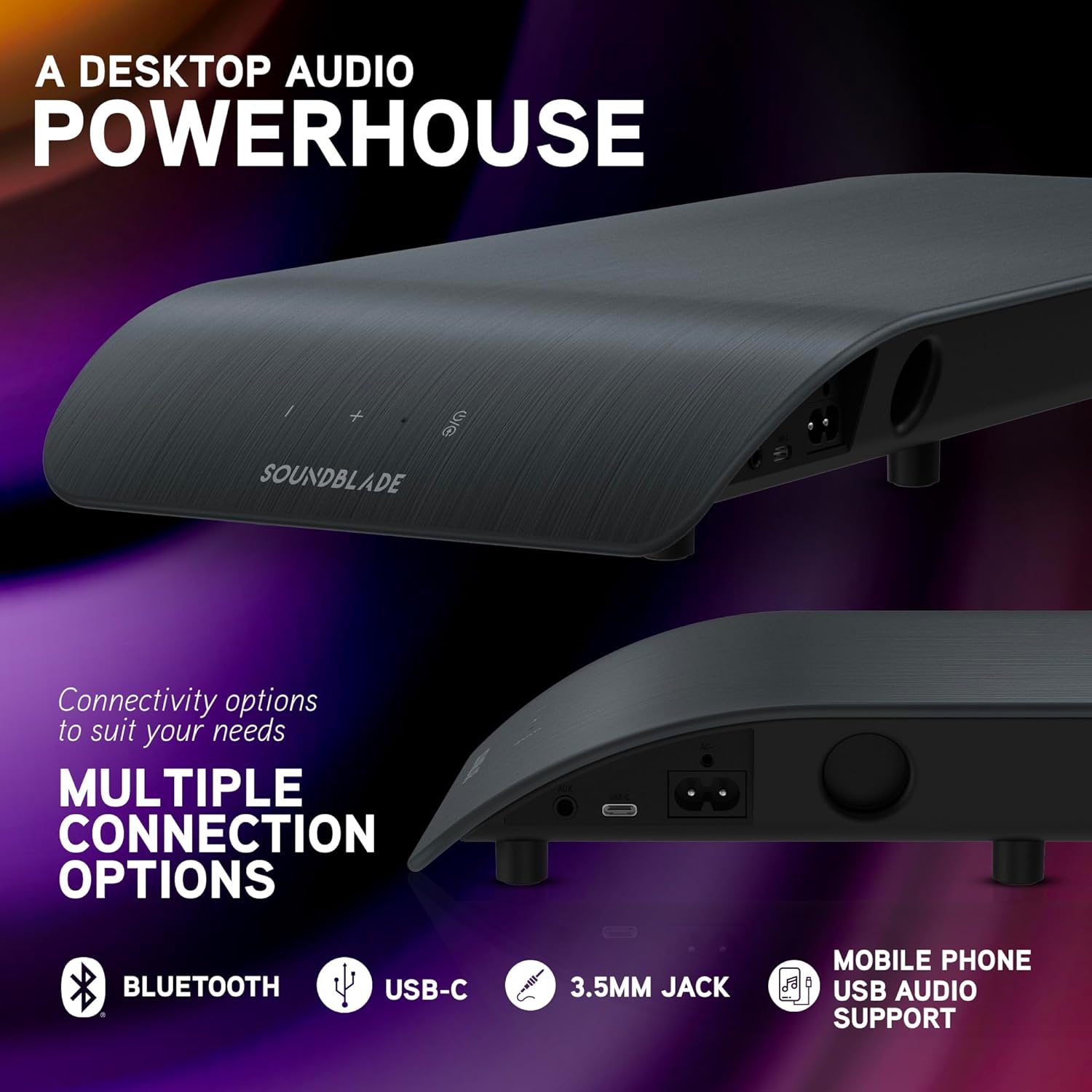
- USB-C: Connect the USB-C to USB-C cable from the Soundblade to your computer. If your computer only has USB-A, use the provided USB-C to USB-A cable.
- Bluetooth: Power on the Soundblade and activate Bluetooth pairing mode. Zoeken naar "Soundblade" on your device and connect.
- 3.5 mm hulpstuk: Connect the 3.5mm to 3.5mm AUX cable from the Soundblade to your audio source.
- (Optional) Attach the extended feet pegs if additional height is required for your monitor stand.

Gebruiksaanwijzing
Aan/uit
Press the power button on the Soundblade or the remote control to turn the device on or off.
Volumeregeling
Use the '+' and '-' buttons on the Soundblade or the remote control to adjust the volume.
Invoerselectie
Press the input selection button on the Soundblade or the remote control to cycle through available inputs: USB-C, Bluetooth, and 3.5mm Auxiliary.
EQ-modi
The Soundblade features three dedicated EQ modes: Music, Movies, and Game. Use the EQ button on the remote to switch between these modes for optimized audio.


Connectiviteitsopties
The Soundblade offers versatile connectivity to suit various devices:
- USB-C: For direct digital audio connection to PCs, Macs, and compatible mobile devices. Supports auto-switching.
- Bluetooth 5.3: For wireless audio streaming from smartphones, tablets, and other Bluetooth-enabled devices.
- 3.5 mm hulpingang: For connecting devices via a standard audio jack.
Audiomodi
Optimize your listening experience with the Soundblade's three specialized EQ modes:
- Muziekmodus: Enhances clarity and bass for a rich musical experience.
- Filmmodus: Provides crystal-clear dialogue and dynamic sound effects for cinematic immersion.
- Spelmodus: Delivers heightened realism and auditory detail for an immersive gaming experience.
Onderhoud
To ensure the longevity and optimal performance of your Soundblade:
- Houd het apparaat schoon door het af te vegen met een zachte, droge doek.
- Avoid exposing the Soundblade to water or excessive moisture.
- Blokkeer de luidsprekerroosters of ventilatieopeningen niet.
- Wanneer u het product langere tijd niet gebruikt, bewaar het dan op een koele, droge plaats.
Probleemoplossing
- Geen stroom:
- Ensure the power cable is securely connected to both the Soundblade and a working power outlet. Check if the power adapter is functioning correctly.
- Geen geluid:
- Verify that the correct input source (USB-C, Bluetooth, or AUX) is selected. Check the volume levels on both the Soundblade and your connected device. Ensure all audio cables are properly connected.
- Problemen met Bluetooth-koppeling:
- Make sure the Soundblade is in Bluetooth pairing mode. Disable and re-enable Bluetooth on your device, then try pairing again. Ensure no other devices are actively connected to the Soundblade via Bluetooth.
- Vervormde audio:
- Reduce the volume on both the Soundblade and your connected device. Check for any loose cable connections. Try a different audio source or cable.
Technische specificaties
| Functie | Detail |
|---|---|
| Merk | Blauwe Mier |
| Modelnummer | SOUNDBLADE |
| Maximale uitgangsvermogen luidspreker | 120 Watt |
| Connectiviteitstechnologie | Aux-ingang, Bluetooth 5.3, USB |
| Audio-uitvoermodus | Stereo |
| Montagetype | Tafelmontage |
| Behuizingsmateriaal | Kunststof of metaal |
| Luidsprekertype | Computer |
| Extra functies | Built-In Subwoofer, 3-EQ's, Remote Control |
| Subwooferdiameter: | 80 millimeter |
| Controlemethode | Op afstand |
| Kleur | Houtskool |
| Artikelafmetingen D x B x H | 8.58"D x 23"B x 2.13"H |
| Artikelgewicht | 1.7 kilogram |
| Compatibele apparaten | Gaming Console, Mac, PC, PS5 |
| Aantal audiokanalen | 2.1 |
| Energiebron | Elektrische kabel |
| UPC | 878049008048 |

Garantie en ondersteuning
Garantie: The BlueAnt Soundblade comes with a 1-Year Limited Warranty. Please refer to the warranty card included in your package for full terms and conditions.
Fabrikant: Blauwe Mier
For further assistance or support, please visit the official BlueAnt website of neem contact op met hun klantenservice.