
Alienware AW920K
Alienware AW920K Tri-Mode Draadloos Gaming Toetsenbord Gebruikershandleiding
Model: AW920K
Invoering
The Alienware AW920K Tri-Mode Wireless Gaming Keyboard is designed to elevate your gaming and productivity performance with versatile connectivity options, customizable controls, and vibrant AlienFX per-key RGB lighting. This manual provides essential information for setting up, operating, and maintaining your keyboard.

Figure 1: Alienware AW920K Tri-Mode Wireless Gaming Keyboard with USB dongle and cable.
Wat zit er in de doos?
- Alienware AW920K Tri-Mode Draadloos Gamingtoetsenbord
- USB Cable (detachable paracord)
- Documentatie (deze gebruikershandleiding)
Instellen
Connectiviteitsopties
The Alienware AW920K keyboard offers three modes of connectivity:
2.4GHz draadloze verbinding
For responsive wireless gaming performance on your PC, use the included 2.4GHz wireless USB-C dongle. For optimal reception, deploy the convenient dongle extender to position the receiver closer to the keyboard.
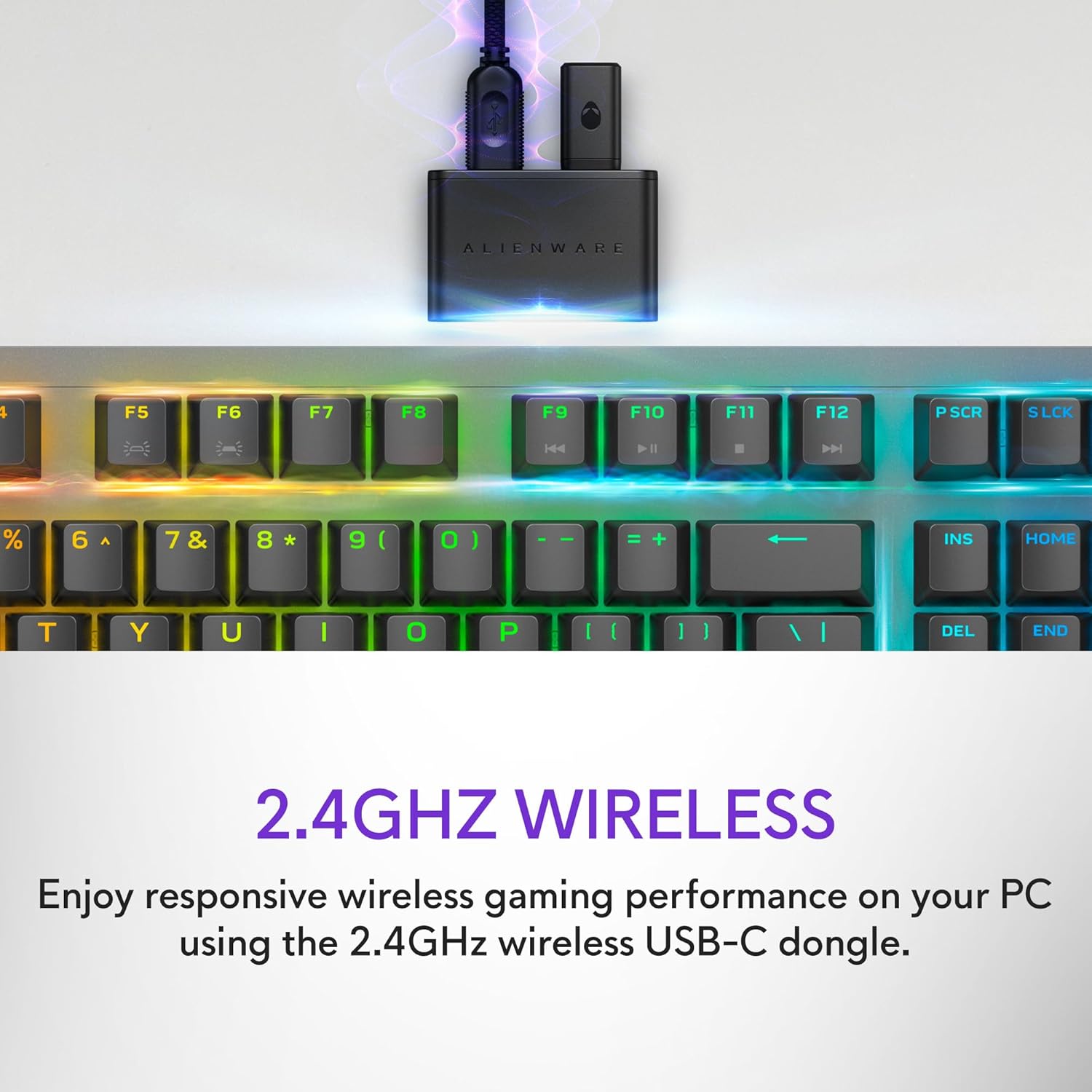
Figure 2: The 2.4GHz wireless USB-C dongle for PC connection.
Bluetooth 5.1-verbinding
Connect up to three different compatible devices via Bluetooth 5.1. Use the selection button located on the back of the keyboard to choose the active paired device or switch to the 2.4GHz connection.

Figure 3: Connectivity toggle switch on the back of the keyboard.
Bekabelde USB-verbinding
For a direct and reliable connection, plug in and play on your PC using the detachable USB paracord cable.

Figure 4: Connecting the keyboard via the detachable USB cable.
Opladen
The keyboard features magnetic snap-on charging for convenience. Easily connect and disconnect the charging cable to keep your keyboard powered without interrupting your game or compromising performance.

Figure 5: Magnetic snap-on charging port.
The keyboard offers robust battery life: up to 42 hours with 50% RGB lighting brightness on 2.4GHz dongle connection, or up to 46 hours on Bluetooth connection with 50% RGB lighting brightness.
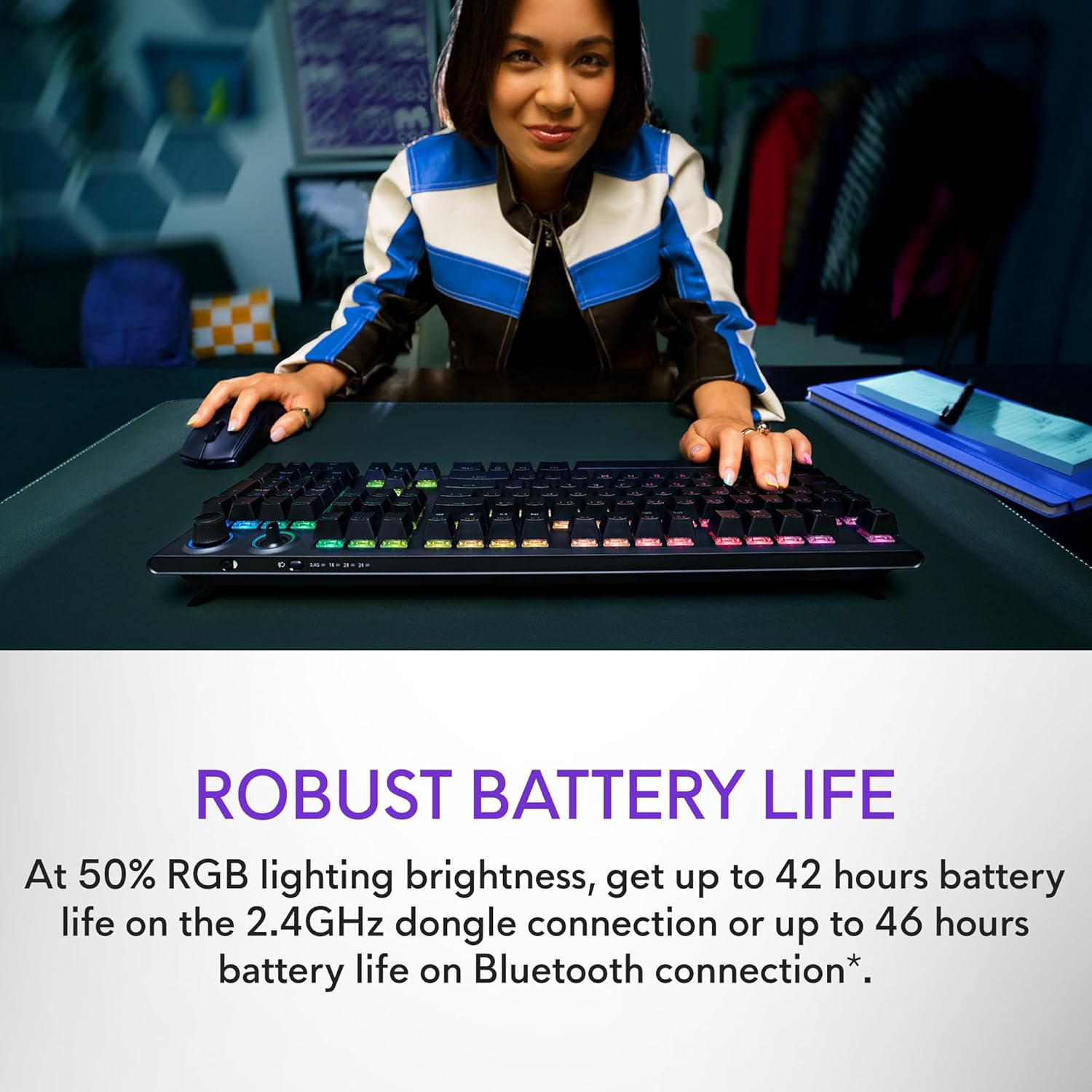
Figure 6: Illustration of the keyboard's extended battery life.
Gebruiksaanwijzing
Key Switches and Performance
The AW920K features CHERRY MX Red switches, known for their consistent high performance, 100 million actuation lifecycle, responsive feel, and smooth linear operation, making them ideal for gaming.

Figuur 7: Close-up view of the CHERRY MX Red switches.
Double-shot PBT keycaps provide reliable durability and exceptional wear resistance. The key legends are molded into the cap, not painted, ensuring dependable fade resistance.
Aanpasbare bedieningselementen
The programmable rocker switch and dial allow you to customize your experience. Map compatible Windows productivity controls via Alienware Command Center on your PC. This includes media controls and system volume, accessible directly from your fingertips.

Figure 8: The programmable rocker switch and dial for custom functions.
AlienFX RGB-verlichting
AlienFX per-key RGB lighting is configurable with Alienware Command Center, delivering an immersive gaming experience with up to 16.8 million colors. Utilize the Alienware Command Center on PC to create themes and customize the keyboard for a more personal gaming experience.

Figure 9: Keyboard displaying AlienFX RGB lighting effects.
Gaming-functies
The keyboard supports full anti-ghosting and N-key rollover, ensuring that all keystrokes register correctly and the keyboard remains responsive during intense gaming sessions and rapid typing.
Onderhoud
To ensure the longevity and optimal performance of your Alienware AW920K keyboard, follow these maintenance guidelines:
- Schoonmaak: Gebruik een zachte, pluisvrije doek die lichtjes is schoongemaakt.ampVeeg de toetsen en behuizing af met water of een milde reinigingsoplossing. Vermijd agressieve chemicaliën of schurende materialen.
- Stofverwijdering: Gebruik perslucht om stof en vuil tussen de toetsen te verwijderen.
- Opslag: Bewaar het toetsenbord, wanneer het gedurende langere tijd niet wordt gebruikt, op een droge, koele plaats, uit de buurt van direct zonlicht en extreme temperaturen.
- Kabelonderhoud: Handle the detachable USB cable with care. Avoid sharp bends or excessive pulling to prevent damage.
Probleemoplossing
If you encounter issues with your Alienware AW920K keyboard, refer to the following common troubleshooting steps:
| Probleem | Mogelijke oorzaak / oplossing |
|---|---|
| Keyboard not responding (wireless) |
|
| RGB-verlichting werkt niet |
|
| Toetsen registreren niet of ghosting |
|
| Programmable features not working |
|
Specificaties
| Functie | Detail |
|---|---|
| Modelnummer | AW920K |
| Connectiviteit | 2.4 GHz draadloos, Bluetooth 5.1, USB-C bedraad |
| Sleutelschakelaars | CHERRY MX Rood |
| keycaps | Dubbelschot PBT |
| Verlichting | AlienFX per-key RGB |
| Battery Life (2.4GHz, 50% RGB) | Tot 42 uur |
| Battery Life (Bluetooth, 50% RGB) | Tot 46 uur |
| Anti-ghosting | Volledige anti-ghosting |
| N-Key Rollover | Ondersteund |
| Afmetingen (LxBxH) | 17.76 x 5.82 x 2.28 cm (45.1 x 14.8 x 5.8 inch) |
| Gewicht | 2.35 pond (1.06 kg) |
| Compatibele apparaten | Laptop, pc, smartphone, tablet |

Figure 10: Keyboard dimensions (Length, Width, Height).
Garantie en ondersteuning
Alienware products are backed by a manufacturer's warranty. For detailed warranty information, technical support, or service inquiries, please visit the official Alienware support webwebsite of neem contact op met hun klantenservice. Bewaar uw aankoopbewijs voor garantieclaims.
For software updates and advanced customization, download the Alienware Command Center from the official Alienware support page.
You can visit the official Alienware store for more products and support: Alienware Store
Ask a question about this manual
Ask about setup, troubleshooting, compatibility, parts, safety, or missing instructions. Manuals+ will review the question and use this page’s manual context to help answer it.