
Invoering
This manual provides essential instructions for the installation, use, and maintenance of your RUIMEN 22mm Soft Silicone Replacement Smartwatch Bands. Please read this guide thoroughly to ensure proper handling and longevity of your product.
Instellen
Attaching the Watch Band
The RUIMEN 22mm Soft Silicone Replacement Smartwatch Bands are designed for easy installation without the need for additional tools. Follow these steps to attach the band to your compatible smartwatch:
- Identify the quick-release pins on each end of the watch band.
- Align one end of the band with the corresponding lug on your smartwatch.
- Gently push the quick-release pin inward and slide the band into place between the watch lugs.
- Release the pin, ensuring it securely locks into the hole on the watch lug.
- Herhaal dit proces voor de andere kant van de band.
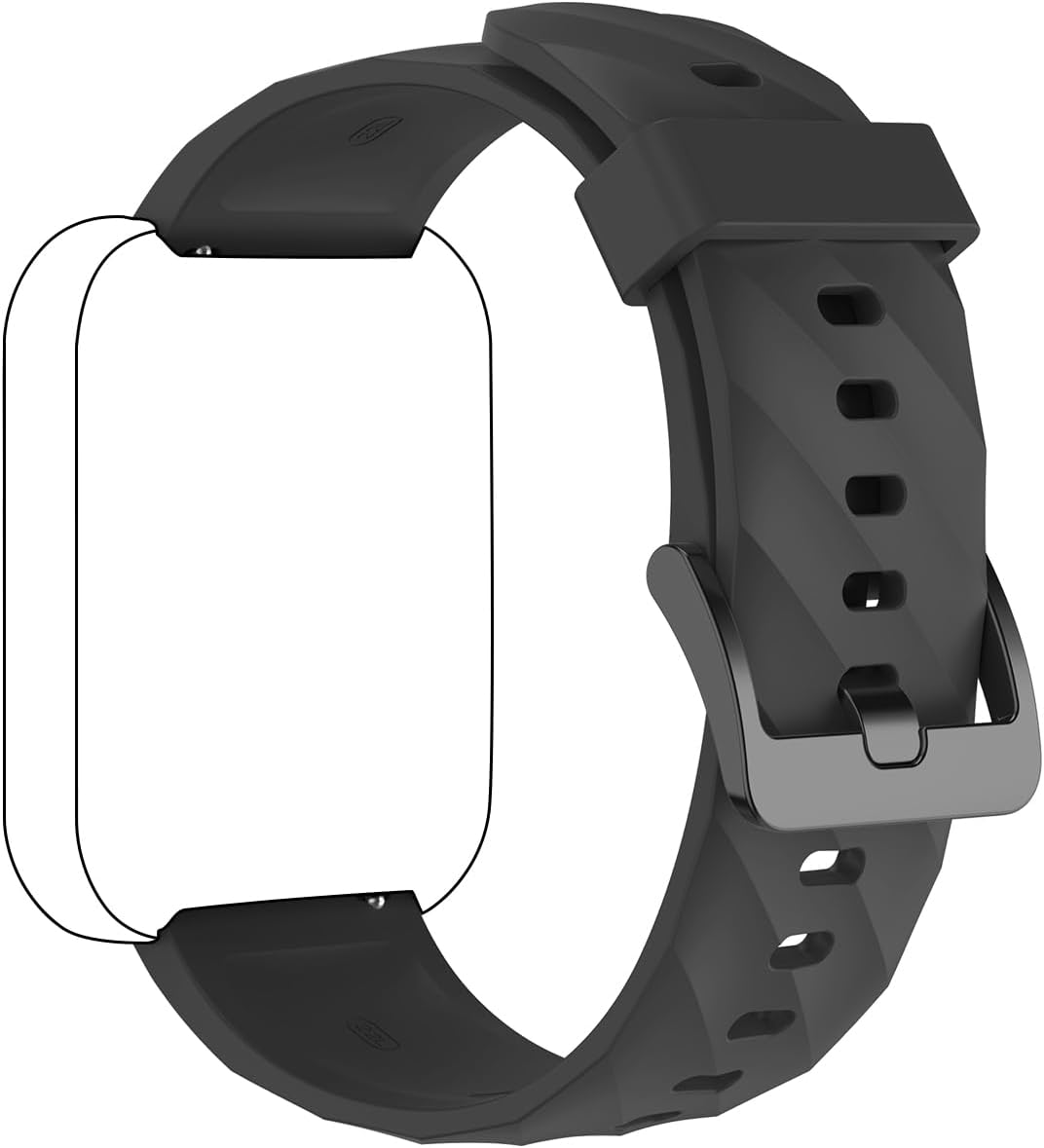
Image: Smartwatch with original band removed, showing attachment points and a new black silicone band ready for installation. This illustrates the quick-release mechanism for band replacement.

Image: Hands attaching a black silicone band to a smartwatch, demonstrating the quick-release pin mechanism. The band is being slid into the watch lug, with the pin engaged.
Verenigbaarheid
These bands are compatible with RUIMEN Smart Watch D1, H1, and other smartwatches that utilize a 22mm width band.
Bediening
Het dragen van de band
Adjust the band to a comfortable fit on your wrist. The tang buckle closure ensures a secure fit. Ensure the watch is snug enough for accurate sensor readings but not overly tight to restrict circulation.

Image: A black silicone smartwatch band attached to a smartwatch, worn on a wrist. This shows the band's appearance and how it sits on the arm.
De pasvorm aanpassen
The bands are adjustable to fit wrist sizes ranging from 5.9 to 9.25 inches (150 mm to 235 mm). Use the multiple holes on the band and the tang buckle to find your ideal fit.

Image: Diagram illustrating the adjustable length of the smartwatch band, showing minimum (150mm / 5.90inch) and maximum (225mm / 8.86inch) wrist circumference.
Onderhoud
Schoonmaak
To maintain the quality and appearance of your silicone band, clean it regularly with a soft, damp Een doek. Voor hardnekkig vuil kan een milde zeepoplossing worden gebruikt, gevolgd door afspoelen met schoon water en grondig drogen.
Onderhoud en duurzaamheid
The bands are made from durable silicone material. Avoid exposing the band to harsh chemicals or extreme temperatures, which may affect its material integrity and color over time.
Probleemoplossing
Band Not Attaching Securely
- Ensure the quick-release pins are fully retracted and properly aligned with the watch lugs.
- Verify that the band width is 22mm, matching your smartwatch's lug size.
Discomfort or Skin Irritation
- Adjust the band to a looser fit.
- Clean the band and your wrist regularly to prevent buildup of sweat or debris.
- Als de irritatie aanhoudt, stop dan met het gebruik en raadpleeg een arts of apotheker.
Specificaties
- Materiaal: Zacht siliconen
- Bandbreedte: 22 mm
- Adjustable Wrist Size: 5.9 tot 9.25 inch (150 mm tot 235 mm)
- Sluitingstype: Tanggesp
- Verenigbaarheid: RUIMEN D1, H1 Smart Watches, and other 22mm lug width smartwatches
Image: Close-up of a black silicone smartwatch band, showing the 22mm width measurement. This confirms the band's standard size.
Garantie en ondersteuning
For warranty information or product support, please refer to the documentation included with your original smartwatch or contact RUIMEN customer service directly. Keep your purchase receipt for any warranty claims.