
1. Product voorbijview
The Wokyo Portable Mini Projector (Model CA164965161) is a compact and lightweight device designed for displaying media from various sources. Its small form factor allows for easy portability, making it suitable for home cinema, outdoor viewing, or business presentations.
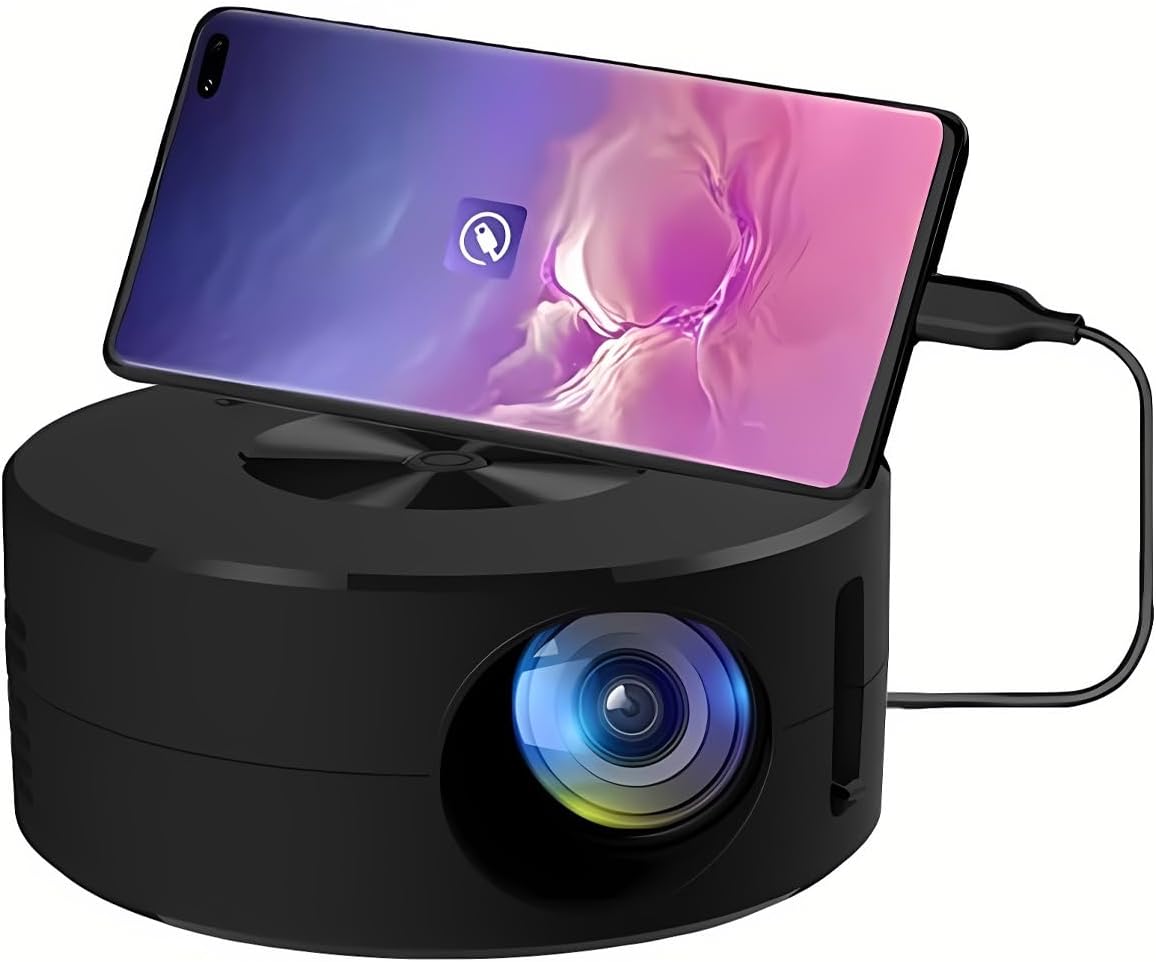
Afbeelding 1.1: Voorkant view of the Wokyo Portable Mini Projector.
Key features of this projector include:
- Compact ontwerp: Smaller than a typical smartphone, facilitating easy transport.
- Bekabelde schermspiegeling: Supports direct connection to mobile phones and tablets using their charging cables for screen display, eliminating the need for additional adapters.
- High Clarity Support: Capable of supporting resolutions up to 1920x1080p, providing clear image quality.
- Duurzame constructie: Manufactured from environmentally friendly ABS material.
- Efficient Light Source: Utilizes an LCD light source for lower energy consumption and extended lifespan.
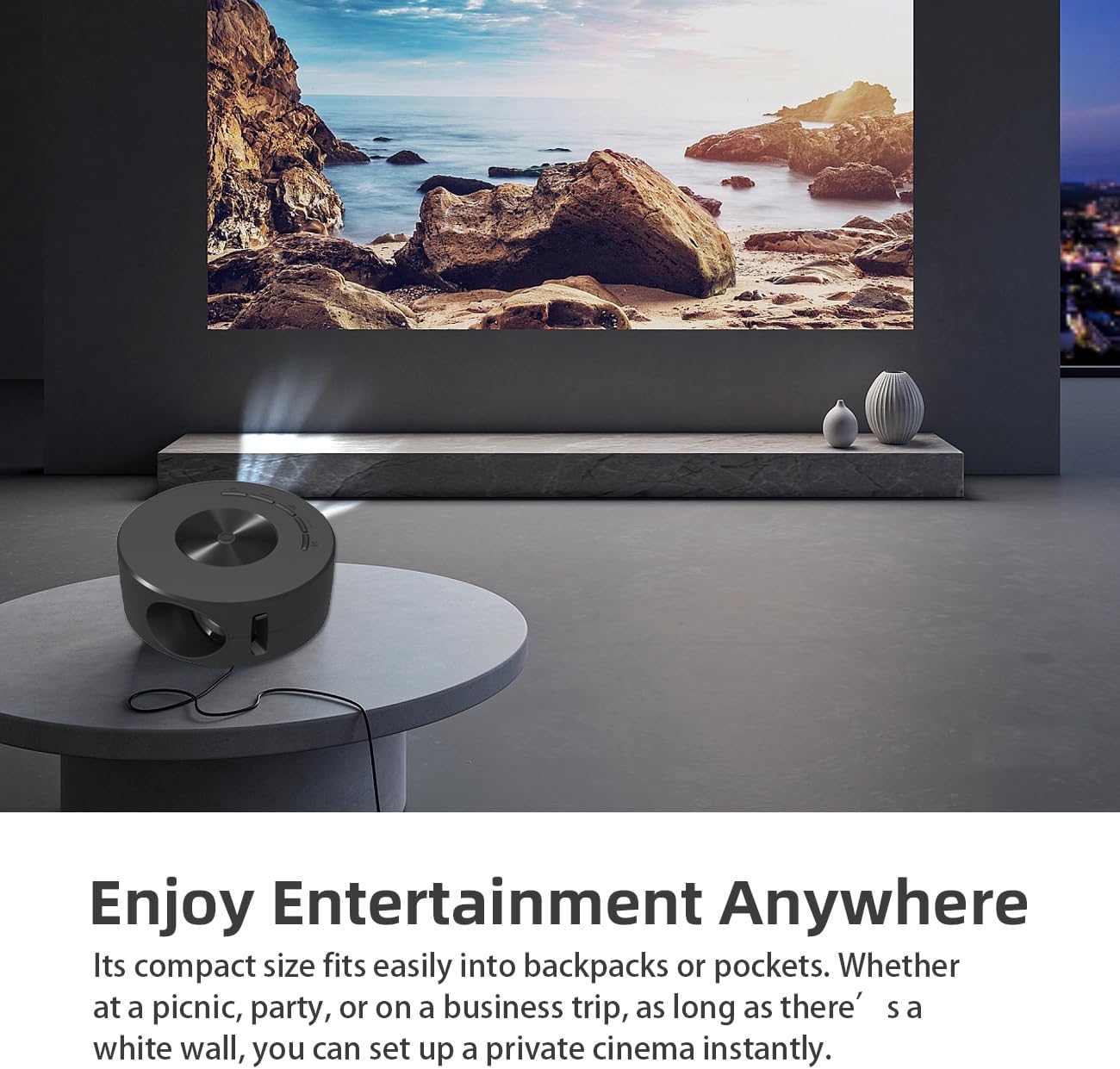
Image 1.2: Projector in use, demonstrating its compact size and projection capability.
2. Inhoud van het pakket
Controleer of alle hieronder vermelde artikelen in uw productpakket zijn opgenomen:

Image 2.1: All items included in the Wokyo Portable Mini Projector package.
- Wokyo Portable Mini Projector
- Afstandsbediening
- USB-kabel
- Gebruiksaanwijzing
- Kleurendoos
- Schuim doos
- Parcel Bag
3. Productafmetingen
The projector features a compact design for portability.

Image 3.1: Product dimensions of the Wokyo Portable Mini Projector.
- Diameter: Ongeveer 4.33 inch (110 mm)
- Hoogte: Ongeveer 1.85 inch (47 mm)
- Gewicht: Ongeveer 10.6 gram
4. Eerste installatie
4.1 Stroomaansluiting
To power the projector, connect it to a suitable power source. The projector requires a 5V 2A power input.

Image 4.1: Power connection options for the projector.
- Ensure your power source (e.g., phone charger, power bank) provides at least 5V 2A output.
- Connect the provided USB cable to the projector's power input port.
- Connect the other end of the USB cable to your chosen power source.
- The projector will power on automatically or can be turned on using the power button.
4.2 Device Connection (Wired Screen Mirroring)
The projector supports wired screen mirroring from mobile phones and tablets using their standard charging cables.
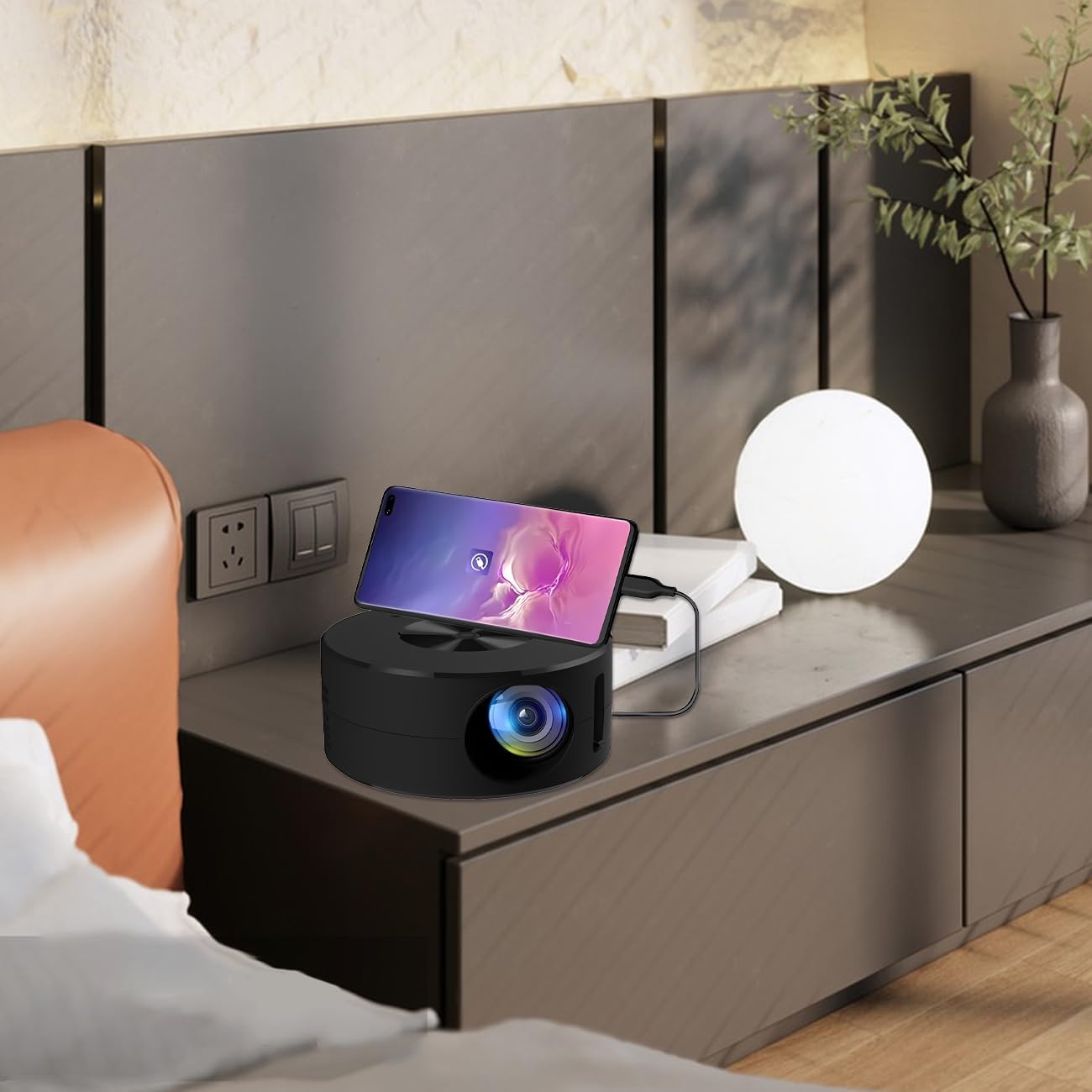
Image 4.2: Smartphone connected to the projector for wired screen mirroring.
- Connect your mobile phone or tablet to the projector using its original charging cable.
- The projector should automatically detect the connection and initiate screen mirroring.
- Follow any on-screen prompts on your device or the projector to confirm the connection.
5. Gebruiksaanwijzing
5.1 Basic Controls and Ports
Familiarize yourself with the projector's control buttons and input/output ports.

Afbeelding 5.1: voorbijview of projector ports and controls.
- Aan/uit-knop: Schakelt de projector in/uit.
- Navigatieknoppen (Omhoog/Omlaag/Links/Rechts/OK): Wordt gebruikt om door menu's te navigeren en selecties te bevestigen.
- USB-poort: Voor het aansluiten van USB-opslagapparaten.
- Headset-poort: Voor het aansluiten van externe audioapparaten.
- IR-ingang: Voor het ontvangen van signalen van de afstandsbediening.
- 5V 2A Power Input: Voor het aansluiten van de voeding.
- Ingebouwde stereoluidspreker: Biedt audio-uitvoer.
5.2 Focus aanpassen
To achieve a clear image, adjust the focus ring located around the projector lens. Rotate the ring until the projected image appears sharp.
5.3 De afstandsbediening gebruiken
The included remote control allows for convenient operation of the projector from a distance. Ensure the remote has batteries installed and is pointed towards the projector's IR sensor.
6. Onderhoud
Goed onderhoud garandeert de levensduur en optimale prestaties van uw projector.
- De lens reinigen: Use a soft, lint-free cloth specifically designed for optical lenses. Avoid abrasive materials or harsh chemicals. Gently wipe the lens to remove dust or smudges.
- Reinigen van de buitenkant: Veeg de buitenkant van de projector schoon met een zachte, droge doek. Gebruik geen vloeibare reinigingsmiddelen rechtstreeks op het apparaat.
- Ventilatie: Zorg ervoor dat de ventilatieopeningen van de projector tijdens gebruik niet geblokkeerd zijn om oververhitting te voorkomen.
- Opslag: When not in use, store the projector in a cool, dry place away from direct sunlight and excessive dust.
7. Probleemoplossing
Raadpleeg de volgende tabel voor veelvoorkomende problemen en hun oplossingen.
| Probleem | Mogelijke oorzaak | Oplossing |
|---|---|---|
| Geen afbeelding geprojecteerd | Power not connected; Input source not selected; Device not connected properly. | Ensure power is connected (5V 2A). Check device connection. Verify screen mirroring is active on your device. |
| Afbeelding is wazig | Scherpstelling niet aangepast. | Rotate the focus ring around the lens until the image is clear. |
| Geen geluid | Volume too low; External audio device connected; Device audio output settings. | Increase projector volume. Disconnect external audio devices if using internal speaker. Check audio settings on the connected source device. |
| Afstandsbediening werkt niet | Batteries low/dead; Obstruction between remote and projector; Remote not pointed at IR sensor. | Replace remote batteries. Ensure clear line of sight to the projector's IR sensor. |
8. Technische specificaties
Detailed specifications for the Wokyo Portable Mini Projector.
| Functie | Specificatie |
|---|---|
| Merk | Wokyo |
| Modelnummer | CA164965161 |
| Artikelgewicht | 10.6 ons |
| Productafmetingen | 4.33 x 4.33 x 1.97 inch |
| Kleur | Zwart |
| Speciale functie | Draagbaarheid |
| Connectiviteitstechnologie | Bluetooth |
| Schermresolutie (native) | 320x180 |
| Display Resolution (Maximum Supported) | 1920x1080 |
9. Garantie en ondersteuning
For warranty information or technical support, please refer to the contact details provided with your purchase documentation or visit the official Wokyo webwebsite. Bewaar uw aankoopbewijs als aankoopbewijs voor garantieclaims.