
1. Product voorbijview
The Wokyo TF-100 6 PIN Electric Scooter Thumb Throttle with LCD Display is a versatile 2-in-1 unit designed to enhance your electric scooter's control and monitoring capabilities. It integrates both a thumb throttle for speed control and a clear LCD display for real-time data, providing a streamlined user experience.
This device is engineered for durability with a waterproof plug, ensuring reliable performance across various weather conditions. It is compatible with electric scooters that utilize Protocol 2, including models such as Kugoo M4, Kugoo Pro, Vsett, Kaabo, and Dualtron.

Image: The TF-100 Electric Thumb Throttle with LCD Display mounted on an electric scooter handlebar, illustrating its integrated design and clear display.
2. Compatibiliteit en belangrijke opmerkingen
This TF-100 6-pin electric thumb throttle operates using Protocol 2. It is specifically designed for use with electric scooters that also adopt Protocol 2. Confirmed compatible models include Kugoo M4, Kugoo Pro, Vsett, Kaabo, and Dualtron electric scooters.
Belangrijk: Voor aankoopasing and installing, please verify that your electric scooter's controller uses Protocol 2 and that its cable connector is a 6-pin type. Incompatibility may lead to the product not functioning as intended.

Image: A warning sign emphasizing the product's compatibility with TF-100 system scooters and the need to check system compatibility before purchase.
3. Installatiehandleiding
3.1. Controle vóór installatie
- Ensure your scooter's power is off before beginning installation.
- Confirm the scooter's controller uses Protocol 2 and has a 6-pin connector.
- Gather necessary tools (e.g., Allen wrenches for mounting screws).
3.2. Mounting the Throttle
- Identify a suitable position on your scooter's handlebar. The throttle is designed for handlebars with a diameter of approximately 2.2 cm (0.87 inches).
- Loosen the mounting screws on the throttle's clamp.
- Position the throttle on the handlebar, ensuring the LCD display is easily visible and the thumb lever is comfortably accessible.
- Tighten the mounting screws securely, but do not overtighten to avoid damaging the handlebar or the throttle unit.

Image: The mounting clamp of the TF-100 throttle, showing its internal diameter of 2.2 cm (0.87 inches) for handlebar compatibility.

Afbeelding: Gedetailleerd view of the four screws on the mounting bracket, used to secure the throttle to the handlebar.
3.3. Elektrische verbinding
- Locate the 6-pin connector cable extending from the TF-100 throttle.
- Connect this cable to the corresponding 6-pin port on your electric scooter's controller. Ensure the pins align correctly before pushing the connector firmly into place. The waterproof design of the plug helps protect the connection from moisture.

Image: Pinout diagram for the 6-pin connector, detailing the function of each wire (HALL Blue, Black(-), Red(+), RT Green, XT Yellow, DS White) for proper electrical connection.
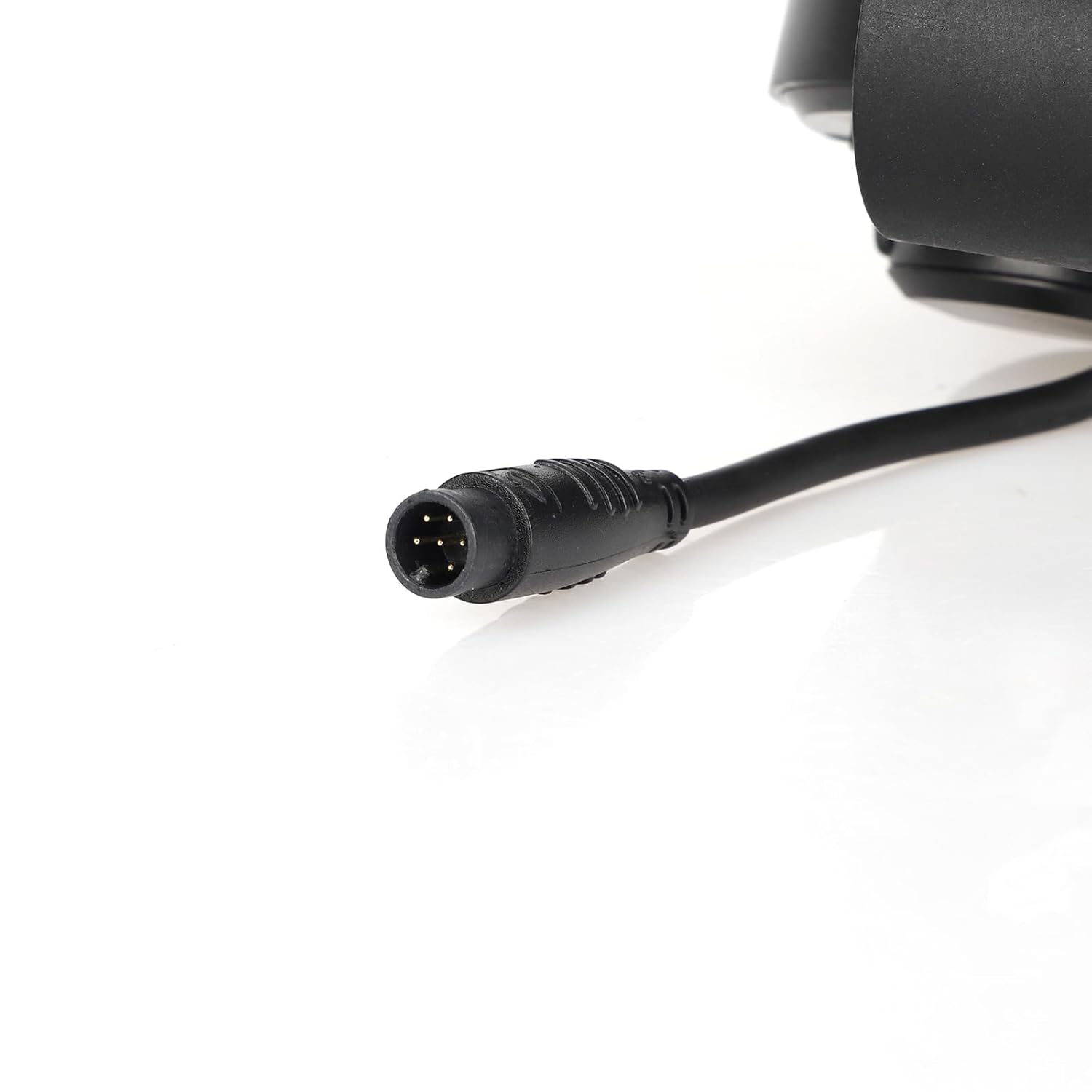
Afbeelding: Een gedetailleerde view of the 6-pin waterproof connector, highlighting its robust design for secure and protected electrical connections.
4. Gebruiksaanwijzing
4.1. In-/uitschakelen
- Om het scherm in te schakelen, houdt u de knop ingedrukt. Aan/uit-knop (red button with power symbol) located on the throttle unit.
- Om uit te schakelen, houdt u de . ingedrukt Aan/uit-knop net zo lang tot het scherm uitgaat.
4.2. Het LCD-scherm begrijpen
The integrated LCD display provides essential real-time information for your ride:
- Snelheid: Geeft de huidige rijsnelheid weer (km/u of mph).
- Batterijniveau: Geeft de resterende acculading aan.
- Afgelegde afstand: Geeft de afgelegde afstand of de totale kilometerstand weer.
- Versnelling/Modus: May indicate current gear or riding mode (e.g., Eco, Normal, Sport).
- Indicatielampjes: Other icons may illuminate for specific functions or warnings.

Afbeelding: Een close-up view of the TF-100 LCD display, clearly showing the digital speed reading, battery indicator, and trip odometer.
4.3. Accelerating and Adjusting Speed
- To accelerate, gently press the thumb lever forward. The further you press, the faster the scooter will go.
- To decelerate, release the thumb lever.
- The throttle provides a convenient and ergonomic way to control your electric scooter's speed with precision.

Afbeelding: Een gedetailleerde view of the thumb lever, which is used to control the scooter's acceleration and speed.
4.4. Mode Button Functionality
De MODE-knop allows you to cycle through different display modes or settings. Short press to switch between display parameters (e.g., Trip distance, Odometer). Long press may enter settings menu (refer to your scooter's main controller manual for specific display settings if applicable).
5. Onderhoud
- Schoonmaak: Veeg het display en de gashendel schoon met een zachte, droge doek.amp lap. Vermijd het gebruik van schurende schoonmaakmiddelen of oplosmiddelen.
- Waterbestendigheid: The unit features a waterproof plug, making it resistant to splashes and light rain. However, avoid submerging the unit in water.
- Verbindingscontrole: Periodically check the 6-pin connector to ensure it remains securely plugged in and free from debris.
- Opslag: When not in use for extended periods, store the scooter and throttle in a dry, cool place away from direct sunlight.
6. Probleemoplossing
| Probleem | Mogelijke oorzaak | Oplossing |
|---|---|---|
| Scherm gaat niet aan. |
|
|
| Throttle not responding. |
|
|
| Onnauwkeurige snelheids-/afstandsmetingen. |
|
|
7. Specificaties
| Functie | Detail |
|---|---|
| Modelnummer | 6 PIN (TF-100) |
| Verenigbaarheid | Electric scooters with Protocol 2 (e.g., Kugoo M4/Pro, Vsett, Kaabo, Dualtron) |
| Deeltage Compatibiliteit | 24V/36V/48V (as per product title) |
| Aansluitingstype | 6-pin waterproof plug |
| Materiaal | Acrylonitril-butadieen-styreen (ABS) |
| Artikelafmetingen (L x B x H) | 11 x 9.4 inches (approximate, based on product data) |
| Artikelgewicht | 0.2 pond |
| Weergavetype | LCD (Speed, Battery Level, Distance, Gear/Mode) |

Image: The TF-100 throttle unit, highlighting its 6-pin connector and indicating compatibility with 36V-48V systems.
8. Garantie en ondersteuning
For warranty information and customer support, please refer to the documentation provided with your purchase or contact Wokyo customer service directly through their official channels. Ensure you have your product model number (6 PIN) and purchase details ready when seeking support.
Wokyo is committed to customer satisfaction and aims to provide a positive experience with their products.