
Invoering
Thank you for choosing the Roadstar RS-870BR Bioimpedance Smart Scale. This advanced scale is designed to help you monitor your health and fitness progress by measuring up to 12 key body indices. With Bluetooth connectivity and the intuitive FitGo app, you can easily track your data, set goals, and integrate with popular health platforms like Apple Health, Fitbit, and Google Fit. This manual provides essential information for safe and effective use of your new smart scale.
Belangrijke veiligheidsinformatie
- Do not use this device for medical diagnosis or treatment. Consult a healthcare professional for any health concerns.
- Place the scale on a hard, flat surface. Using it on soft surfaces like carpets may affect accuracy.
- Houd de weegschaal droog. Vermijd contact met water of andere vloeistoffen.
- The maximum weight capacity is 180 kg (397 lb). Do not exceed this limit.
- Spring niet op de weegschaal en gebruik deze niet voor andere doeleinden dan wegen.
- Individuals with pacemakers or other implanted medical devices should not use this scale due to the bioelectrical impedance analysis (BIA) technology.
- Pregnant women should consult their doctor before using this scale.
Inhoud van het pakket
Vink het vakje aan voor de volgende items:
- 1x Roadstar RS-870BR Bioimpedance Smart Scale
- 1x USB Charging Cable (usually included, though not explicitly listed in components)
- Gebruikershandleiding (dit document)
Installatiehandleiding
1. Uitpakken en plaatsen
Carefully remove the scale from its packaging. Place the scale on a hard, flat, and stable surface. Avoid soft surfaces like carpets or rugs, as this can affect measurement accuracy. Ensure the scale is level.
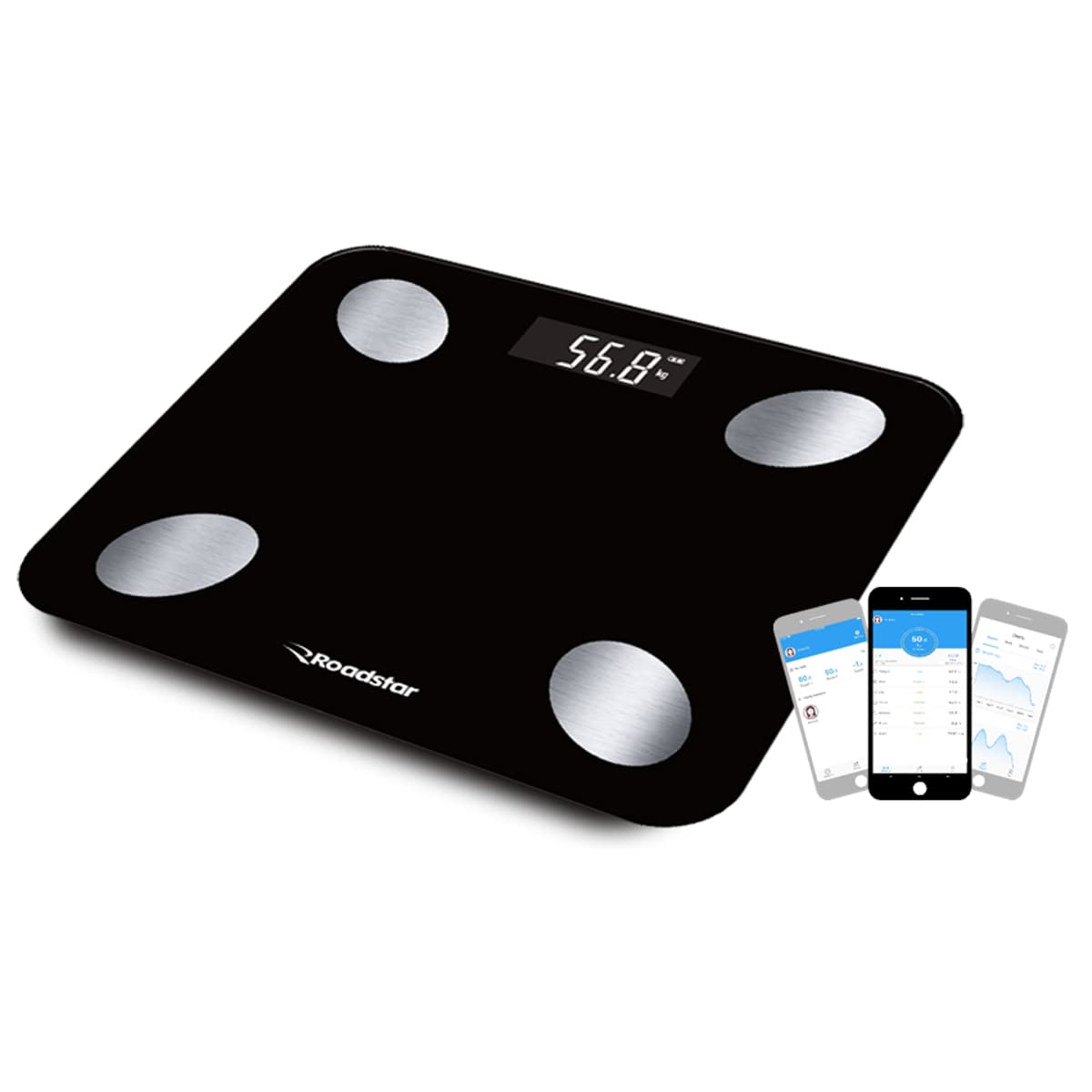
Image: The Roadstar RS-870BR Bioimpedance Smart Scale, black with four silver electrodes, displayed on a flat surface.
2. De weegschaal opladen
The RS-870BR scale features an internal battery and charges via USB. Before first use, or if the display shows a low battery indicator, connect the scale to a USB power source using the provided cable. The display will indicate charging status.
3. App-installatie en koppeling
To unlock the full potential of your smart scale, download the FitGo app on your smartphone or tablet. The app is compatible with Android (4.3 and above) and iOS (7.0 and above) devices.
- Zoeken naar "FitGo" in the Apple App Store or Google Play Store and install the app.
- Zorg ervoor dat Bluetooth is ingeschakeld op uw smartphone.
- Open the FitGo app and follow the on-screen instructions to create your user profile.
- Step onto the scale to activate it. The app should automatically detect and pair with your RS-870BR scale. If not, follow the app's instructions to manually add a device.
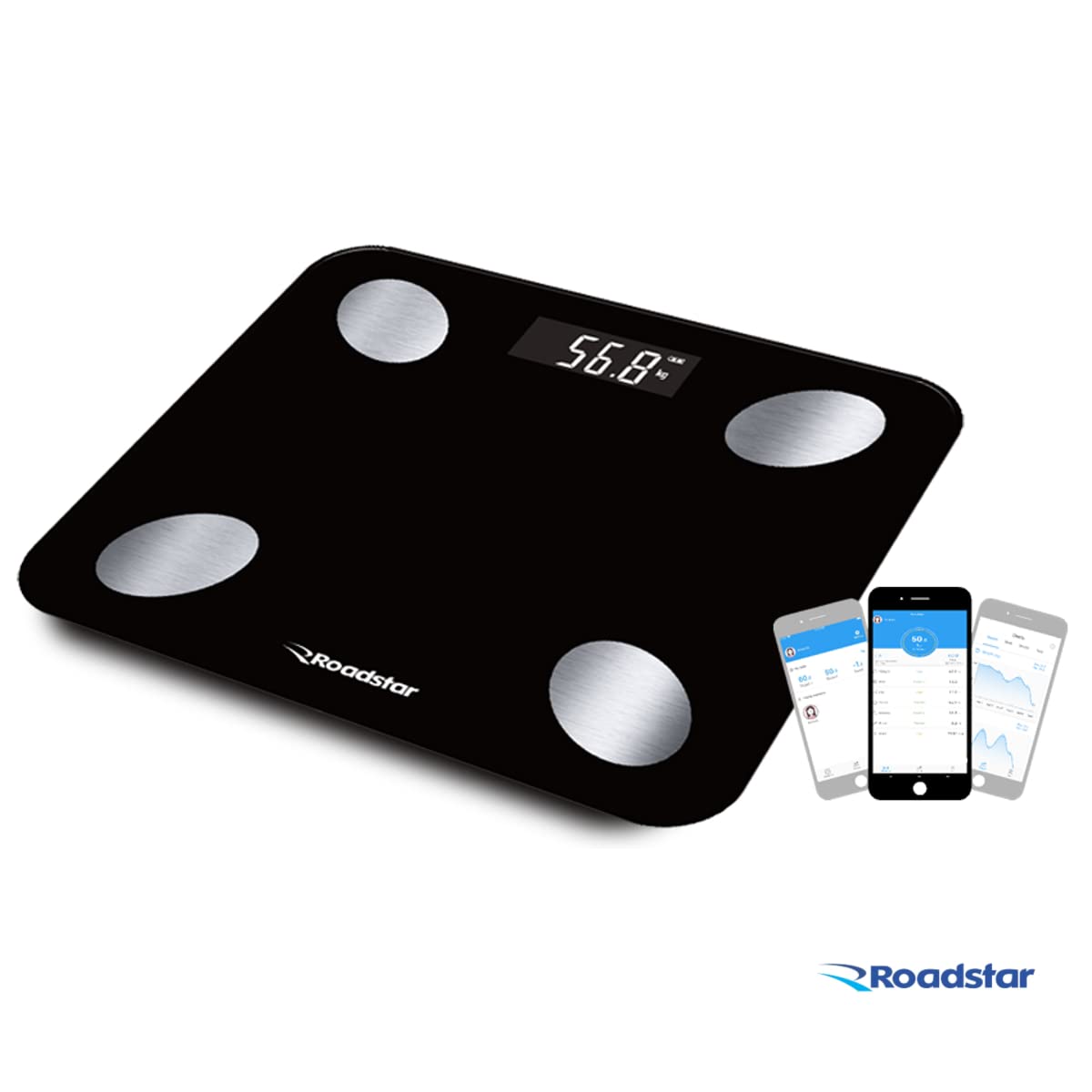
Image: The Roadstar RS-870BR scale shown alongside a smartphone displaying the FitGo application, illustrating the connectivity.
Video: This video provides additional information about the Bioimpedance Scale, demonstrating its features and how it works with the app. It shows the scale in use and the data displayed on a smartphone.
Gebruiksaanwijzing
1. Een meting uitvoeren
For accurate bioimpedance measurements, it is crucial to follow these steps:
- Zorg ervoor dat uw voeten schoon en droog zijn.
- Step onto the scale barefoot, placing your feet directly on the four silver electrodes. Stand still and balanced.
- The scale will display your weight first, then transmit all 12 body indices to the FitGo app.
- View your detailed results in the FitGo app.

Image: A person's feet are shown correctly positioned on the four silver electrodes of the Roadstar RS-870BR scale for an accurate measurement.
2. Understanding Body Indices
The Roadstar RS-870BR scale measures 12 different body indices using Bioelectrical Impedance Analysis (BIA). This technology sends a small, safe electrical current through your body to estimate body composition. The indices include:
- Gewicht: Uw totale lichaamsgewicht.
- BMI (Body Mass Index): Een maatstaf voor lichaamsvet op basis van lengte en gewicht.
- Lichaamsvet: procenttage van het totale lichaamsgewicht dat uit vet bestaat.
- Spiermassa: Het totale gewicht van de spieren in uw lichaam.
- Water inhoud: procenttage van het totale lichaamsgewicht, dat wil zeggen water.
- Eiwitgehalte: De procenttaghoeveelheid eiwitten in uw lichaam.
- Visceraal vet: Vet dat rond de organen in je buik is opgeslagen.
- Basal Metabolism: Het aantal calorieën dat uw lichaam nodig heeft om de basisfuncties van het leven uit te voeren.
- Botmassa: Het totale gewicht van het bot in uw lichaam.
- Lichaamsleeftijd: An estimation of your body's physiological age based on your body composition.
- Ideal Weight: A calculated healthy weight range for your profile.
- Lichaamstype: Categorization of your physique based on muscle and fat distribution.

Image: An infographic illustrating the 12 body indices measured by the scale, including weight, BMI, body fat, muscle mass, and more, along with an indication of memory for up to 8 users.
3. Using the FitGo App
The FitGo app is your central hub for all your health data. It allows you to:
- View detailed reports and historical data for each body index.
- Track your progress over days, weeks, months, and years.
- Maak tot 8 gebruikersprofielen aanfilewaardoor het geschikt is voor het hele gezin.
- Synchronize your data with Apple Health, Fitbit, and Google Fit for a comprehensive health overview.
Verzorging en onderhoud
- Schoonmaak: Veeg het weegschaaloppervlak af met een zachte, damp doek. Gebruik geen schurende reinigingsmiddelen en dompel de weegschaal niet onder in water.
- Opslag: Bewaar de weegschaal op een koele, droge plaats. Vermijd extreme temperaturen en direct zonlicht.
- Batterij: Recharge the scale when the low battery indicator appears to ensure continuous operation.
Probleemoplossing
| Probleem | Mogelijke oorzaak | Oplossing |
|---|---|---|
| De weegschaal gaat niet aan. | Batterij bijna leeg. | Laad de weegschaal op met de USB-kabel. |
| Onnauwkeurige metingen. | Scale on soft surface; feet not properly placed; scale not calibrated. | Place on hard, flat surface. Ensure bare feet are on electrodes. Step on and off quickly to calibrate to zero before weighing. |
| De app maakt geen verbinding met de weegschaal. | Bluetooth off; app not open; scale not active. | Ensure Bluetooth is on. Open FitGo app. Step on scale to activate. Try restarting both app and scale. |
| "Lo" wordt weergegeven. | Batterij bijna leeg. | Laad de weegschaal op. |
| "Err" wordt weergegeven. | Overbelasting of meetfout. | Ensure weight is within 180 kg limit. Step off and on again. |
Technische specificaties
| Functie | Specificatie |
|---|---|
| Merk | Wegster |
| Model | RS-870BR |
| Kleur | Zwart |
| Maximale capaciteit | 180 kg / 397 lb / 28st: 5lb |
| Divisies | 0.1 kg / 0.2 lb / 1 lb |
| Eenheden | kg / lb / st: lb |
| Weergavetype | LCD |
| Platformmateriaal | High-Resistance Tempered Glass |
| Body Indices Measured | Weight, BMI, Body Fat, Muscle Mass, Water Content, Protein Rate, Visceral Fat, Basal Metabolism, Bone Mass, Body Age, Ideal Weight, Body Type (12 total) |
| Gebruikersgeheugen | Maximaal 8 gebruikers |
| Stroomvoorziening | Internal Battery, USB Charging |
| Connectiviteit | Bluetooth |
| Softwarecompatibiliteit | FitGo App (Android 4.3+, iOS 7.0+), Apple Health, Fitbit, Google Fit |
| Artikelgewicht | 1420 gram |
Garantie en ondersteuning
Your Roadstar RS-870BR Bioimpedance Smart Scale comes with a 3 maanden fabrieksgarantieDeze garantie dekt materiaal- en fabricagefouten bij normaal gebruik.
For technical support, warranty claims, or any questions regarding your product, please refer to the contact information provided by your retailer or the official Roadstar website. Please have your purchase receipt and product model number (RS-870BR) ready when contacting support.