
Invoering
Bedankt voor uw aankoopasing the 4DRC M5 Remote Control Helicopter. This manual provides essential information for the safe operation, setup, and maintenance of your new helicopter. Please read this manual thoroughly before use and retain it for future reference.
The 4DRC M5 is a 2.4 GHz remote-controlled helicopter designed for children, featuring gyroscopic stability control, altitude hold, two speed modes, and an LED light for enhanced visibility. It is constructed from lightweight and durable plastic materials, offering a control range of approximately 50 meters.
Inhoud van het pakket
Before operating, please ensure all items listed below are present in your package:
- 1 x 4DRC M5 Remote Control Helicopter
- 1 x afstandsbediening
- 2 x Modular Batteries (Lithium-ion)
- 1 x USB-oplaadkabel
- Reserve propellerbladen
- Gebruikershandleiding (dit document)
Veiligheidsmaatregelen
Om een veilige werking te garanderen en schade te voorkomen, dient u de volgende voorzorgsmaatregelen in acht te nemen:
- Aanbevolen leeftijd: The manufacturer recommends this product for ages 24 months to 3 years. Due to the nature of remote-controlled aircraft, adult supervision is highly recommended for all users.
- Toezicht door volwassenen: Gebruik het apparaat altijd onder toezicht van een volwassene, vooral als het om jongere gebruikers gaat.
- Omgeving: Fly in open, clear areas, away from people, animals, obstacles, and water. Avoid flying in strong winds.
- Batterijveiligheid:
- Laad de batterijen niet te veel op en ontlaad ze niet te veel.
- Gebruik uitsluitend de meegeleverde oplaadkabel.
- Stel batterijen niet bloot aan extreme temperaturen of direct zonlicht.
- If batteries swell or leak, discontinue use immediately.
- propellers: Houd vingers, haar en losse kleding uit de buurt van draaiende propellers.
- Invloed: Avoid crashes. Repeated impacts can damage the helicopter.
Instellen
1. De helikopteraccu opladen
The helicopter uses Lithium-ion modular batteries. Ensure they are fully charged before first use.
- Remove the battery from the helicopter (if pre-installed).
- Sluit de batterij aan op de USB-oplaadkabel.
- Sluit de USB-oplaadkabel aan op een geschikte USB-voedingsbron (bijvoorbeeld een USB-poort van een computer of een USB-wandadapter).
- The indicator light on the charging cable will show the charging status (e.g., red for charging, off/green for fully charged).
- Zodra deze volledig is opgeladen, koppelt u de batterij los van de oplader.
Opmerking: Laat batterijen niet onbeheerd opladen.
2. De helikopteraccu installeren
Carefully insert the charged modular battery into the battery compartment of the helicopter. Ensure it is securely connected and the compartment cover is closed (if applicable).
3. Batterijen in de afstandsbediening plaatsen
The remote controller requires 2 C batteries.
- Open het batterijvak aan de achterkant van de afstandsbediening.
- Insert 2 C batteries, observing the correct polarity (+/-).
- Sluit het batterijklepje.
 Image: The 4DRC M5 helicopter and its remote controller.
4. De helikopter en de afstandsbediening koppelen
Follow these steps to establish a connection between the helicopter and the remote controller:
- Plaats de helikopter op een vlakke, horizontale ondergrond.
- Schakel de stroom van de helikopter in. De ledlampjes op de helikopter zullen knipperen.
- Schakel de aan/uit-schakelaar van de afstandsbediening in.
- Duw de linker joystick (gas) helemaal omhoog en vervolgens helemaal omlaag.
- The helicopter's LED lights will stop flashing and remain solid, indicating successful pairing.
Gebruiksaanwijzing
Basisbedieningen
- Linker joystick (gas):
- Push-up: Verhoog de hoogte.
- Omlaag duwen: Hoogte verlagen.
- Rechter joystick (richtingsbesturing):
- Push up/down: Fly forward/backward.
- Push left/right: Fly left/right.
Starten/Landen met één toets
The 4DRC M5 features a one-key takeoff and landing function for ease of use, especially for beginners.
- After pairing, press the One-Key Takeoff button (refer to controller diagram if available, otherwise assume a labeled button). The helicopter will automatically ascend to a stable hovering altitude.
- To land, press the One-Key Landing button. The helicopter will slowly descend and land automatically.
 Image: Illustration of one-key takeoff and landing.
Hoogte Hold-functie
The advanced barometric pressure technology allows the helicopter to automatically hover at a certain altitude after takeoff, providing stable flight and easier control.
 Image: The helicopter maintaining a stable hover.
Speed Modes
The helicopter offers two speed modes (high and low) to suit different skill levels and flying environments.
- Press the Speed button on the remote controller to switch between low and high speed.
- Low speed is recommended for beginners and indoor flying.
- High speed provides more agile flight for experienced users and outdoor conditions.
 Image: Visual representation of the helicopter operating in two different speed modes.
LED-licht
The helicopter is equipped with an LED light that provides directional indication and enhances visibility during flight, especially in low-light conditions.
 Image: The 4DRC M5 helicopter flying with its LED light active.
Vluchttijd
With two powerful modular batteries included, the helicopter offers an extended flight time of up to 25 minutes.
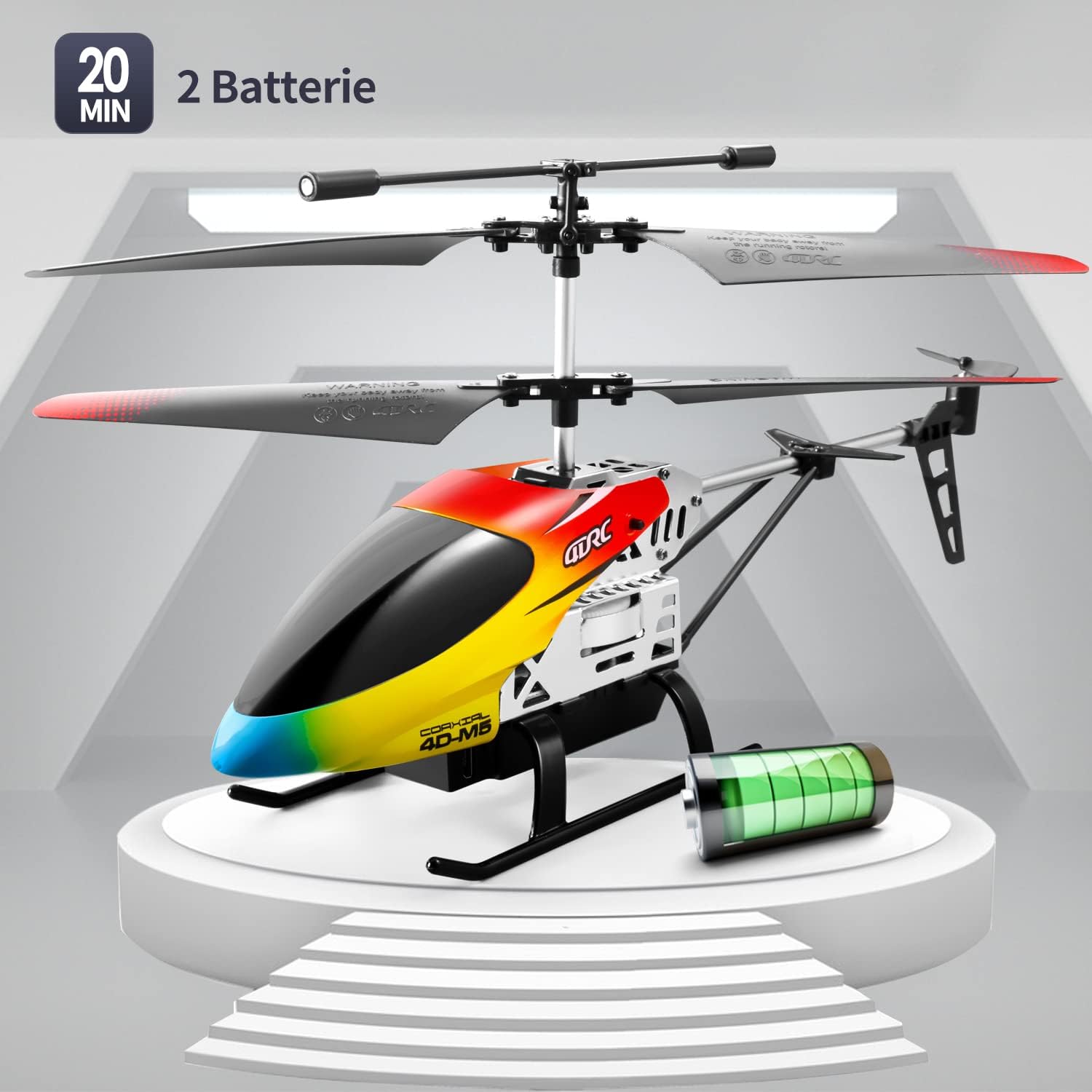 Image: The 4DRC M5 helicopter highlighting its two batteries and extended flight duration.
Videodemonstratie
Watch this video for a demonstration of the 4DRC M5 helicopter in flight.
Nog een videoshowasing the helicopter's features.
Onderhoud
Schoonmaak
Wipe the helicopter with a clean, dry cloth after each use. Do not use water or chemical cleaners.
Propeller vervangen
In case of damage, propellers can be replaced. Ensure the helicopter is powered off before attempting replacement.
 Afbeelding: Gedetailleerd view of propeller and landing gear components, indicating ease of maintenance.
Opslag
Store the helicopter and remote controller in a cool, dry place, away from direct sunlight. Remove batteries from the remote controller if storing for extended periods.
Probleemoplossing
| Probleem | Mogelijke oorzaak | Oplossing |
|---|---|---|
| De helikopter reageert niet op de afstandsbediening. |
|
|
| De helikopter kan niet opstijgen of vliegt onstabiel. |
|
|
| Korte vliegtijd. |
|
|
Specificaties
| Functie | Detail |
|---|---|
| Modelnummer | M5 |
| Merk | 4DRC |
| Productafmetingen | 25x5x12cm |
| Artikelgewicht | 310 gram |
| Aanbevolen leeftijd | 24 months - 3 years (Adult supervision recommended) |
| Batteries (Helicopter) | Lithium-ion (2 inbegrepen) |
| Batterijen (afstandsbediening) | 2 C batteries (included) |
| Materiaalsoort | Plastic |
| Controlefrequentie | 2.4 GHz |
| Controlebereik | Ongeveer 50 meter |
| Kanalen | 3 |
| Speciale kenmerken | Gyroscopic Stability, Altitude Hold, 2 Speed Modes, LED Light, One-Key Takeoff/Landing |
Garantie en ondersteuning
Specific warranty information is not provided in the product details. For warranty claims or technical support, please contact the retailer where the product was purchased or visit the official 4DRC website voor contactgegevens van de klantenservice.
Fabrikant: 4DRC
Eerste beschikbare datum: 3 augustus 2021