
Invoering
Thank you for choosing the Northpoint Smart LED Floor Lamp. This intelligent LED light column offers dynamic color-changing capabilities, warm white light, and can be controlled via a wireless remote or a Wi-Fi application. This manual provides essential information for safe installation, operation, and maintenance of your new lamp.

Image: The Northpoint Smart LED Floor Lamp illuminated, positioned in a modern living room next to a television and media console.
Veiligheidsinstructies
- For indoor use only. Do not expose the lamp tegen vocht of extreme temperaturen.
- Zorg ervoor dat de voeding voltage komt overeen met de lamp's vereisten (12 Volt).
- Probeer niet de l. te demonteren of aan te passenamp verder dan wat in deze handleiding wordt beschreven.
- Houd de lamp uit de buurt van brandbare materialen.
- Koppel altijd de l . losamp Haal de stekker uit het stopcontact voordat u het apparaat reinigt of onderhoudt.
- Dit product bevat een lichtbron met energie-efficiëntieklasse G.
Inhoud van het pakket
Controleer de inhoud van het pakket bij het uitpakken:
- 1 x Northpoint Smart LED Floor Lamp
- 1 x voedingseenheid
- 1 x draadloze afstandsbediening
- 1 x Gebruikershandleiding (Dit document)
Instellen
- Pak de L uitamp: Haal alle onderdelen voorzichtig uit de verpakking.
- Plaats de Lamp: Plaats de vloer lamp on a stable, flat surface in your desired indoor location. Ensure it is away from heat sources and direct sunlight.
- Sluit stroom aan: Connect the power supply unit to the lamp's power input, then plug the power supply into a standard electrical outlet.
- Afstandsbediening koppelen:
- Houd de RGB+ knop op de afstandsbediening.
- While holding the button, plug the power supply into the wall socket.
- De lamp will blink once to indicate successful pairing.
- The remote control is now connected.

Image: The wireless remote control for the Northpoint Smart LED Floor Lamp, showing buttons for power, white light, RGB color control, effects, speed, timer, and sound sensor modes. The image also displays German text detailing the pairing process.
- Wi-Fi / App Control (Optional):
- Download de app "Smart Life" of "Tuya" vanuit de app store van je smartphone.
- Follow the in-app instructions to add your Northpoint Smart LED Floor Lamp. (Note: This lamp is not compatible with Alexa.)
Gebruiksaanwijzing
Your Northpoint Smart LED Floor Lamp offers various lighting modes and control options.
Functies van de afstandsbediening:
- Aan/uit-knop: draait de lamp Aan/Uit.
- "W"-knop: Activates warm white light.
- RGB+ / RGB- Buttons: Adjusts RGB color intensity or cycles through colors.
- Helderheidsaanpassing: Gebruik de knoppen met het zonnetje-icoon om de helderheid te verhogen of te verlagen.
- Effectknop: Cycles through various pre-programmed lighting effects.
- Snelheidsknop: Hiermee kunt u de snelheid van dynamische lichteffecten aanpassen.
- Timerknoppen (4H, 6H, 8H, 10H): Stelt de l inamp to turn off automatically after the selected duration.
- Sound Sensor Modes (♪1, ♪2, ♪3): Activates different sound-reactive lighting modes. The lamp will respond to ambient noise or music.
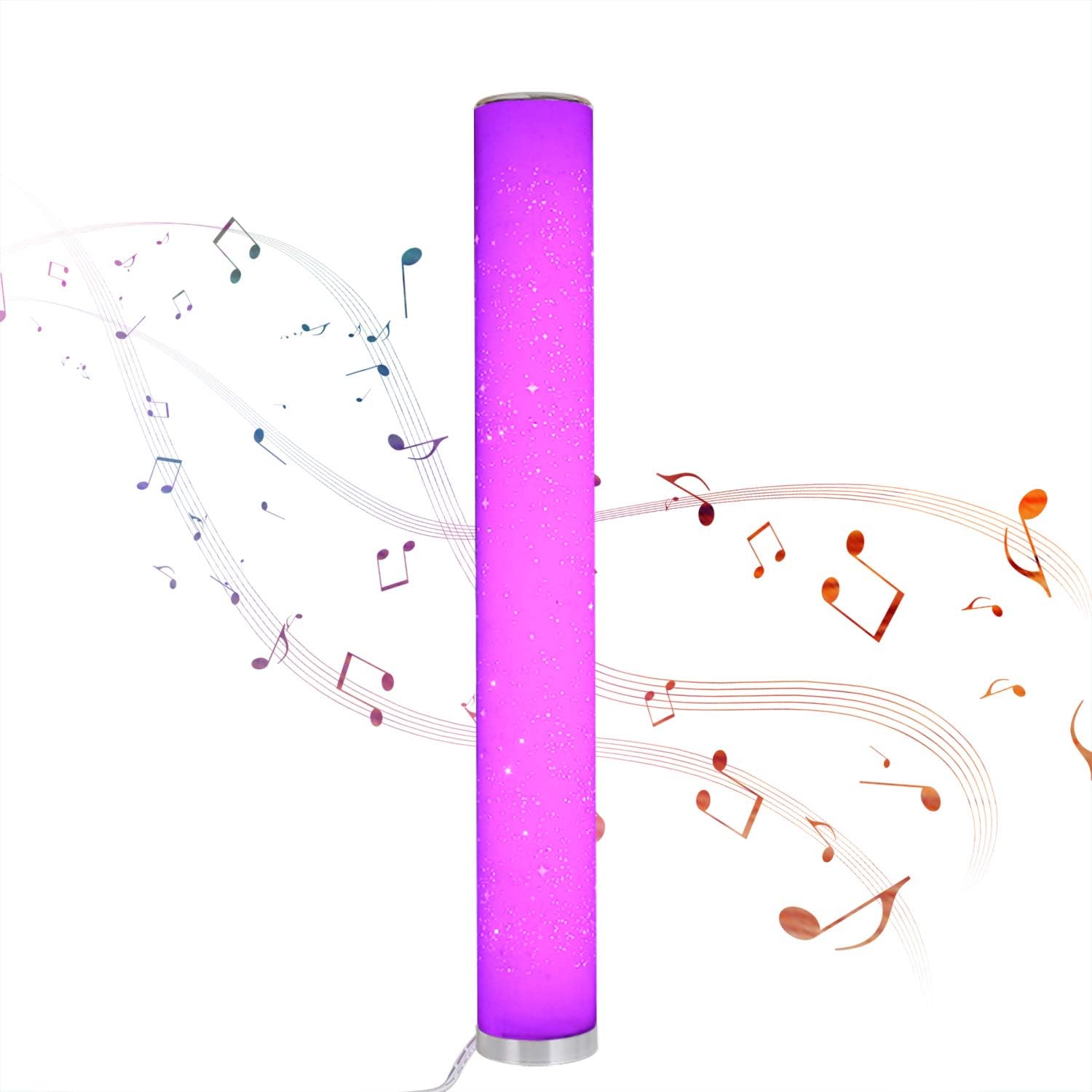
Image: The Northpoint Smart LED Floor Lamp illuminated in a vibrant purple, with musical notes depicted around it, illustrating its sound-reactive mode.
Color Selection and Dimming:
- De lamp is dimmable and offers 8 different colors: red, green, blue, purple, orange, yellow, cyan, and warm white.
- Each color is continuously adjustable in intensity.

Image: A collage of eight images showing the Northpoint Smart LED Floor Lamp illuminated in different colors: red, green, blue, white, orange, yellow, light blue, and purple, demonstrating its color-changing capabilities.
Wi-Fi / App Control:
Once connected to the Smart Life or Tuya app, you can control the lamp's functions, including color, brightness, and effects, directly from your smartphone.
Onderhoud
- Schoonmaak: Koppel de l losamp Haal de stekker uit het stopcontact voordat u gaat schoonmaken. Gebruik een zachte, droge doek om het oppervlak af te vegen.amp's surface. Do not use abrasive cleaners or solvents.
- Lichtbron: The LED light source is integrated and not user-replaceable. If the light source fails, the entire luminaire must be replaced.
- Opslag: Als u de lamp Als u het apparaat voor langere tijd niet gebruikt, haal dan de stekker uit het stopcontact en bewaar het op een koele, droge plaats.
Probleemoplossing
| Probleem | Mogelijke oorzaak | Oplossing |
|---|---|---|
| Lamp schakelt niet in. | No power supply; loose connection; remote control battery depleted. | Check if the power supply is securely plugged into the lamp and the wall outlet. Ensure the outlet has power. Replace remote control batteries if necessary. |
| Afstandsbediening werkt niet. | Remote not paired; battery depleted; obstruction. | Re-pair the remote control (see Setup section). Replace remote control batteries. Ensure no obstructions between remote and lamp. |
| Problemen met de wifi-verbinding. | Incorrect Wi-Fi password; lamp too far from router; app not configured correctly. | Verify Wi-Fi password. Move lamp closer to the Wi-Fi router. Follow app instructions carefully for device setup. Ensure your Wi-Fi network is 2.4GHz. |
| Sound sensor not responding. | Mode not activated; insufficient sound. | Ensure one of the sound sensor modes (♪1, ♪2, ♪3) is selected on the remote. Increase ambient sound volume. |
Specificaties
| Merk | Noordpunt |
| Model | B08PC43PRM |
| Afmetingen (L x B x H) | 10x10x103cm |
| Basisdiameter | 129mm |
| Materiaal | Plastic |
| Ingangsvolumetage | 12 Volt |
| Stroomverbruik | 24 Watt |
| Lichtbrontype | LED (Light Emitting Diode) |
| Energie-efficiëntieklasse | G |
| Speciale kenmerken | Color Changing, Dimmable, Wi-Fi Control, Sound Sensor |
| IP-classificatie | IP20 (alleen voor gebruik binnenshuis) |
| Meegeleverde componenten | Draadloze afstandsbediening |

Image: A diagram showing the dimensions of the Northpoint Smart LED Floor Lamp, indicating a height of 1035mm and a diameter of 129mm.

Image: The energy efficiency label for the product, indicating class G.
Garantie en ondersteuning
Information regarding specific warranty periods or direct support contacts is not available in the provided product details. Please refer to your purchase receipt or contact the retailer for warranty claims and support inquiries.
Voor algemene vragen of verdere hulp kunt u terecht bij de Northpoint brand page on Amazon.