
EKASN MP02
EKASN Portable Movie Projector MP02 User Manual
Brand: EKASN | Model: MP02
1. Inleiding
Welcome to the EKASN Portable Movie Projector MP02 user manual. This guide provides essential information to help you set up, operate, and maintain your projector for an optimal home entertainment experience. Please read this manual thoroughly before using the product and retain it for future reference.
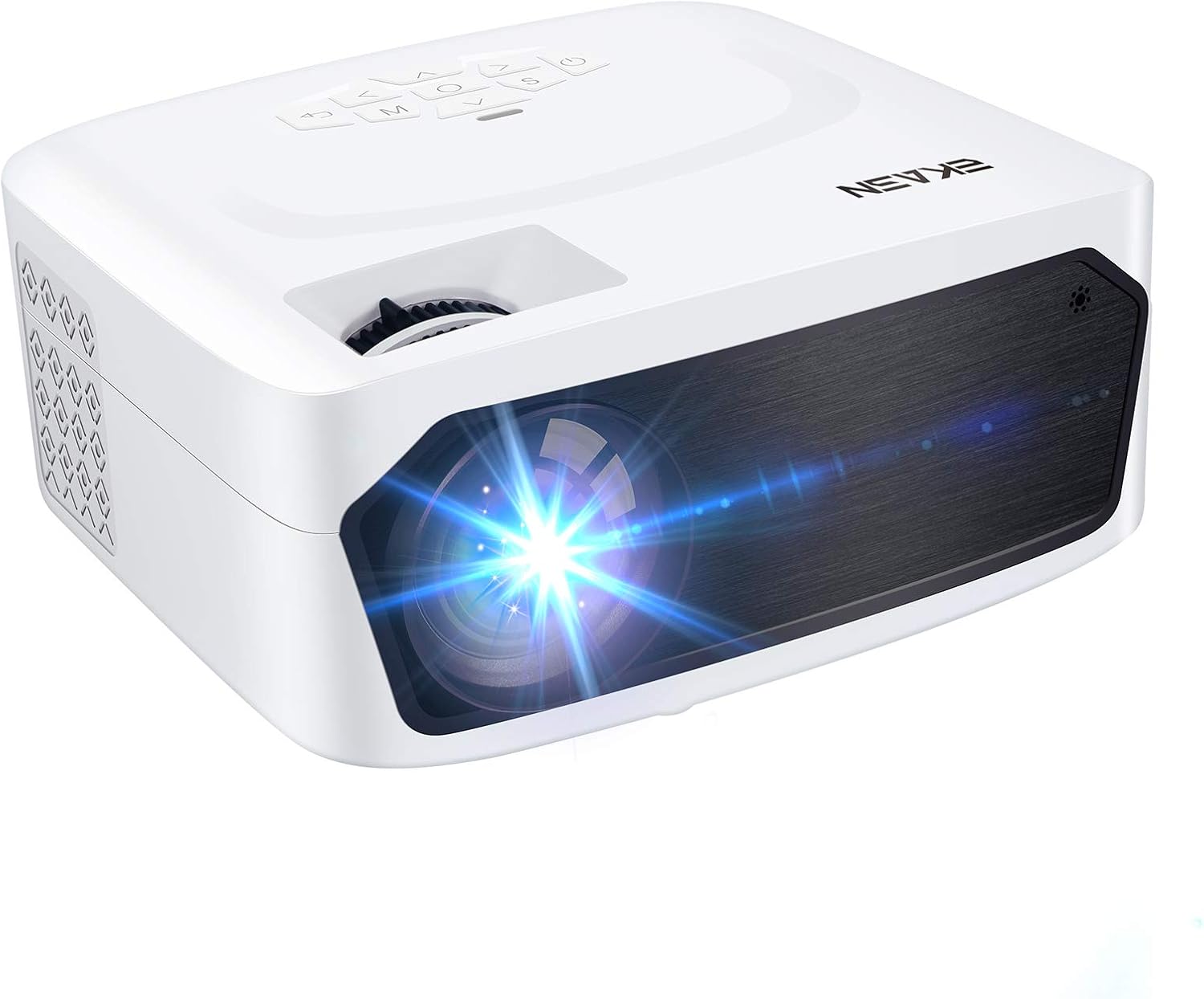
Image 1.1: The EKASN Portable Movie Projector MP02, a compact and versatile device designed for home theater and outdoor entertainment.
2. Belangrijke veiligheidsinstructies
- Blokkeer de ventilatieopeningen niet. Zorg voor voldoende ruimte rondom de projector voor een goede luchtcirculatie.
- Stel de projector niet bloot aan regen of vocht om brand of elektrische schokken te voorkomen.
- Gebruik uitsluitend de door de fabrikant gespecificeerde toebehoren/accessoires.
- Haal de stekker van de projector uit het stopcontact tijdens onweer of wanneer deze gedurende langere tijd niet wordt gebruikt.
- Laat alle onderhoudswerkzaamheden over aan gekwalificeerd onderhoudspersoneel.
- Kijk niet rechtstreeks in de projectorlens wanneer de lamp staat aan.
3. Inhoud van het pakket
Vink het vakje aan voor de volgende items:
- EKASN Portable Movie Projector MP02
- Stroomkabel
- Afstandsbediening
- HDMI-kabel
- AV-kabel
- Gebruiksaanwijzing
4. Product voorbijview
Familiarize yourself with the various parts and functions of your EKASN projector.

Image 4.1: This image highlights the flexible adjustment features of the EKASN projector, including the keystone correction and focus adjustment dials, which are crucial for achieving vivid and clear images.
Belangrijke onderdelen zijn:
- Lens: Projecteert het beeld op het scherm.
- Scherpstelring: Past de helderheid van het beeld aan.
- Keystone-correctie: Corrigeert trapeziumvormige vervorming van het beeld.
- Configuratiescherm: Knoppen voor navigatie en instellingen.
- Input Poorten: HDMI, VGA, AV, USB for connecting various devices.
- Ingebouwde luidspreker: Biedt audio-uitvoer.
5. Instellen
5.1 Plaatsing
Place the projector on a stable, flat surface. Ensure the projector is positioned directly in front of the projection surface (wall or screen) for best results. The optimal projection distance ranges from 3.9ft to 8.2ft, providing a screen size from 50" to 120".

Image 5.1: This illustration demonstrates the adjustable big projection screen capability of the EKASN projector, showing various screen sizes achievable at different projection distances.
5.2 Stroomaansluiting
- Sluit de voedingskabel aan op de voedingsingang van de projector.
- Sluit het andere uiteinde van de stroomkabel aan op een stopcontact.
- Druk op de aan/uit-knop op de projector of afstandsbediening om deze in te schakelen.
5.3 Focus en keystone-aanpassing
After powering on, adjust the focus and keystone correction for a clear, rectangular image.
- Focus: Draai aan de scherpstelring op de projectorlens totdat het beeld scherp en helder is.
- Keystone: Gebruik de keystone-correctieknop om het beeld aan te passen als het trapeziumvormig lijkt (breder aan de boven- of onderkant).
6. Gebruiksaanwijzing
6.1 Apparaten aansluiten
The EKASN MP02 projector supports multiple input sources:

Image 6.1: This image illustrates the broad compatibility of the EKASN projector, showing connections to smart phones/tablets, DVD players, Chromecast, Fire TV, PS4, flash drives, and external audio systems.
- HDMI: Connect your laptop, game console (PS4, Xbox), Fire TV Stick, or other HDMI-enabled devices using an HDMI cable. Select 'HDMI' as the input source.
- VGA: Connect older computers or devices using a VGA cable. Select 'VGA' as the input source.
- AV: Use the included AV cable to connect devices with RCA outputs (e.g., DVD players). Select 'AV' as the input source.
- USB-poort: Plaats een USB-stick om media af te spelen files (videos, photos, music). Select 'USB' as the input source and navigate to your files.
6.2 Screen Mirroring (via HDMI)
To mirror your smartphone screen, an additional adapter is required (not included):

Image 6.2: This image demonstrates the screen mirroring capability of the EKASN projector, showing how to connect an iPhone (with a Lightning to HDMI adapter) and an Android phone (with a Micro USB/Type C to HDMI adapter) to the projector for displaying content.
- Voor iPhone: Use a Lightning to HDMI adapter.
- Voor Android-telefoon: Use a Micro USB/Type C to HDMI adapter.
Connect the adapter to your phone, then connect an HDMI cable from the adapter to the projector. Select 'HDMI' as the input source.
6.3 Audio-uitgang
The projector features a built-in stereo speaker for convenient audio playback. For enhanced sound quality, you can connect external speakers or headphones using the 3.5mm audio output jack.
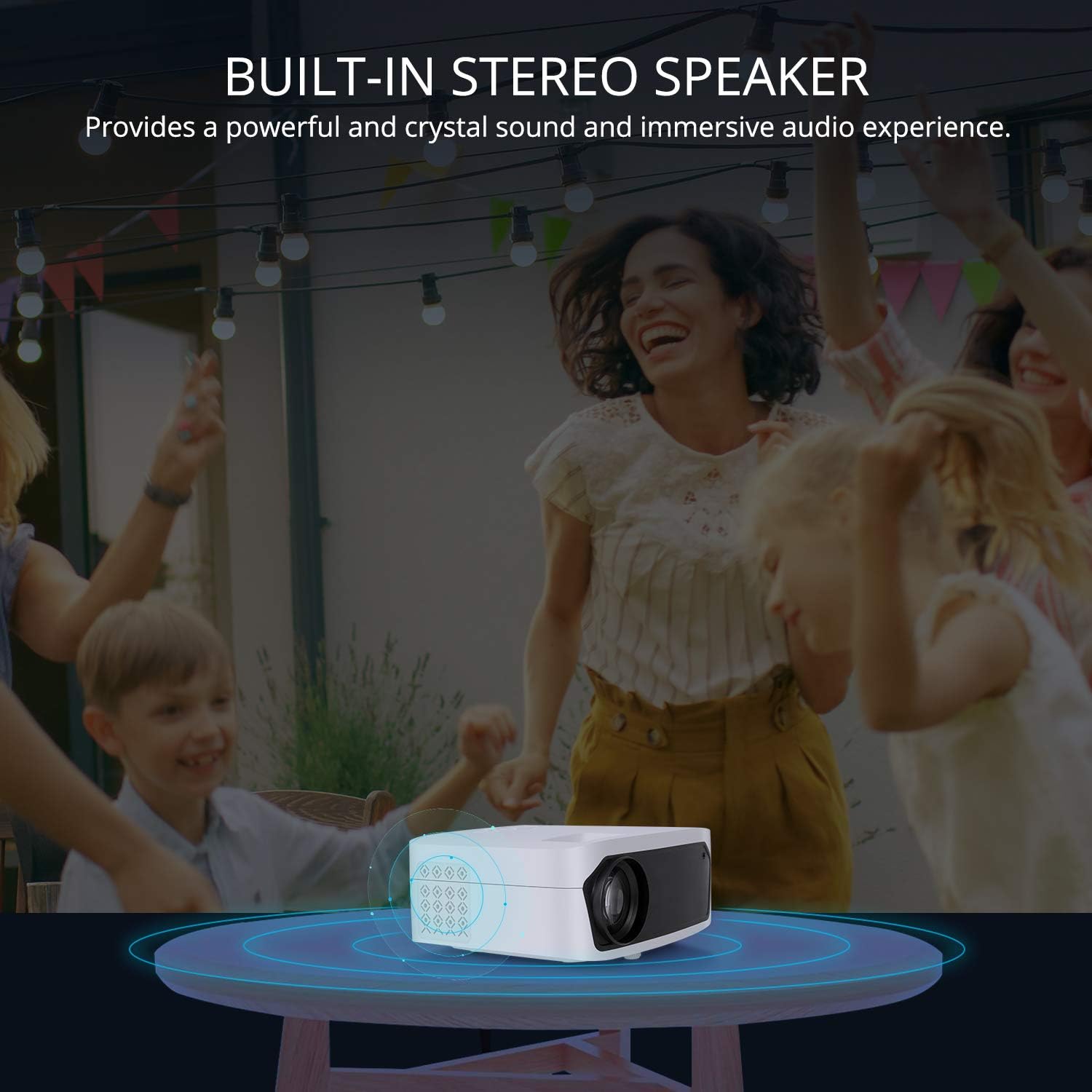
Image 6.3: This image illustrates the built-in stereo speaker feature of the EKASN projector, emphasizing its ability to provide powerful and clear sound for an immersive audio experience.
7. Onderhoud
- Lensreiniging: Use a soft, lint-free cloth or lens cleaning paper to gently wipe the projector lens. Avoid abrasive materials or harsh chemicals.
- Ventilatie: Regularly check and clean the ventilation openings to prevent dust buildup, which can affect performance and lifespan. Use a soft brush or compressed air.
- Opslag: Bewaar de projector, wanneer deze niet in gebruik is, op een koele, droge plaats, uit de buurt van direct zonlicht en extreme temperaturen.
8. Probleemoplossing
| Probleem | Mogelijke oorzaak | Oplossing |
|---|---|---|
| Geen beeld op het scherm | Incorrect input source selected; Loose cable connection; Power issue. | Select the correct input source (HDMI, VGA, AV, USB). Check all cable connections. Ensure the projector is powered on. |
| Afbeelding is wazig | Focus niet aangepast. Projector te dichtbij/te ver van het scherm. | Adjust the focus ring on the lens. Adjust projection distance. |
| Afbeelding is trapeziumvormig | Keystone-correctie niet toegepast; projector niet loodrecht op het scherm. | Adjust the keystone correction dial. Reposition the projector. |
| Geen geluid | Volume te laag; Gedempt; Extern audioapparaat niet correct aangesloten. | Increase volume. Unmute the projector. Check external audio connections. |
| Afstandsbediening werkt niet | Batterijen zijn leeg/bijna leeg. Obstructie tussen afstandsbediening en projector. | Replace batteries. Ensure no obstructions and point remote directly at the IR receiver. |
9. Specificaties
| Functie | Detail |
|---|---|
| Merk | EKASN |
| Modelnummer | MP02 |
| Weergaveresolutie | 1920 x 1080 (Full HD Supported) |
| Connectiviteitstechnologie | HDMI, USB, VGA, AV |
| Speciale kenmerken | Ingebouwde luidspreker, draagbaar |
| Luidsprekertype | Ingebouwde stereo |
| Artikelgewicht | 3.23 pond |
| Pakket afmetingen | 11.42 x 8.23 x 4.92 inch |
| Kleur | Wit |
| Aanbevolen toepassingen | Thuisentertainment |
10. Garantie en ondersteuning
EKASN products are designed and manufactured to the highest quality standards. For information regarding warranty coverage, technical support, or service inquiries, please refer to the warranty card included in your package or visit the official EKASN webplaats.
For further assistance, please contact EKASN Customer Service:
- Webwebsite: www.ekasn.com (tijdelijke aanduiding)
- E-mailadres: support@ekasn.com (tijdelijke aanduiding)