
Invoering
The Globe Electric 50200 Smart Wi-Fi Light Switch allows you to automate and control your home lighting using the GLOBE SUITE™ App, voice commands, or directly from the switch. This manual provides essential information for installation, operation, and maintenance to ensure safe and efficient use of your smart switch.

Image: The Globe Electric Smart Switch, highlighting its compatibility with various smart home platforms.
Veiligheidsinformatie
Before installing or operating the Globe Electric 50200 Smart Wi-Fi Light Switch, please read and understand all safety instructions. Failure to follow these instructions may result in electric shock, fire, or property damage.
- WAARSCHUWING: Risico op elektrische schokken. Installatie vereist het werken met hoge volumes.tage wiring. Always turn off power at the circuit breaker before installation.
- Raadpleeg een gekwalificeerde elektricien als u over een onderdeel van het installatieproces twijfelt.
- Dit apparaat is uitsluitend bedoeld voor gebruik binnenshuis.
- Ensure the switch is installed in a standard wall box.
- Overschrijd het maximale wattage niet.tage-vermogen van 100 watt.
Inhoud van het pakket
Controleer of alle componenten aanwezig zijn voordat u met de installatie begint:
- Globe Electric 50200 Smart Wi-Fi Light Switch
- Screwless Faceplate
- Wires and Backplate
- Schroeven (2)
- Draadmoeren (4)
- Wire Label Stickers
Instellen en installeren
Follow these steps for proper installation of your smart switch. This switch is designed for single-pole indoor use only.
- Schakel de stroom uit: Zoek de stroomonderbreker en schakel de stroom naar de schakelaar die u vervangt uit. Controleer met een spanningsmeter of de stroom daadwerkelijk is uitgeschakeld.tagen tester.
- Oude schakelaar verwijderen: Carefully remove the existing wall plate and unscrew the old switch from the wall box. Disconnect the wires, noting their connections (e.g., Line, Load, Neutral, Ground). Use the provided wire label stickers if needed.
- Sluit de slimme schakelaar aan: Connect the wires from your wall box to the corresponding wires on the Globe Electric 50200 Smart Switch using the provided wire nuts.
- Sluit de Lijn wire (usually black, coming from the breaker) to the Line wire on the smart switch.
- Sluit de Laden wire (usually black, going to the light fixture) to the Load wire on the smart switch.
- Sluit de Neutrale wire (usually white) to the Neutral wire on the smart switch. A neutral wire is required for this smart switch.
- Sluit de Grond wire (usually bare copper or green) to the Ground wire on the smart switch.
- Monteer de schakelaar: Gently push the wired smart switch into the wall box. Secure it with the provided screws. Attach the screwless faceplate.
- Herstel de stroom: Turn the power back on at the circuit breaker. The indicator light on the smart switch should illuminate.
- App-verbinding:
- Download de gratis GLOBE SUITE™ App uit de app store van je smartphone.
- Open de app en maak een account aan of log in.
- Press the restart button located on the right side below the on/off rocker after installation.
- Follow the in-app instructions to add your new smart switch. Ensure your phone is connected to a 2.4 GHz Wi-Fi network during the initial setup. You can switch back to a 5 GHz network afterward if preferred.
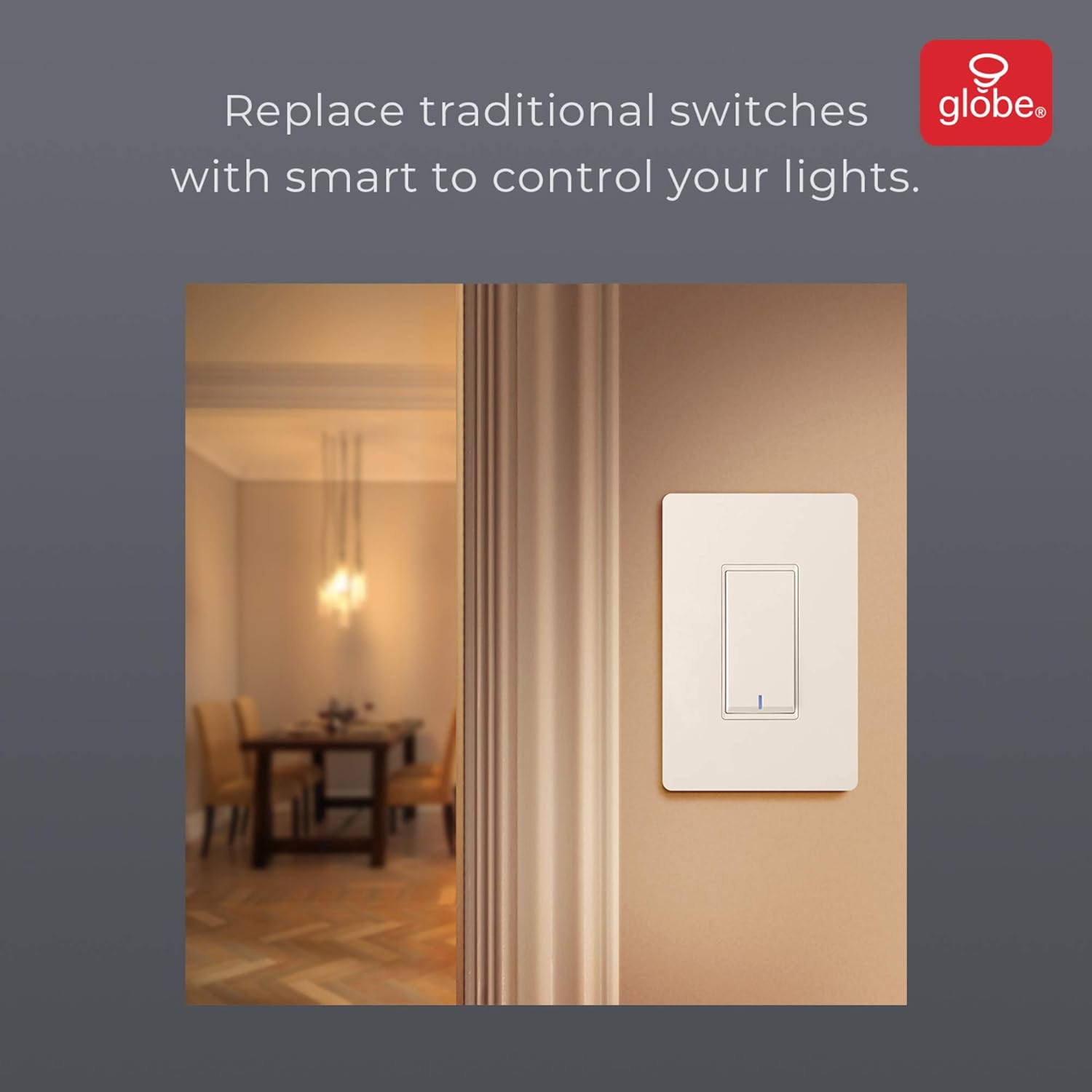
Image: The smart switch installed in a wall, demonstrating its integration into a home environment.
Gebruiksaanwijzing
Once installed and connected to the GLOBE SUITE™ App, you can operate your smart switch in several ways:
- Handmatige bediening: Press the rocker switch directly to turn connected lights on or off.
- App-bediening: Use the GLOBE SUITE™ App on your smartphone to turn lights on/off from anywhere with an internet connection.
- Stembesturing: Integrate with Amazon Alexa, Google Assistant, or Siri for hands-free control.
- Example-opdrachten: "Alexa, turn on the living room light," "Hey Google, turn off the kitchen switch," "Siri, activate evening scene."
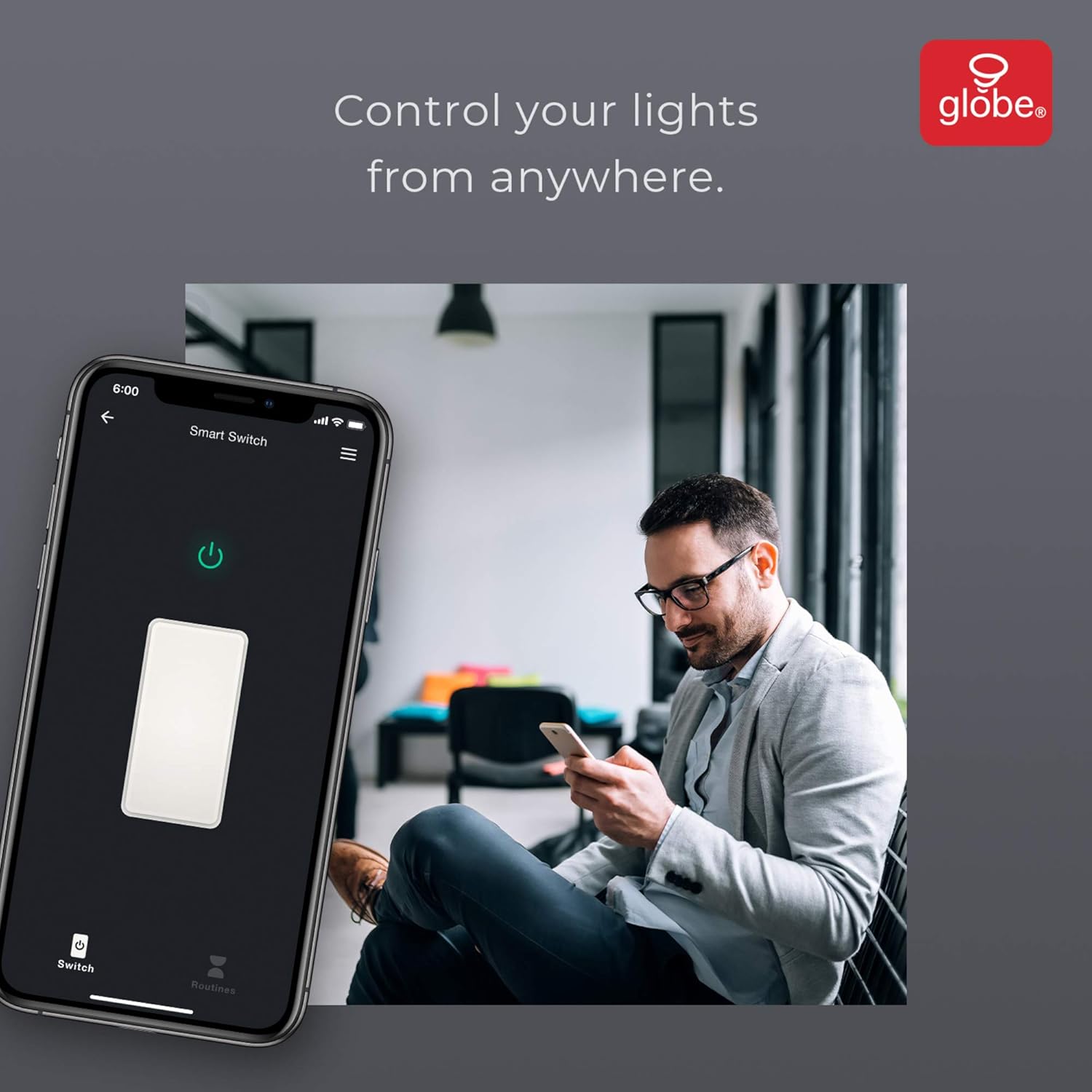
Image: A user controlling the smart switch remotely via the GLOBE SUITE™ mobile application.
App Integration and Smart Features
The GLOBE SUITE™ App unlocks the full potential of your smart switch:
- Planning: Create custom schedules to automatically turn lights on or off at specific times, days of the week, or based on sunrise/sunset.
- Scènes: Combine multiple smart devices into custom scenes. For example, a "Movie Night" scene could dim lights and turn on entertainment devices simultaneously.
- Automatisering: Set up automations based on conditions like presence detection, temperature, or other smart device triggers.

Image: The GLOBE SUITE™ app interface demonstrating the scheduling feature for automated lighting control.
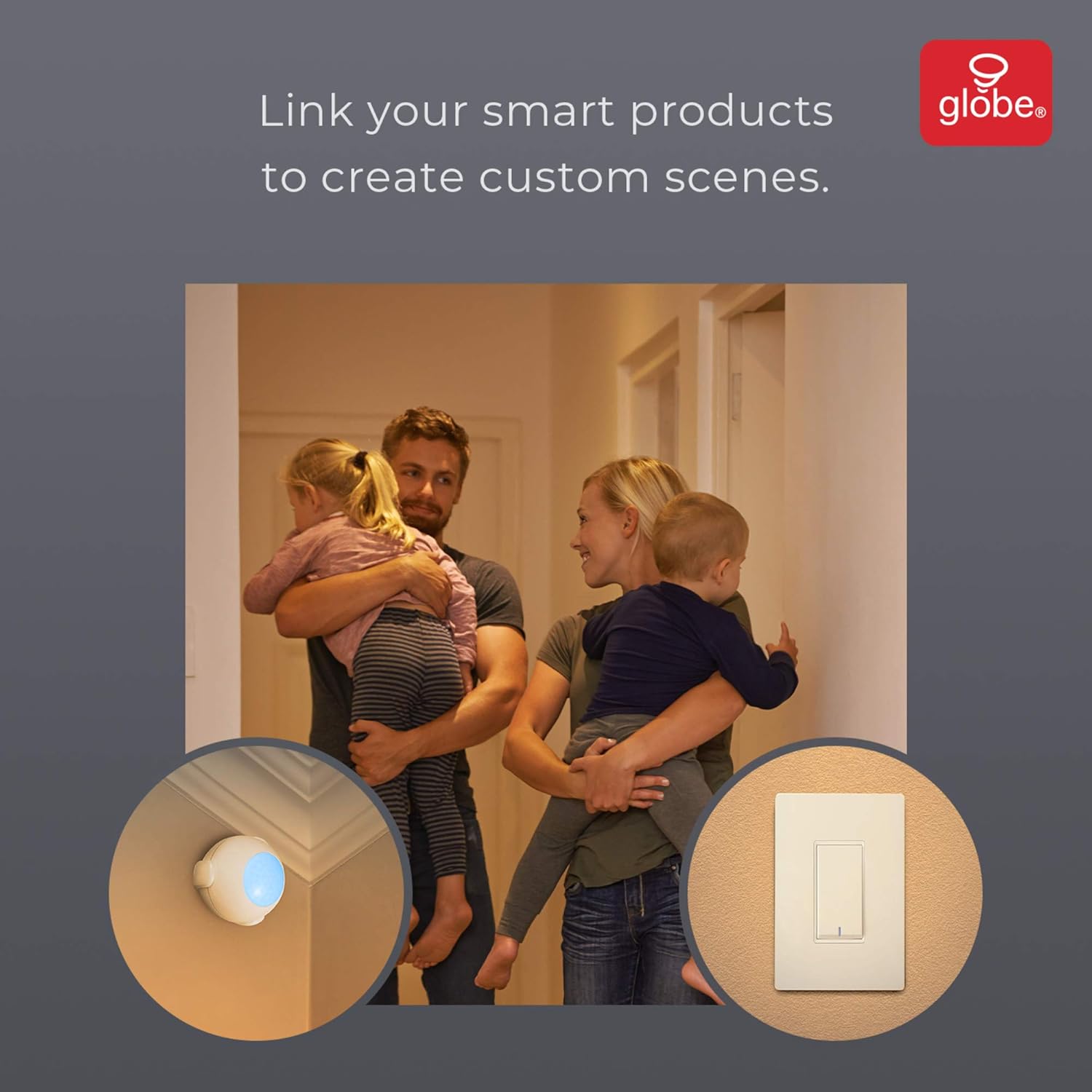
Image: Demonstrates how to link multiple Globe Electric smart products to create custom scenes for various home activities.
Onderhoud
The Globe Electric 50200 Smart Wi-Fi Light Switch requires minimal maintenance.
- Schoonmaak: Disconnect power at the circuit breaker before cleaning. Wipe the switch and faceplate with a soft, damp lap. Gebruik geen agressieve chemicaliën of schurende schoonmaakmiddelen.
- Firmware-updates: Periodically check the GLOBE SUITE™ App for available firmware updates to ensure optimal performance and security.
Probleemoplossing
If you encounter issues with your Globe Electric 50200 Smart Wi-Fi Light Switch, refer to the following common solutions:
| Probleem | Mogelijke oorzaak | Oplossing |
|---|---|---|
| Switch does not turn on/off lights. | No power, incorrect wiring, or bulb issue. | Check circuit breaker. Verify wiring connections (Line, Load, Neutral, Ground). Test the light bulb. |
| Kan geen verbinding maken met wifi. | Onjuiste wifi-band, zwak signaal of onjuist wachtwoord. | Ensure your router is broadcasting a 2.4 GHz network. Move closer to the router. Double-check Wi-Fi password. Press the restart button on the switch and try pairing again. |
| Stembesturing werkt niet. | Incorrect integration with voice assistant or device naming. | Ensure the GLOBE SUITE™ App is correctly linked to your Amazon Alexa, Google Assistant, or Siri account. Verify the device name in the app matches what you are saying. |
| Switch frequently disconnects. | Zwak wifi-signaal of netwerkstoring. | Ensure the switch is within good range of your 2.4 GHz Wi-Fi router. Consider a Wi-Fi extender if necessary. |
Specificaties
| Functie | Detail |
|---|---|
| Model | 50200 |
| Merk | Globe Elektrisch |
| Connectiviteitsprotocol | Wi-Fi (2.4 GHz) |
| Controlemethode | App, Voice, Manual |
| Controller-type | Amazon Alexa, Google Assistent, Siri |
| Wattage | 100 watt (Max) |
| Werkingsmodus | ON-NONE-ON or ON-ON-OFF |
| Schakeltype | Schommelstoel |
| Montagetype | Muurbevestiging |
| Artikelafmetingen (L x B x H) | 1.96 x 2.05 x 4.13 inch |
| Materiaal | Metaal, kunststof |
| Artikelgewicht | 0.28 pond |
| UPC | 058219502006 |
Garantie-informatie
The Globe Electric 50200 Smart Wi-Fi Light Switch comes with a 1 jaar beperkte fabrieksgarantie. This warranty covers defects in materials and workmanship under normal use. For specific terms and conditions, please refer to the official Globe Electric webwebsite of neem contact op met de klantenservice.
Steun
For further assistance, technical support, or warranty claims, please contact Globe Electric customer service. You can find contact information on the official Globe Electric webwebsite: www.globe-electric.com.
You can also visit the Globe Electric Store on Amazon for more products and information: Globe Electric Amazon Store.