
1. Inleiding
Thank you for choosing the gorsun Kids Bluetooth Headphones. This manual provides essential information for the safe and effective use of your headphones. Please read it carefully before use and retain it for future reference.
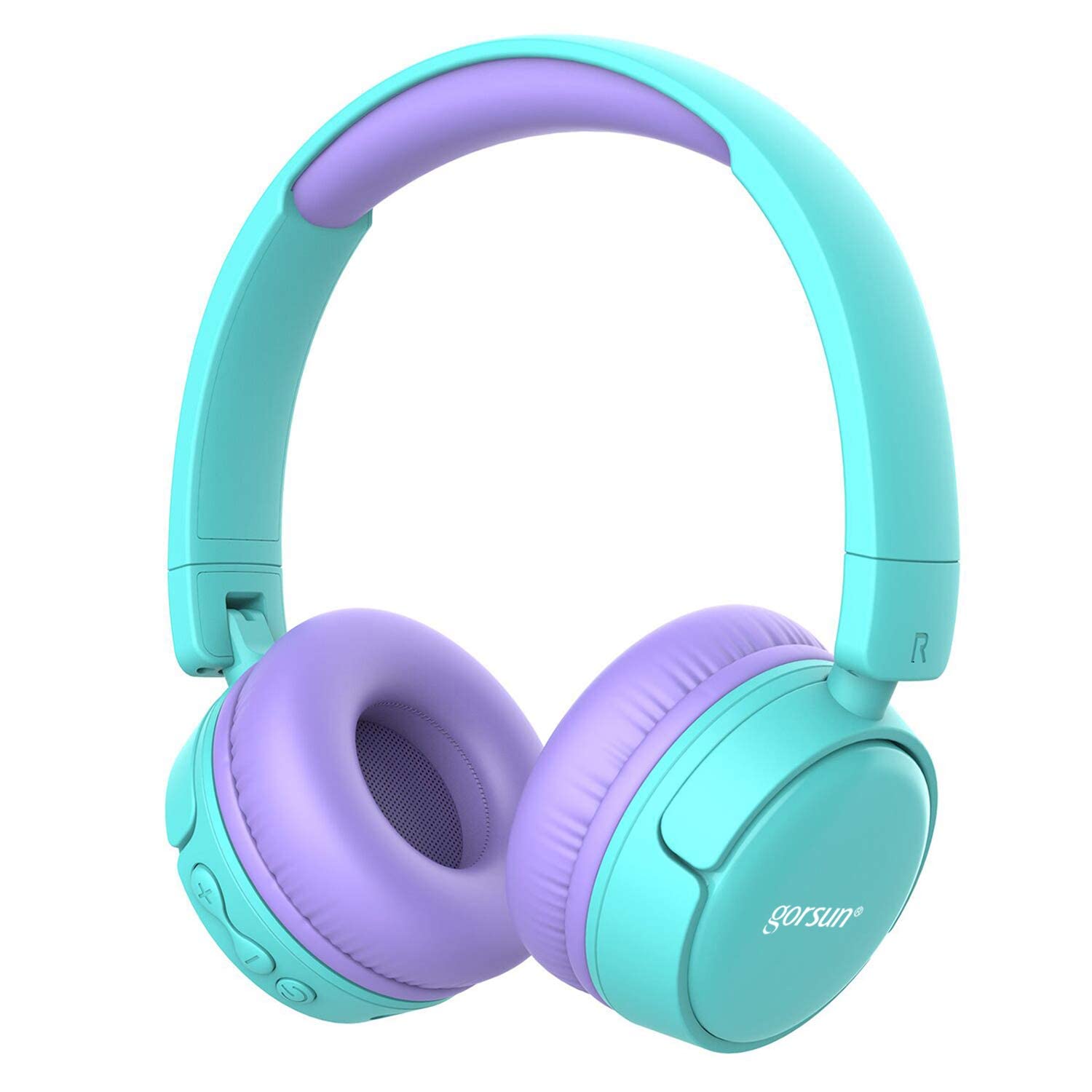
Image: gorsun Kids Bluetooth Headphones in purple and teal, showcasing het algehele ontwerp.
2. Inhoud van het pakket
Controleer of alle artikelen in het pakket aanwezig zijn:
- 1 x gorsun Kids Bluetooth Headphones
- 1 x USB-oplaadkabel
- 1 x 3.5 mm audiokabel
- 1 x Gebruikershandleiding (dit document)
- 1 x draagtas

Image: The product box and its contents, including the headphones, USB charging cable, 3.5mm audio cable, and a black carrying bag.
3. Instellen
3.1 De hoofdtelefoon opladen
Before first use, fully charge the headphones. Connect the small end of the USB charging cable to the charging port on the headphones and the larger end to a USB power source (e.g., computer, wall adapter). The charging indicator light will show the charging status. A full charge takes approximately 1 hour.
3.2 In-/uitschakelen
- Inschakelen: Houd de aan/uit-knop ongeveer 3 seconden ingedrukt totdat het indicatielampje knippert.
- Uitschakelen: Houd de aan/uit-knop ongeveer 3 seconden ingedrukt totdat het indicatielampje uitgaat.
3.3 Bluetooth-koppeling
- Zorg ervoor dat de hoofdtelefoon is uitgeschakeld.
- Press and hold the Power button for about 5-7 seconds until the indicator light flashes red and blue alternately. This indicates pairing mode.
- Schakel Bluetooth in op uw apparaat (smartphone, tablet, laptop) en zoek naar beschikbare apparaten.
- Select "gorsun Kids Headphones" from the list of found devices.
- Zodra de koppeling tot stand is gebracht, zal het indicatielampje langzaam blauw knipperen.
Zodra de hoofdtelefoon wordt ingeschakeld, probeert deze automatisch opnieuw verbinding te maken met het laatst gekoppelde apparaat.
3.4 bedrade verbinding
To use the headphones in wired mode, connect one end of the 3.5mm audio cable to the audio input jack on the headphones and the other end to your audio device's 3.5mm output jack. The Bluetooth function will automatically disable when the audio cable is connected.
3.5 Volume Limiter Adjustment
These headphones feature a volume limiter to protect children's hearing. You can switch between 85dB (Child Safety Mode) and 93dB (Flight Mode) depending on the environment.

Afbeelding: Een close-up view of the gorsun Kids Bluetooth Headphones, highlighting the volume adjuster switch on the earcup, which allows selection between 85dB and 93dB modes.
Locate the volume adjuster switch on the earcup and slide it to your desired volume limit setting.
4. Gebruiksaanwijzing
4.1 Basisbedieningen
- Afspelen/Pauzeren: Druk eenmaal op de aan/uit-knop.
- Volume omhoog: Druk op de "+" knop.
- Volume verminderen: Druk op de "-" knop.
- Volgende nummer: Houd de "+" knop ingedrukt.
- Vorig nummer: Houd de "-" knop ingedrukt.
4.2 Telefoongesprekken
With the built-in microphone, you can manage phone calls when connected via Bluetooth:
- Oproep beantwoorden/beëindigen: Druk eenmaal op de aan/uit-knop.
- Oproep afwijzen: Houd de aan/uit-knop 2 seconden ingedrukt.
- Laatste nummer opnieuw kiezen: Druk twee keer op de aan/uit-knop.
4.3 Compatible Sharing Jack-Port
These headphones feature a sharing jack-port, allowing two or more headphones to be connected to a single audio source using standard 3.5mm Aux cables (one cable per additional headphone). This enables multiple users to listen to the same audio simultaneously.
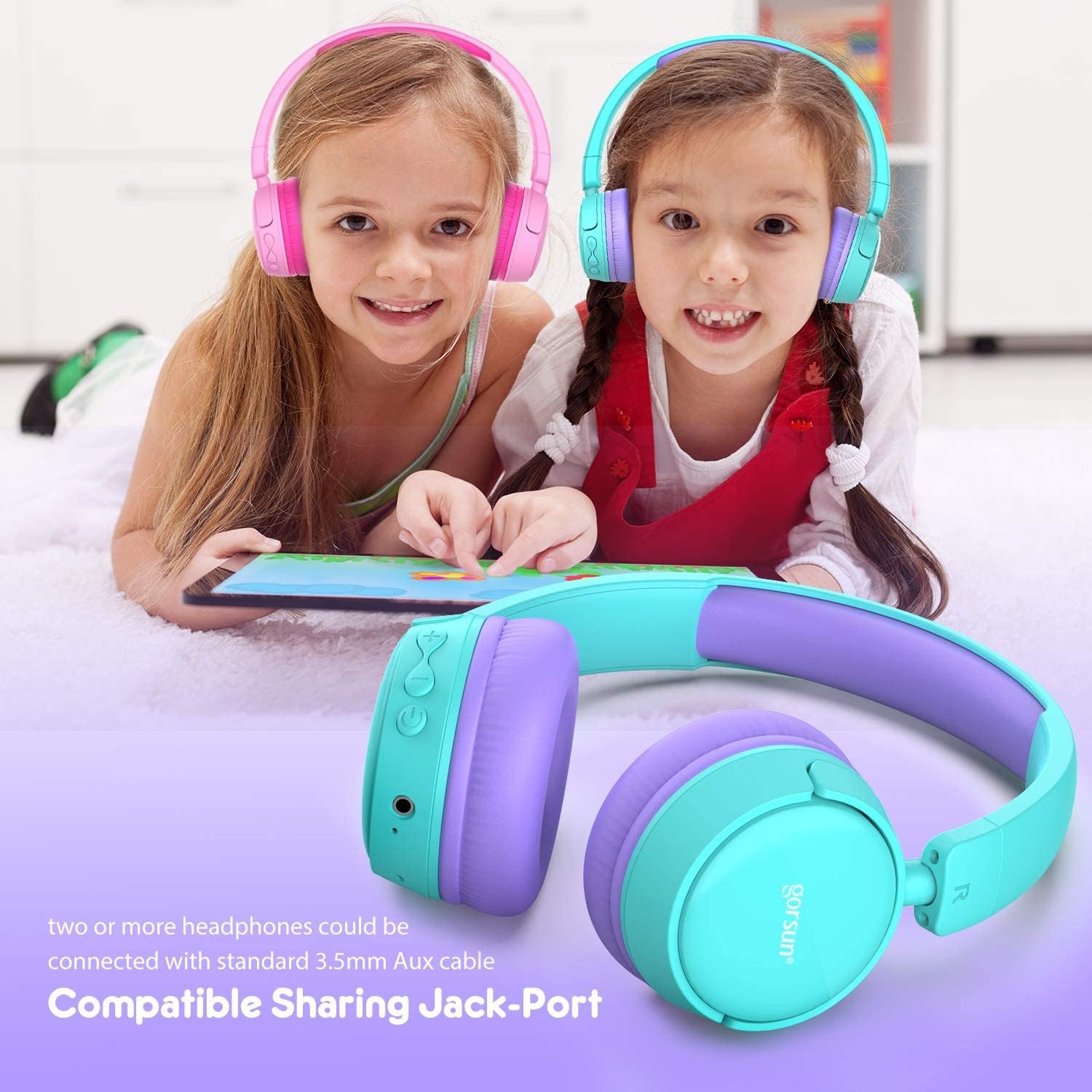
Image: Two children wearing gorsun Kids Bluetooth Headphones, connected together with an audio cable to share sound from a tablet, demonstrating the sharing jack-port feature.
5. Onderhoud
5.1 Reinigen
Wipe the headphones with a soft, dry cloth. Do not use harsh chemicals or abrasive cleaners. Avoid getting moisture into any openings.
5.2 Opslag
When not in use, store the headphones in the provided carrying bag to protect them from dust and scratches. The headphones are foldable for compact storage.

Image: The gorsun Kids Bluetooth Headphones shown in a folded position, illustrating their compact design for easy storage and portability.
5.3 Batterijonderhoud
Om de levensduur van de batterij te verlengen, moet u voorkomen dat de hoofdtelefoon vaak volledig leeg raakt. Laad de hoofdtelefoon regelmatig op, ook als u deze niet constant gebruikt. Bewaar de hoofdtelefoon op een koele, droge plaats, uit de buurt van extreme temperaturen.

Image: A detailed breakdown of the headphone's comfortable features, including protein sponge padding, an adjustable headband with numbered markings, soft protein ear cushions, and a polished outer casing.
6. Probleemoplossing
- De hoofdtelefoon gaat niet aan: Zorg ervoor dat de hoofdtelefoon is opgeladen. Sluit hem aan op een stroombron met behulp van de USB-kabel.
- Koppelen via Bluetooth is niet mogelijk: Make sure the headphones are in pairing mode (red and blue flashing light). Ensure Bluetooth is enabled on your device and it is within 10 meters of the headphones. Turn off and on both devices and try again.
- Geen geluid: Check the volume level on both the headphones and your connected device. Ensure the headphones are properly paired or the 3.5mm audio cable is fully inserted.
- Poor sound quality or connection drops: Move closer to your Bluetooth device to reduce interference. Ensure there are no obstacles between the headphones and the device. Disconnect and re-pair the headphones.
- Microfoon werkt niet: Ensure the headphones are properly connected via Bluetooth. Check your device's audio input settings to confirm the headphone microphone is selected.
7. Specificaties
| Functie | Specificatie |
|---|---|
| Modelnummer | f0b6f738-96a2-4a17-9d00-ed2fa798fbe0 |
| Connectiviteit | Wireless (Bluetooth 4.0), Wired (3.5mm Aux) |
| Bluetooth-bereik | Tot 10 meter (33 voet) |
| Levensduur van de batterij | Tot 15 uur |
| Oplaadtijd | Ongeveer 1 uur |
| Volumebegrenzer | 85dB (Child Safety Mode) / 93dB (Flight Mode) |
| Frequentierespons | 20 Hz - 20 kHz |
| Materiaal | Kunststof, siliconen |
| Artikelgewicht | 10.6 ounce (300 gram) |
| Productafmetingen | 6.69 x 6.5 x 0.18 inch |
| Speciale kenmerken | Lightweight, Built-in Microphone, Foldable Design, Sharing Jack-Port |
8. Garantie-informatie
gorsun products are designed and manufactured to the highest quality standards. This product is covered by a limited warranty from the date of purchase. Please refer to the warranty card included in your package or contact customer support for detailed warranty terms and conditions.
9. Klantenservice
For any questions, technical assistance, or warranty claims, please contact gorsun customer support through the retailer where you purchased the product or visit the official gorsun webwebsite voor contactgegevens.